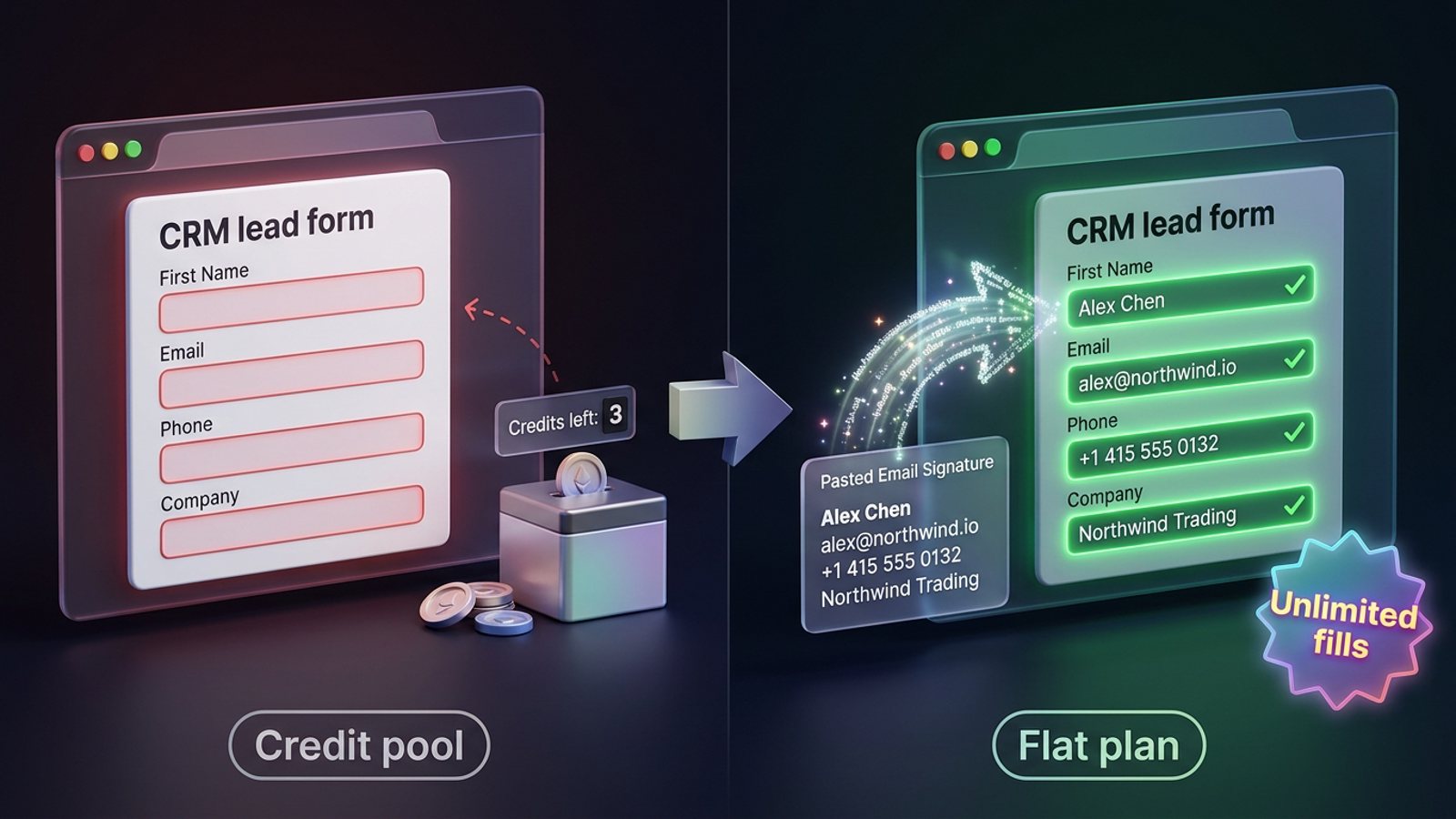
Yes — if your job is filling Salesforce forms from lead data, SmartFill Pro costs $9.99/month as of November 2026 (prices can change), with 5 free fills at install and 3 free fills a day after that. Salesforce Web-to-Lead is free but only captures website leads. Compare against Zipifil's own current pricing before you switch.
If you're hunting for a cheaper Zipifil alternative, the honest starting point is this: you can only judge "cheaper" against what you actually use the tool for. Zipifil positions itself broadly — dropshippers, ecommerce sellers, enterprise form filling — while most Salesforce users just need one thing: paste messy lead data, get a clean record.
That gap is where the cost conversation starts.
Install SmartFill Free and run your next five leads through it before you decide anything.
What does SmartFill cost compared with Zipifil?
SmartFill Pro is $9.99/month as of November 2026, and prices can change. The free plan gives you 5 fills to start, then 3 fills per day forever — enough to know within a week whether it fits your workflow.
Zipifil's current official pricing isn't something we can state here. The right move is to open Zipifil's own pricing page, note the plan that matches your seat count, and put the two numbers side by side. Our recommendation: compare on the plan you'd actually buy, not the entry tier.
Why would a Salesforce team look past Zipifil?
Because Zipifil is built for a wider audience than yours. Its listing pitches six form-filling engines, per-page custom prompts and "set and forget" domain rules, aimed at dropshippers, Amazon sellers and data-entry professionals working from PDF invoices, customer emails and business-card screenshots.
That's a real strength if you fill forms across dozens of unrelated websites. If your day is Salesforce leads, contacts and cases, you're paying for breadth you don't open. Zipifil's privacy policy, effective July 13, 2025, states the extension collects data needed for form filling — worth reading in full for any tool that touches lead data.
How does SmartFill fill a Salesforce form?
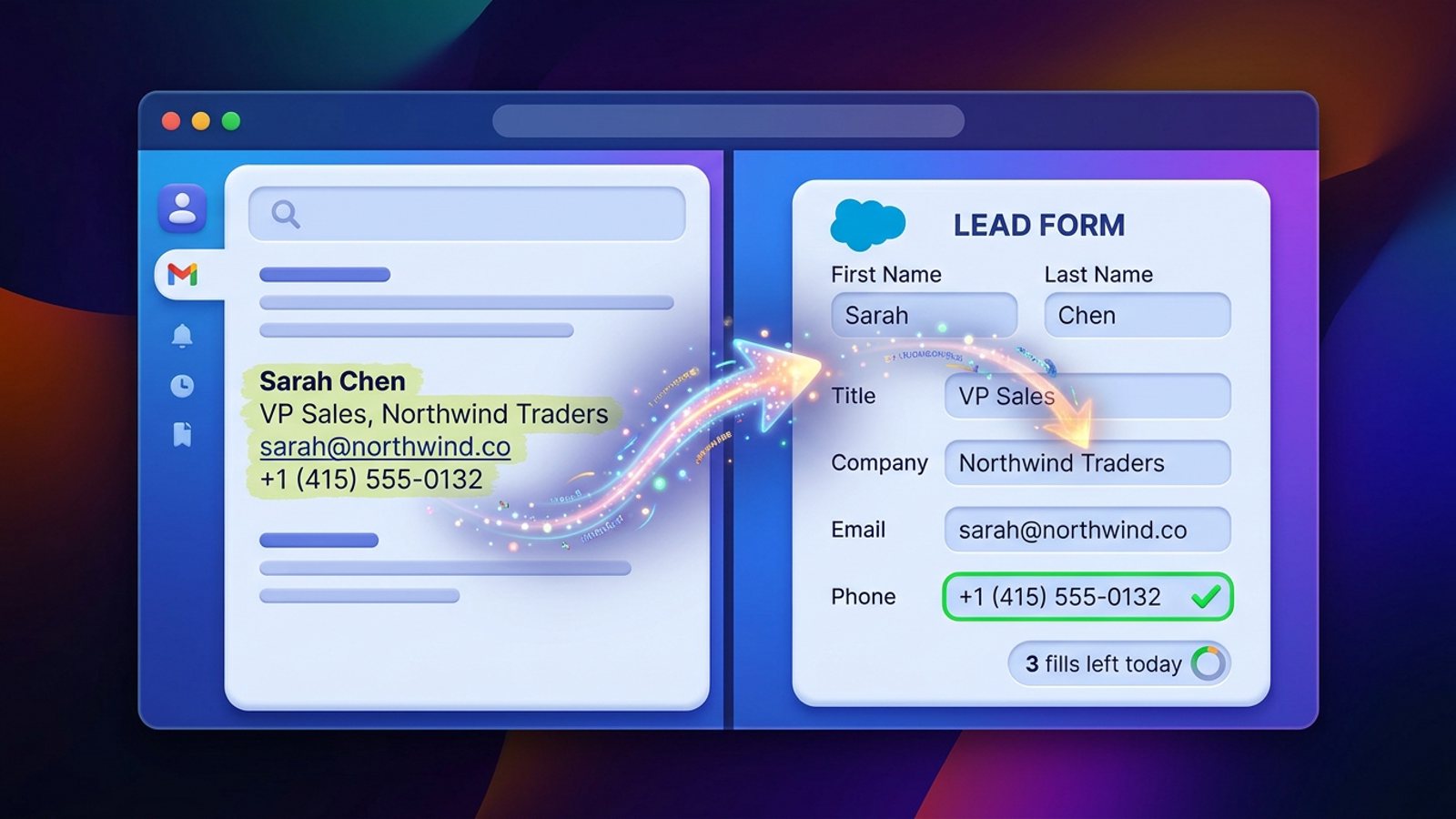
It reads pasted text and populates the form fields for you. No mapping, no templates, no configuration screen.
- Install the extension in one click from the Chrome Web Store — no sign-up.
- Open Salesforce in one tab and your source text in another.
- Copy the lead details, even if they're a mess — an email signature, a LinkedIn bio, call notes.
- Click the SmartFill icon and watch the Salesforce form fill itself.
That's the whole workflow. The product facts confirm it fills any Salesforce object — leads, contacts, accounts, cases, custom objects — with no field limit, and works in anything running in a Chrome browser, whether that's Classic or Lightning.
The point of a Salesforce form filler isn't the demo — it's the fiftieth lead on a Friday afternoon, when copy-pasting starts producing typos.
Is SmartFill actually cheaper for a Salesforce-only team?
For teams that only need Salesforce form filling, yes — on the facts we compared. SmartFill Pro is $9.99/month as of November 2026 (prices can change), and the free tier covers light users entirely at 3 fills per day.
Do the arithmetic on your own week. If a rep fills 20 Salesforce forms a day and each manual fill takes four minutes, that's over an hour of typing daily. SmartFill turns each into a paste and a click. Our recommendation: install it free, time five real fills by hand, then time five with the extension. The gap is your business case.
What are the cheaper alternatives to Zipifil?
Here's how the options we compared stack up for Salesforce lead entry.
| Option | Best for | Key features | Price (Nov 2026) | Watch-outs |
|---|---|---|---|---|
| SmartFill — Our pick | Salesforce form filling | AI fill from any pasted text, all objects, no setup | Free tier; Pro $9.99/mo | Desktop Chrome only |
| Zipifil | Multi-site, ecommerce form filling | 6 engines, per-page prompts, domain rules | Check Zipifil's site | Broad focus, not Salesforce-specific |
| Salesforce Web-to-Lead | Website lead capture | Native, no install, up to 500 leads/day | Included with Salesforce | Fewer advanced form features |
| FillGenius | Filling forms across many sites | Stores your data once, fills any CRM | Free tier; Pro from $9/mo | Not Salesforce-specific |
| Manual copy-paste | Occasional one-off entry | No tool, no third-party access | Free | Slow, error-prone at volume |
SmartFill is our pick of the tools we compared for one reason: it does the Salesforce job and nothing else, at a published price. It fills every Salesforce object from messy text, needs zero setup, and doesn't retain the text you paste — processing happens in real time. The honest limit: it's a desktop Chrome extension, so it won't help a rep working from a phone.
Zipifil suits you better if you fill forms across many different websites and want per-page rules. Its six engines and domain rules are genuinely useful for ecommerce order data. If your work is Salesforce records, you're buying capability you won't use.
Salesforce Web-to-Lead is the free native route — included in Group, Professional, Enterprise, Performance, Unlimited and Developer Editions, and available on the Free Suite tier. It captures up to 500 leads a day straight from your website. But it's a capture tool, not a filler: it can't populate a Salesforce form you already have open. A CloudAmp guide on AppExchange also notes it lacks advanced validation, conditional logic, file uploads and third-party integrations compared with dedicated form tools.
FillGenius is the closest price neighbour. Directories list Pro Monthly at $9/month for 4,000 credits, with a free tier of 5 credits (EffectHub, August 2026) — though some directories report different figures, so verify on FillGenius's own site. It stores your data once and fills forms across thousands of sites. Its Chrome Web Store listing from June 2026 shows a 3.4 rating from 5 ratings. If you mainly need one profile that fills any form anywhere, FillGenius is the more direct choice.
Manual copy-paste stays free and keeps lead data off third-party extensions entirely. It also doesn't scale past a handful of forms a day.
SmartFill is made by the team behind this blog.
Ready to compare on your own leads? Install SmartFill Free — five fills, no sign-up, no card.
How do you switch without disrupting your pipeline?
You don't have to migrate anything. Run both for a week.
- Pick ten real leads you'd normally type in by hand.
- Fill five manually and note the time and any errors.
- Fill five with SmartFill from the same messy source text.
- Audit the records — check that phone, title and company landed in the right fields.
- Then decide, with your own numbers rather than a pricing page.
Salesforce's own pre-import checklist (November 2026) stresses fixing inaccurate data before it enters the system, to prevent duplicates and errors. Whatever tool you choose, spot-check the records it creates.
Is a free tool ever the better answer?
Sometimes, yes. If you capture leads from a website form, Web-to-Lead costs nothing extra and is already inside Salesforce. If you fill two forms a week, manual entry is fine.
The free route breaks down at volume and at messiness. A rep pasting a signature block into eight fields, forty times a day, loses hours and introduces typos. That's the case SmartFill's free tier is built to test — 5 fills at install, then 3 a day, no card.
Sources
- SmartFill Chrome Web Store listing — Chrome Web Store, updated 2026-10-19
- Zipifil Chrome Web Store listing (mirrored) — 2026-04-20
- Zipifil privacy policy — effective 2025-07-13
- Zipifil launch — Product Hunt, 2025-09-29
- Zipifil package page — Socket, 2025-07-17
- Web-to-Lead setup & limits — Webkul blog, updated 2025-01-23
- Web-to-Lead vs form tools guide — CloudAmp on Salesforce AppExchange
- Salesforce pre-import checklist — Salesforce Help, 2026-11-12
- Salesforce pricing overview — Outmano, 2026-09-19
- FillGenius pricing — EffectHub, 2026-08-22
- FillGenius Chrome Web Store listing — Chrome Web Store, 2026-06-09
- Koi Security report on Filldin — Koidex, 2025-06-25