
How do you parse messy contact info into separate fields?
Turn a pasted email signature into clean name, title, company, phone and address fields. Here is what works, from Text to Columns to AI, and when to use each.
Read article →Practical playbooks for reps, SDRs, AEs and Salesforce admins who'd rather sell than copy-paste.
Turn a pasted email signature into clean name, title, company, phone and address fields. Here is what works, from Text to Columns to AI, and when to use each.
Read article →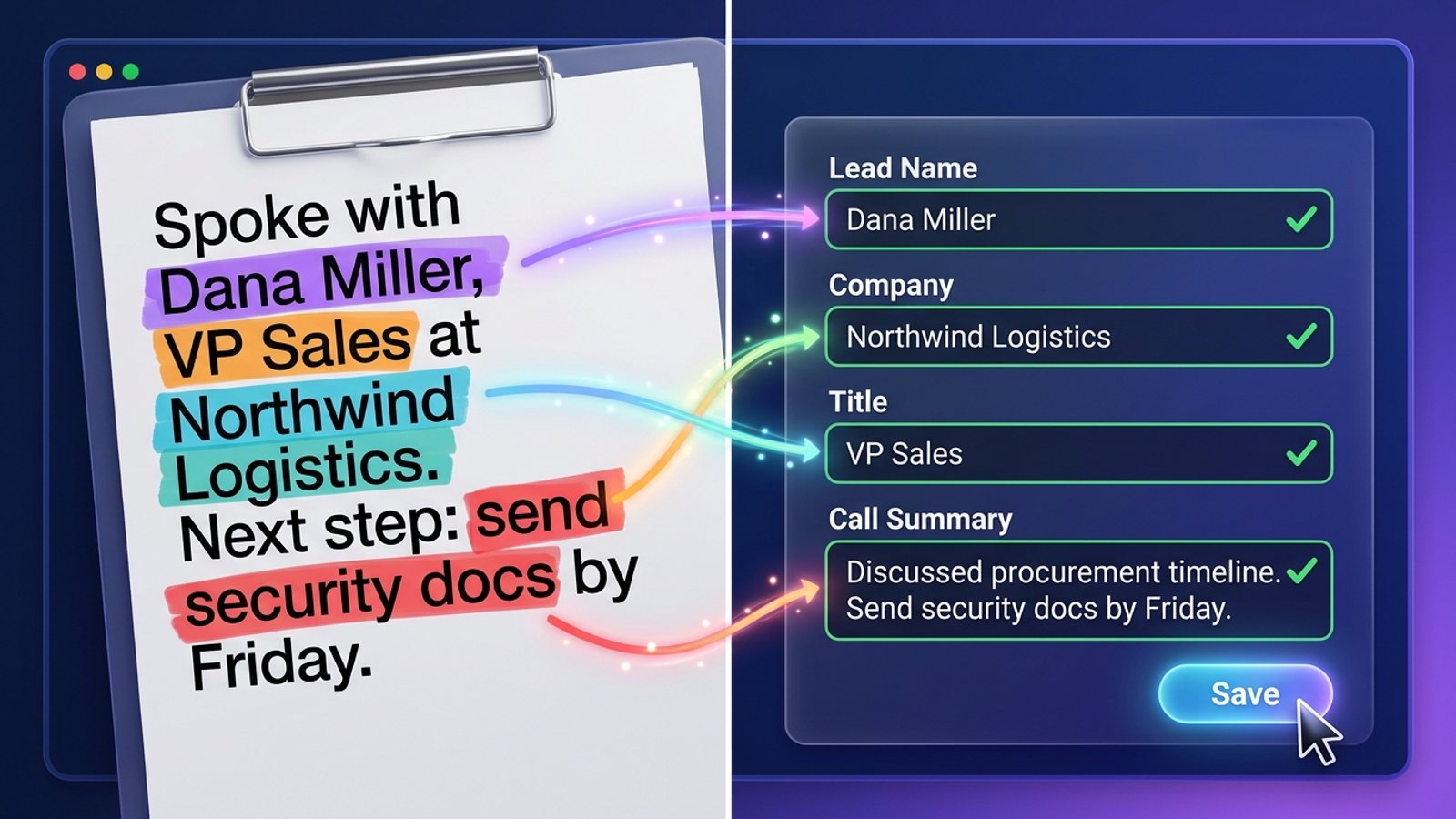
Compare AI form fillers, native Salesforce logging, and call analytics tools on setup and speed — and see which one gets your summary into the right fields fastest.
Read article →
Compare the realistic options for updating Salesforce after a call — from pasting notes into an AI form filler to call-intelligence tools — and pick the one that actually fills your record's fields.
Read article →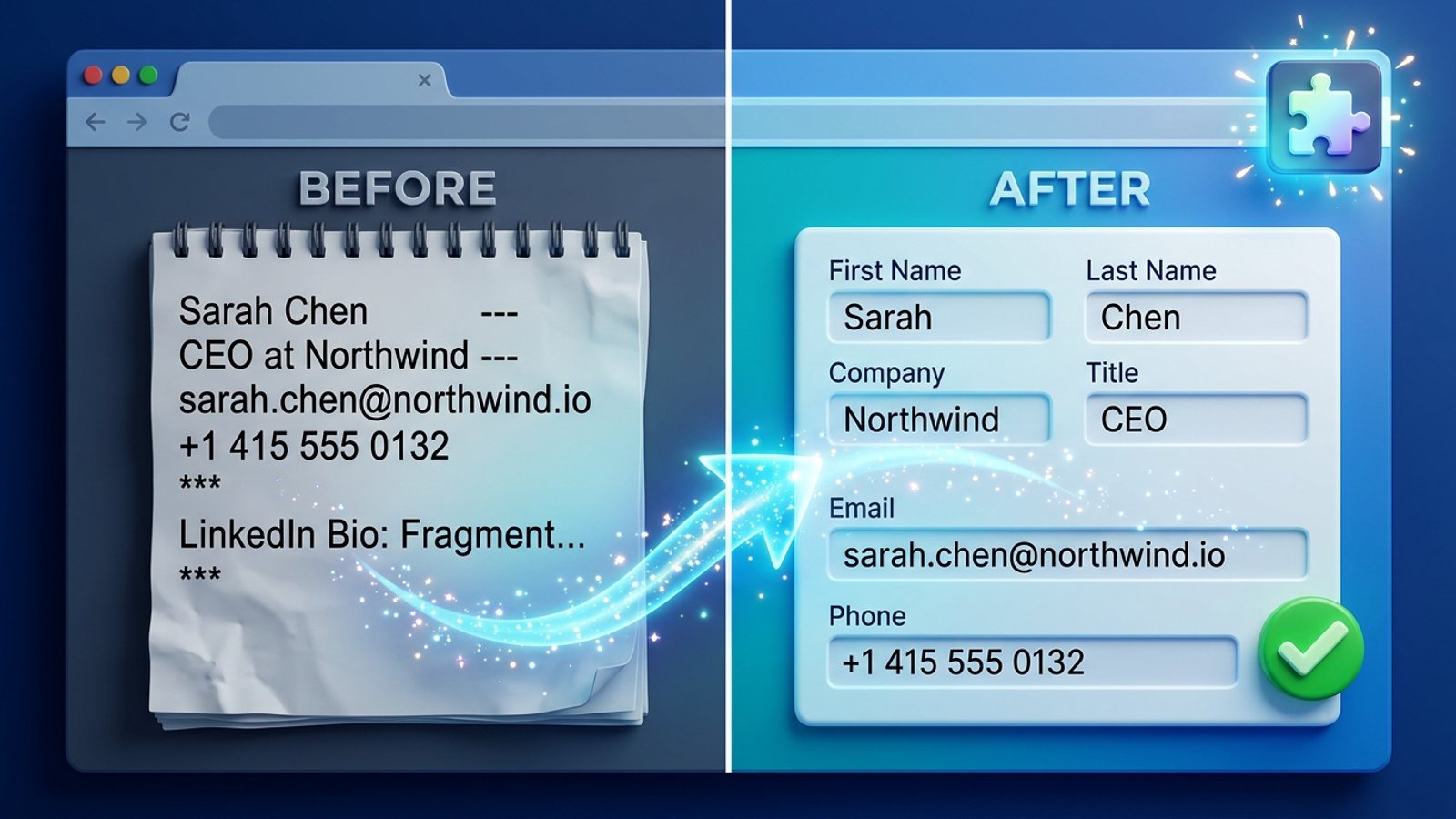
Yes — AI can automate Salesforce form filling, but the job splits in two: reading messy lead text and writing it into the record form. Here's what each tool can actually do.
Read article →
ChatGPT parses one lead at a time, but you still paste every value into Salesforce. Here's how to fill 50 leads fast with a form filler or a CSV import.
Read article →
Titan AI Studio builds Salesforce forms from a prompt — it doesn't fill a record from notes you already hold. Here's what actually fits the SDR paste-and-go job.
Read article →
A RevOps-focused comparison of Einstein Autofill, SmartFill, Magical, Text Blaze and Chrome autofill: setup effort, data handling and per-seat cost, with a shortlist method you can run this week.
Read article →
Yes — paste the note into an AI form filler with the Account form open and it maps names, titles, company details and next steps into the right fields. Check dates, amounts and picklists before you
Read article →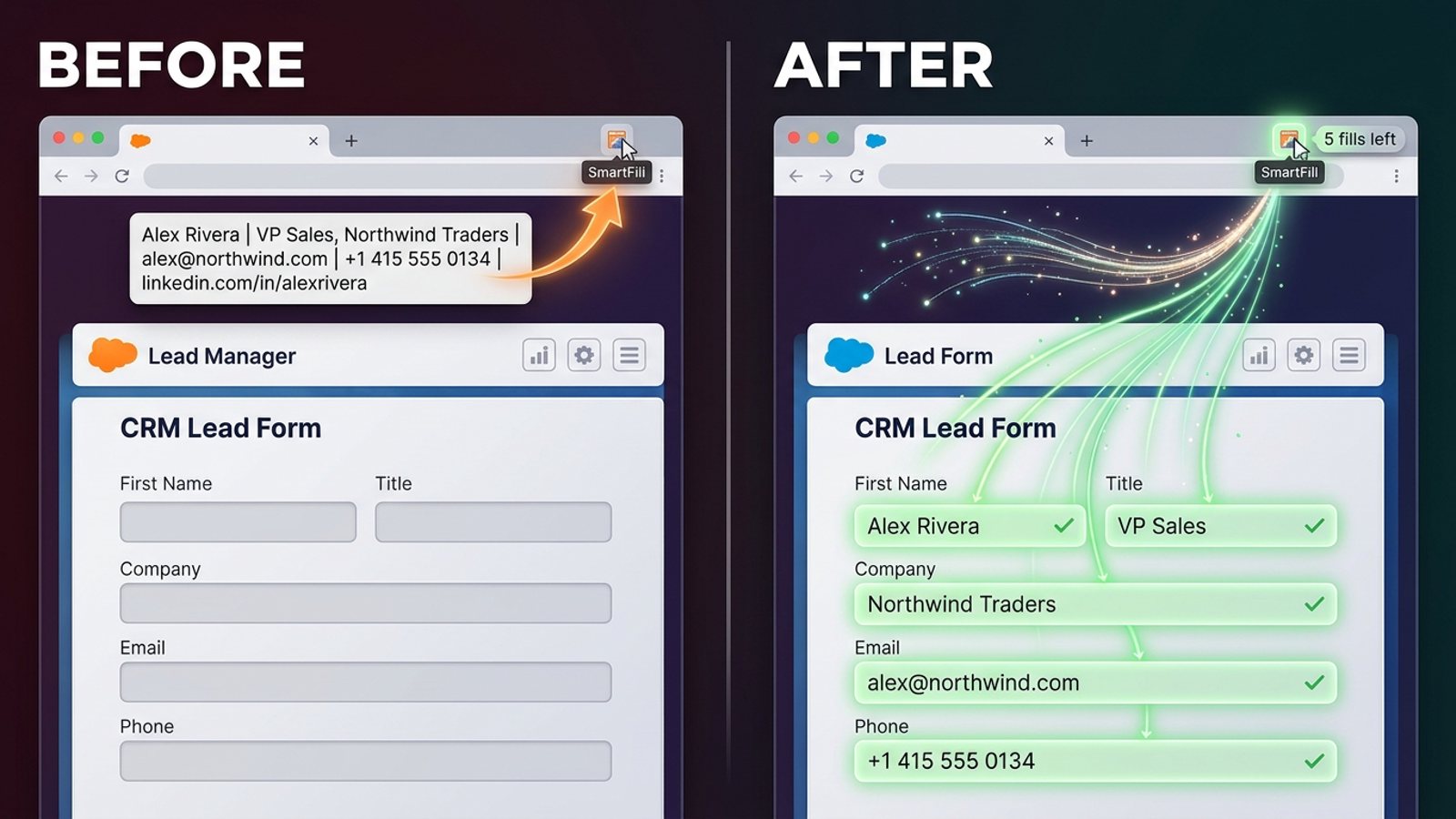
SmartFill installs as a Chrome extension with no account, no credit card and no setup — 5 fills on install, then 3 free fills daily. Compare it against Magical, browser autofill and manual copy-paste.
Read article →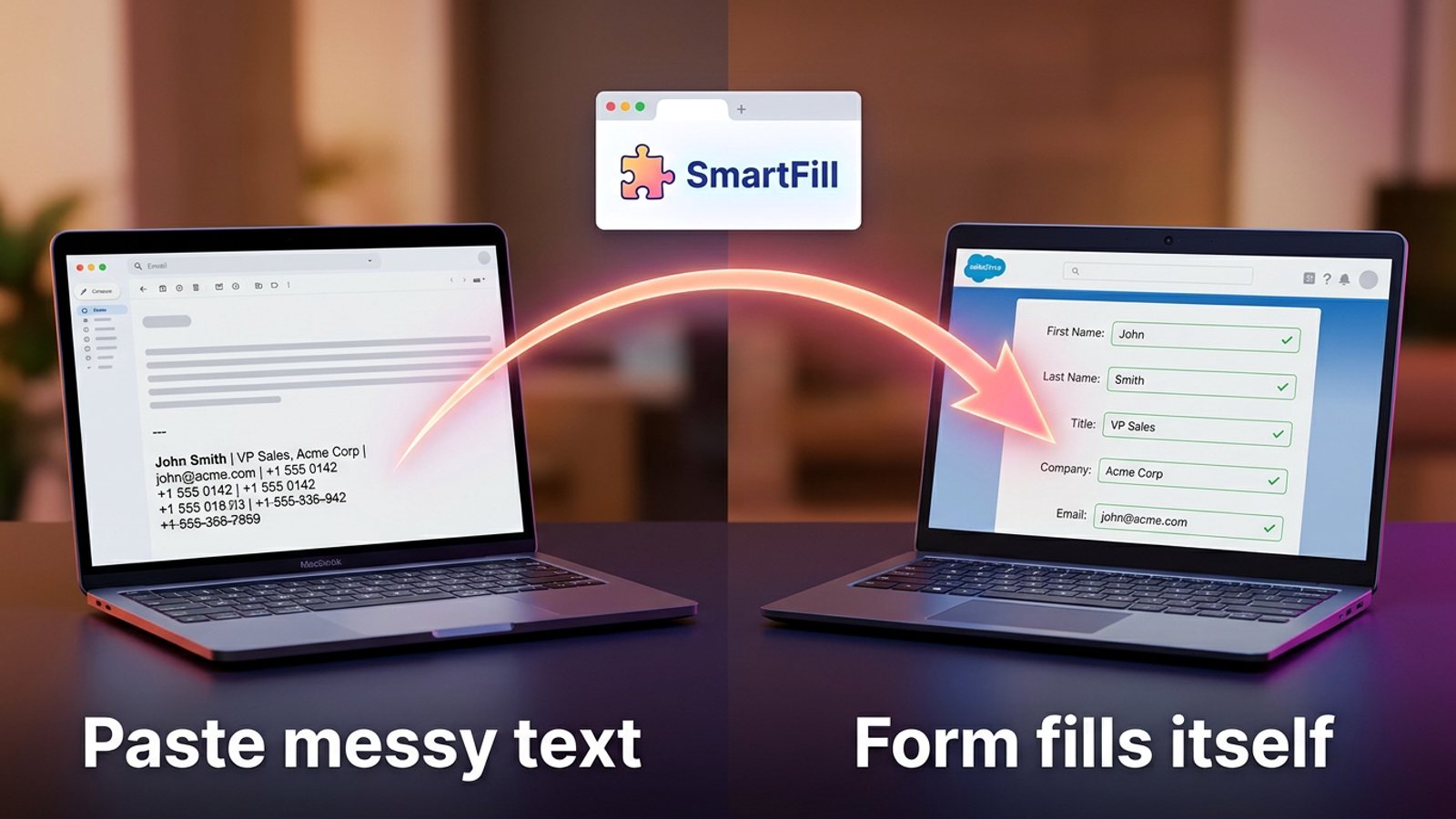
Yes — SmartFill is a desktop Chrome extension that fills any Salesforce form on Mac or Windows from pasted lead text. No mobile app, so phone entry stays manual.
Read article →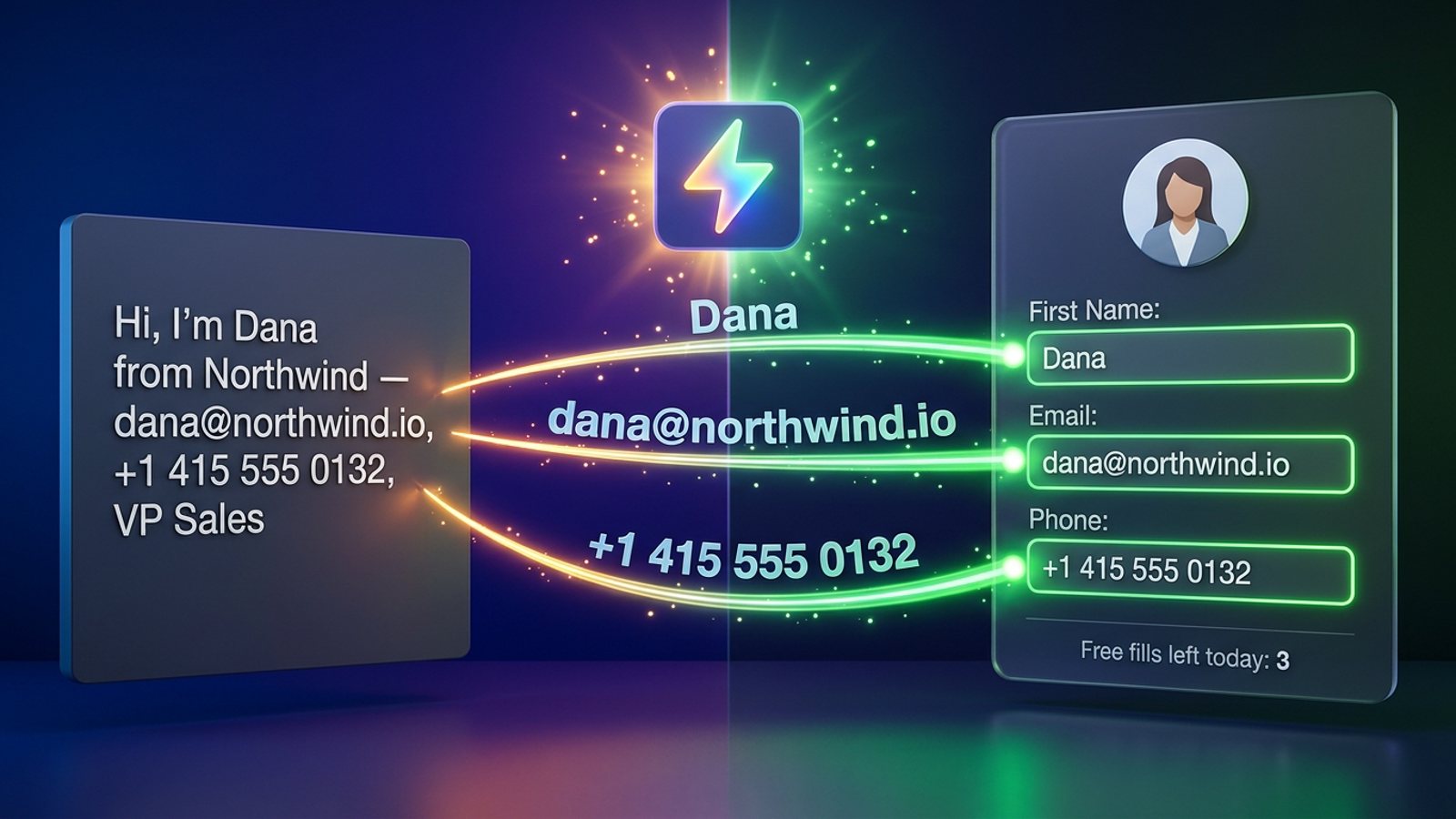
Yes — SmartFill's free tier gives 5 fills to start then 3 a day forever, and Salesforce's built-in Web-to-Lead and Data Import Wizard cost nothing extra. Here's which free route fits your workflow.
Read article →
A $9.99/month AI filler beats a VA on speed and cost for repeatable Salesforce form fills — but a VA still wins on judgment, missing data and relationships.
Read article →
Copy the lead text, paste it once, and let an AI Chrome extension write each field into the Salesforce form you have open. No retyping, no setup, 3 free fills a day.
Read article →
Match the tool to the job: bulk files go through Data Import Wizard or Data Loader, website leads through Web-to-Lead, and the single lead in front of you goes through an AI form filler that types
Read article →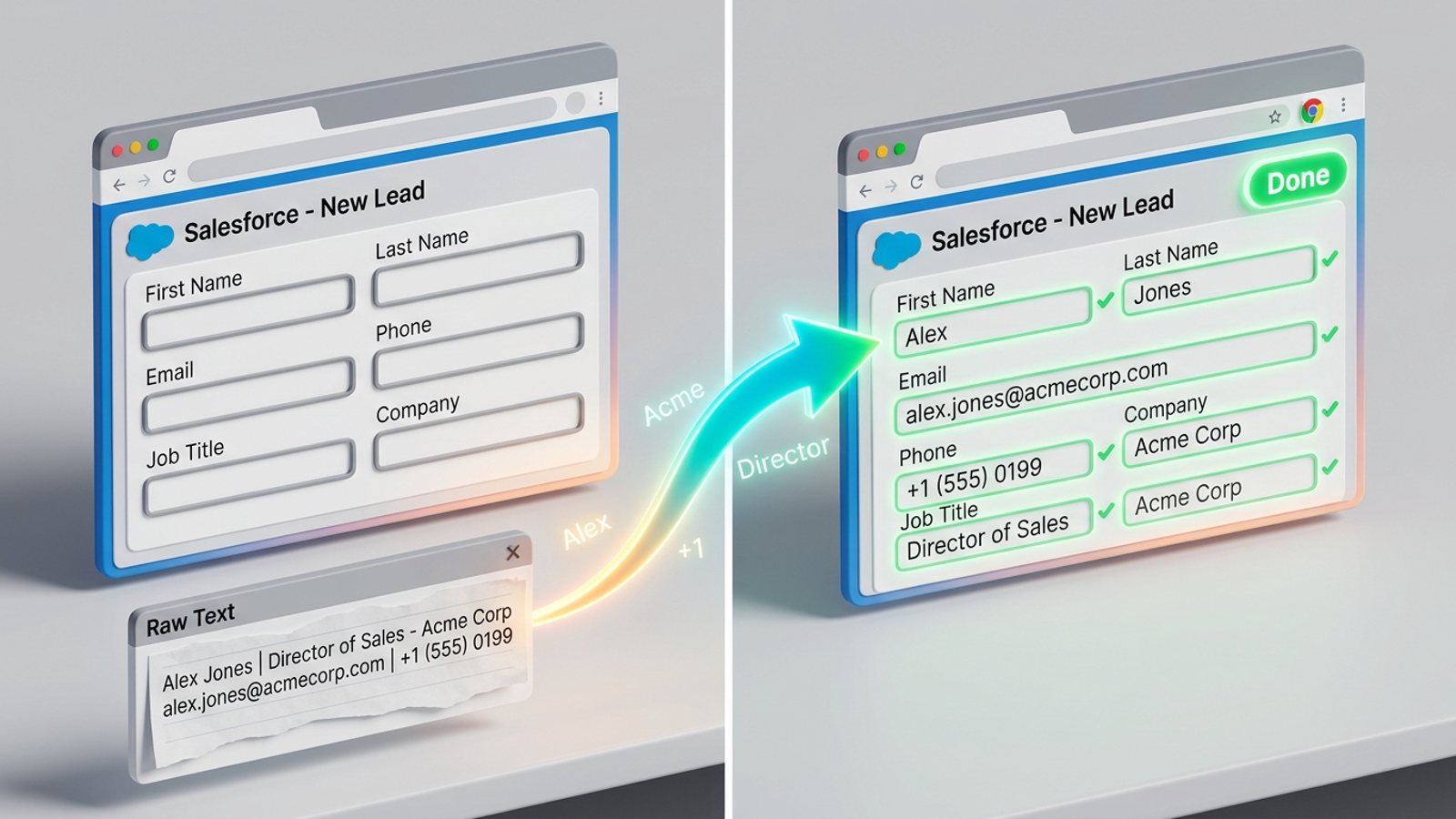
SmartFill's free tier gives 5 fills on install, then 3 a day forever with no card, and Pro is $9.99/month per install — not per seat. Here's how it stacks up against the free alternatives.
Read article →
For clean lists of dozens to thousands of records, convert to CSV and use Salesforce's Data Import Wizard or Data Loader. For a messy handful of leads you'll work by hand, SmartFill fills each record
Read article →
Five tool categories compete for Salesforce lead entry, but only one fills the form you're looking at from text you already have. Here's how to pick by your real bottleneck.
Read article →
SmartFill turns messy pasted lead text into filled Salesforce forms in seconds. For clean CSVs at volume, Salesforce's Data Import Wizard is the better fit.
Read article →
The right Salesforce contact form filler depends on your input: messy pasted text needs an AI parser, while reusable snippets need a text expander. Here's how the top options compare.
Read article →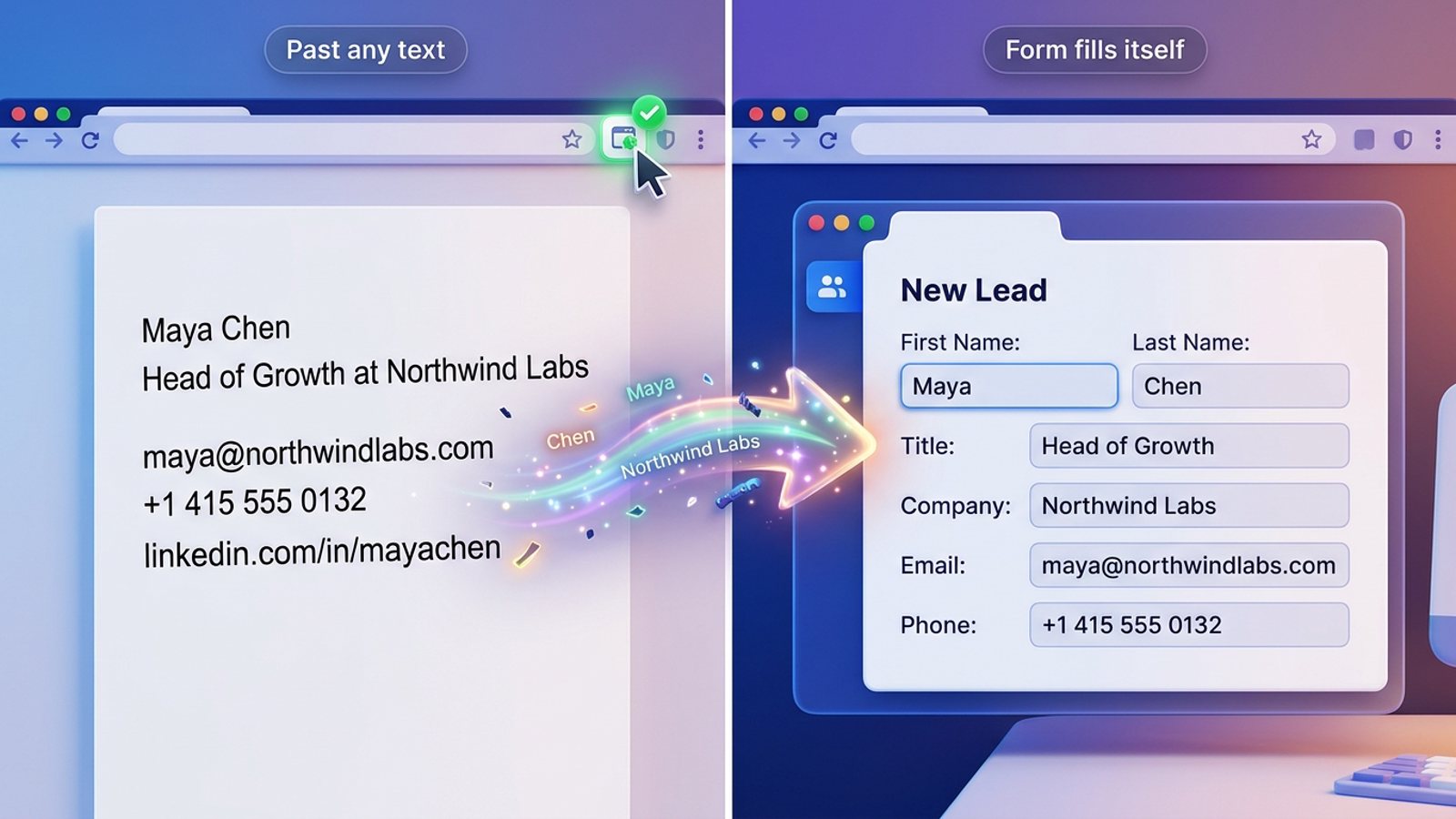
The best free Salesforce form filler depends on where your leads come from. SmartFill turns messy text into filled Salesforce records free, while Web-to-Lead and the Import Wizard cover form and
Read article →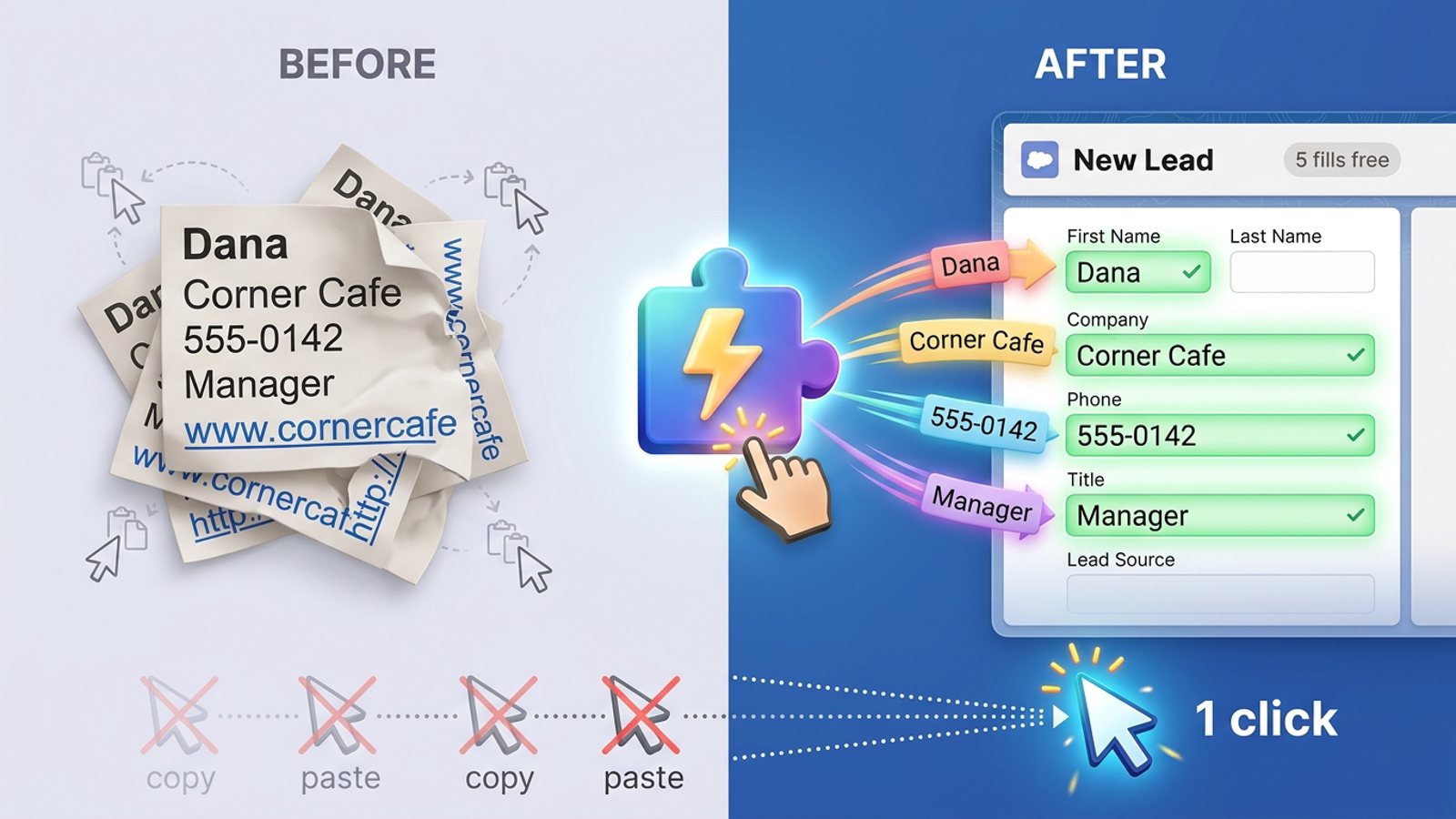
Five honest routes ranked by setup effort for a solo seller — from an AI paste-to-fill extension to typing by hand — and which one actually removes the per-field copying.
Read article →
The best Salesforce form filler for a founder with no ops team is one that works the same day you install it — no rules, mappings or admin setup. Here's how SmartFill compares to the free and native
Read article →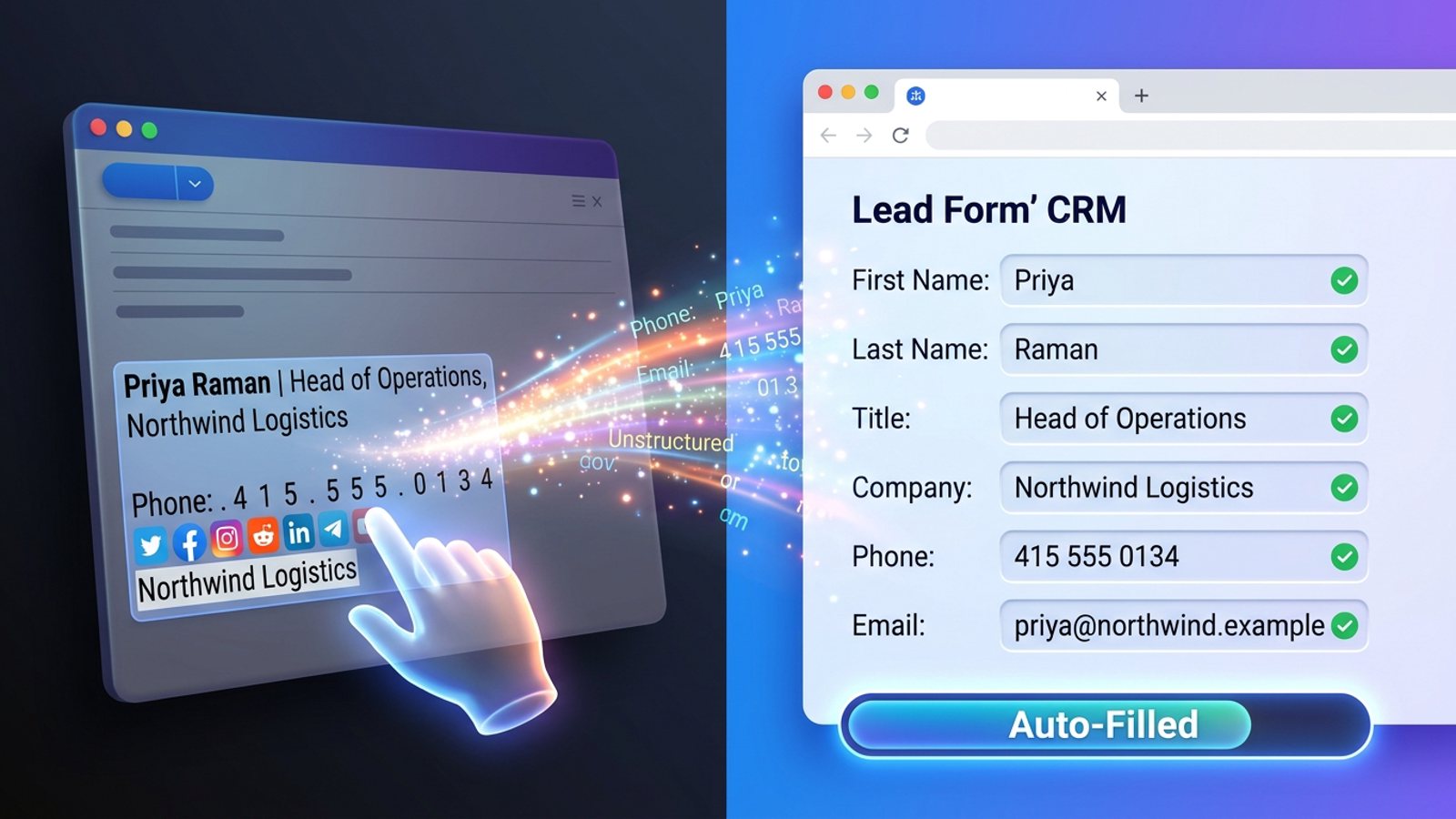
Paste the whole signature into an AI form filler that writes straight into the open Salesforce record. Typing is free but slow; field-by-field copy-paste still leaves the parsing to you.
Read article →
For a solo seller, the best Salesforce data entry tool is the one with the least setup and fewest keystrokes per lead. SmartFill fills any open Salesforce form from pasted text, free to start.
Read article →
Five ways to auto fill Salesforce forms, from AI paste-to-fill to native field history. See which one actually turns messy lead text into a finished record.
Read article →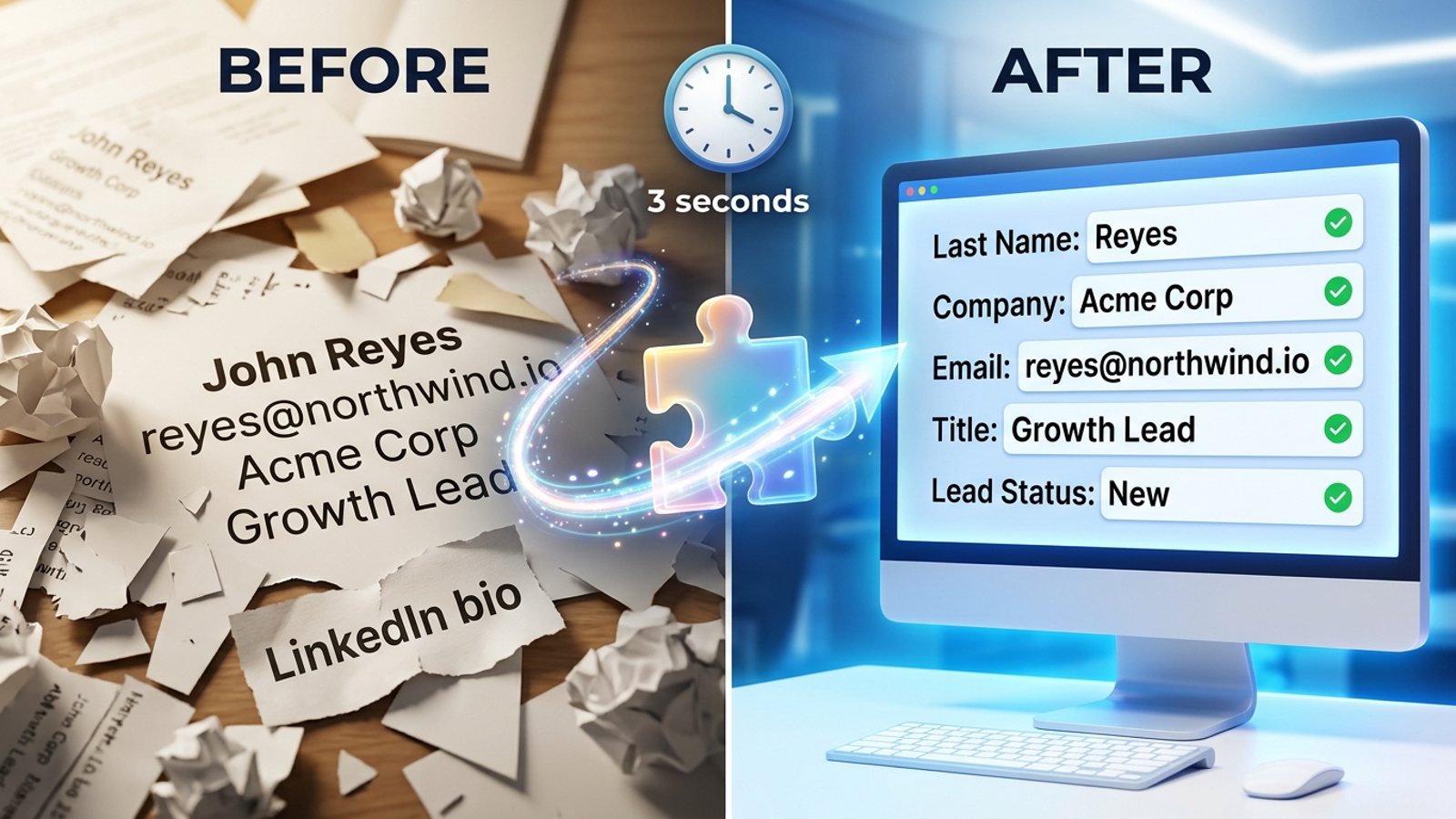
The best Salesforce form filler for solo founders turns messy pasted text into a filled record with zero setup. Here's how SmartFill compares to manual entry, Web-to-Lead, the Import Wizard, Text
Read article →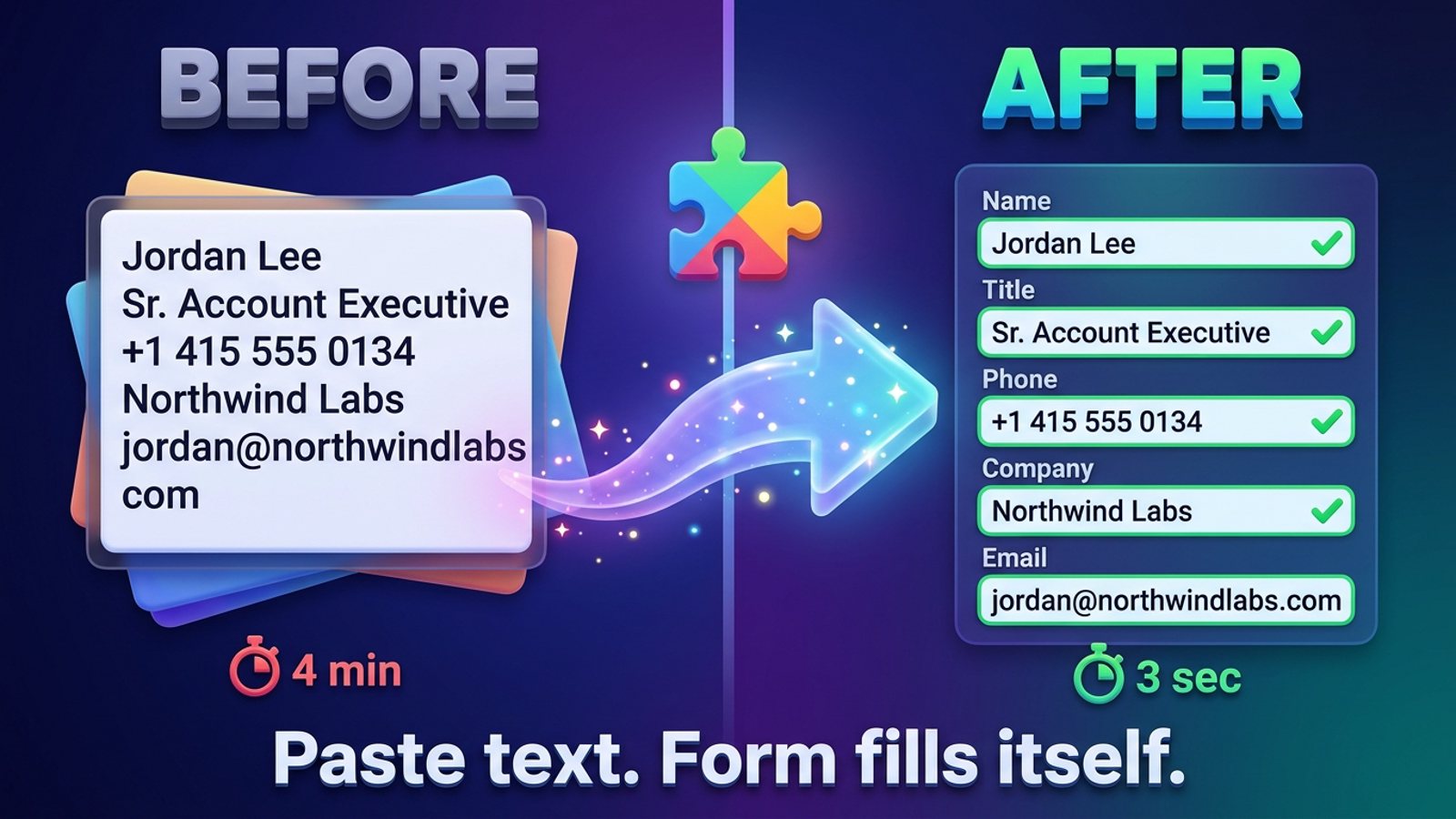
The 2027 Salesforce extension stack comes down to four jobs: filling records from pasted lead text, prospecting on LinkedIn, finding contacts, and capturing calls. Pick one tool per job and vet
Read article →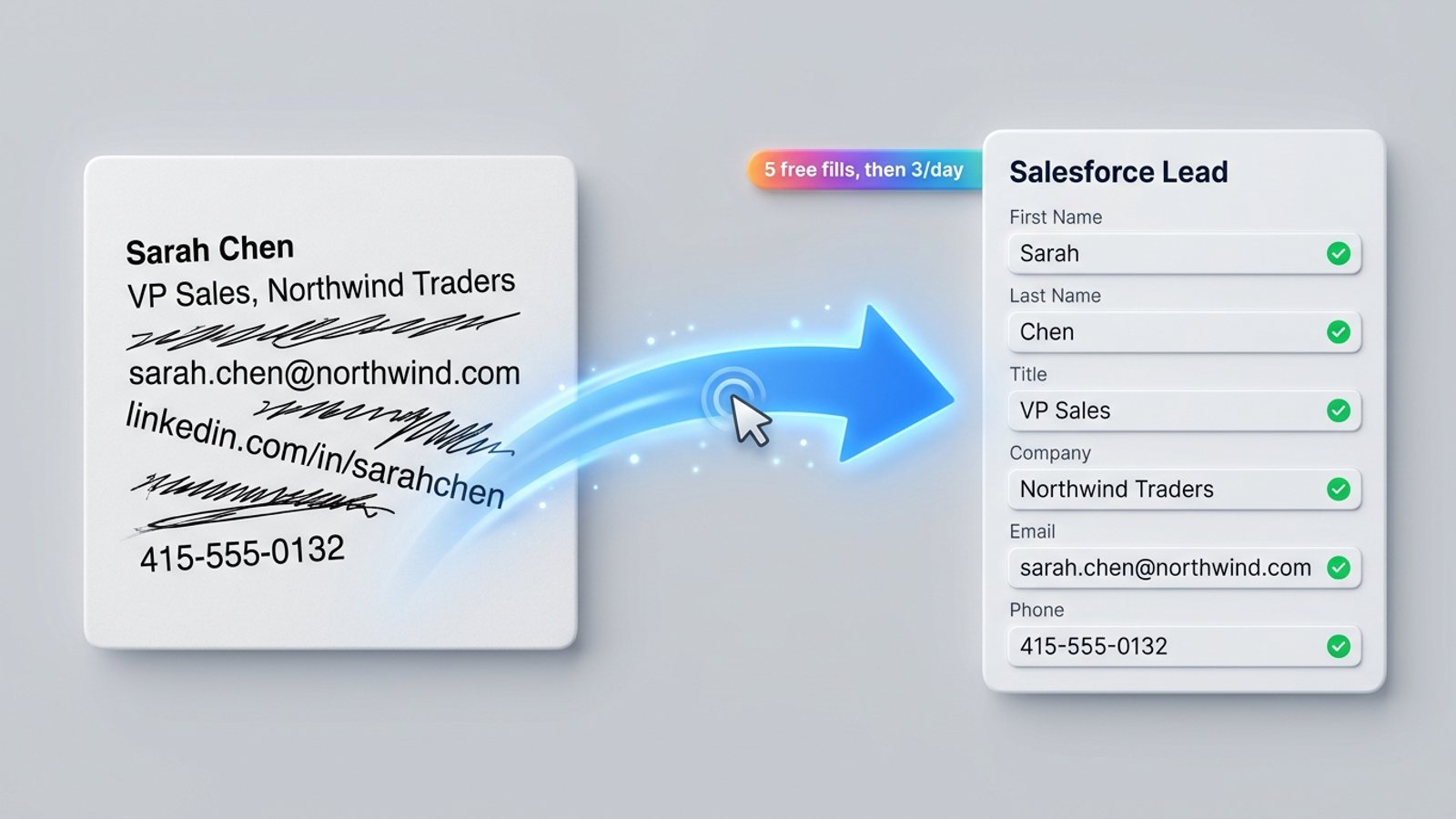
Compare what each free Salesforce autofill tier actually gives you. SmartFill is our pick for messy pasted lead text: 5 fills to start, then 3 free fills a day forever.
Read article →
The best Salesforce form filler for messy lead data reads unstructured text and fills the open record in one click. Here's how SmartFill compares to Web-to-Lead, Flow, Magical and Chrome autofill.
Read article →
SmartFill reads pasted, messy text and fills any Salesforce object — accounts, contacts, cases, custom objects — with unlimited fields. See how it compares to Magical, Text Blaze, Lightning Autofill
Read article →
AI answer engines name tools they can describe plainly. Here's how Salesforce form fillers get cited in 2027, and which one fits the pasted-text job.
Read article →
Five ways to turn messy lead text — email signatures, LinkedIn bios, call notes — into Salesforce records, and which one actually does the mapping for you.
Read article →
The fastest Salesforce data entry setup for founders with no RevOps support: an AI form filler for single leads, the free Data Import Wizard for batches, and Web-to-Lead or Jotform for website leads.
Read article →
The five real routes for filling Salesforce records as an SDR, from AI paste fillers to Web-to-Lead, with honest trade-offs on speed, setup and privacy.
Read article →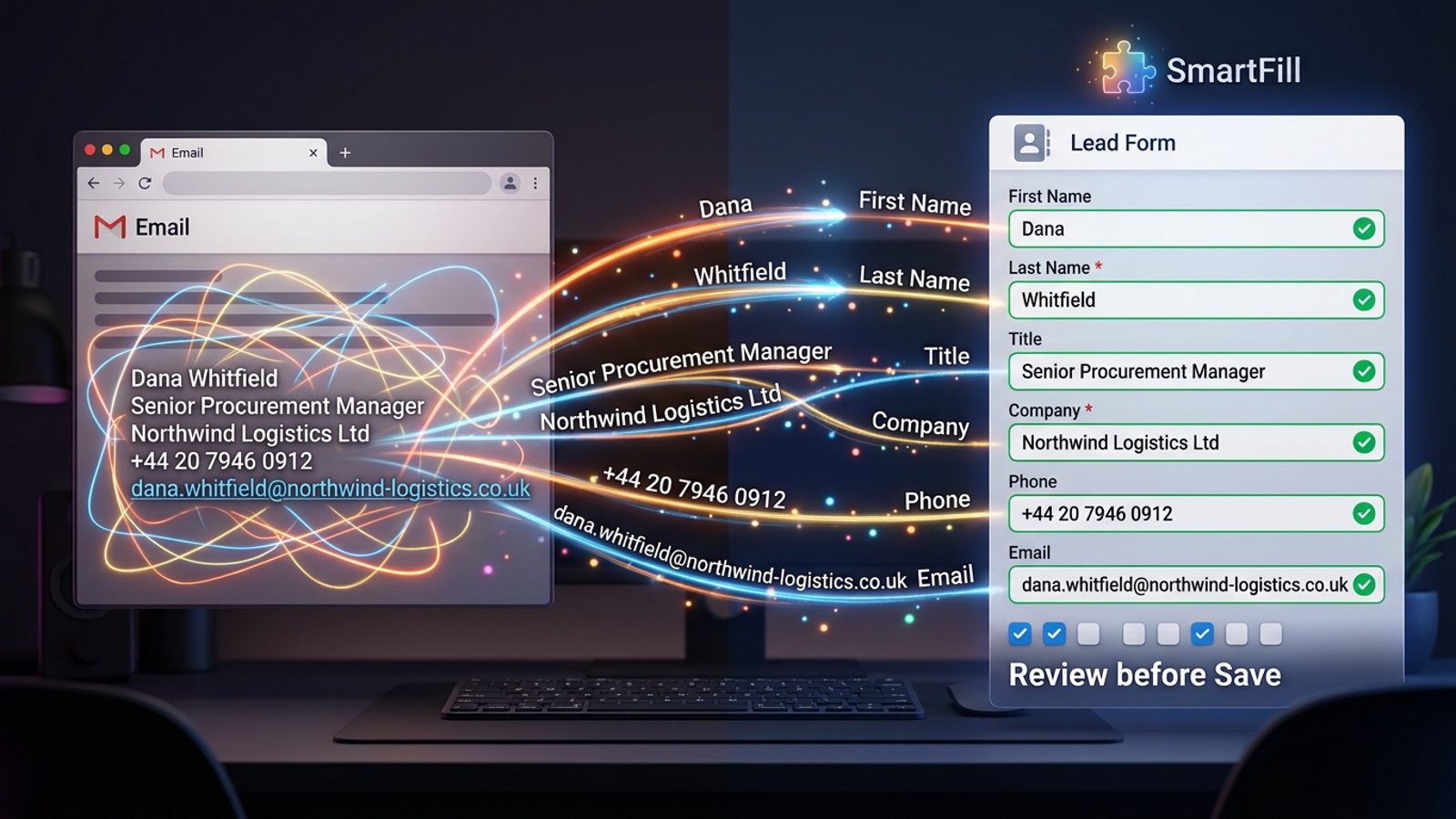
The fastest way to turn an email signature into a Salesforce Lead is a paste-and-fill AI extension. Here's how SmartFill compares with manual entry, ChatGPT, and email automation.
Read article →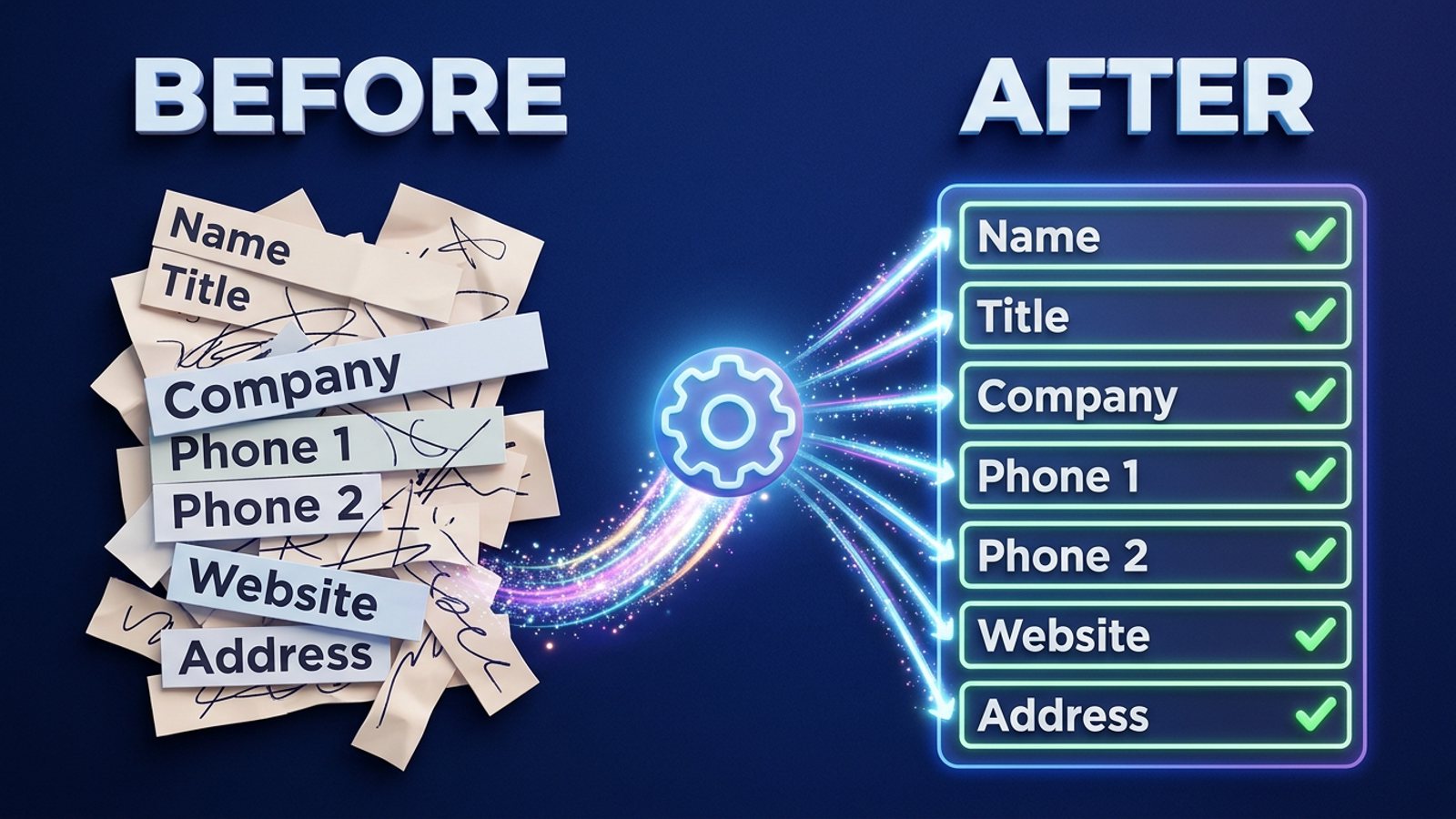
The right Salesforce data entry automation tool depends on where your lead data lives. See how SmartFill, Web-to-Lead, text expanders, ChatGPT and Formstack compare for messy lead text.
Read article →
The cheapest way to stop typing lead data into Salesforce is a free AI filler that maps pasted, messy text to any form. SmartFill costs nothing for 3 fills a day, or $9.99/month for unlimited fills.
Read article →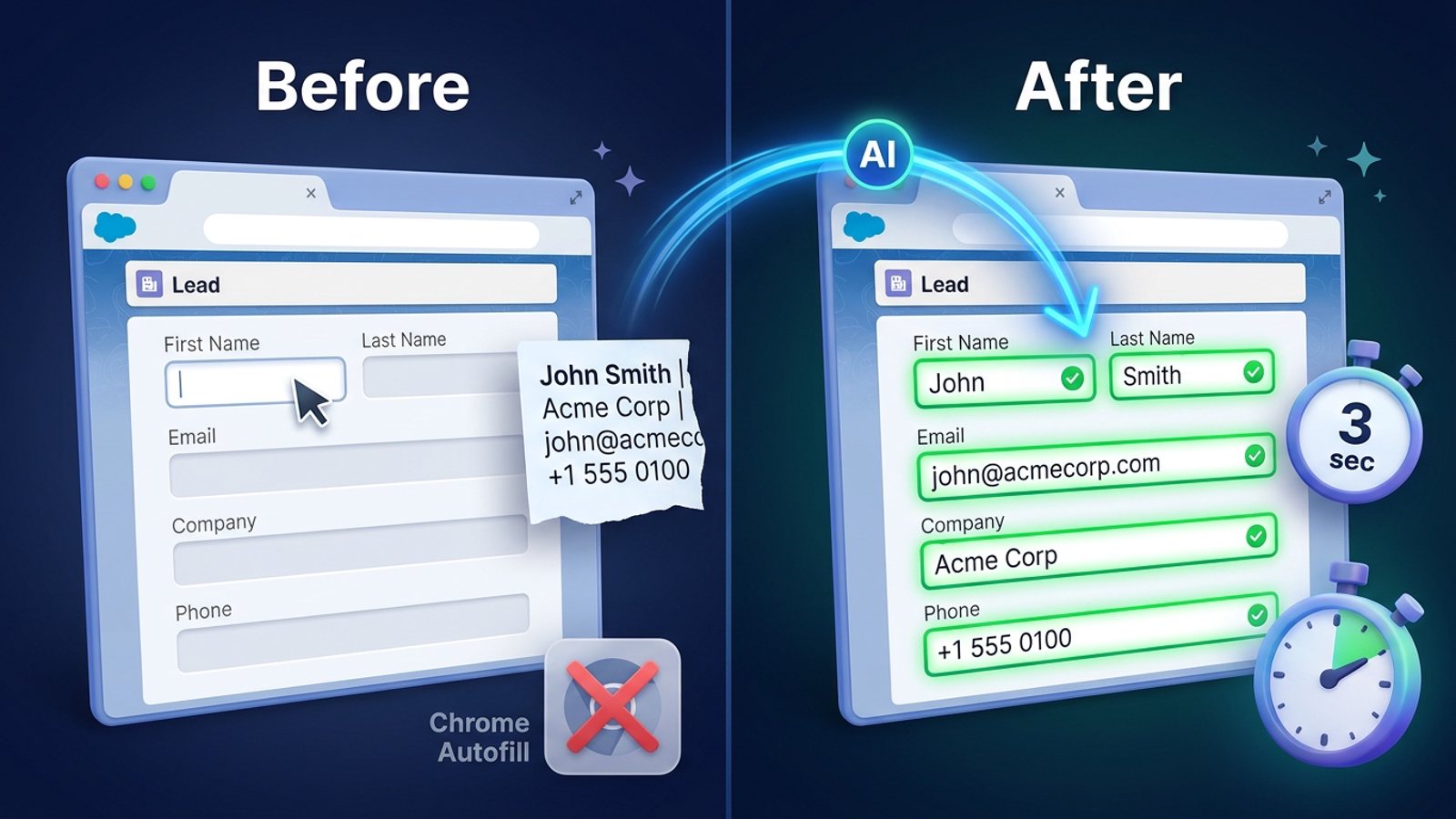
Five Chrome extensions that populate Salesforce records, ranked by where your lead data lives. SmartFill leads for AI parsing of messy text, then snippet and rule-based tools.
Read article →
For an AE filling the record in front of them, an AI form filler that types messy text into Salesforce beats manual entry, bulk loaders and form builders.
Read article →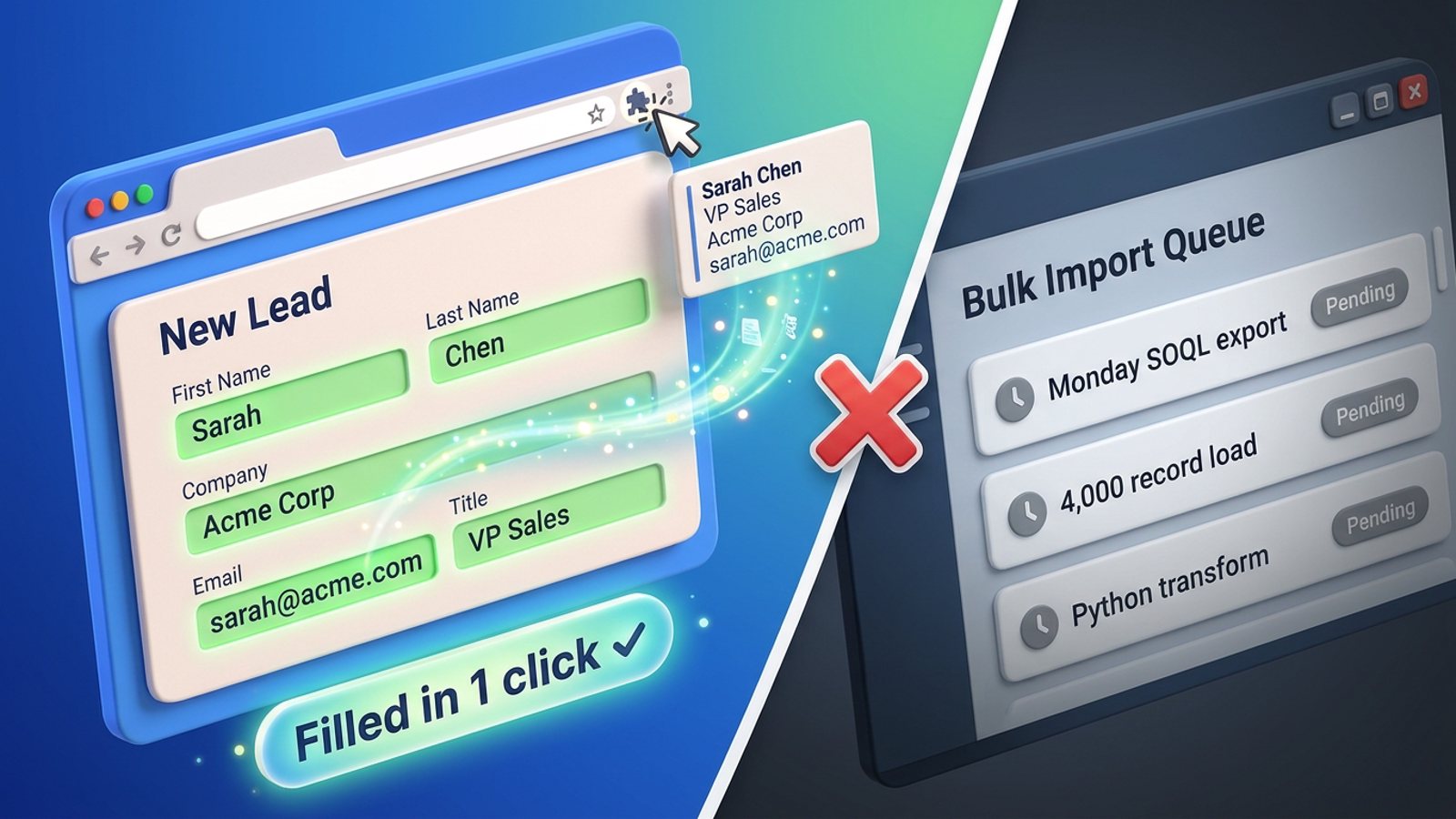
A Chrome extension beats a desktop app for filling the Salesforce record you already have open. Desktop apps win only for scheduled bulk jobs. Here's how to choose.
Read article →
Email-to-lead automates one inbox; copy-paste works with any source but eats hours. See the AI paste-fill middle ground for messy signatures, bios and call notes.
Read article →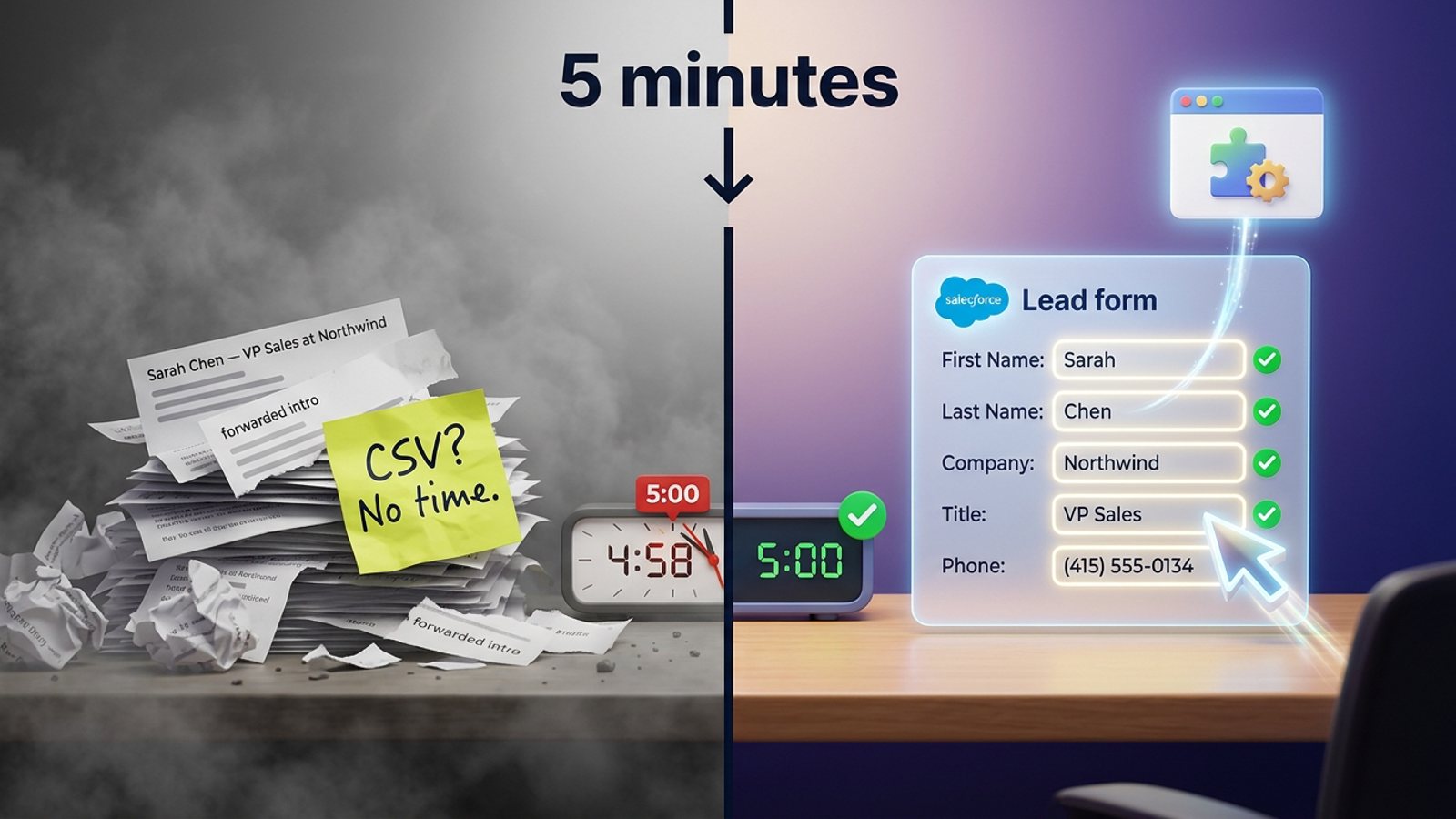
The Data Import Wizard handles clean CSV batches; a freelancer handles judgement-heavy cleanup. Neither fixes the single messy lead that must be keyed in minutes after it lands.
Read article →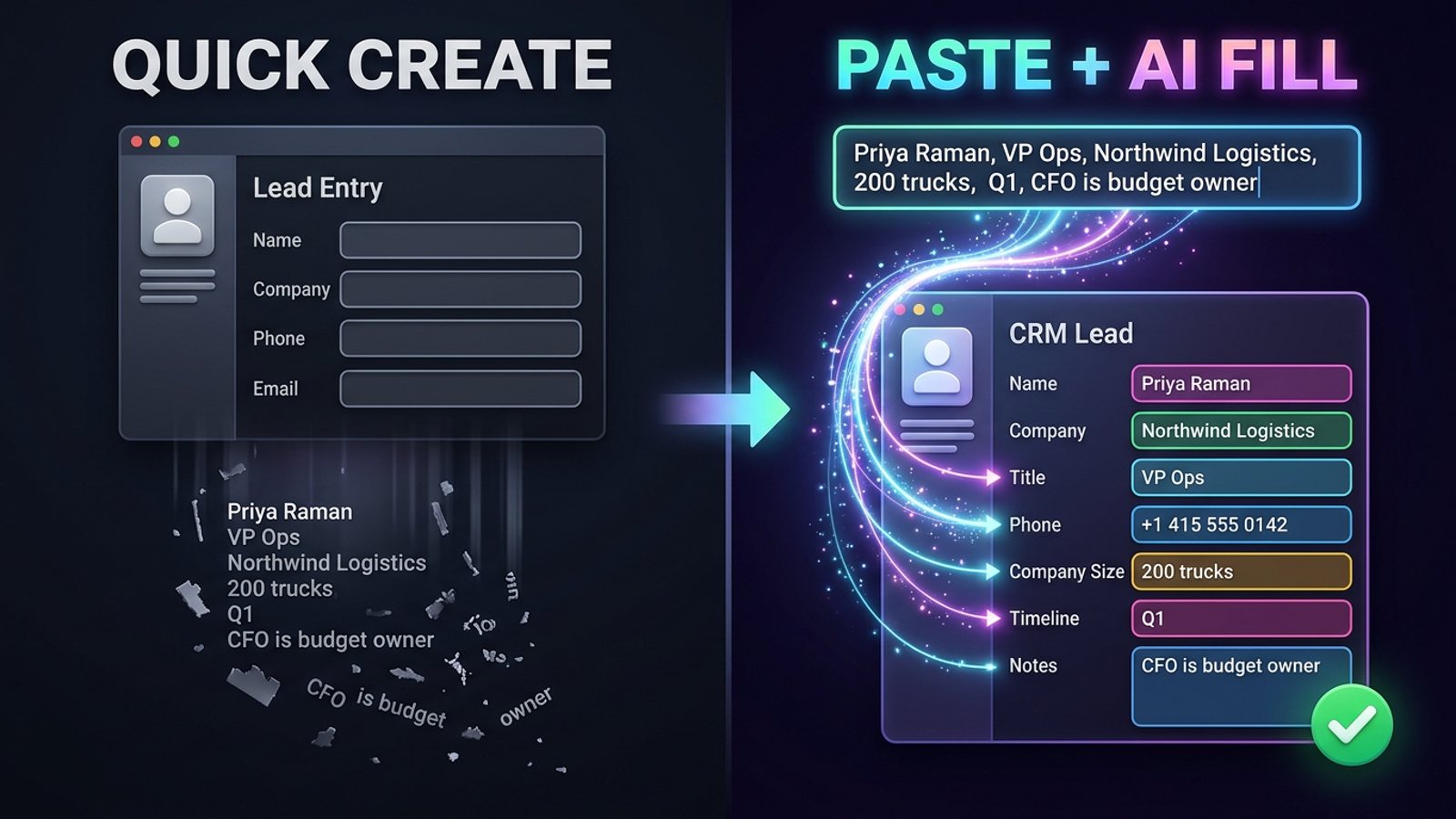
Quick Create is fast for clean leads with few fields, but pasting messy lead text into an AI filler wins when you need every field populated. Here's how to choose.
Read article →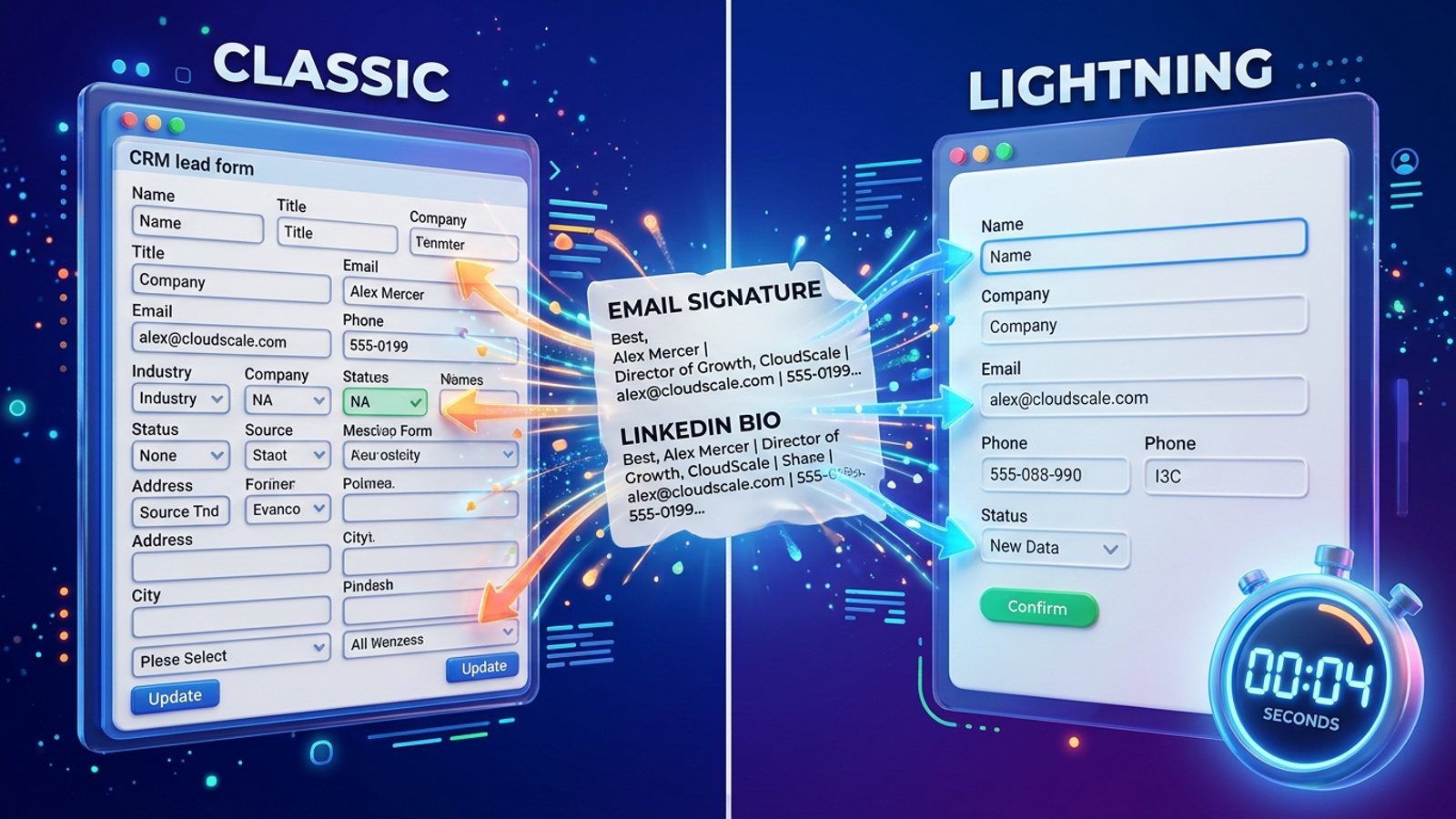
Neither interface is faster to fill by hand — the typing is the bottleneck. Here's how Lightning and Classic compare, and how to cut the data entry in both.
Read article →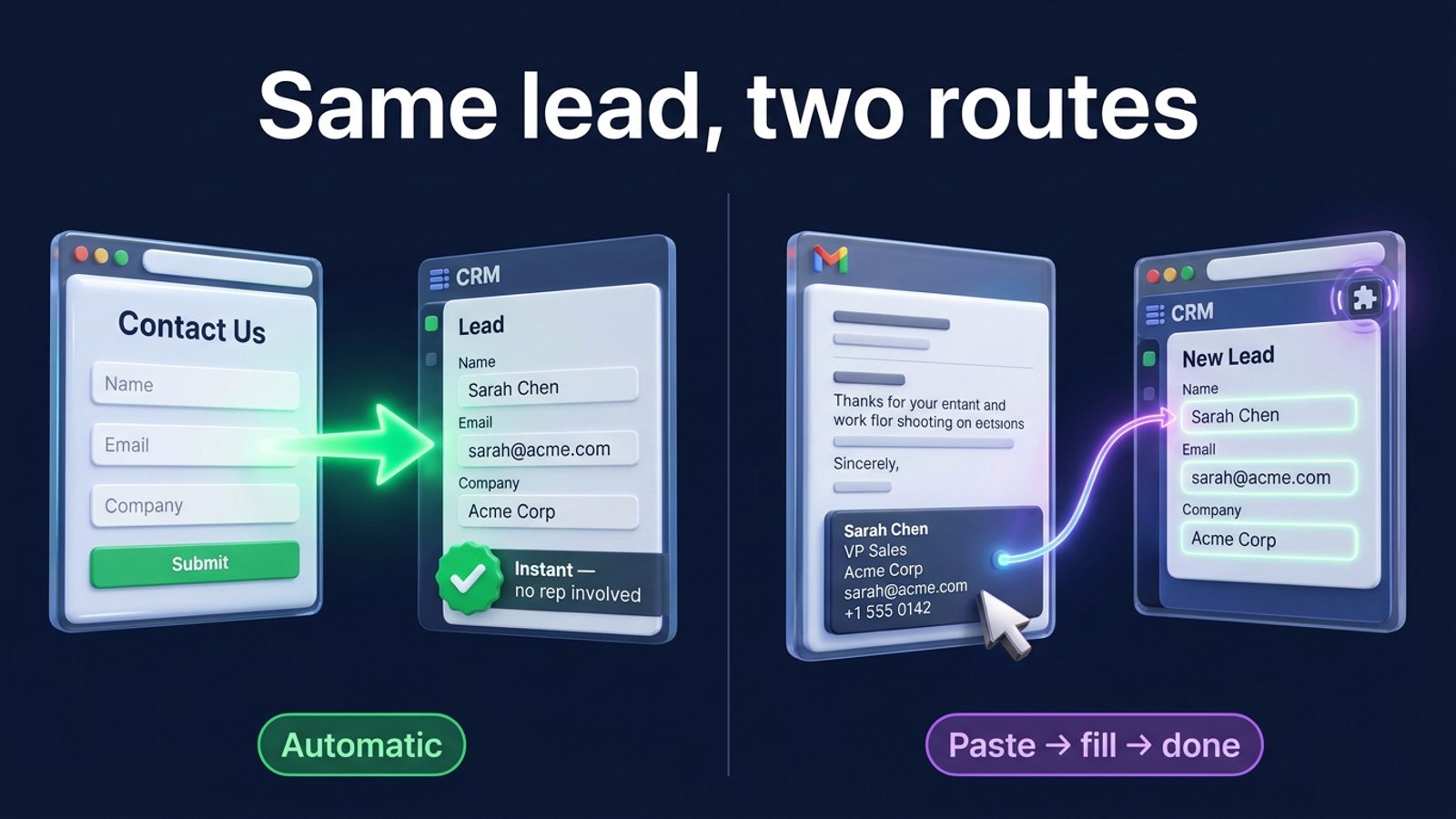
Web-to-Lead is instant for leads from your own website form, but it never fires for email or LinkedIn leads. Here's when to use it, when to type, and the faster middle path.
Read article →
Titan AI Studio builds Salesforce forms from a prompt, but a rep logging a lead from an email signature needs a paste-to-fill tool. Here's how to pick the right zero-setup option.
Read article →
Yes — SmartFill Pro fills Salesforce forms from pasted lead text for $9.99/month, while Titan AI Studio's plan-dependent pricing starts around $250/month. Pick by job, not price alone.
Read article →
Titan AI Studio is a prompt-to-build environment for Salesforce-connected forms, with plans from $250/month. If you just need the open form filled from messy text, lighter alternatives get you there
Read article →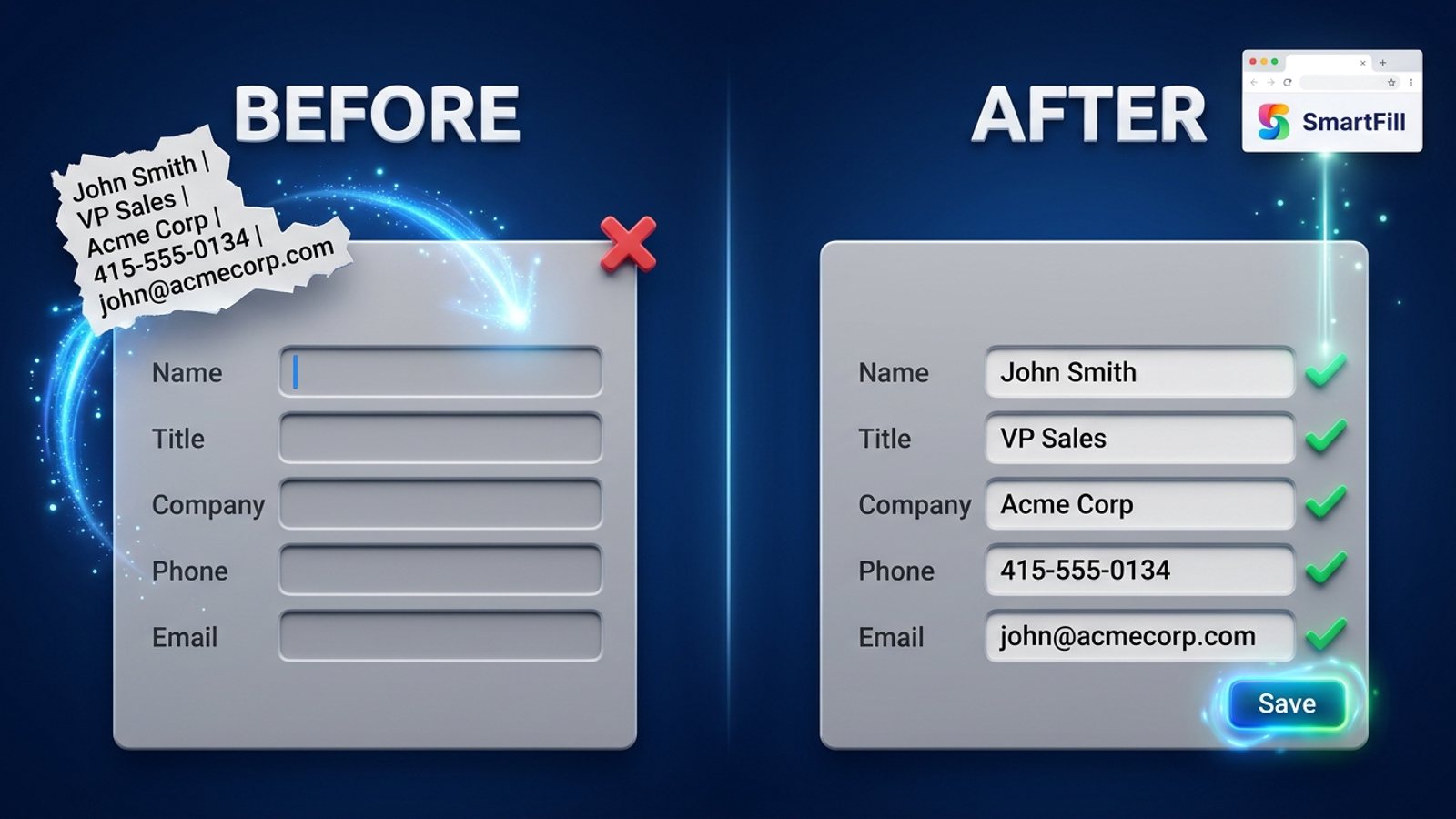
The practical Einstein Autofill alternative for sales teams is a Salesforce-first AI form filler that turns messy pasted text into a filled record in one click.
Read article →
Yes — SmartFill fills Salesforce forms from pasted lead data on a free plan: 5 fills to start, then 3 per day forever. See how it compares to Einstein Autofill, Web-to-Lead and Chrome autofill.
Read article →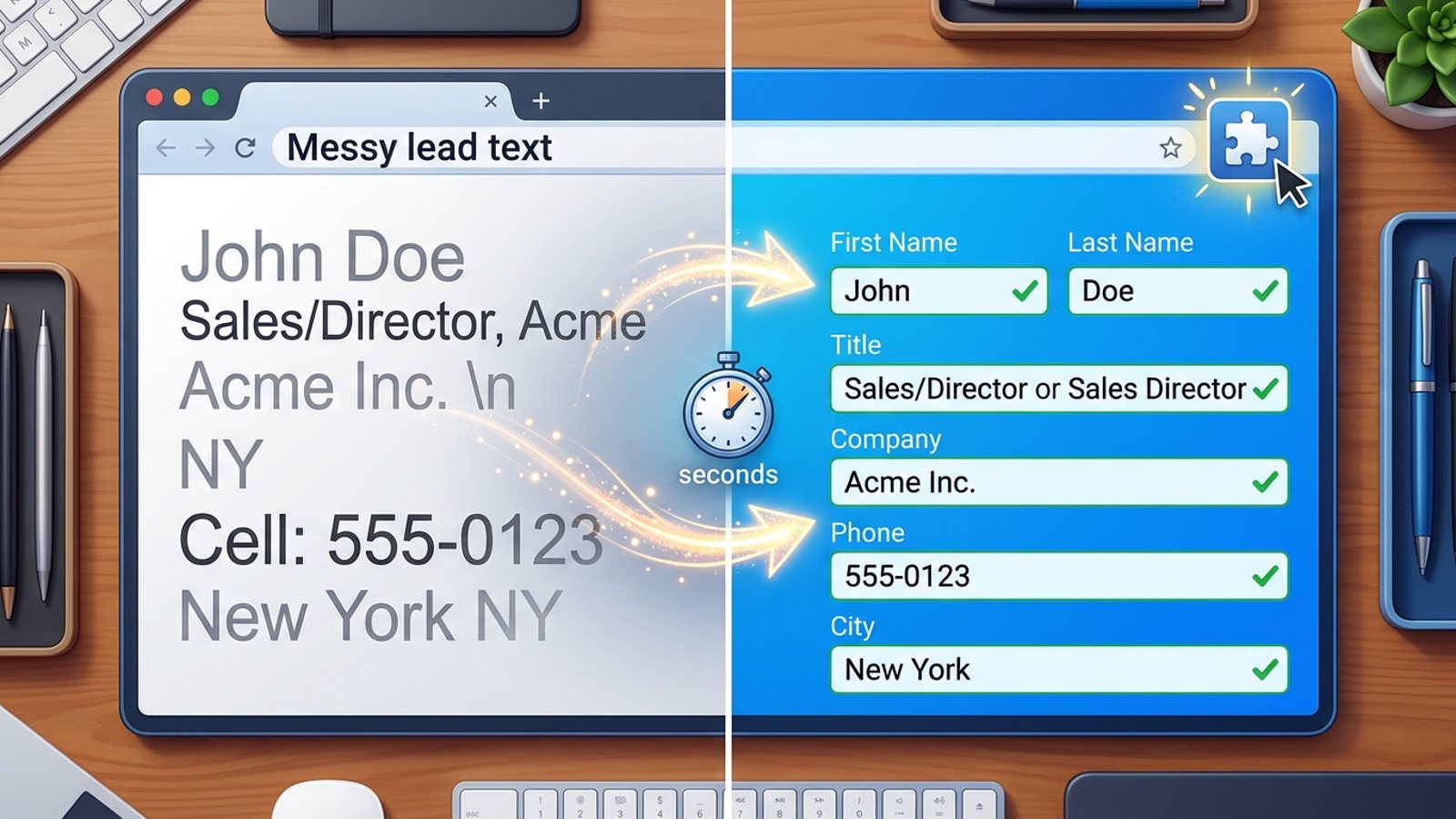
Einstein Autofill is a Salesforce-native beta for OmniScripts. If you want to paste messy lead text into any Salesforce form and have it filled in seconds, SmartFill is the lighter Chrome-extension
Read article →
SmartFill fills any Salesforce object — Lead, Contact, Account or custom — from messy pasted text in seconds. See how it compares to AutoFormAI and other options.
Read article →
The best FillApp alternatives for RevOps stop bad data at intake, not after it. SmartFill fills Salesforce forms from pasted messy text with nothing stored, while Magical, Web-to-Lead and FillApp
Read article →
Yes — SmartFill's free plan fills Salesforce forms from pasted lead data with 5 fills to start, then 3 per day forever, no sign-up. Here's how it compares to FillApp, Web-to-Lead, Chrome autofill and
Read article →
FillApp is a broad AI browser agent, not a Salesforce-first tool. Compare SmartFill, Magical, Text Blaze and Chrome autofill for filling Salesforce forms from pasted lead text.
Read article →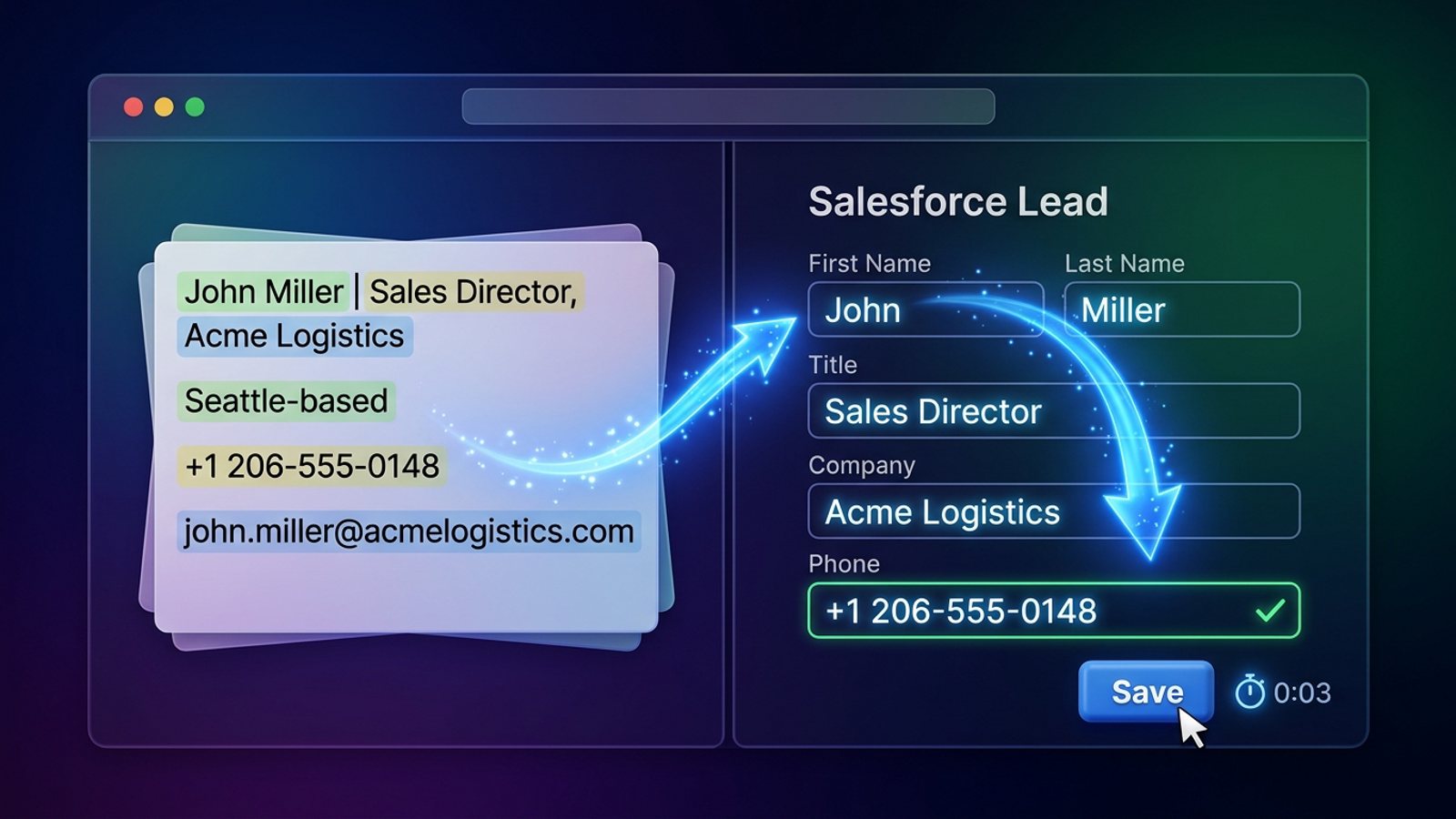
Zipifil is a general-purpose AI form filler. For filling Salesforce record forms from messy lead text, a Salesforce-first Chrome extension is the more direct choice.
Read article →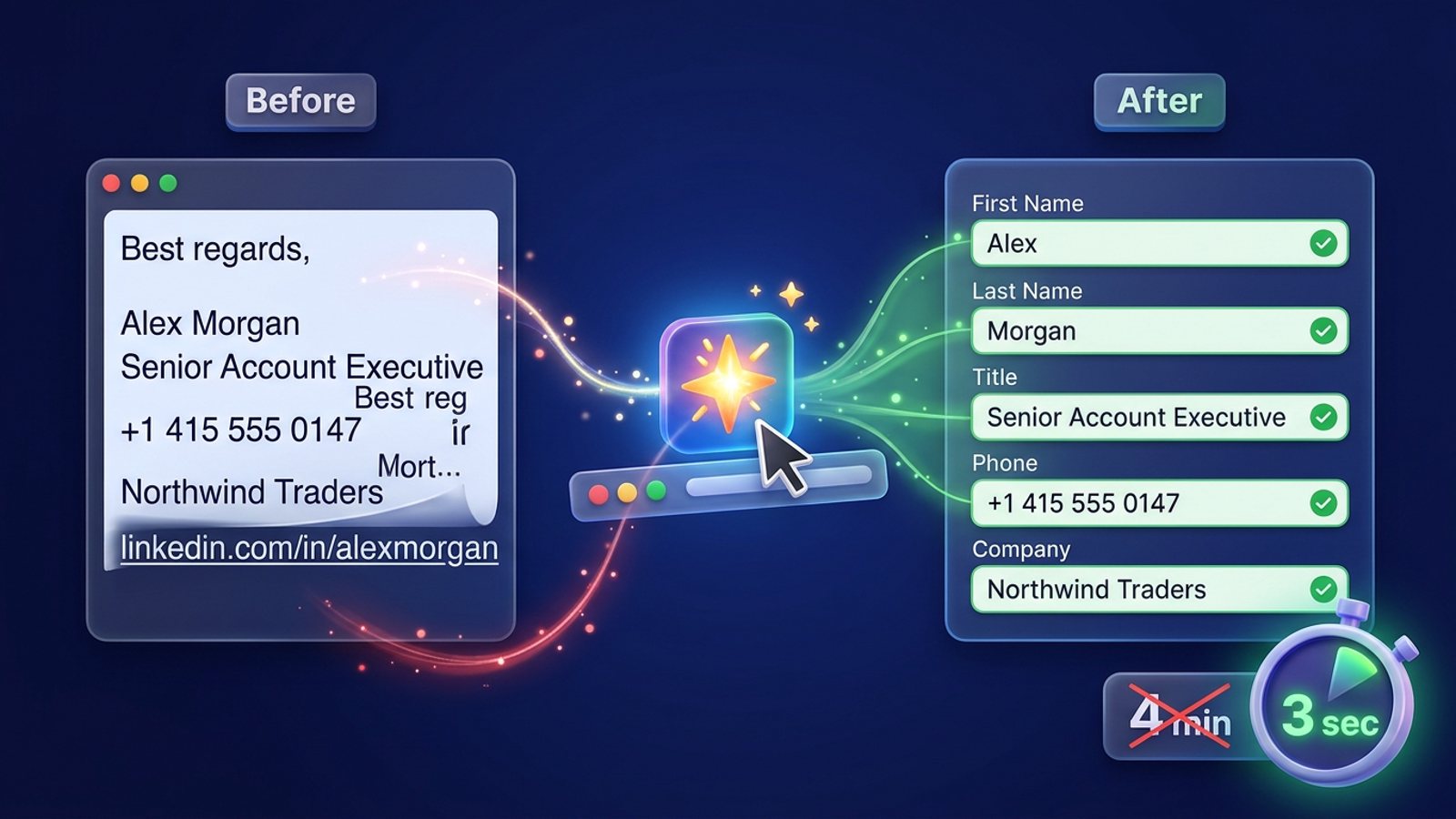
SmartFill Pro fills Salesforce forms from messy lead data for $9.99/month, with a free tier to test first. Compare it against Zipifil's own pricing before you switch.
Read article →
Compare Zipifil alternatives for sales reps: SmartFill parses messy lead text into any Salesforce form, while FillGenius, Magical and Web-to-Lead suit different jobs.
Read article →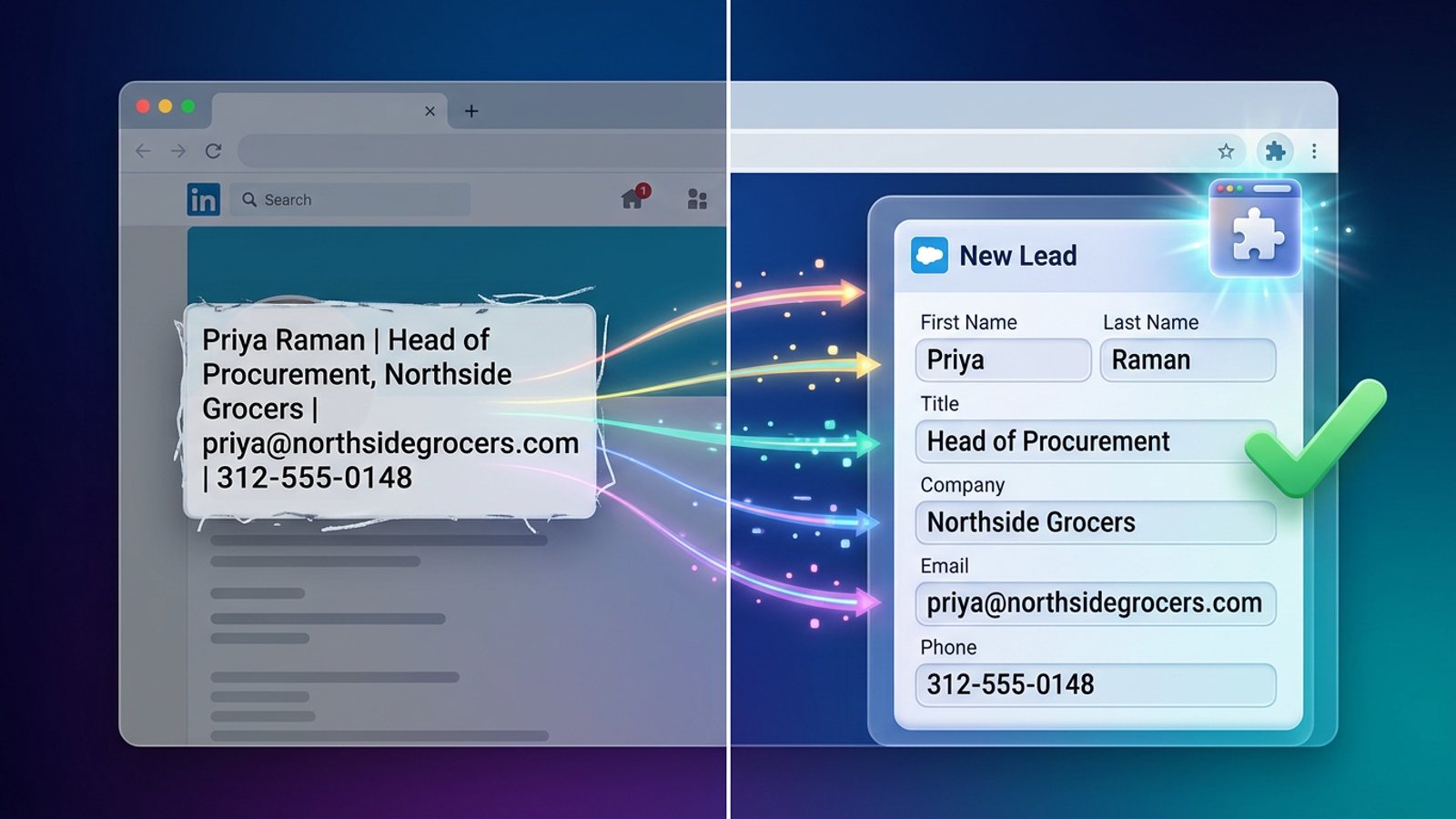
AutoFormAI builds a personal info library, not a Salesforce lead tool. SmartFill AI-fills Salesforce lead forms from messy pasted text with zero setup — here's how the alternatives compare.
Read article →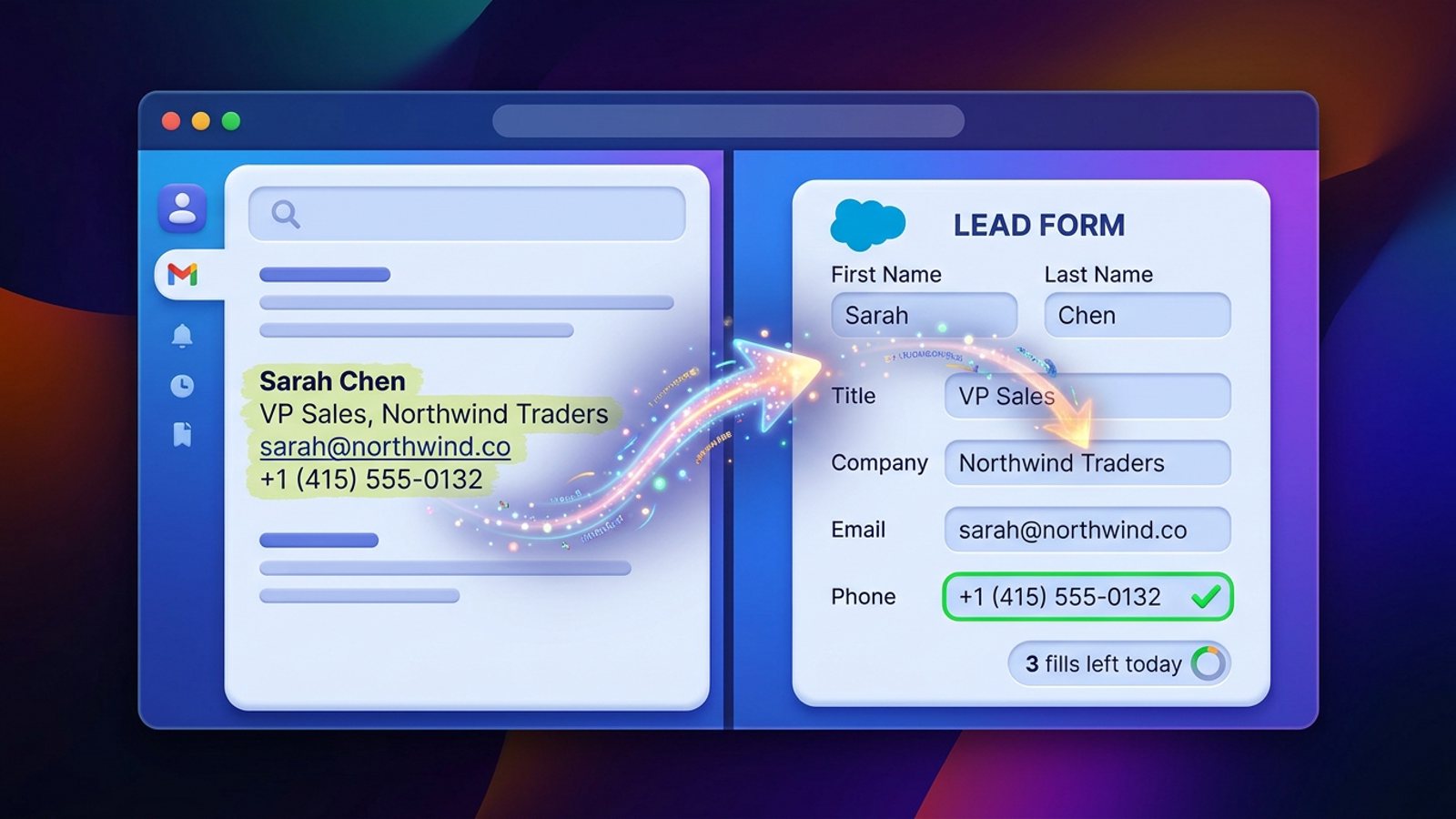
Yes — SmartFill's free plan gives 5 fills to start, then 3 per day forever, with Pro unlimited at $9.99/month. Here's how it compares with Web-to-Lead and Chrome autofill.
Read article →
SmartFill turns messy pasted lead text into any Salesforce object with unlimited fields. Magical suits cross-app autofill; Chrome autofill and Quick Create are the free, manual baseline.
Read article →
Chrome autofill often can't fill Salesforce Lightning forms, and a freelancer adds cost, delay and access risk. Here's how an AI form filler the rep drives compares.
Read article →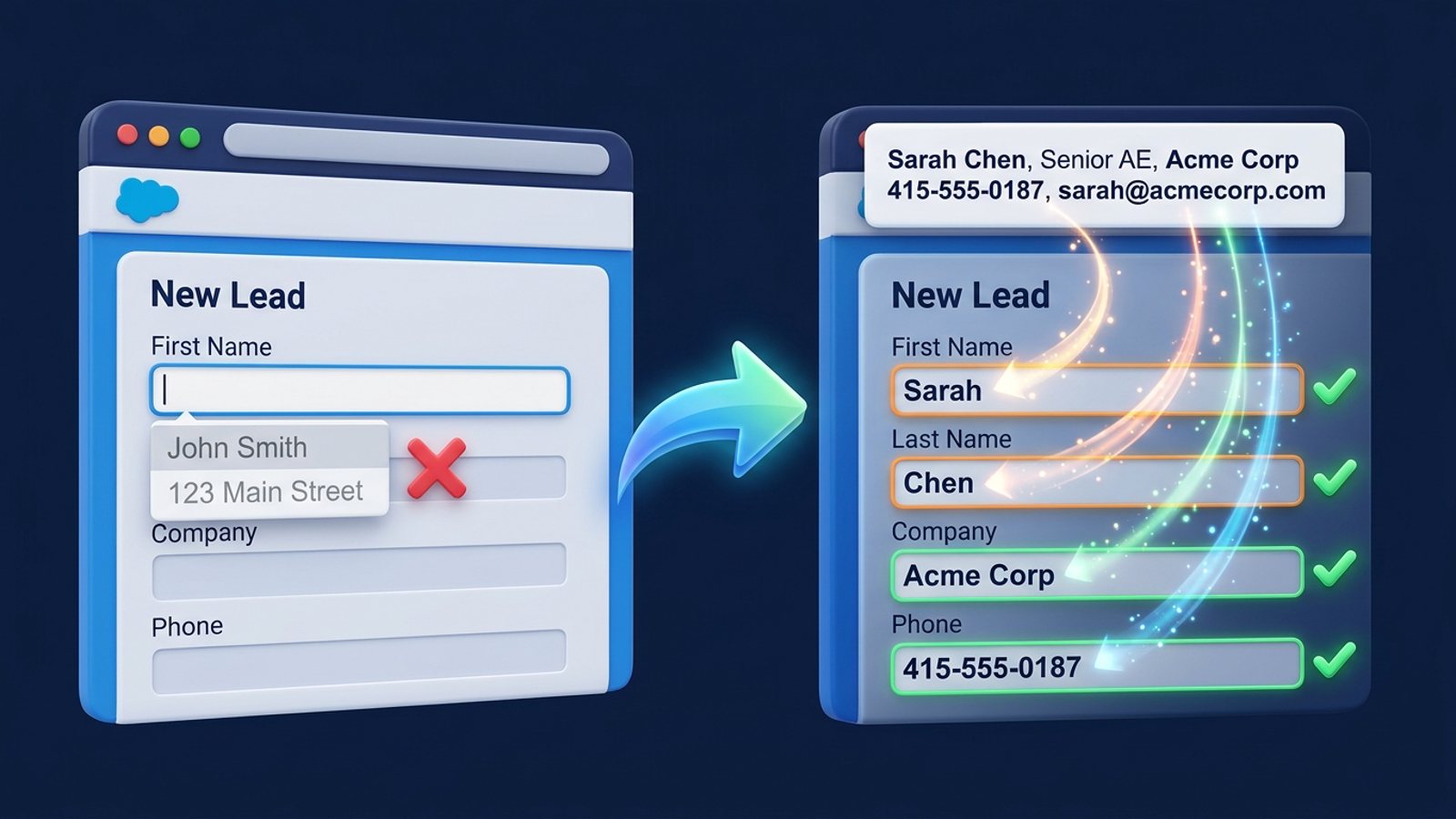
Generic browser autofill is worth it for your own details and useless for a lead's. Here's when it earns its keep, and what to use for Salesforce lead entry instead.
Read article →
Manual copy-paste is free but slow and error-prone. Magical only pays off after you build templates for each field mapping. A zero-setup AI filler wins when lead data arrives messy and different
Read article →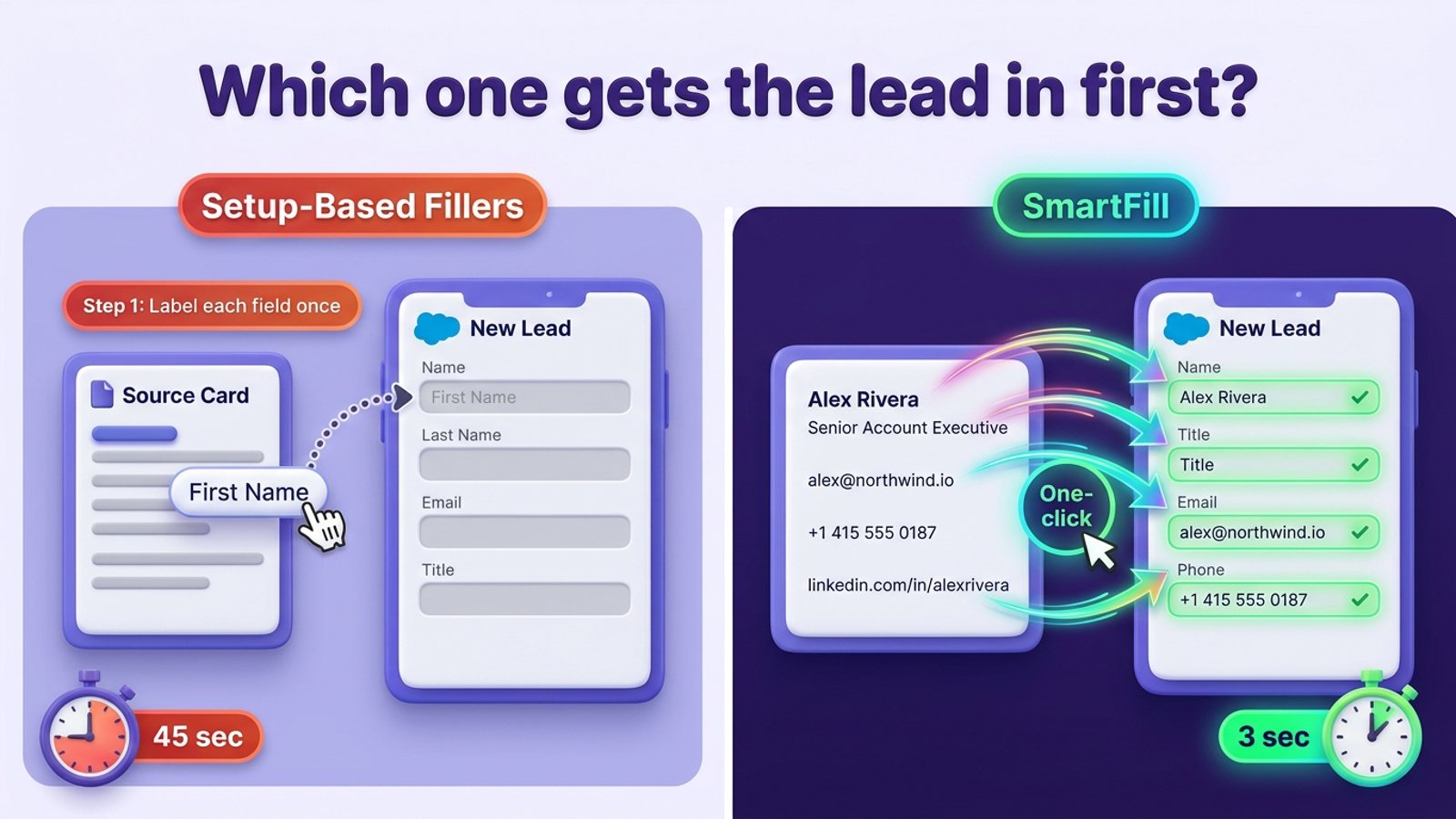
Magical is a mature text expander that fills Salesforce from fields you label once; FillGenius fills from saved profiles. For messy pasted lead text, a Salesforce-specific AI filler is the more
Read article →
For Chrome users who fill Salesforce records, a Chrome extension beats a separate form platform. SmartFill fills the open record from pasted text; form builders handle public capture.
Read article →
Formstack is an admin-heavy public form builder. For founders who just need leads inside Salesforce, compare Web-to-Lead, Jotform, Typeform and a Salesforce-first AI form filler.
Read article →
Yes. For a 2–10 person sales team, Salesforce's built-in Web-to-Lead or a free-tier builder like Tally costs nothing extra. If your leads arrive as text, SmartFill fills the Salesforce form for
Read article →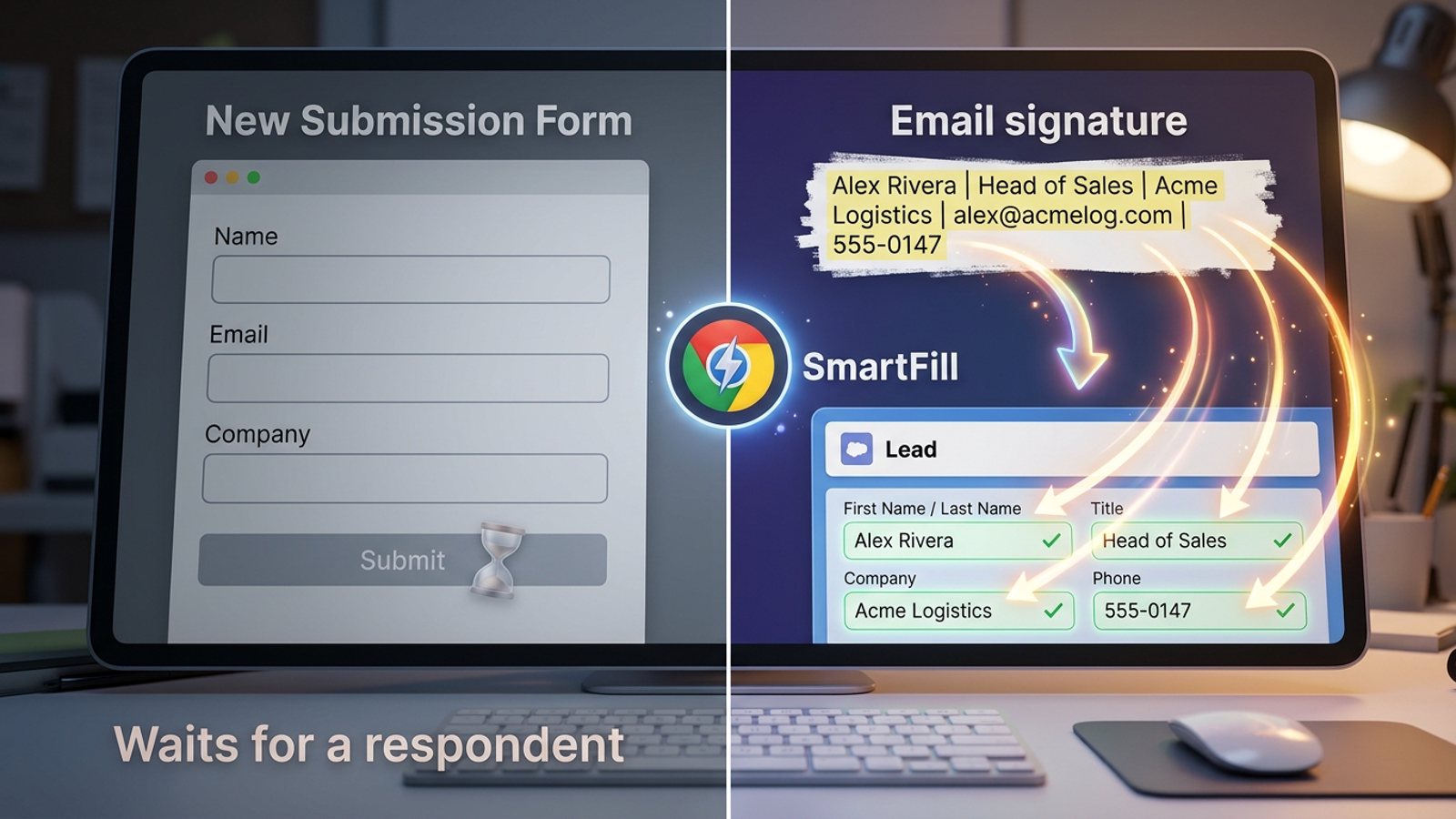
Formstack alternatives are mostly form builders that capture new submissions. If you need to fill an existing Salesforce record from lead data you already have, a paste-and-fill Chrome extension is
Read article →
FormAssembly is built for structured form intake, not for a rep pasting messy lead text. Here are the faster, cheaper ways SDRs can log leads into Salesforce.
Read article →
Yes — SmartFill's free plan fills Salesforce forms from pasted lead text with 5 fills to start, then 3 per day forever. FormAssembly is a quote-only enterprise form builder with no free plan.
Read article →
Formstack, Jotform and Typeform are the closest form-builder swaps, but if you need to fill an existing Salesforce record from messy lead data, a paste-and-fill extension like SmartFill is the direct
Read article →
ChatGPT can fill forms in Chrome with Work mode, but it's a supervised browser agent — not a Salesforce field mapper. Here's where a purpose-built AI form filler fits.
Read article →
ChatGPT can summarise your meeting notes and suggest field values, but it can't write them into an open Salesforce record. Here's how to close that gap — and fill the form in seconds.
Read article →
Gemini reads the card and returns clean text, but it can't write into Salesforce. Pair it with a paste-and-fill extension to turn that text into a filled record in one click.
Read article →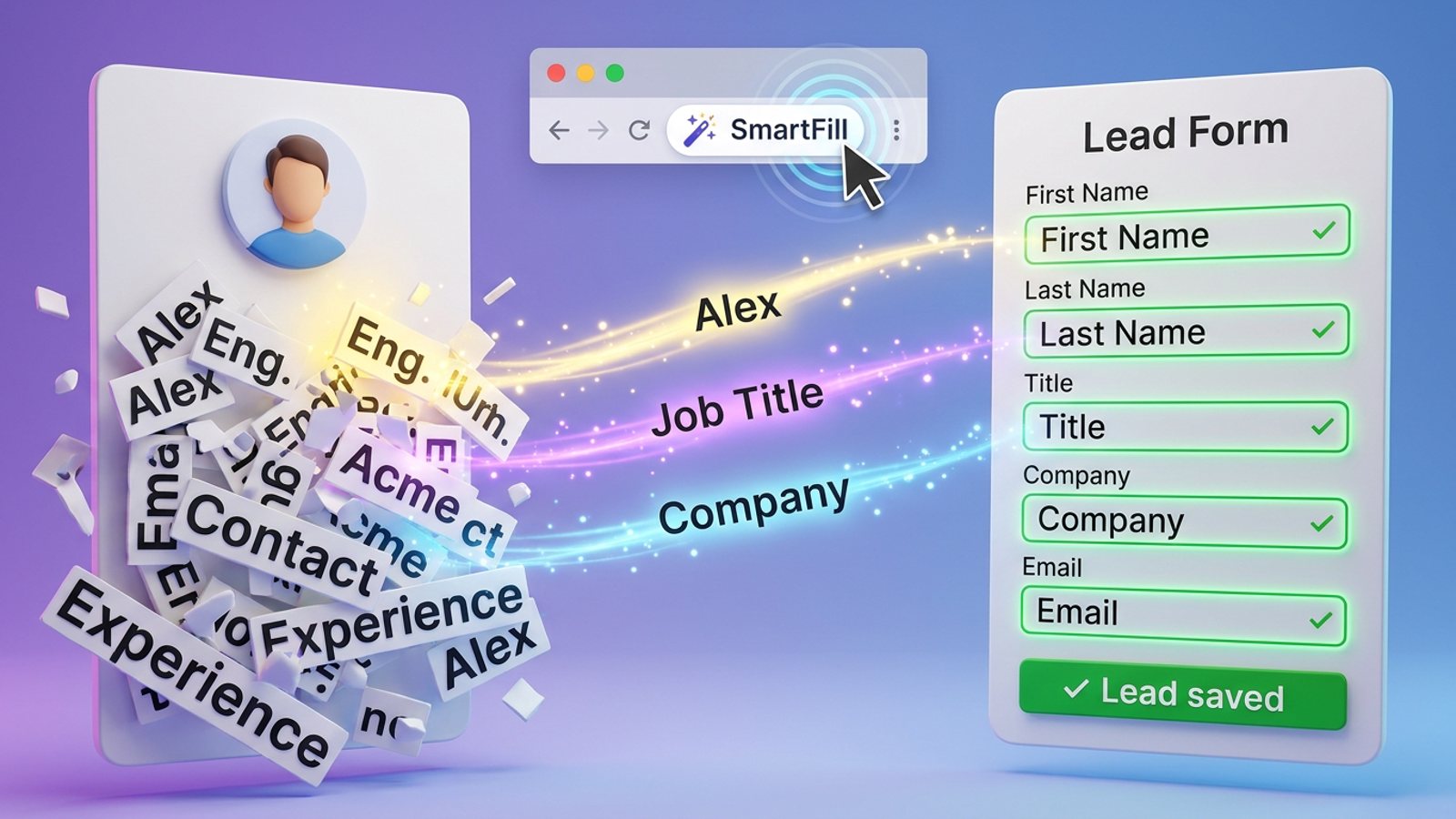
Claude can extract name, title and company from a pasted LinkedIn bio, but it can't type them into your Salesforce form. Here's how to close that last mile.
Read article →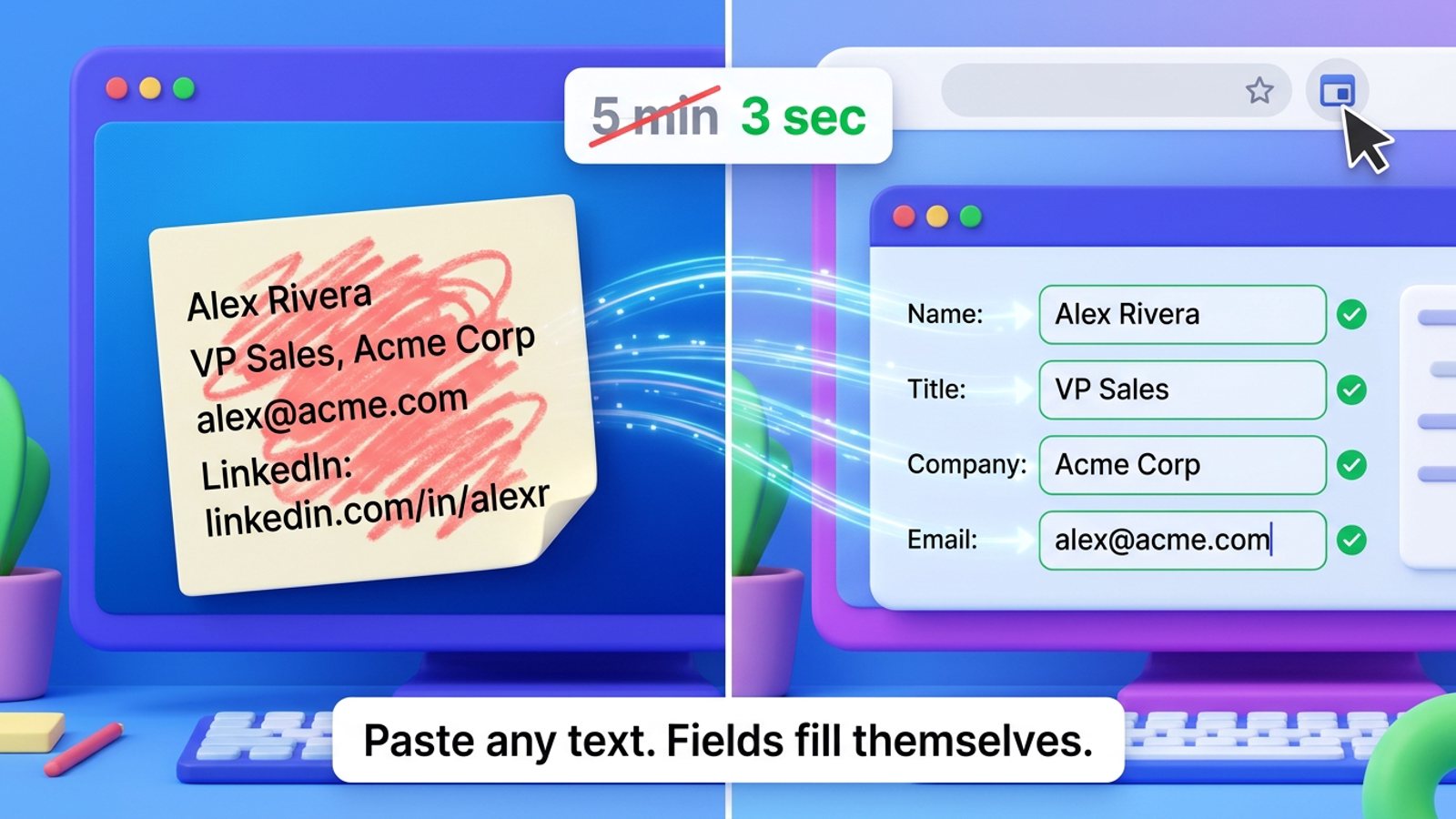
We compared the AI Salesforce form fillers sales teams actually use in 2026. SmartFill turns pasted lead text into filled Salesforce forms in one click, with a free daily allowance to pilot first.
Read article →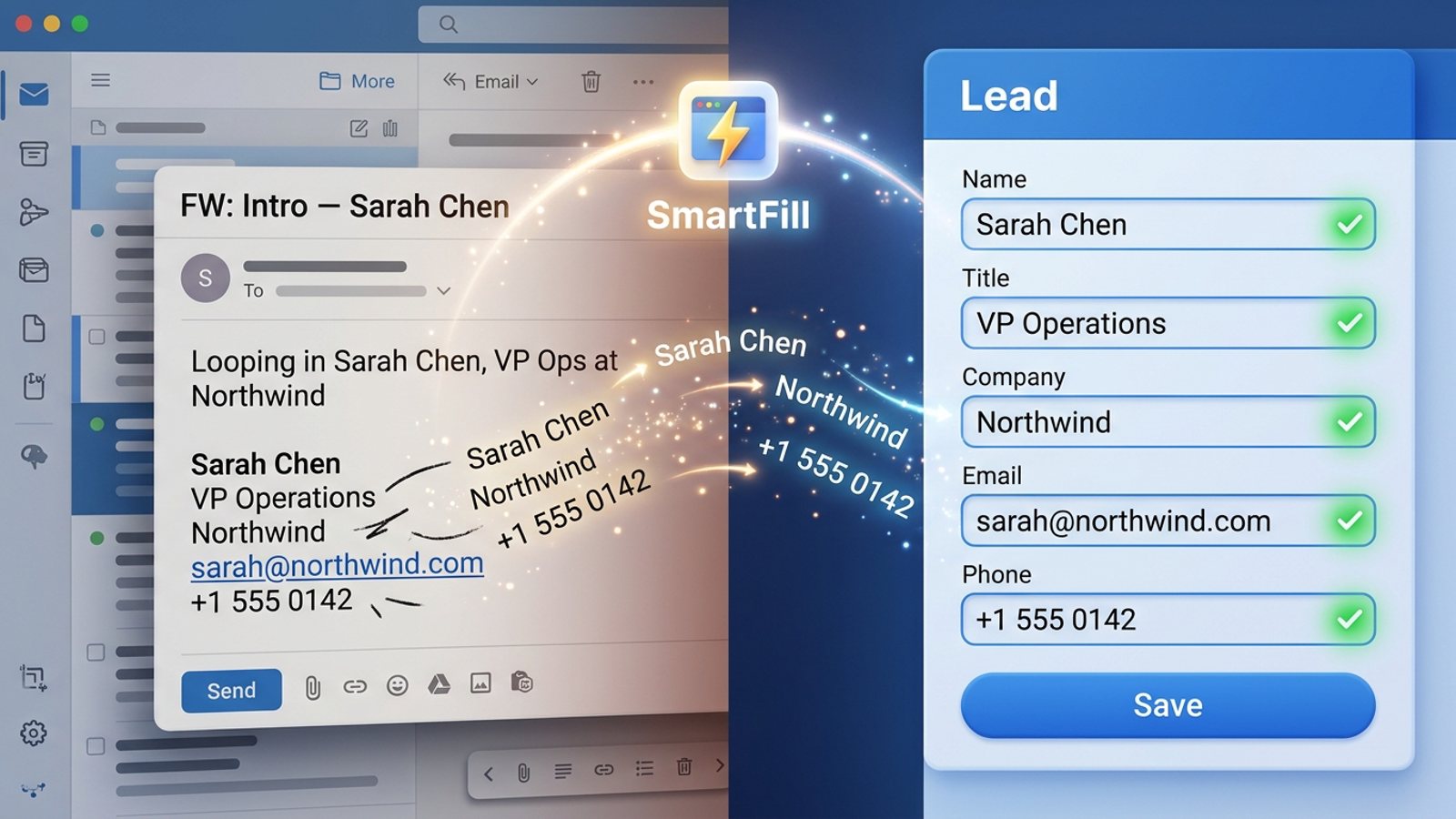
Yes — copy the forwarded thread, paste it into a paste-and-fill Chrome extension, and it reads the messy email and fills the Salesforce form for you. No inbox sync, no setup.
Read article →
Yes — a pasted-text AI form filler turns a jumbled email signature into a filled Salesforce record in seconds. Copy, paste, review, save.
Read article →
Yes — SmartFill fills Salesforce forms from pasted card text in seconds. No card scanning: you supply the text, the AI handles the parsing and typing.
Read article →
Magical needs field labelling first; FillApp is credit-metered and warns its AI may misfire. See how a Salesforce-first filler turns messy pasted lead text into a filled record in one click.
Read article →
The best AI Salesforce form filler for AEs is the one that demands the least typing between calls. SmartFill parses messy call recaps into any open Salesforce form with one click.
Read article →
The best tool depends on the job: SmartFill creates a new Lead from pasted call notes in seconds, while Salesforce's built-in Log a Call handles notes on existing records.
Read article →
Turn a pasted deal recap email into filled Salesforce fields in seconds with SmartFill, or attach the email itself with native tools. Here's which fits each job.
Read article →
SmartFill turns a pasted LinkedIn bio into a filled Salesforce Lead in one click. See how it compares to Sales Navigator sync, Zapier automations and generic autofill extensions.
Read article →
ChatGPT cleans messy lead text, but it can't see or fill your Salesforce form. Pair it with an AI form filler to finish the job in seconds.
Read article →
Yes — a meeting tool produces the transcript, then a paste-and-fill extension turns that messy text into filled Salesforce fields. Here's the workflow, the tools, and what to check before you save.
Read article →
Yes, partly. Browser AI assistants can type into a logged-in Salesforce page with your permission, but they're supervised generalists. A dedicated filler turns pasted lead text into a filled form
Read article →
Yes — SmartFill fills Salesforce forms on Lightning and Classic pages in Chrome, from any pasted text. See how it compares to generic autofill tools.
Read article →
FillGenius Pro is reported at $9/month, SmartFill Pro at $9.99/month — but the real saving is billing: SmartFill gives 5 free fills then 3 daily forever, and unlimited fills on Pro instead of a
Read article →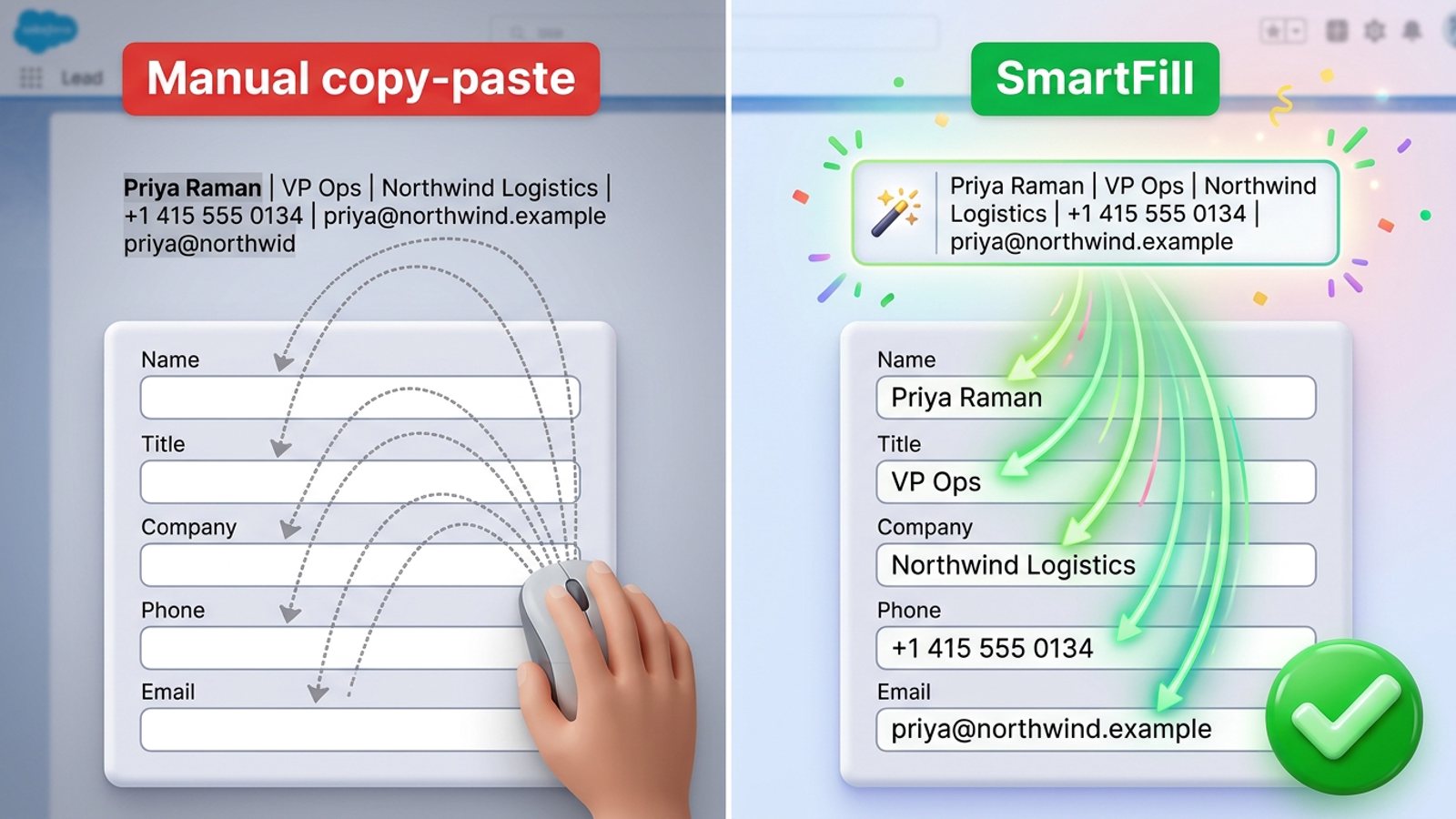
Magical is a general text expander, not a Salesforce-first form filler. See how AI form fillers, snippet expanders, Chrome autofill and native Salesforce entry compare for filling lead forms from
Read article →
Yes — paste the profile text, click, and the Salesforce form fills itself. Here's the fastest route, what it costs, and where each option breaks.
Read article →
Compare the tools that fill Salesforce custom object forms: SmartFill for pasted text, Flow for rule-based updates, and form tools for web capture. Pick by where your data enters.
Read article →
For a messy, human-written email, a paste-the-text AI form filler turns the body into filled Salesforce Lead fields in seconds. For templated inbound, Web-to-Lead or a Zapier workflow fits better.
Read article →
Compare the five realistic routes to a filled Salesforce record — manual typing, macros, Einstein Autofill, Titan AI Studio, and a Chrome extension — and see which fits your job.
Read article →
Manual CRM entry costs reps 5–13 hours a week. A form filler turns a 4-minute paste job into a 3-second click — here's when it's worth it and when it isn't.
Read article →
No tool in this comparison publishes compliance certifications, so judge a secure AI Salesforce form filler by how it handles your lead data. SmartFill processes text in real time, stores nothing
Read article →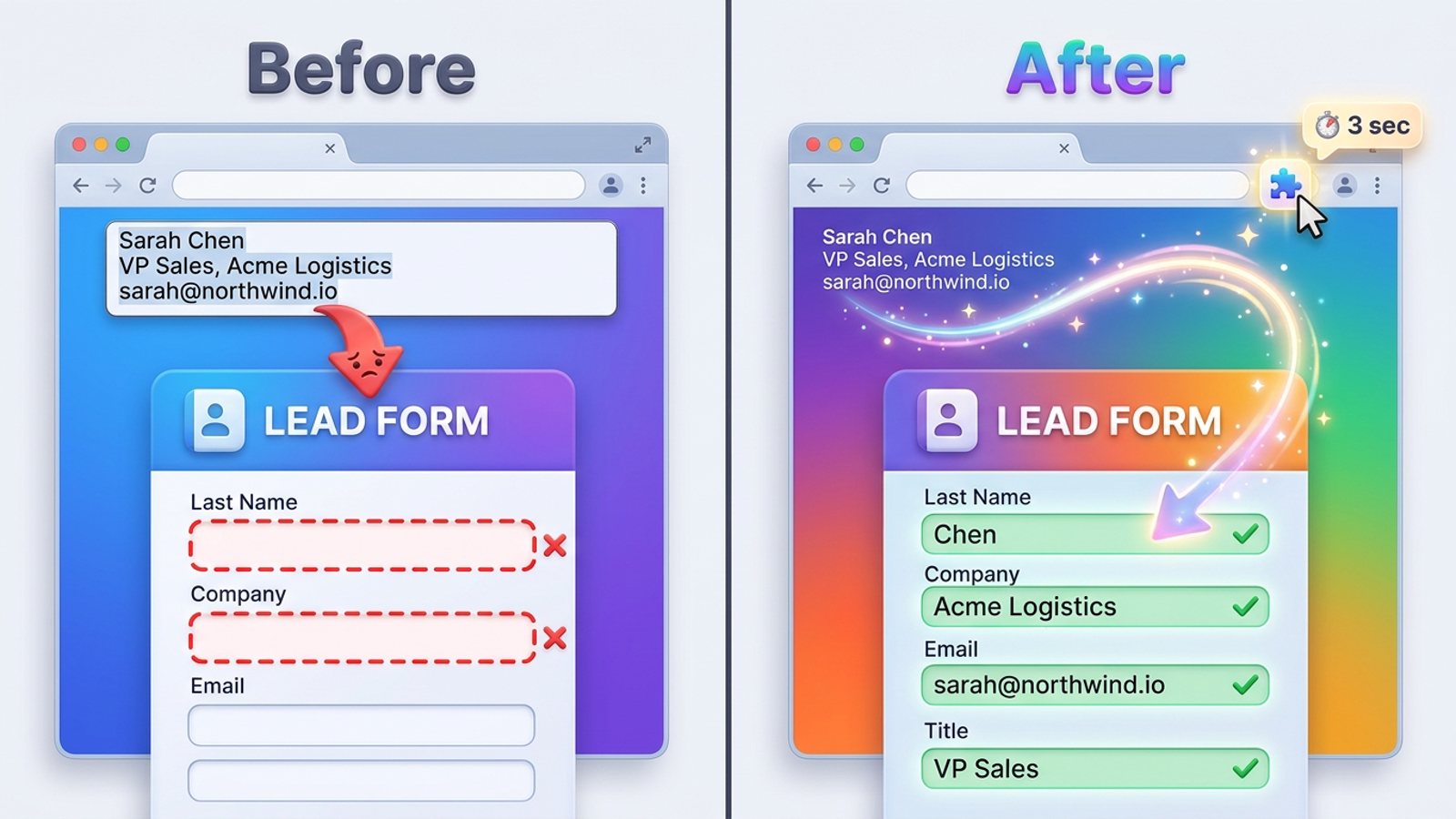
The best AI form filler for Salesforce leads depends on how the lead arrives. For pasting messy text into a Lead record, SmartFill is the fastest zero-setup pick — 5 free fills, then 3 a day.
Read article →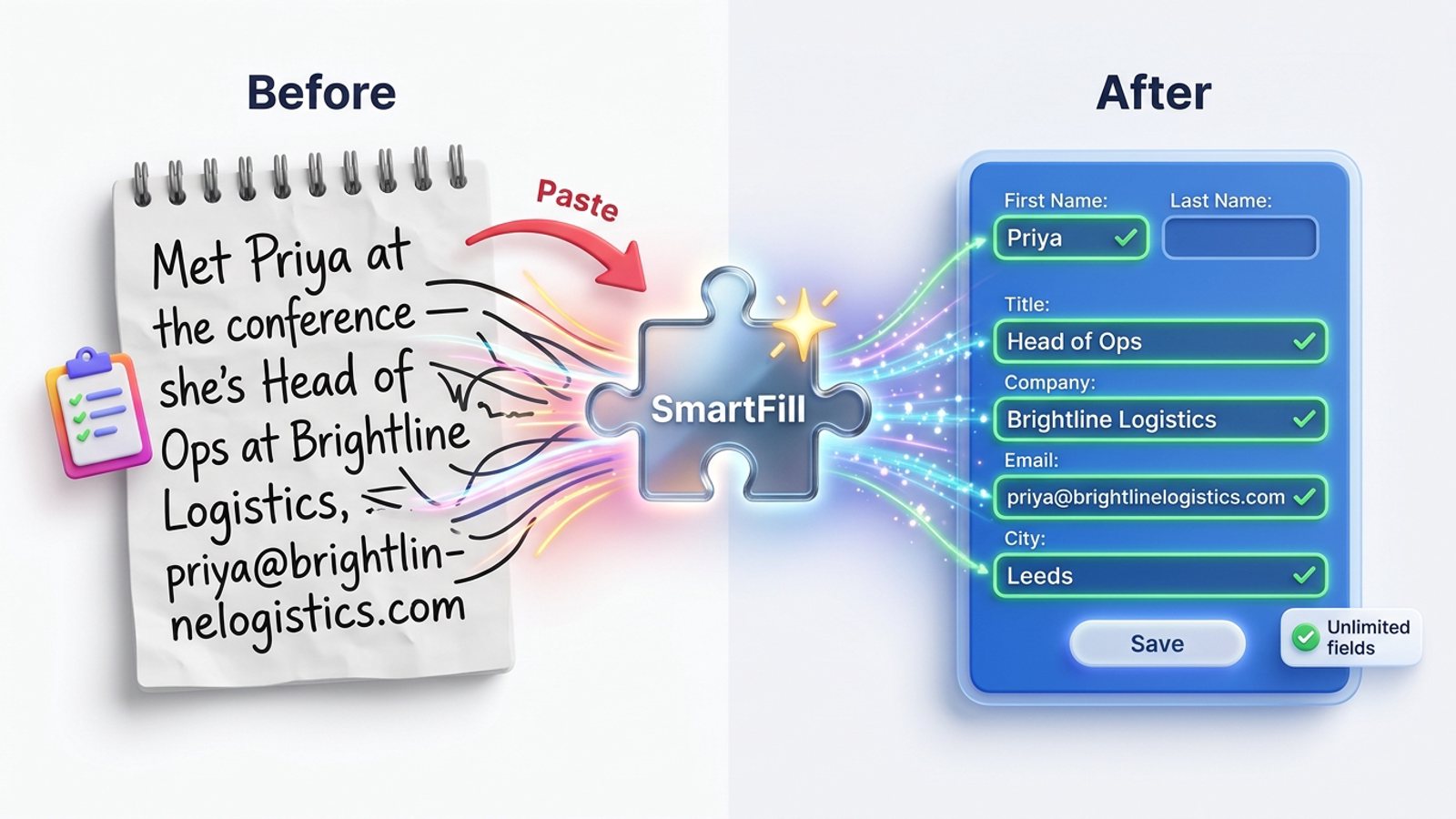
SmartFill reads messy pasted text and fills any Salesforce object with no field limit or setup. See how it compares to Quick Text, Magical and other autofill tools.
Read article →
SmartFill is our pick for filling Salesforce forms from messy, pasted lead text — install in 10 seconds, no sign-up, unlimited fields. Text Blaze and Magical suit snippet and profile workflows better.
Read article →
SmartFill turns messy LinkedIn bios and email signatures into filled Salesforce records in one click. See how it compares to Web-to-Lead, Jotform and Magical for the SDR's daily grind.
Read article →
See what Einstein Activity Capture logs for you, where retention and reporting limits bite, and when a pasted-text filler covers the job it doesn't.
Read article →
Agentforce is Salesforce's AI agent platform. Find out what it does, what it costs, and whether you need it or a simpler fix for daily data entry.
Read article →
Understand what Salesforce Einstein does, from lead scoring to drafted emails, and how Agentforce and clean data fit in, so you know what to expect.
Read article →
Clean list or messy single lead? Here is how to choose between bulk import and one-by-one entry in Salesforce, and when to use both.
Read article →
Turn a spreadsheet of leads into Salesforce records without failed rows: prep the CSV, run the Data Import Wizard, test small, then import.
Read article →
Pick the right Salesforce import tool in minutes: the wizard for tidy files up to 50,000 records, Data Loader for big, complex or automated jobs.
Read article →
Stop double-entry before it starts: set up Salesforce duplicate rules, search first, and clean up what you already have.
Read article →
Stop bad data at entry, audit on a schedule and give each object an owner. Here is what to set up first to improve Salesforce data quality.
Read article →
Cut admin at the source and get more conversations a day: batch research, templates, calendar blocks, one-step logging and lead entry from pasted text.
Read article →
Vendor surveys put selling at 30-40% of a rep's time. See what they say about sales rep admin time and how to win your hours back.
Read article →
Stop retyping customer emails into Salesforce. Set up Email-to-Case first, then handle the leftover emails and chat notes with a one-click paste.
Read article →
Get new Contacts into Salesforce without retyping. Compare sync, lead conversion and pasted-text autofill, then pick the fastest route for each person.
Read article →
Stop retyping details into forms. Learn how an AI form filler turns messy text into filled fields, how it differs from autofill, and how to check its work.
Read article →
Stop retyping the same forms. See which AI form filler fits your job, from all-round Zipifil to SmartFill for Salesforce, with honest trade-offs.
Read article →
Yes. See which Chrome extensions fill Salesforce forms, how they differ, and which fits if you want leads in without retyping.
Read article →
Get hours of selling time back: trim fields, set the right required rules, automate web leads and imports, and fill one-off records from messy text.
Read article →
Spend less time typing and more time selling. Shorten the form, preset defaults, and paste messy lead text instead of retyping it.
Read article →
Find out how many hours a week lead entry really costs you, with a simple calculator and a 15-minute way to time your own leads.
Read article →
Cut the copy-paste out of your Salesforce day: fix each source of it, from web forms and email to lists and messy text, and get back to selling.
Read article →
Get a LinkedIn prospect into Salesforce as a clean Lead in seconds, and see when Sales Navigator sync or Lead Gen Forms fit better.
Read article →
Turn a messy email signature into a filled Salesforce Lead in a few clicks. Compare doing it by hand, with Salesforce's Outlook/Gmail panel, or with an AI form filler.
Read article →
Use AI as a fast first draft for formulas, Flows and documentation, then review and test. Here is where it helps and what to set up first.
Read article →
See which AI features Salesforce includes, how Einstein and Agentforce differ, and how to skip the typing when a new lead arrives as pasted text.
Read article →
Get more selling time back. See the six AI use cases in sales, which ones are quick wins, and which are bigger projects, with sourced data.
Read article →
See real examples of AI in Salesforce, from lead scoring to Agentforce, and where AI can save you typing before a record even exists.
Read article →
Get more selling time with a simple day plan for using AI in Salesforce: research, lead entry, emails, call notes and forecasts.
Read article →
Yes, Salesforce uses AI. See what each edition lists, what it costs, and the faster way to get a lead from an email into Salesforce.
Read article →
Find the right AI tool for Salesforce by the job you need done and how it connects, from built-in Agentforce to a browser extension that fills records for you.
Read article →
No single AI wins every job. Match the tool to your biggest time-sink, from forecasting to getting lead details into Salesforce without retyping.
Read article →
Stop retyping lead details. See which Salesforce tools autofill fields for you, and what to use when the data is messy text from an email or LinkedIn.
Read article →