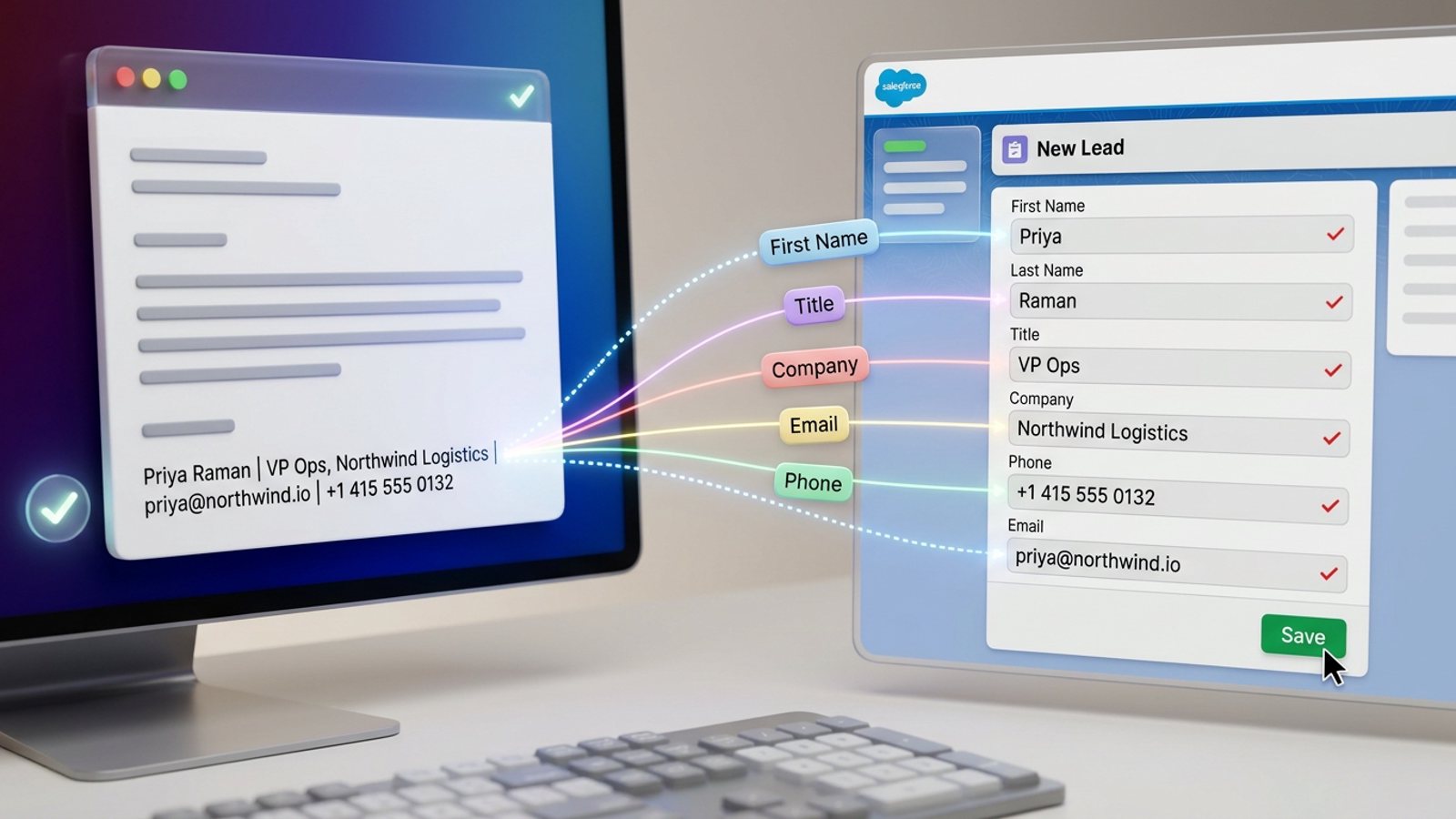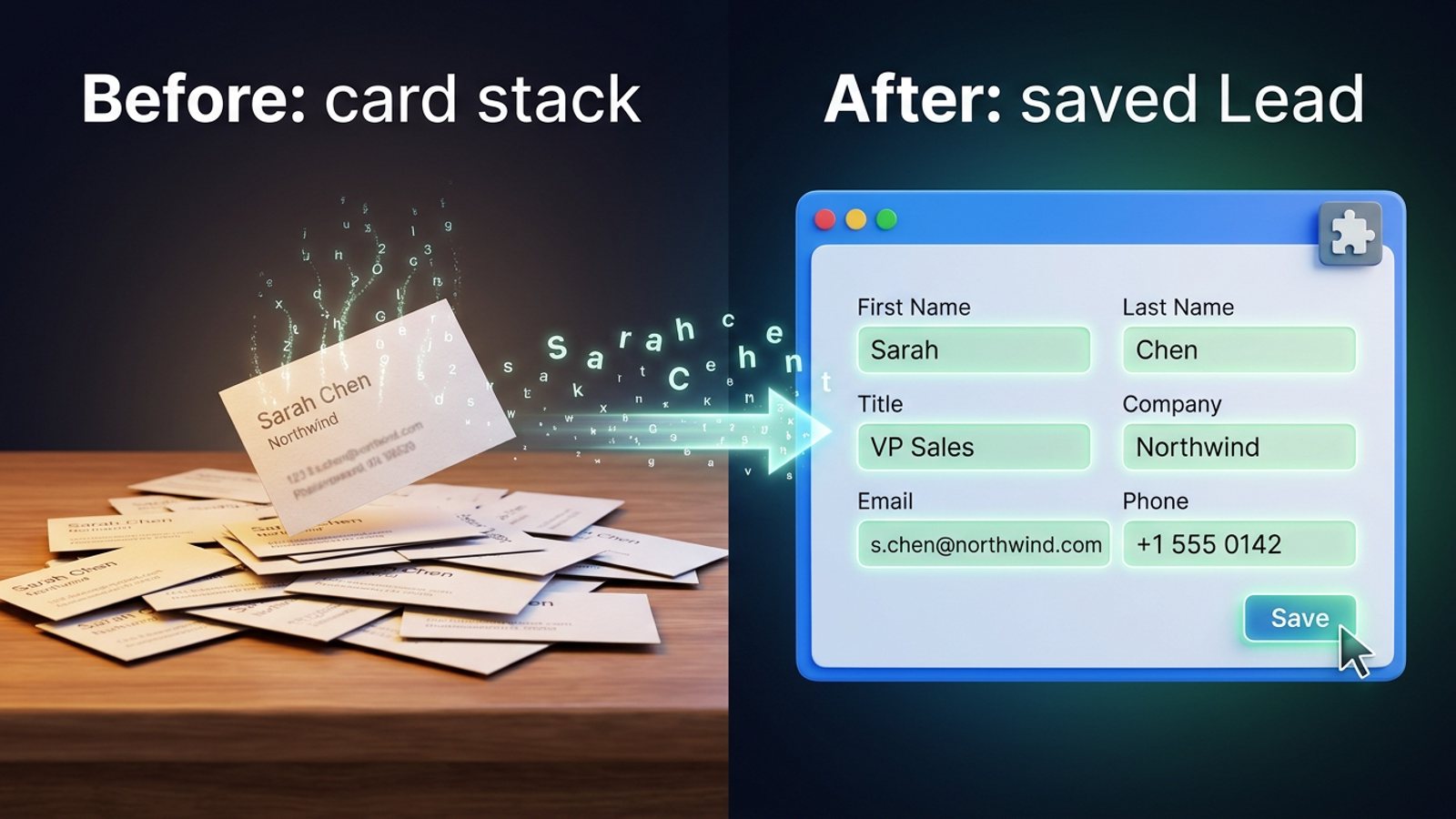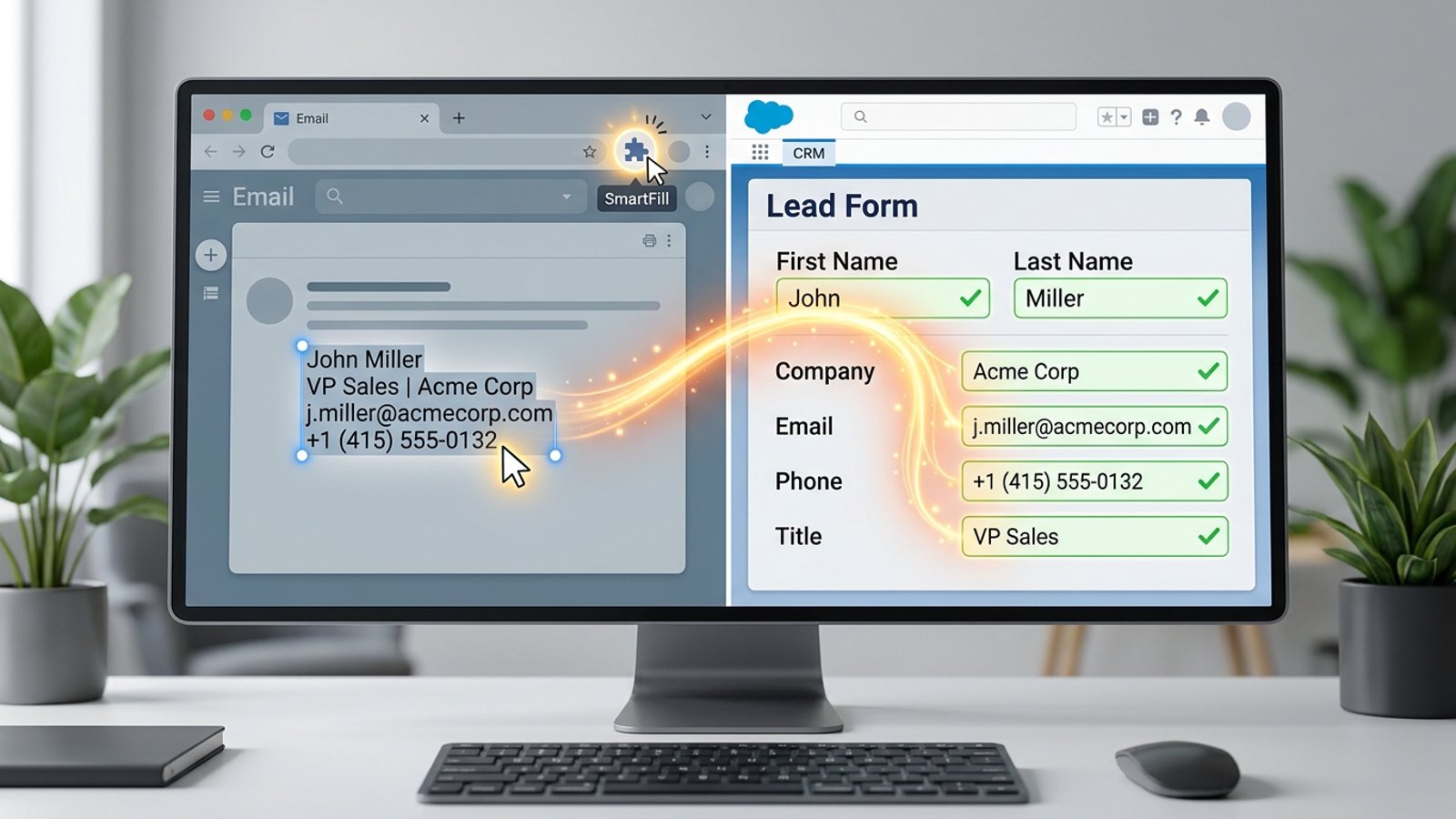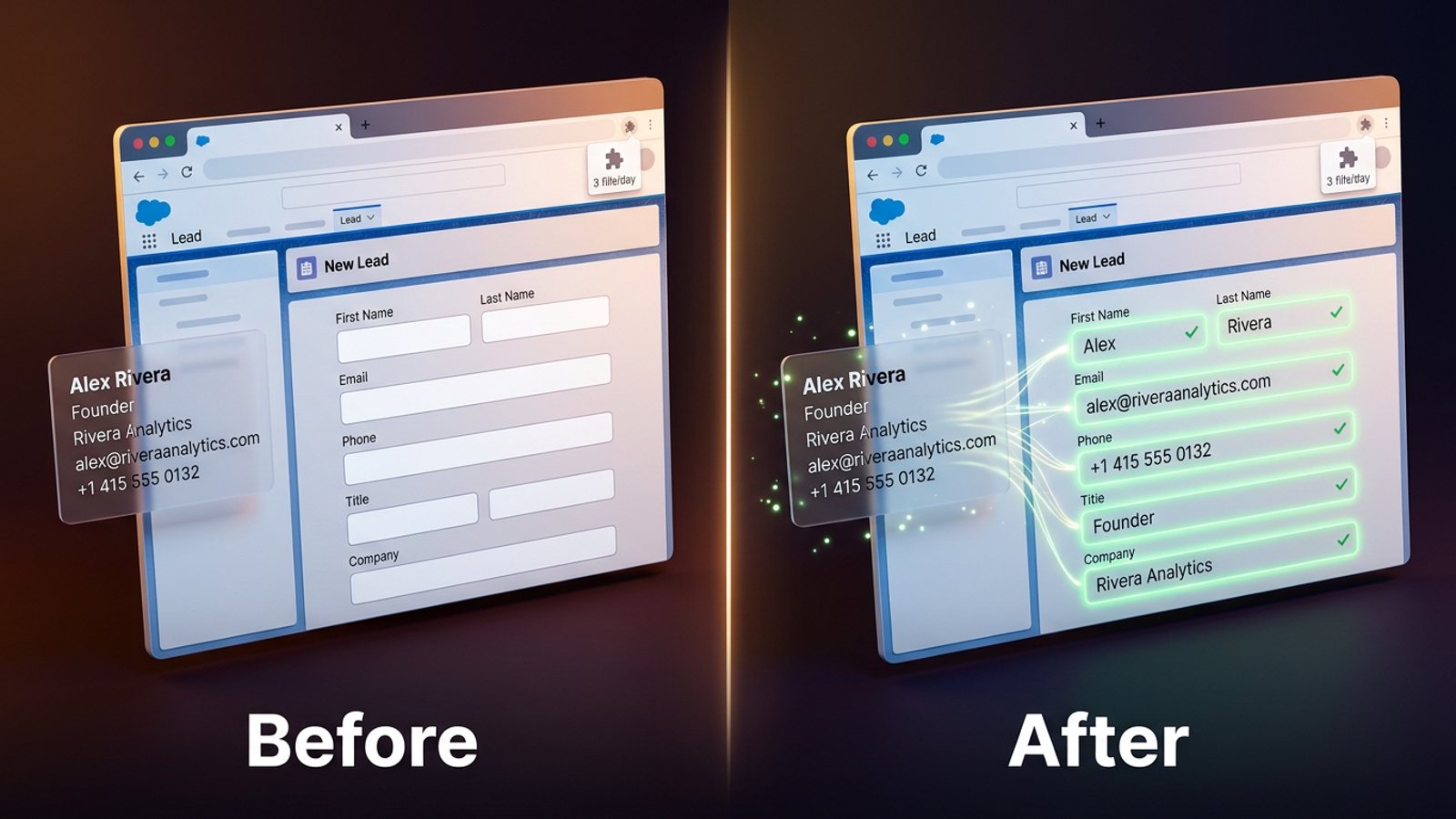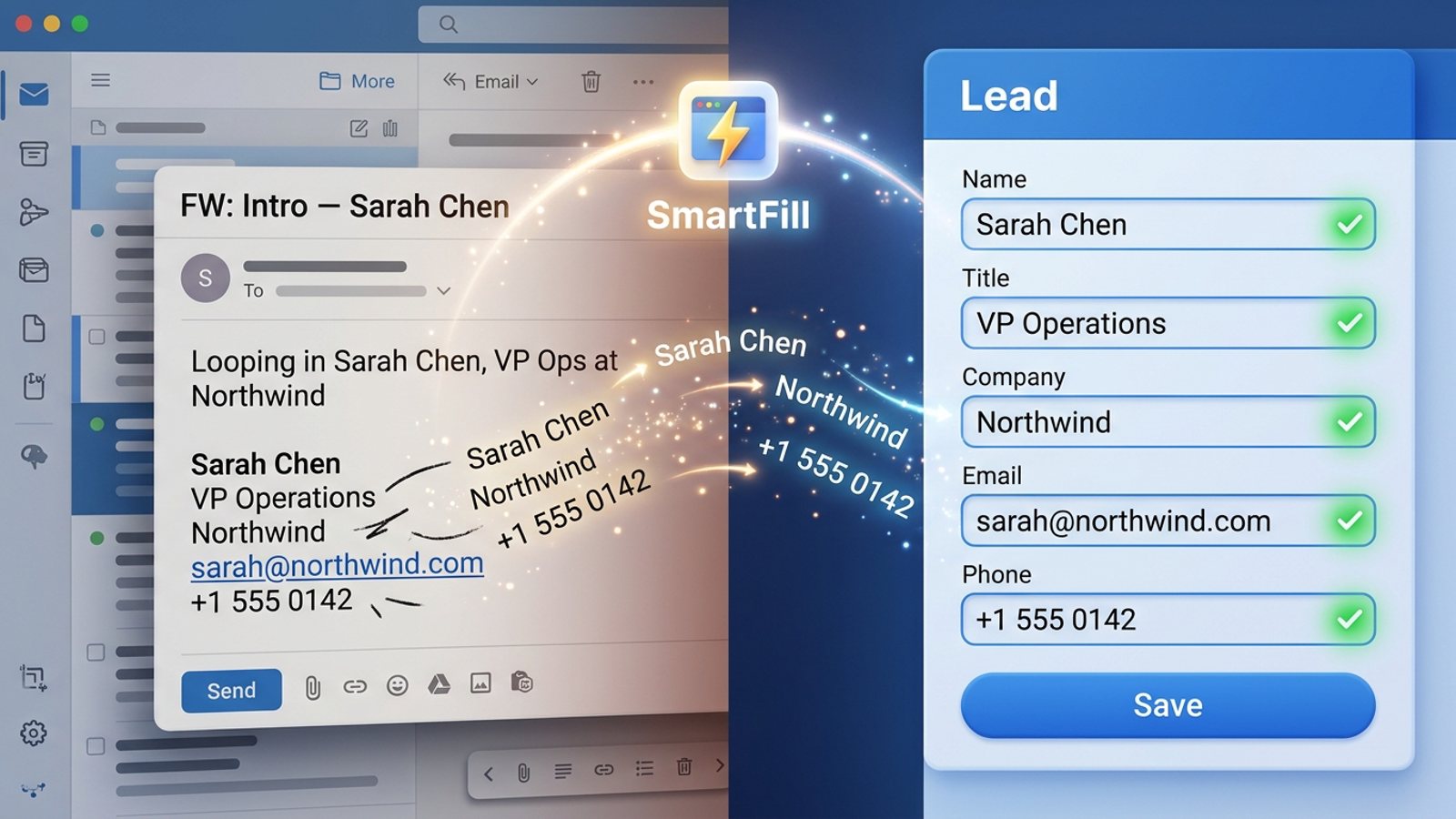
Yes. Copy the forwarded thread's text, paste it into a paste-and-fill Chrome extension, and it reads the messy email and fills the Salesforce form for you. SmartFill does this in about three seconds, with no inbox sync and no setup. If you want zero clicks and a permanent automated pipeline, that's a different job — email-to-lead automation — and it needs a developer or a connector.
How does a forwarded email thread get into Salesforce without typing?
You copy the thread text and paste it into an AI form filler for Salesforce, which reads it and populates the record. That's the whole workflow. The forwarded intro is unstructured — a colleague's "meet Sarah, she runs ops at Northwind" line, then Sarah's signature with her title, company, phone and email. An AI filler pulls those into the right fields.
Here's the practical sequence:
- Copy the thread body in Gmail or Outlook — include both the intro paragraph and the signature block. Both carry fields.
- Open a new Lead, Contact or Case in Salesforce.
- Paste the text into your filler tool.
- Click fill and let the tool map the text to fields.
- Review the high-value fields — name, email, company, title — before you save.
- Save the record and link it to the right Account or Opportunity.
No CSV, no field-by-field typing, no switching tabs to retype an email address you already have in front of you.
If you want that to take seconds rather than minutes, install SmartFill free and try it on the next intro thread you get.
Why doesn't Salesforce's Email-to-Lead just handle a forwarded thread?
Because Email-to-Lead is designed for prospects emailing you, not for a colleague forwarding you an intro. Salesforce's own documentation describes Email Services as tied to one or more Salesforce-generated addresses that users forward or send messages to for processing. MassMailer's 2026 write-up describes the mechanics: a prospect emails a sales address, Salesforce creates a Lead with the sender as contact, the subject as description, the body captured, and Lead Source set — then assignment rules route it to a rep or queue.
Notice what's missing. The sender becomes the contact. In a forwarded intro, the sender is your colleague, not the new prospect. The body is captured for context, but nothing extracts Sarah's title or company into fields.
Tomba's August 2026 comparison of email-to-lead methods is blunt about why rule-based parsing struggles with human writing: no regex survives contact with free-form human emails. The same comparison recommends Email Services with a tight Apex handler only when inbound is templated — form notifications, partner feeds, event exports. A forwarded intro is the opposite of templated.
What's the fastest way to get a forwarded contact into Salesforce today?
Paste-and-fill. It's the only route that needs no admin, no developer and no field mapping. You have the thread open; you have Salesforce open; you copy, paste, click, review, save.
Say you're an SDR and a colleague forwards you an intro at 9:40am. The thread reads: "Looping in Sarah Chen, VP Ops at Northwind — she's evaluating us for Q1." Below it, Sarah's signature: title, company, direct line, mobile, email, LinkedIn. You copy the whole block, paste it into SmartFill on a new Lead record, and the form populates. You check the four fields that matter, fix anything the AI misread, and save. Then you're on to the next thing.
The same principle applies to other messy sources — a pasted signature block, a LinkedIn profile, a business card photo's text. We cover those separately in how to fill Salesforce from a messy email signature and filling Salesforce from a LinkedIn profile you paste in.
Which tools fill Salesforce from a forwarded email thread?
Here are the realistic options, compared. SmartFill goes first because it's ours, and the rest are here because they genuinely suit some readers better.
| Option | Best for | Key features | Price / free option | Watch-outs |
|---|---|---|---|---|
| SmartFill (Our pick) | Reps with a thread open who want the record filled now | AI fills from pasted text; any Salesforce object; no setup | Free: 5 fills, then 3/day; Pro $9.99/mo | Desktop Chrome only; you paste the text yourself |
| Salesforce Email Services / Email-to-Lead | High-volume templated inbound | Native; creates Leads from inbound email | Pricing not confirmed here | Needs a developer for Apex; sender becomes the contact |
| Zapier / Make / Pabbly | Teams with a dedicated inbox and a fixed format | No-code field mapping; Gmail trigger → create record | Free tiers: 100 tasks (Zapier), 1,000 ops (Make) | Won't parse a human-written thread cleanly |
| Gmail SyncForce / SCube | Reps who want to create a Contact from inside Gmail | Free open-source Gmail add-on; logs emails as Tasks | Free; bring your own AI API key | ~23 users; needs your own Connected App |
| Manual copy-paste | One-off, low-volume contacts | Nothing to install | Free (your time) | Slow and error-prone per Tomba, 2026 |
SmartFill is made by the team behind this blog.
A word on each, honestly. Salesforce Email Services gives you full control — regex parsing, attachment handling, deduplication, routing by content, error logging — but Prospeo's write-up notes it requires a developer to build and maintain. If your inbound is templated and high-volume, that's the right tool and SmartFill isn't trying to replace it.
Zapier, Make and Pabbly connect Gmail to Salesforce with a visual mapper. Appy Pie Automate's 2025 walkthrough describes the four steps: choose the Gmail trigger, test it, pick Salesforce as the action, authenticate, then map data. Make's Salesforce connector lets you pick the Lead object from a dropdown, per Prospeo. The catch: these triggers need a consistent format. A vendor comparison lists Zapier at $19.99/mo, Make at $9/mo and Flozic at $19/mo flat, with free tiers of 100 tasks/mo (Zapier) and 1,000 ops/mo (Make) — third-party figures, so check official pricing before you commit.
Gmail SyncForce / SCube is a free, open-source Gmail↔Salesforce extension. Its Chrome Web Store listing (updated November 2026) says it auto-matches senders to a Contact or Lead, logs emails as Tasks, and can create a Contact or Lead from Gmail. It's honest about the trade-off: you create your own Salesforce Connected App and paste a Consumer Key/Secret, and you supply your own AI API key. The listing shows about 23 users. If you want to log the thread itself and don't mind setup, it's a fair choice.
If you mainly need to log the email activity rather than create a fully populated record, Salesforce's own Google Workspace integration (documented July 2025) automatically logs email and calendar activity into Salesforce. That's a different job from field-filling.
For the paste-and-fill job specifically, get SmartFill for Chrome — it's the fastest route from a forwarded thread to a saved record.
Does an AI filler actually understand a forwarded thread?
Yes — that's the point of using AI rather than a parser. SmartFill's Chrome Web Store listing says it fills Salesforce Leads, Contacts, Cases and custom objects from pasted, unstructured text such as an email signature or a LinkedIn section, with a one-button fill. A forwarded thread is exactly that kind of input: human-written, inconsistent, with the useful details scattered across an intro line and a signature.
An AI filler doesn't need your forwarded email to follow a template — it reads the human writing and works out which detail belongs in which field.
That's the difference from a regex parser. A parser needs to know that "Direct:" precedes a phone number. An AI filler reads "give her a ring on the mobile below" and still finds the number.
Is it safe to paste lead data into a form filler?
It depends on the tool's privacy posture — and you should check each listing's disclosure before you paste anything. SmartFill's position: text is processed in real time and not stored, and the owner confirms no information sent to the AI is saved. It builds no lead database. That's the standard to hold any tool to: does it store what you paste, and where?
Two more things worth knowing. Salesforce doesn't support third-party browser extensions, per its developer documentation, so any extension is used at your own risk. And extensions vary widely — an open-source tool with your own API key has a different privacy model from a hosted one. Our recommendation: read the listing's privacy section before your first paste, whichever tool you pick.
This isn't legal advice, and data-handling rules vary by place — check your own compliance requirements before pasting customer data into any third-party tool.
Can I make forwarded emails fill Salesforce automatically, with no pasting?
Yes, but "automatically" means a pipeline you build and maintain, and it works best on templated email. The realistic options:
- Salesforce Email Services with an Apex handler — a Salesforce-generated address receives the forward, Apex parses it. Full control, needs a developer. Salesforce's own example is an email service that automatically creates contact records from contact information in messages.
- A connector like Zapier, Make or Pabbly — a Gmail trigger watches a label or inbox, then creates the record. Prospeo's notes put setup at roughly 15 minutes for Zapier and about 30 for Make.
- A Gmail add-on — SyncForce/SCube or a commercial add-on that creates a Contact from the open email.
Every one of these hits the same wall on a human-written forward: the parser doesn't know which name is the prospect and which is your colleague. Tomba's 2026 analysis makes the case that for human-written inbound replies you need a parser plus enrichment — and even then, expect to fix fields.
What about Salesforce Inbox and the Gmail/Outlook add-ins?
They're built for logging and quick record creation, not for parsing a forwarded body into a fully populated form. Salesforce's Google Workspace integration page (July 2025) describes automatically logging email and calendar activity into Salesforce and bringing Salesforce records into Gmail and Calendar. Cirrus Insight's Gmail add-on (documented July 2025) adds an open email to Salesforce in one click, with a Quick Add to the Contact or a Custom option to choose related objects. Salesforce's Outlook add-in lets you create a Contact record from an email, per a customer help centre article from September 2026.
Useful — but note the shape of it. These workflows log an email or create a bare Contact. They don't read "Sarah Chen, VP Ops at Northwind, direct line 555-0142" and split it across six fields. If that's what you need, a paste-and-fill tool is the more direct choice.
One housekeeping note: Salesforce's older Salesforce for Outlook plugin was retired in June 2024, per a partner document from CloudKettle, replaced by the newer Outlook integration. If you're on the old plugin, that's why it stopped working.
Sources
- SmartFill, Chrome Web Store
- Supported Browsers, Salesforce Developers
- Apex Email Service, Salesforce Developers
- Salesforce Email-to-Lead, MassMailer, 2026-02-26
- Email to Lead Salesforce: Setup, Limits & Fixes, Tomba, 2026-08-09
- Email to Lead in Salesforce: 5 Methods, Prospeo
- Auto-Create Salesforce Leads from Email, Prospeo
- Gmail Salesforce Integration, Appy Pie Automate/Flozic, 2025-04-05
- Generate Salesforce Leads Directly from Emails Using Pabbly Connect, Pabbly, 2025-04-06
- Gmail <> Salesforce, Chrome Web Store, updated 2026-11-23
- Salesforce + Google Workspace Integration, Salesforce, 2025-07-28
- How do I add an email to Salesforce when I have the email open?, Cirrus Insight, 2025-07-28
- Salesforce Add-in – Create a Contact, OzHarvest support, 2026-09-18
- Salesforce for Outlook Retirement, CloudKettle
- Email to Lead Workflow in Salesforce, Nanonets, 2023-07-04