
Can ChatGPT fill 50 Salesforce leads in a row without me retyping?
ChatGPT parses one lead at a time, but you still paste every value into Salesforce. Here's how to fill 50 leads fast with a form filler or a CSV import.
Read article →Every SmartFill article filed under Data Entry Automation.
ChatGPT parses one lead at a time, but you still paste every value into Salesforce. Here's how to fill 50 leads fast with a form filler or a CSV import.
Read article →
Match the tool to the job: bulk files go through Data Import Wizard or Data Loader, website leads through Web-to-Lead, and the single lead in front of you goes through an AI form filler that types
Read article →
For clean lists of dozens to thousands of records, convert to CSV and use Salesforce's Data Import Wizard or Data Loader. For a messy handful of leads you'll work by hand, SmartFill fills each record
Read article →
SmartFill turns messy pasted lead text into filled Salesforce forms in seconds. For clean CSVs at volume, Salesforce's Data Import Wizard is the better fit.
Read article →
SmartFill reads pasted, messy text and fills any Salesforce object — accounts, contacts, cases, custom objects — with unlimited fields. See how it compares to Magical, Text Blaze, Lightning Autofill
Read article →
Five ways to turn messy lead text — email signatures, LinkedIn bios, call notes — into Salesforce records, and which one actually does the mapping for you.
Read article →
The fastest way to turn an email signature into a Salesforce Lead is a paste-and-fill AI extension. Here's how SmartFill compares with manual entry, ChatGPT, and email automation.
Read article →
The Data Import Wizard handles clean CSV batches; a freelancer handles judgement-heavy cleanup. Neither fixes the single messy lead that must be keyed in minutes after it lands.
Read article →
Web-to-Lead is instant for leads from your own website form, but it never fires for email or LinkedIn leads. Here's when to use it, when to type, and the faster middle path.
Read article →
Titan AI Studio builds Salesforce forms from a prompt, but a rep logging a lead from an email signature needs a paste-to-fill tool. Here's how to pick the right zero-setup option.
Read article →
SmartFill fills any Salesforce object — Lead, Contact, Account or custom — from messy pasted text in seconds. See how it compares to AutoFormAI and other options.
Read article →
Zipifil is a general-purpose AI form filler. For filling Salesforce record forms from messy lead text, a Salesforce-first Chrome extension is the more direct choice.
Read article →
Chrome autofill often can't fill Salesforce Lightning forms, and a freelancer adds cost, delay and access risk. Here's how an AI form filler the rep drives compares.
Read article →
Manual copy-paste is free but slow and error-prone. Magical only pays off after you build templates for each field mapping. A zero-setup AI filler wins when lead data arrives messy and different
Read article →
For Chrome users who fill Salesforce records, a Chrome extension beats a separate form platform. SmartFill fills the open record from pasted text; form builders handle public capture.
Read article →
ChatGPT can fill forms in Chrome with Work mode, but it's a supervised browser agent — not a Salesforce field mapper. Here's where a purpose-built AI form filler fits.
Read article →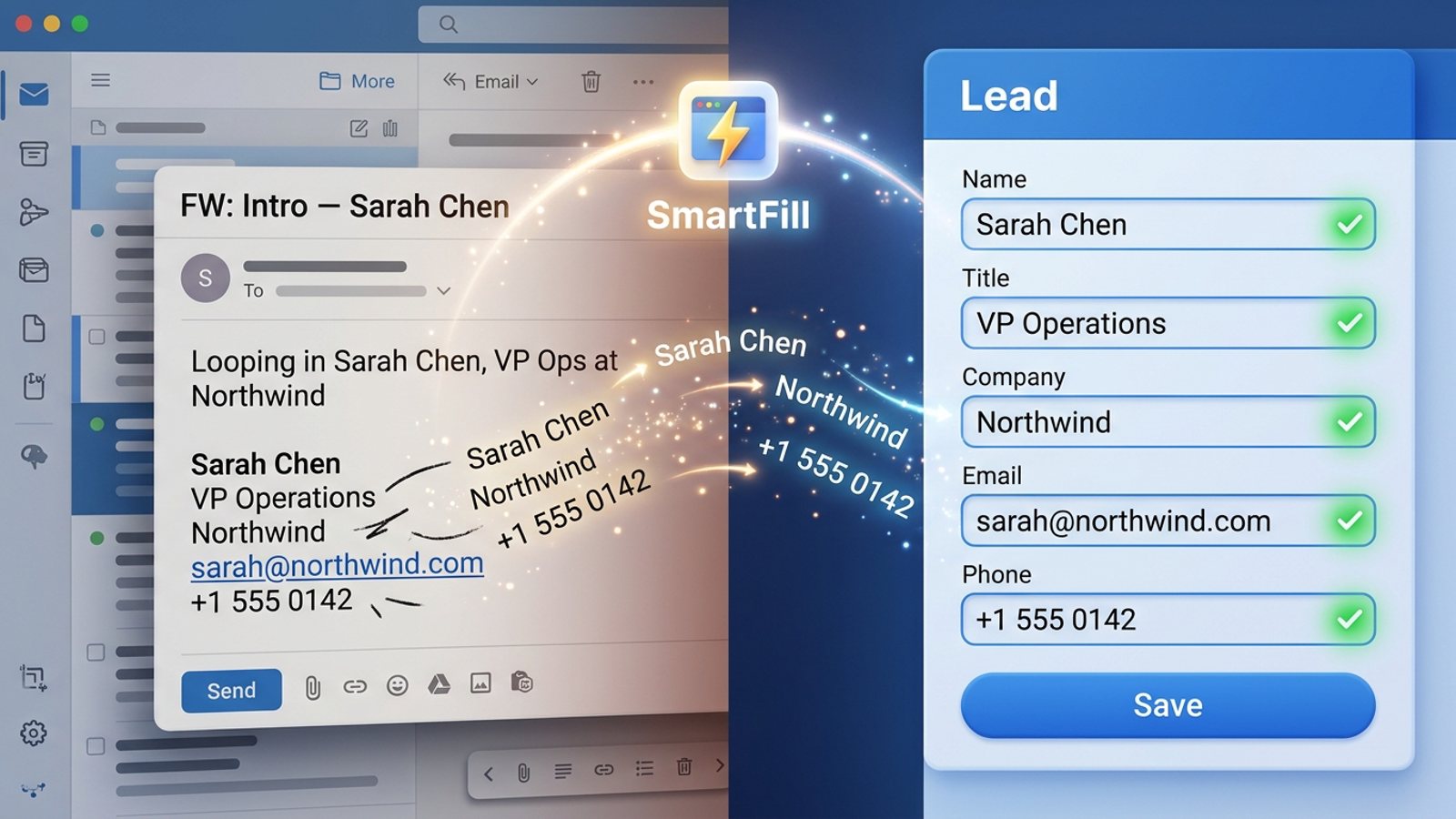
Yes — copy the forwarded thread, paste it into a paste-and-fill Chrome extension, and it reads the messy email and fills the Salesforce form for you. No inbox sync, no setup.
Read article →
Yes — SmartFill fills Salesforce forms from pasted card text in seconds. No card scanning: you supply the text, the AI handles the parsing and typing.
Read article →
Yes, partly. Browser AI assistants can type into a logged-in Salesforce page with your permission, but they're supervised generalists. A dedicated filler turns pasted lead text into a filled form
Read article →
Yes — paste the profile text, click, and the Salesforce form fills itself. Here's the fastest route, what it costs, and where each option breaks.
Read article →
Compare the tools that fill Salesforce custom object forms: SmartFill for pasted text, Flow for rule-based updates, and form tools for web capture. Pick by where your data enters.
Read article →
SmartFill is our pick for filling Salesforce forms from messy, pasted lead text — install in 10 seconds, no sign-up, unlimited fields. Text Blaze and Magical suit snippet and profile workflows better.
Read article →