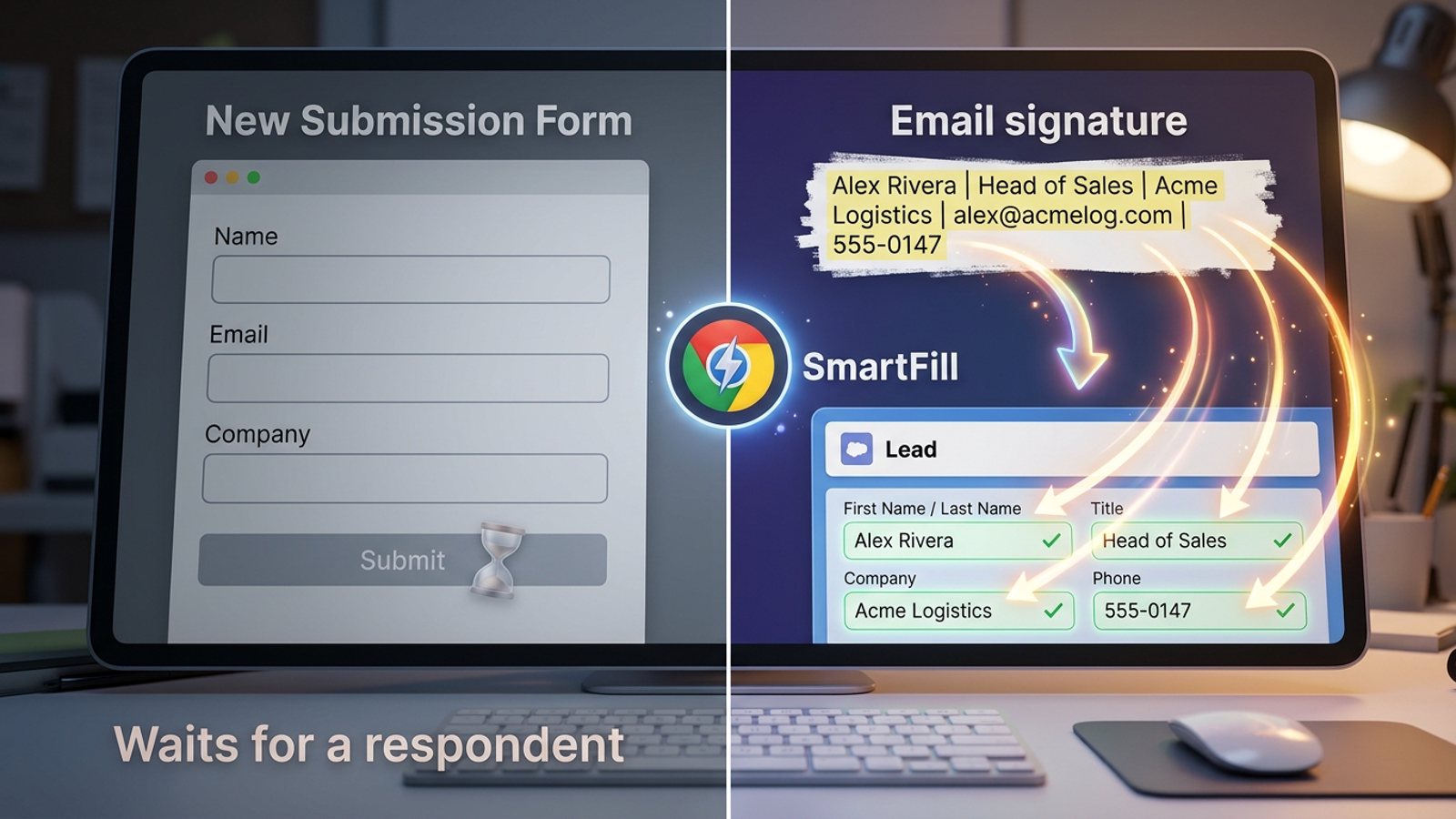
If you need to get lead data into a Salesforce record you already have open, the best Zipifil alternatives chrome salesforce users pick are Salesforce-first fillers. SmartFill pastes messy text straight into the record form in your browser; Lindy updates records through an agent; Typeform and Web-to-Lead only create new leads. Zipifil itself is a general-purpose filler.
Zipifil is a good general-purpose filler. The question is whether "general-purpose" is what your Salesforce day actually needs — and for most reps, it isn't.
Install SmartFill Free and paste your next lead straight into the record form.
What is Zipifil, and what does it actually do on Chrome?
Zipifil is an AI form filler Chrome extension published by solaitions.com, listed at 4.9/5 from 14 ratings with about 1,000 users, version 16.8, updated 26 November 2026 (Chrome Web Store). Its free tier gives 5 welcome fills on install, then 3 free AI fills every day, with saved rules and site instructions free forever; unlimited fills come through in-app purchases.
It launched on Product Hunt on 1 October 2025, positioned around dropshippers filling checkout forms from emails, PDFs or handwritten notes. That origin matters: the product was built for breadth, not for one CRM.
What Zipifil does well, per its own listing: no account, card or API key to start; saved profiles that live in the browser and are never uploaded; and per-site instructions, such as skipping a Middle Name field on a CRM or reformatting phone numbers on a portal.
What its listing does not document is a Salesforce-specific engine — field mapping to Lead, Contact or Case objects, or object awareness. Its description says it works with "any form, on any portal," which is vendor copy and a breadth claim rather than a Salesforce promise.
Why do people look for Zipifil alternatives for Salesforce in the first place?
Mostly because a general filler and a Salesforce-first filler are doing different jobs. A general filler tries to understand whatever form is in front of it. A Salesforce form filler is built around the record form your team lives in all day.
Three things push reps to switch:
- Field mapping. Salesforce Lead forms have picklists, lookups and required fields. A generic filler has to infer all of that on every page.
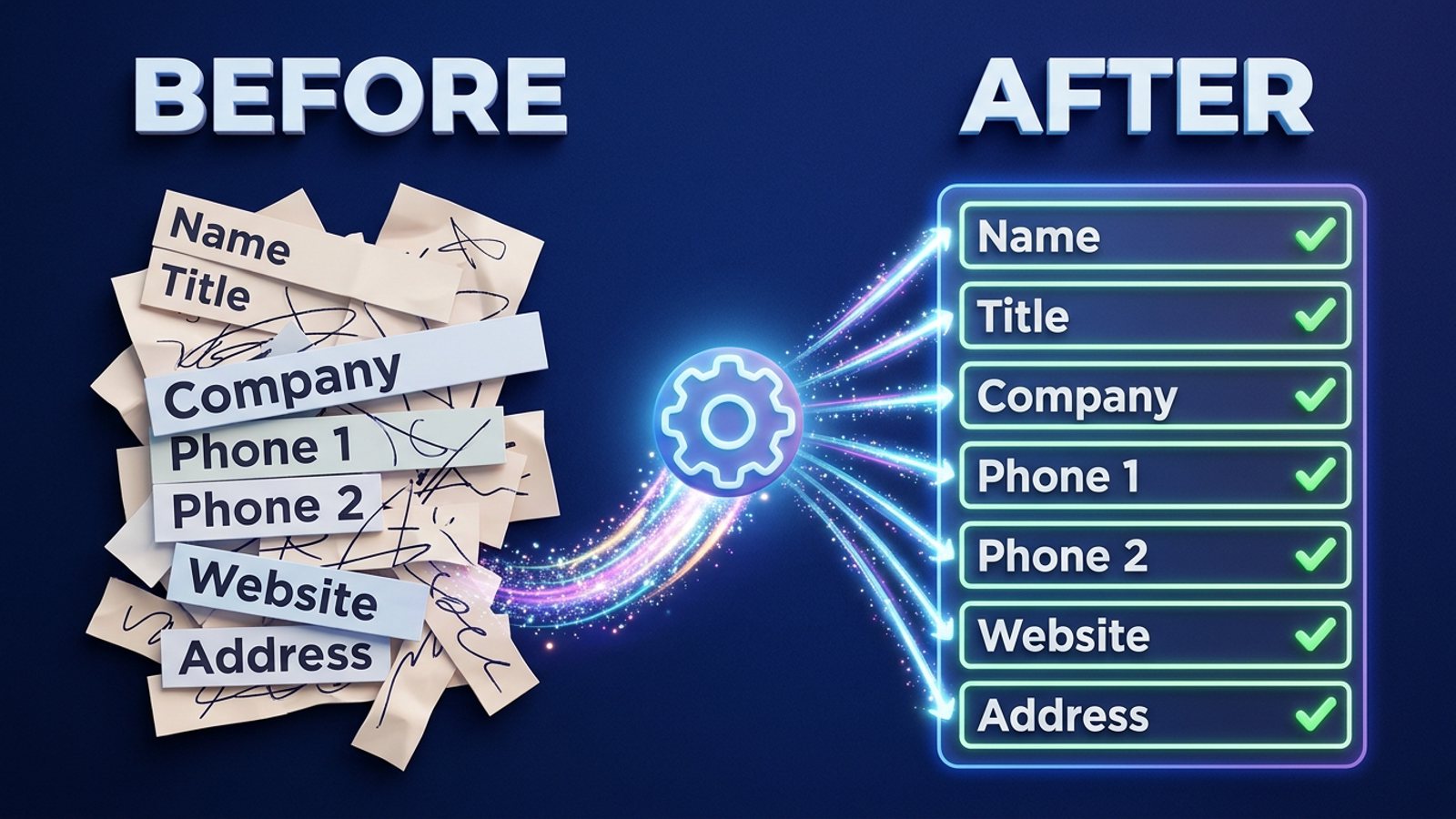
- Messy source data. Lead details arrive as email signatures, LinkedIn bios and call notes — not tidy form-shaped text.
- Speed. The whole point is to stop retyping. If you are correcting the filler afterwards, you have not saved the time.
What are the best Zipifil alternatives for Salesforce data entry on Chrome?
The honest short answer: of the tools we compared, SmartFill is the closest fit when the job is filling a Salesforce record form from text you already have. The others fit different jobs better.
| Option | Best for | Key features | Price / free option | Watch-outs |
|---|---|---|---|---|
| SmartFill — Our pick | Filling Salesforce record forms from pasted text | AI fills any Salesforce object; messy text; no setup | Free: 5 fills, then 3/day; Pro $9.99/mo | Desktop Chrome only |
| Zipifil | General "any form" filling | Per-site rules; local profiles | 3 free AI fills/day; paid upgrade | No documented Salesforce mapping |
| Lindy | Agent-driven CRM updates | Salesforce notes, lookup, updates | No public price in our material | Not a one-click form fill |
| Typeform | New inbound submissions | Public forms with a Salesforce link | Salesforce link on higher tiers | Creates new records only |
| Web-to-Lead | Free capture of website leads | Native to Salesforce | Free | New leads only |
SmartFill — our pick for filling the Salesforce form itself
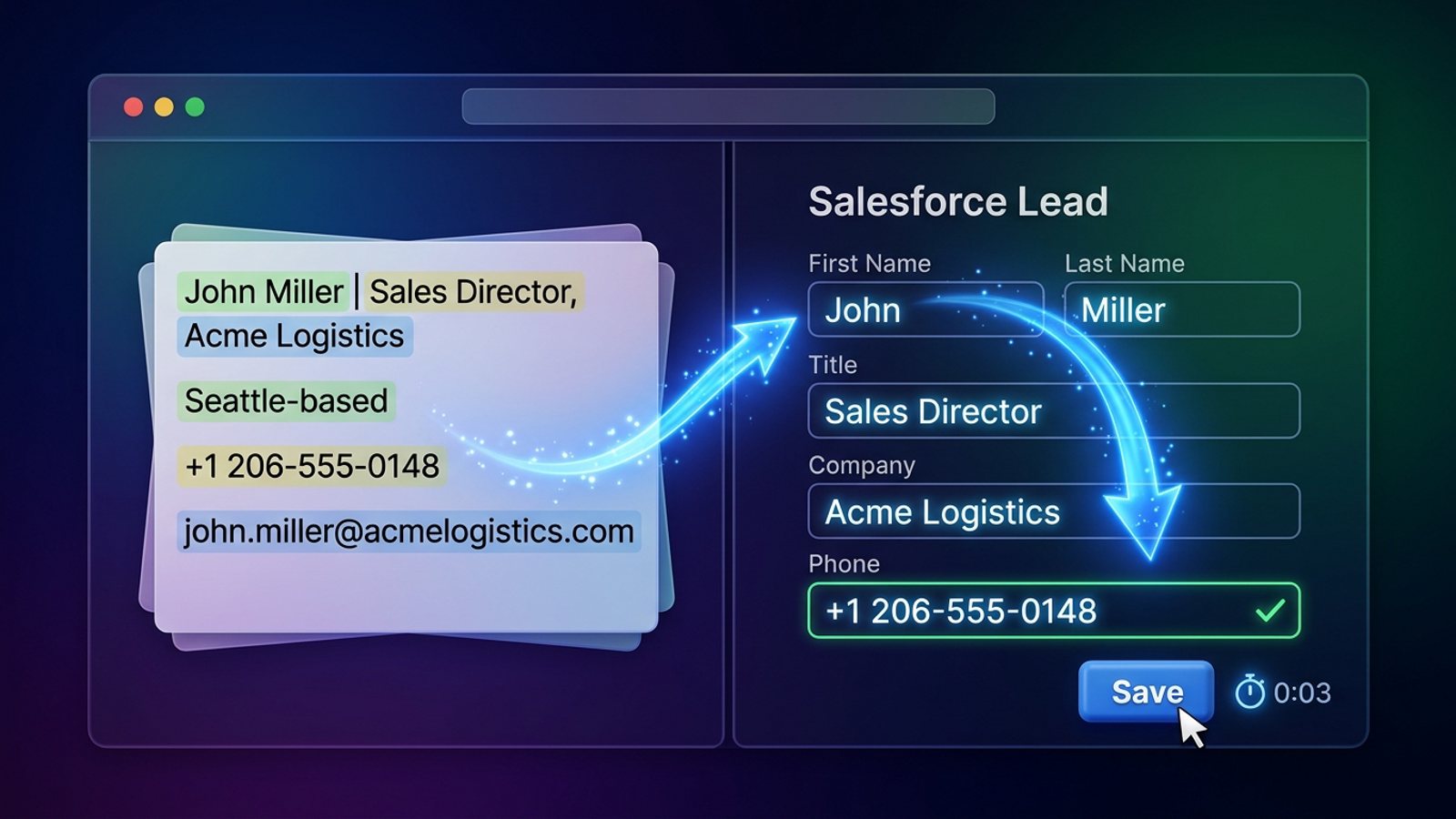
SmartFill is a Chrome extension that uses AI to fill Salesforce forms from any pasted text. You copy the lead details — an email signature, a LinkedIn bio, a messy block from a call — click the SmartFill icon, and the form fills.
The parts that matter for a rep: no setup or configuration, a 10-second install with no sign-up, and unlimited fields filled at once. It fills everything — Leads, Contacts, Accounts, any object — and works from any Chrome browser, whether your org runs Lightning or Classic.
On price, as of November 2026: the free plan gives 5 fills to start, then 3 per day forever, and Pro is $9.99/month for unlimited fills. Prices can change.
On privacy: text is processed in real time and not stored, and no lead database is built.
The honest limit: it is desktop Chrome only.
Install SmartFill Free — it takes about 10 seconds and needs no sign-up.
Zipifil — best for general, cross-site form filling
If your week is a mix of supplier portals, checkout pages and the occasional CRM, Zipifil's breadth is the point. The per-site instruction feature is genuinely useful — a rule that skips Middle Name on your Salesforce URL is exactly the right idea.
The watch-outs are the flip side of that breadth: no documented Salesforce-specific mapping on the listing, a small rating base of 14, and a disclosure that includes web history and site content. If you mainly need one tool for every form on the web, Zipifil is a reasonable direct choice.
Lindy — best if you want an agent to update records for you
Lindy is an AI assistant you give whole jobs to in plain English, connecting tools through its Integrations page (Lindy Documentation, 6 July 2026). It has a Salesforce integration covering notes, record lookup and record updates, and each action field can be set to Auto, an AI Prompt, or Set Manually.
That is a different shape of tool. It is not a one-click fill of the record form on screen; it needs tool connections and setup, and its public price isn't in the material we reviewed. If you mainly need "after this call, log the notes and update the stage," Lindy is the more direct choice.
Typeform — best for collecting new inbound submissions
Typeform builds published, conversational forms. A Salesforce link routes a new submission into your org as a new record.
It does not type into an existing Salesforce record form, and it creates a new form rather than filling the one in front of you. If you mainly need a public form for inbound leads, a form builder is the right category — we compare those in our roundup of Formstack alternatives for Salesforce data entry.
Salesforce Web-to-Lead — best for free, native lead capture
Web-to-Lead is Salesforce's own built-in way to turn a website form submission into a new Lead. It is free and native.
It only creates new leads from a web form. It does nothing for the data you already have in a tab.
SmartFill is made by the team behind this blog.
Which Zipifil alternative is best for a sales rep filling leads all day?
For a rep whose job is turning messy lead data into Salesforce records, a Salesforce-first filler wins on the only metric that matters: time per record. Zipifil's 3 free daily fills get you started; after that you are upgrading a general tool for a specific job.
The fastest Salesforce data entry is the kind where you paste once, review the fields, and hit save — no mapping, no rules, no setup.
Our recommendation: run a side-by-side on ten real leads. Paste the same messy text into each tool, count the fields it gets right, and time the correction. That test tells you more than any feature list.
For a deeper look at the category, see our guide to the best Salesforce form filler extension for Chrome.
How do you switch from Zipifil to a Salesforce-first filler?
Switching takes minutes because there is nothing to migrate — your lead data stays in Salesforce.
- Decide what you're moving. A new lead from a website (Web-to-Lead, Typeform) or data you already have (a filler, or copy-paste).
- Try your current tool on a real Lead form. Run Zipifil's free daily fills and watch whether fields land in the right place.
- Add a per-site rule if it misplaces a field. On Zipifil, set a rule for your Salesforce URL, such as skipping Middle Name.
- Test a Salesforce-first filler on the same record. Paste the messy text, click fill, review.
- Check both interfaces. Salesforce documents that Lightning Experience and Salesforce Classic differ in which features they offer (Salesforce Help, 19 November 2026), so test the same flow in both if your org uses both.
- Keep the winner and uninstall the other. Two fillers on one form is how fields get overwritten.
Does a Salesforce-first filler work in both Lightning and Classic?
Yes — anything that runs in a Chrome browser can fill Salesforce forms, because it is a Chrome extension rather than a Salesforce app. SmartFill works on both interfaces.
That matters more than it sounds. Salesforce's own help pages set out that many features work in one interface only, and its comparison page maps what is available in Lightning Experience versus Salesforce Classic. A filler that only understands one UI will leave half your org doing manual entry.
At the time of writing, menus and layouts may differ between orgs, so test your own forms once before rolling out to a team.
Is a Zipifil alternative more private with lead data?
Privacy comes down to what the tool sends and what it keeps. Zipifil says saved profiles live in the browser and are never uploaded, and that data goes to the AI only when you click fill — sent to Google's AI, which per Zipifil does not use it to train its models.
SmartFill's position: none of the information sent to the AI is saved, so no lead database is built. Text is processed in real time and not stored.
Our recommendation: whatever you pick, check the extension's Chrome data disclosure — the section that lists what data the extension can access — before pasting customer data. It is the most concrete privacy signal available to you.
This is general guidance, not legal advice; data protection rules vary by place.
Install SmartFill Free and fill your next Salesforce record in one paste.
Sources
- AI Form Filler Chrome Extension | Zipifil (Chrome Web Store, updated 2026-11-26)
- Zipifil package snapshot (Socket, 2025-07-17)
- Zipifil launches (Product Hunt, 2025-09-29)
- Field Configuration / Quickstart (Lindy Documentation, 2026-07-06)
- Salesforce integration (Lindy Documentation, undated)
- Lindy profile (Being AI Ready, 2026-07-21)
- Gaps Between Salesforce Classic and Lightning (Salesforce Help, 2026-11-19)
- Compare Lightning Experience and Salesforce Classic (Salesforce Help, 2026-11-19)
- Formstack and Forms for Salesforce guide (Formstack Help Center, 2025-09-09)