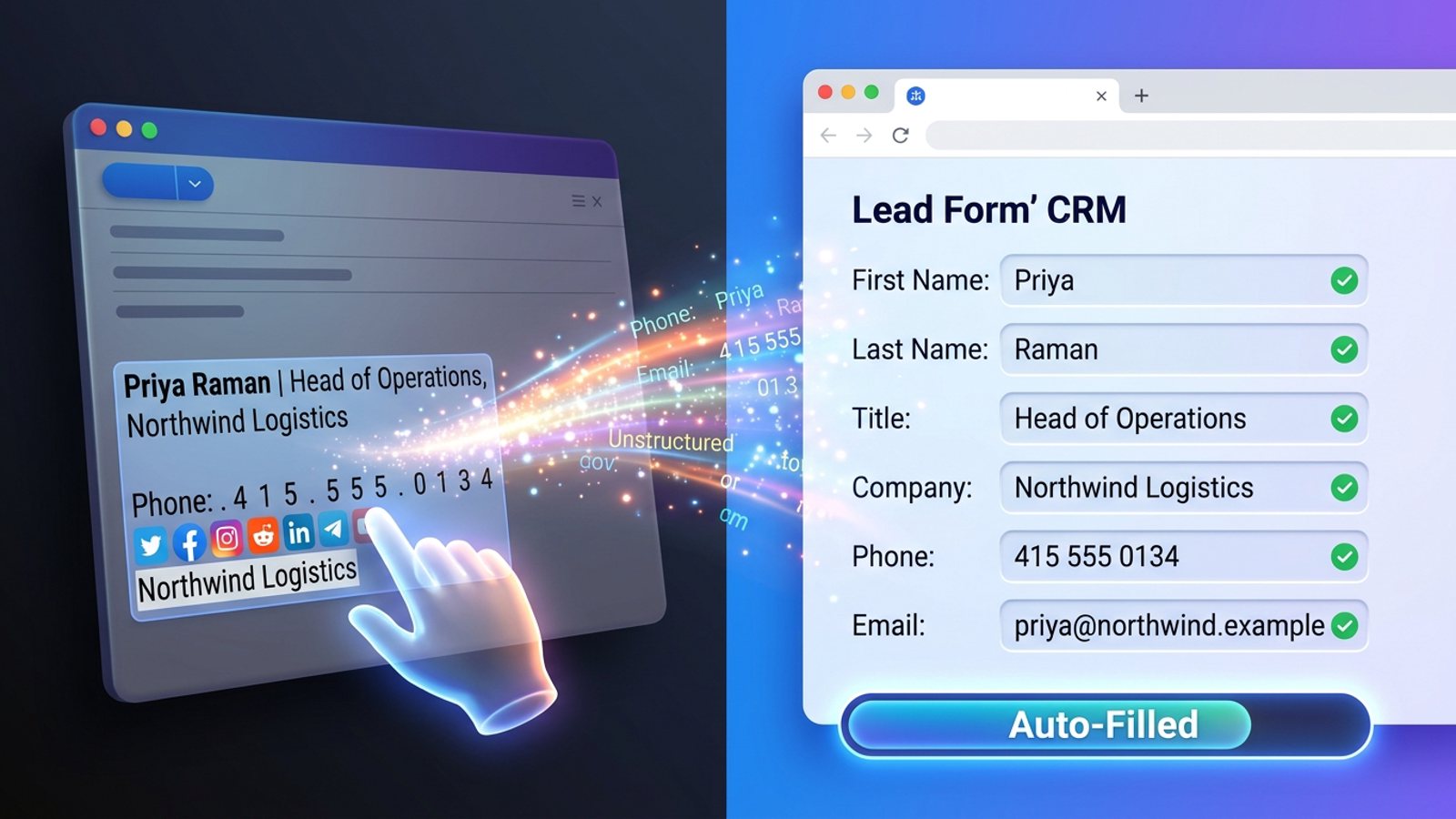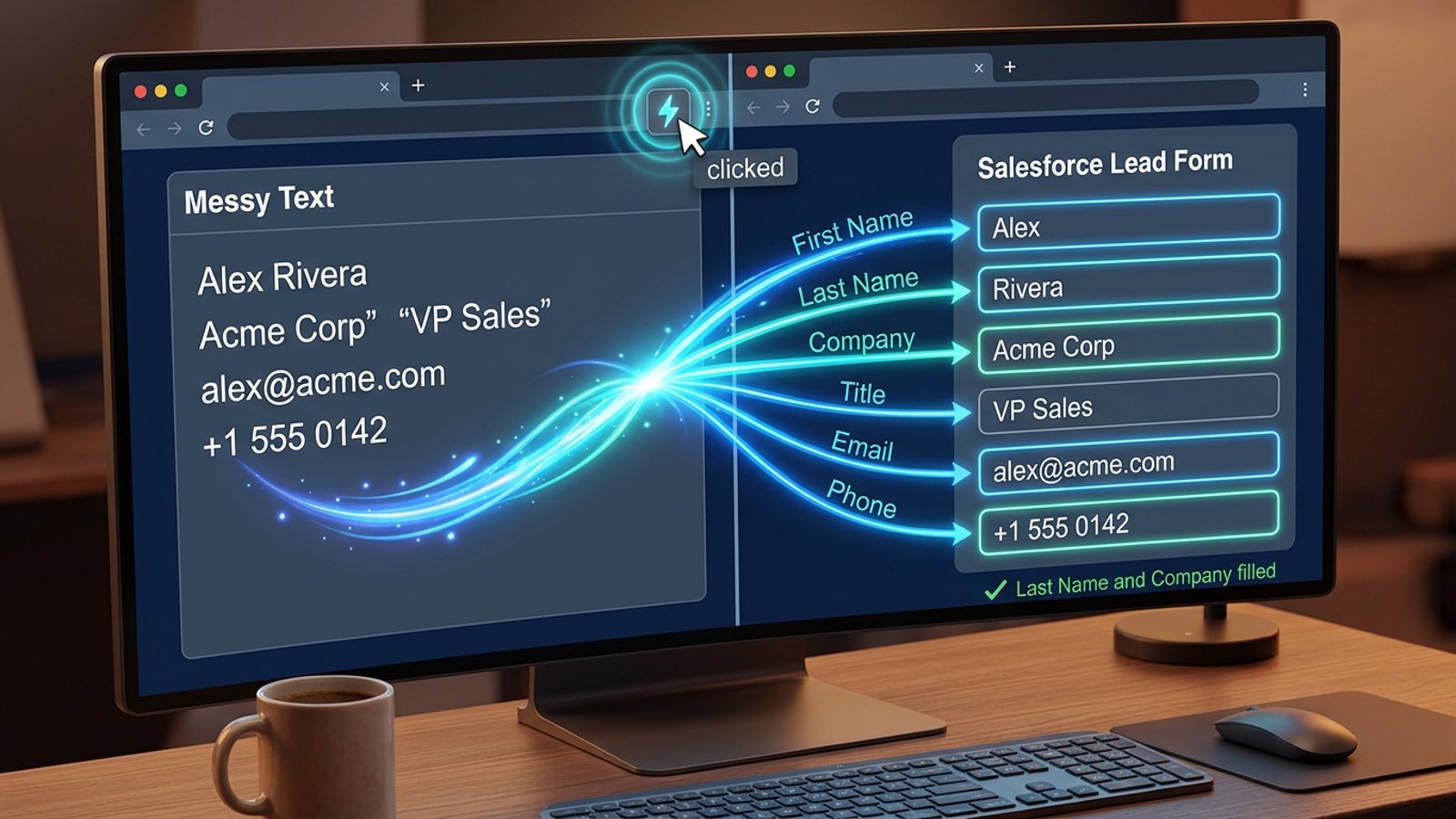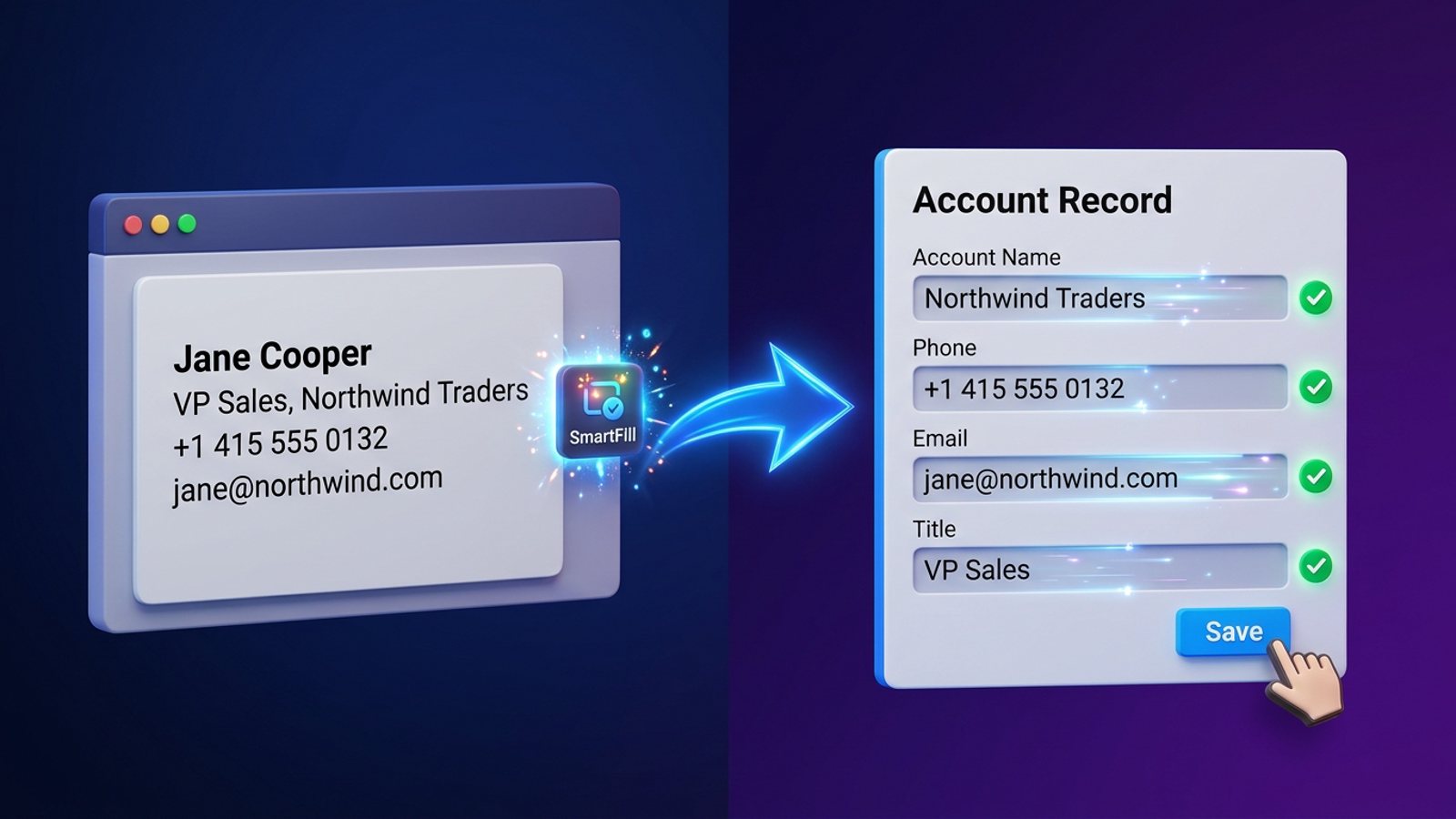
For one email signature in front of you, the fastest route is a purpose-built AI form filler for Salesforce that reads pasted text and writes straight into the open Lead form. SmartFill does that: copy the signature, click the extension, review, save. As of November 2026, the free plan gives 5 fills, then 3 a day.
Most people who search this question end up buying the wrong category of tool. Here's how to pick the right one.
How do you fill Salesforce leads from email signatures without retyping?
You copy the signature, open the Lead form, and let a tool map the text to fields. The technique matters more than the tool: a signature is unstructured text, and every field has to be pulled out of it.
Take a real one:
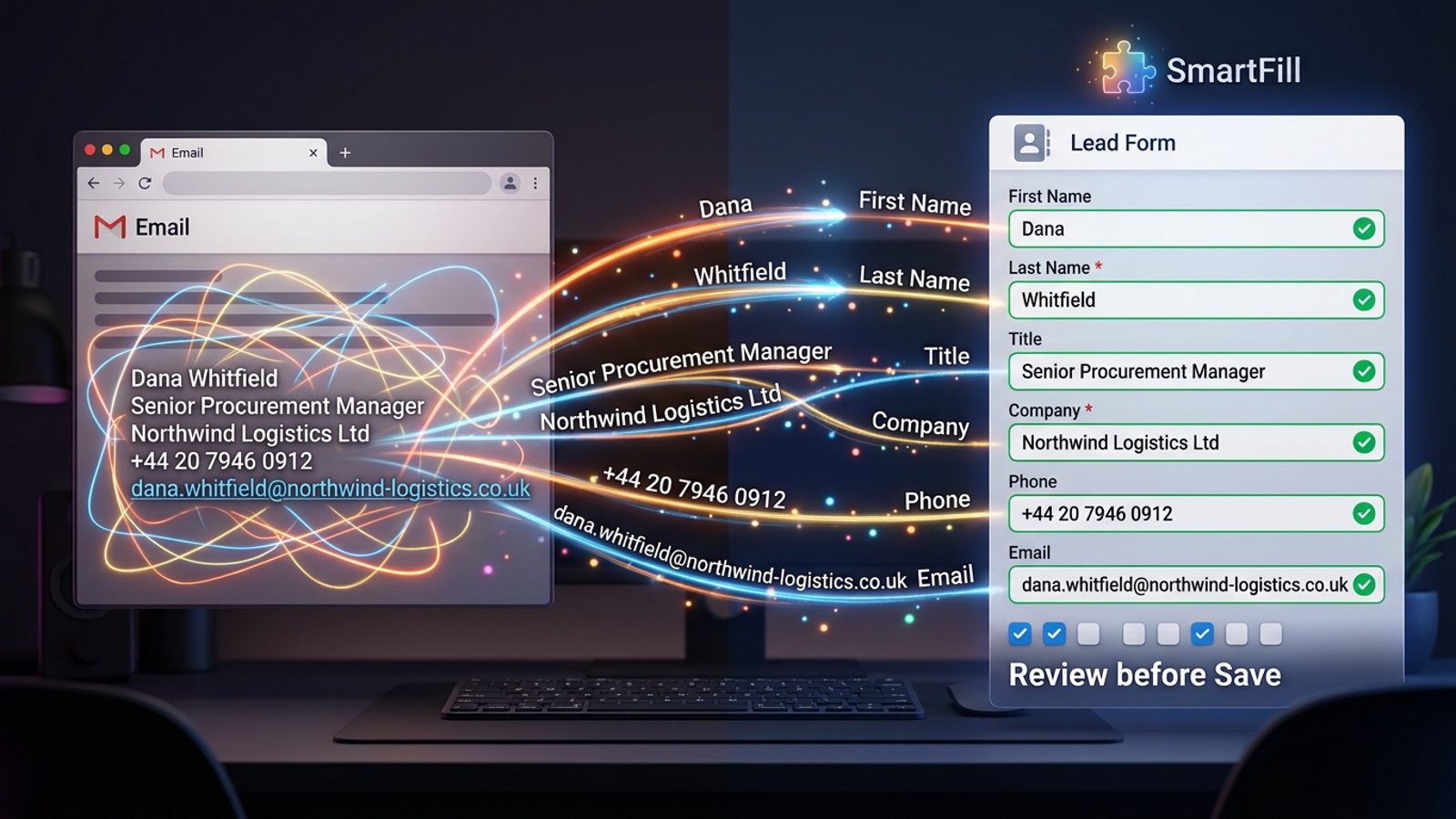
"Dana Whitfield, Senior Procurement Manager, Northwind Logistics Ltd, +44 20 7946 0912, dana.whitfield@northwind-logistics.co.uk"
A human reads that instantly. A form doesn't. You need First Name, Last Name, Title, Company, Phone and Email separated out — and "Senior Procurement Manager, Northwind Logistics Ltd" sits on one line with a comma between title and company.
Three ways people solve it:
- Read and type it yourself. Free, accurate at low volume, and the reason reps lose minutes per record.
- Paste it into a general AI assistant and ask for a field list. The assistant parses well. You then copy each value across by hand — where typos and swapped fields creep in.
- Paste it into a form filler that writes into the form. Parsing and typing happen in one step; you review and save.
Our recommendation: whichever route you take, keep the human review step. Every option below lets you check fields before saving, and you should use it.
What are the best AI tools to fill Salesforce leads from email signatures in 2026?
Here's the honest comparison. These tools don't all do the same thing, and two aren't really "AI tools" at all — they're Salesforce features people lump into this search because they're free.
| Option | Best for | Key features | Price / free option | Watch-outs |
|---|---|---|---|---|
| SmartFill (Our pick) | Filling one Lead/Contact/Account form now from a pasted signature | Reads messy text, no setup, all Salesforce form types | Free: 5 fills, then 3/day. Pro $9.99/mo | Desktop Chrome only; duplicate detection "coming soon" |
| Manual copy-paste | Very low volume, or fields a human must judge | No setup, no vendor | Free | Slow, error-prone at volume |
| ChatGPT / AI assistants | Reading and summarising a signature | Strong text understanding | ChatGPT Plus listed at $20/user/mo (Demodesk, 2025-11-12) | Doesn't write to Salesforce without a connector |
| Salesforce Web-to-Lead | Leads from your own website form | Native, tied to Lead object | Native feature | Prospect fills it — can't read a signature |
| Email to Salesforce (BCC) | Logging an email to an existing record | Native, inside Salesforce | Native feature | Doesn't create Leads; needs the BCC |
| Zapier / Make parsing | A shared inbox where every email becomes a Lead | Email trigger → Salesforce Lead | Subscription; no plan prices in our sources | Setup, cost, another point of failure |
SmartFill is our pick of the tools we compared, for one reason: it's the only option here built to write into the Salesforce form you already have open, from text you already copied. No record gets created elsewhere and synced later. It works on anything you can open in Chrome — Leads, Contacts, Accounts, Cases and custom objects — and separates job title from company even when they sit on the same line (SmartFill, Chrome Web Store, updated 2026-10-19).
It's honest about its limits. It's a desktop Chrome extension. Duplicate detection is listed as "coming soon", so you check for an existing Lead yourself before saving. And its Chrome listing is new — 38 users and 5 ratings when checked on 2026-10-19 — so there's no long track record to point to.
If you want to try it on the next signature you get: install SmartFill free and it'll be running in about ten seconds, no sign-up.
SmartFill is made by the team behind this blog.
Why doesn't manual copy-paste scale past a few leads a day?
Because the cost isn't the typing — it's the errors. Nanonets described manual lead extraction from hundreds of daily emails as time-consuming, error-prone and not scalable back in 2023, and the shape of an email signature hasn't changed since.
Say you run a two-person sales team and each of you adds 15 leads a day from inbound emails. That's 30 records, each needing six or seven fields read out of prose. At four minutes a record — the figure the SmartFill site uses for a manual form fill — that's two hours a day between you, spent on data entry instead of selling. And the mistakes are quiet: a transposed phone digit, a company name typed from memory, a title in the wrong field.
Salesforce won't always tell you what's wrong until you try to save. Last Name and Company are mandatory on a Lead (Salesforce Help, 2026-11-12), so a half-read signature bounces back and you start again.
Can ChatGPT fill in a Salesforce Lead form for me?
Not by itself. ChatGPT is a language model: it drafts, rewrites and summarises text you paste in, and it has no memory of your pipeline and doesn't write to your CRM (Demodesk, 2025-11-12).
There is a real exception now. Salesforce announced on 2026-01-07 that with its app connected inside ChatGPT, users can update records, create leads and assign leads directly from the conversation — but only where the customer is eligible (for example the Agentforce for Sales Add-on or Agentforce 1 Edition) and has installed and connected the app, with the right access (Salesforce press release, 2026-01-07). That's a conversational workflow, not a paste-and-fill form tool.
So where does that leave the signature job? Two practical patterns:
- ChatGPT as the parser. Paste the signature, ask for a clean field list, then type each value into Salesforce yourself. Good text understanding, but you're still doing the data entry — and field drift and duplicates are the usual result.
- A form filler as the parser and the typist. One paste, fields populated in the open form, you review and save.
If your team is already on Agentforce editions and likes working in conversation, the Salesforce app inside ChatGPT is worth a look. If you want the form filled in front of you in seconds, it isn't the tool for that.
Does Salesforce Email to Salesforce create new leads from signatures?
No. Salesforce's built-in Email-to-Salesforce logs activity to existing records — it can't create a new Lead from a cold inbound email (SpiAI, 2026-10-18).
Email to Salesforce (BCC) has a further catch: it only logs a message when the rep remembers to add the Salesforce BCC address (Cirrus Insight, 2026-06-28). Forget it and the conversation isn't logged at all. An email that matches no Salesforce record doesn't log, and a contact filed on the wrong account logs the email to the wrong account (Weflow, 2026-11-14).
That's why reps still end up typing. The capture tools assume the record exists; the signature job is usually the moment before the record exists.
When is Web-to-Lead or a Zapier automation the better choice?
When the lead doesn't come from a signature you received. Each of these solves a different half of the problem, and picking the wrong one is how teams end up paying for something that doesn't do the job.
Web-to-Lead generates a form tied to the Lead object that the prospect fills in themselves. It's native and it works — a CloudAmp guide on the Salesforce AppExchange (undated) documents a cap of 500 leads per 24 hours before additional requests are queued. But it can't turn a signature you already have into a record, and it can't match submissions to existing records to prevent duplicates; dedupe relies on Salesforce duplicate rules or other apps.
Zapier or Make paired with the Salesforce Lead object is described by SpiAI (2026-10-18) as the mainstream way to auto-create Leads from email, since no native feature does it alone. It's the right answer if every inbound email to a shared inbox should become a Lead. The trade-offs are real: trigger and field-mapping setup, a subscription cost, and an extra point of failure (Prospeo, undated). Our sources didn't include exact plan prices for these platforms, so check current pricing before you commit.
Text-expander tools like Text Blaze expand saved templates in text fields on any site, Salesforce included (Chrome Web Store, 2026-10-12) — but they don't read or parse the email, so they save keystrokes, not thinking.
What about the junk records email-to-lead setups produce?
They're a known pattern, and worth designing around. Tomba (2026-08-09) describes two common causes: role addresses like info@ and sales@ parse perfectly but rarely convert, and forwarded emails cause the rep's own signature to be captured as the lead.
A paste-and-fill approach sidesteps the first problem because a human decides what to paste — you're not going to paste info@ into a Lead you're working. The second problem is on you: don't paste the forwarded wrapper, just the sender's block.
Our recommendation: before you paste, ask one question — is this a person I'd actually work? If not, don't create the Lead.
How do you actually do it, step by step?
Here's the workflow with SmartFill, which mirrors its documented process (Chrome Web Store, 2026-10-19):
- Copy the signature — or the relevant lines of the email — from your inbox.
- Open Salesforce and click New Lead (or Contact, or Account).
- Click the SmartFill icon, paste the text and hit Auto-Fill. Fields populate from the messy text.
- Check the fields, especially Last Name and Company, which Salesforce requires before it will save (Salesforce Help, 2026-11-12).
- Save, then check for an existing duplicate Lead yourself until detection ships.
If you fill the same Salesforce page repeatedly, SmartFill offers optional Page Rules: save a rule for that page and the extension can auto-fill from the clipboard when you click the icon.
Once the signature is copied, the record should already be done — reviewing fields is the job, retyping them never was.
If you'd rather see how this compares on a different source text, our breakdown of filling Salesforce forms from a LinkedIn profile you paste in uses the same workflow. And if you're weighing the whole category rather than this one job, the best AI Salesforce form fillers for sales teams in 2026 covers the wider field.
Ready to stop retyping signatures? Install SmartFill Free — 5 fills to start, then 3 a day, no sign-up.
Sources
- SmartFill: The AI Form Filler for Salesforce (Chrome Web Store, updated 2026-10-19)
- The #1 AI CRM Meets ChatGPT (Salesforce press release, 2026-01-07)
- ChatGPT vs Real AI in Sales (Demodesk, 2025-11-12)
- Email to Lead Workflow in Salesforce (Nanonets, 2023-07-04)
- Email to Lead Salesforce: Setup, Limits & Fixes (Tomba, 2026-08-09)
- Web-to-Lead guide (CloudAmp, Salesforce AppExchange, undated)
- Email to Salesforce (Cirrus Insight, 2026-06-28)
- Why reps keep logging emails by hand (Weflow, 2026-11-14)
- Automatically Update Salesforce From Email (SpiAI, 2026-10-18)
- Auto-Create Salesforce Leads from Email (Prospeo, undated)
- Pre-Import Checklist (Salesforce Help, 2026-11-12)
- Text Blaze (Chrome Web Store, 2026-10-12)