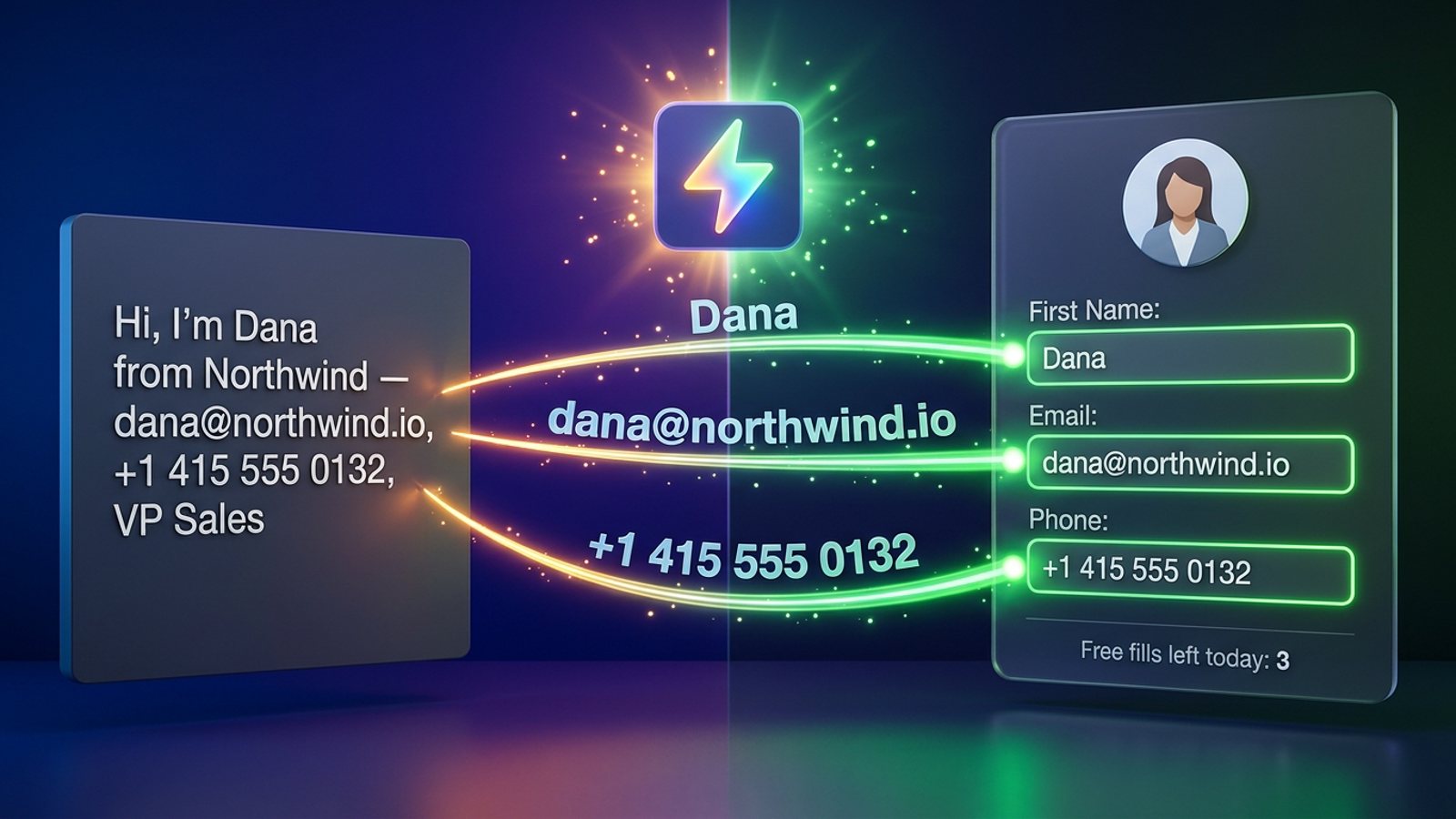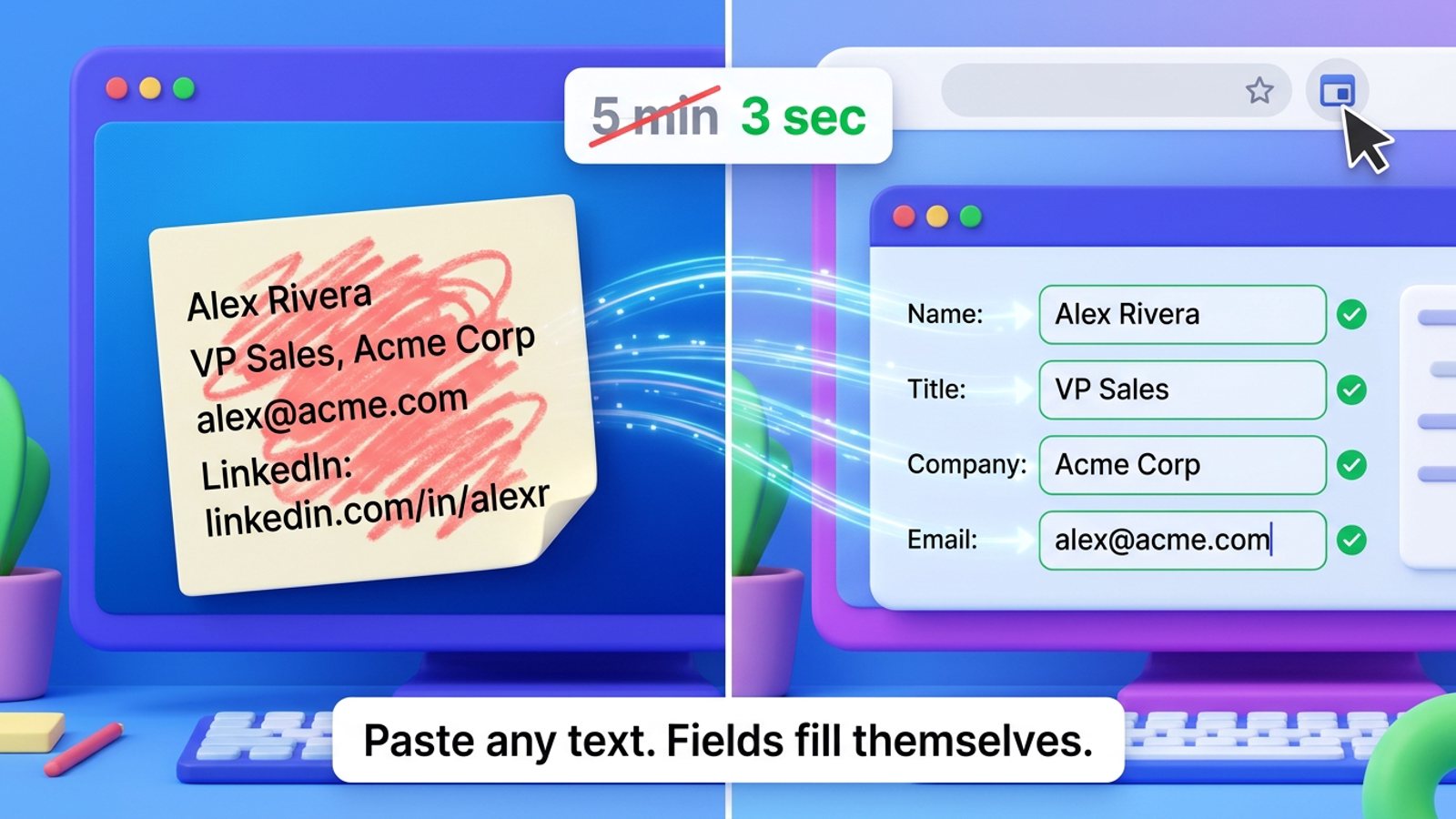
For a sales team that lives in Salesforce, the best AI Salesforce form filler 2026 is one that reads the messy text your reps already have — an email signature, a LinkedIn bio, call notes — and fills whatever Salesforce form is open. SmartFill does that on desktop Chrome with no setup, a free daily allowance and a $9.99/month Pro plan as of November 2026.
Install SmartFill Free and test it on five real leads before you decide anything else.
Why doesn't Chrome autofill work on Salesforce forms?
Chrome's built-in autofill was designed for static HTML forms, and Salesforce's Lightning Web Component inputs need JavaScript events that autofill doesn't fire — so a 10–30-field record still takes 5–10 minutes even with saved data, according to a 2026 QuickForm vendor blog. Salesforce also deliberately sets autocomplete="off" on text inputs in internal record layouts, per a Salesforce Help article published in January 2026, for data-integrity reasons.
That is the gap an AI form filler for Salesforce is meant to close. It doesn't guess at saved profile data; it reads the text you hand it and maps it to the fields on screen.
What should a sales team lead look for in an AI Salesforce form filler in 2026?
Look for three things, in this order: it must handle messy unstructured text, it must need no admin setup, and your reps must be able to try it without a procurement cycle. Everything else is secondary.
Does it read messy text or only replay saved snippets?
This is the line between an AI filler and a text expander. Snippet tools insert fixed text; they don't map a paragraph of lead data to the right fields. Lightning Autofill's own documentation says plainly that it "does not magically autofill form fields for you" — you write rules with regex, CSS selectors or XPath to match fields (Lightning Autofill Docs, 2026).
An AI filler takes the raw paragraph — signature, bio, notes — and separates Job Title from Company Name even when they sit on the same line.
How much setup does it need?
The honest answer for most tools is "more than you think." Rule-based tools need field-matching rules. AppExchange apps need prototype templates per object. Flow needs an admin to build it. SmartFill's Chrome Web Store listing (updated October 2026) describes zero setup — no URL patterns, no regex mapping — with optional Page Rules for power users.
Can a rep install it without IT?
For a team lead, this decides whether you pilot this quarter or next. A Chrome extension installs in seconds; a Flow build or AppExchange install is an admin project.
Which AI Salesforce form fillers should a sales team compare in 2026?
Here are the options we compared, with the product first because it fits the pasted-text-to-form job most directly.
| Option | Best for | Key features | Price / free option | Watch-outs |
|---|---|---|---|---|
| SmartFill (Our pick) | Reps with lead info as text | One-click fill from pasted text; any Salesforce form; no setup | Free: 5 fills, then 3/day; Pro $9.99/mo | Desktop Chrome only |
| Magical | Reusing saved snippets across apps | Text expansion; 10M+ apps claimed | Third-party prices conflict | Replays saved data |
| Lightning Autofill | Teams that want rule control | Regex, CSS, XPath rules | Free: 10 executions/day | You write the rules |
| AI Cowork for Salesforce | Teams with their own API key | Side panel; preview before apply | Requires your own key | Early version, small base |
| Manual copy-paste | One-off, accuracy-first records | Nothing to install | Free | 5–10 min per record |
SmartFill is made by the team behind this blog. It goes first because, of the tools we compared, it is the one built specifically for pasting messy lead text into a Salesforce form — and the free tier lets you pilot it on a few reps before spending anything.
Install SmartFill Free to run that pilot.
SmartFill — the pasted-text specialist
SmartFill is a Chrome extension that uses AI to fill Salesforce forms from any pasted text. It fills Leads, Contacts, Cases and custom objects, handles email signatures and LinkedIn bios, and needs no sign-up. The free plan gives 5 fills on install, then 3 per day forever; Pro is $9.99/month for unlimited fills, as of November 2026, and prices can change.
On privacy, the product facts are specific: pasted text is processed in real time and not stored, and no lead database is built. Its honest limit is that it is a desktop Chrome extension only — it is not a mobile tool and it does not fill other CRMs.
Magical — best if your reps reuse the same snippets
Magical is a text expander and autofill app that says it works across 10,000,000+ apps including Salesforce, without integrations or workflow builders (Microsoft Edge Add-ons vendor listing, 2026). If your team's problem is retyping the same canned text, it's a reasonable fit.
Two caveats. First, it replays what you already saved — the material doesn't describe it parsing fresh messy text into a Salesforce schema. Second, third-party pricing figures conflict badly: one source lists Free/Core $10/Business $25 (AI Agents Guide, undated), another Free/Solo $6.50/Team $10 (MoreAI.tools, May 2026), and a third summary of Magical's own page says paid prices appear only inside the extension (Everything Xiaomi, undated). Check Magical's own pricing page. Its Chrome Web Store disclosure also lists PII, location, web history, user activity and website content.
Lightning Autofill — best for teams that want rule-level control
Lightning Autofill is a rule-based system: you define rules that match fields, plus JavaScript automation and text snippets. The free plan allows 10 profile executions per day, reset at local midnight (Lightning Autofill Docs, 2026). If you have someone who enjoys writing regex, it's powerful and predictable. If you don't, it's a project.
AI Cowork for Salesforce — best for teams with their own AI key
AI Cowork is a Chrome side panel that parses pasted notes into Salesforce records, with preview-before-apply, picklist and lookup handling, and custom field-mapping rules. It requires your own OpenAI or Gemini API key and sends note text only to your chosen provider (Chrome Web Store, June 2026). It's at version 0.1.0 with 11 users and no ratings — early, so pilot carefully.
Manual copy-paste — still the baseline
For a single high-stakes record, typing it yourself is fine. At volume it isn't: 5–10 minutes per multi-field record (QuickForm, 2026) and a steady supply of duplicates (Plauti, 2025).
Source: Lightning Autofill Docs and SmartFill Chrome Web Store listing
Is a text expander the same as an AI form filler?
No. A text expander inserts text you saved in advance; an AI form filler reads text it has never seen and decides which field each piece belongs in. Salesforce Quick Text, for example, lets users create and reuse predefined messages, and it's typically on by default in Lightning (TextExpander vendor blog, 2026; Cornell University IT, 2026).
Snippet tools replay what you already knew. An AI filler reads what the lead just sent you.
That distinction matters most on first-touch records — the new inbound lead, the LinkedIn contact, the call that just ended — where nothing is saved yet.
Will an AI filler create duplicate Salesforce leads?
It can, if your reps paste without checking. Salesforce's matching and duplicate rules warn reps about possible duplicates before a record is saved, and duplicates come from web forms, imports and manual entry alike (Trailhead; Plauti, 2025). Lead assignment rules apply whether leads are created manually, via Web-to-Lead or by import, and only one rule of each type can be active at a time (Nick Frates, 2026).
SmartFill's Chrome Web Store listing (October 2026) lists Duplicate Detection as "Coming soon," so today the check is the rep's job.
Is my lead data stored by the extension?
For SmartFill, no: pasted text is processed in real time, not stored, and no lead database is built. That matters because Chrome Web Store policy requires extensions to collect only the data needed for their disclosed single purpose (Chrome for Developers, undated). Compare that with Magical's disclosure, which lists PII, location, web history, user activity and website content.
Our recommendation: read the privacy disclosure on any extension's store listing before you roll it out to a team. It takes two minutes and tells you more than the marketing page.
How do you roll this out to a sales team?
Start with a small pilot, measure the time saved on real records, then expand. Here's the sequence:
- Pick three reps who log the most new leads each week.
- Install the extension on their desktop Chrome browsers.
- Fill ten real records from pasted signatures, LinkedIn profiles and call notes.
- Check the field mapping — especially job title versus company name, and picklist values.
- Compare timing against your current copy-paste routine before and after.
- Decide on Pro only once the free daily fills are the bottleneck.
For a deeper look at the workflow, see how to fill Salesforce forms without typing, and if your team runs on Lightning specifically, read whether an AI form filler works on Salesforce Lightning.
Install SmartFill Free and put it in front of three reps this week.
Sources
- How to autofill Salesforce records and forms in Chrome (QuickForm, vendor blog, 2026-06-09)
- Autocomplete Suggestions Not Appearing on Internal Salesforce Record Fields (Salesforce Help, 2026-01-28)
- Lead management in Sales Cloud (Prezi transcript, 2025-04-25)
- Sales automation in Salesforce (Nick Frates, independent, 2026-10-27)
- How to deduplicate in Salesforce (Plauti, 2025-09-21)
- Duplicate management (Trailhead, undated)
- Chrome Web Store limited-use policy (Chrome for Developers, undated)
- Lightning Autofill Quick Start (Lightning Autofill Docs, 2026-09-17)
- Magical: Text Expander & Autofill (Microsoft Edge Add-ons, vendor, 2026-04-06)
- Magical auto-form-filler page (Magical, vendor, undated)
- Magical Review 2026 (AI Agents Guide, undated)
- Magical — MoreAI.tools (2026-05-21)
- Magical in 2026: Pricing, Plans and Alternatives (Everything Xiaomi, undated)
- Salesforce Quick Text guide (TextExpander, vendor blog, 2026-04-01)
- Quick Text (Cornell University IT, 2026-09-13)
- AI Cowork for Salesforce (Chrome Web Store, 2026-06-09)
- SmartFill Chrome Web Store listing (updated 2026-10-19)