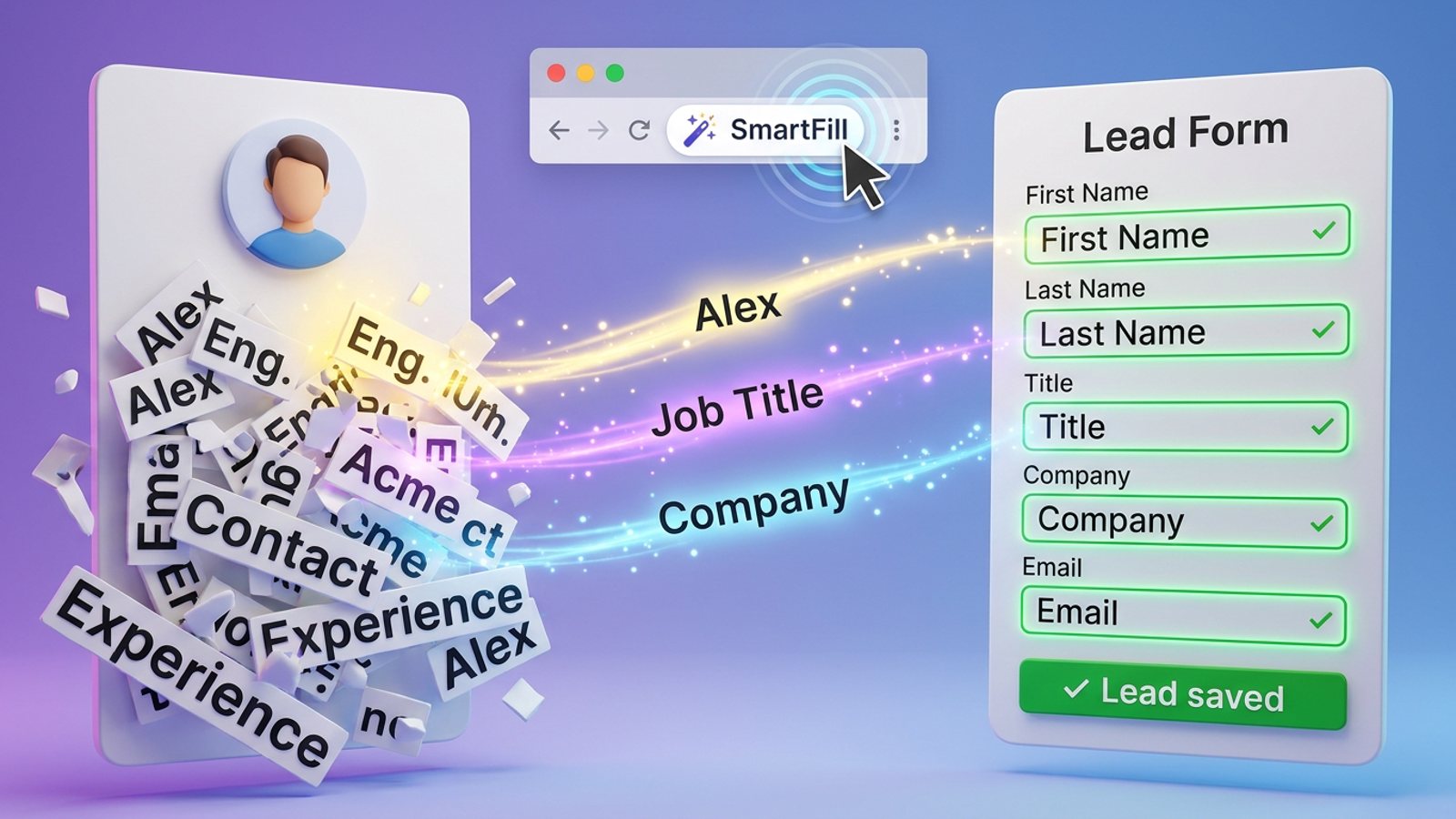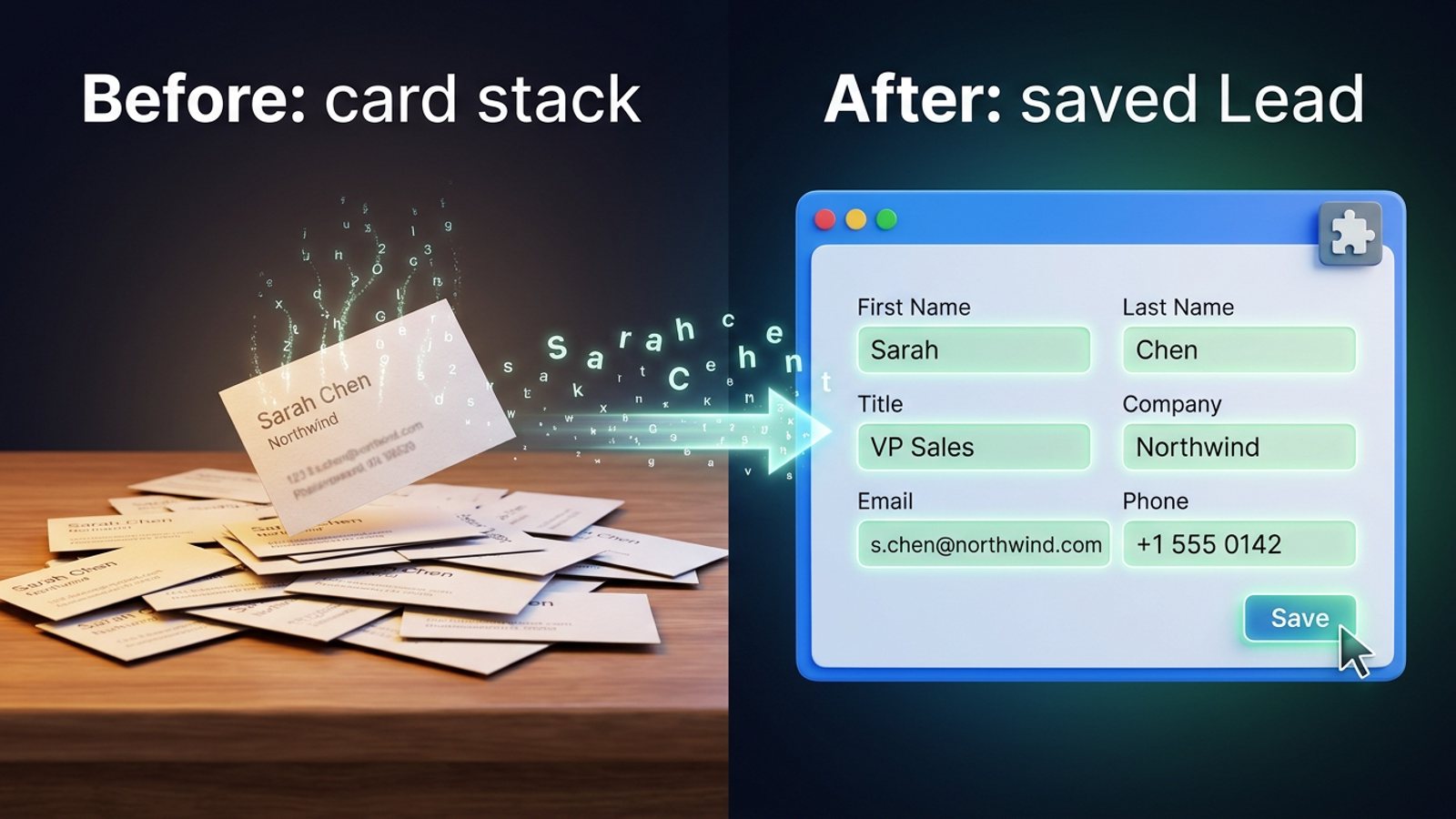
Yes — for the paste-and-fill part. An AI form filler built for Salesforce, like SmartFill, takes a copied LinkedIn profile and populates the actual Lead, Contact, Case or custom-object form in your browser in one click. A chatbot such as ChatGPT can pull out the name, title and company, but it stops at plain text. The catch: SmartFill runs as a desktop Chrome extension, so the flow happens on a computer, not in the LinkedIn mobile app.
SmartFill turns a four-minute copy-paste job into a three-second click. Install SmartFill Free and try it on the next profile you open.
How do you get a LinkedIn profile into a Salesforce form?
You copy the profile text, open the Salesforce form, and let an AI filler read the pasted text and populate the fields. The manual version of this takes about two minutes per profile, according to a 2026 workflow write-up from Simular.ai, and it is typo-prone. The AI version collapses that into one paste and one click.
Here is the real technique, step by step:
- Copy the profile text. On LinkedIn, select the headline, About section, current role and location — or the whole visible block. Messy is fine.
- Open Salesforce and click New on the object you want: Lead, Contact, Case or a custom object.
- Paste the text into your AI filler and run the fill. Fields populate in seconds.
- Review the split fields — especially title versus company, which AI can separate when they sit crammed on one line.
- Save the record.
That is the whole loop. The rest of this article is about which tool does step 3 best, what it costs, and where each option breaks.
Does ChatGPT fill Salesforce forms from a pasted LinkedIn bio?
No — ChatGPT writes the extracted details as text in a chat window, and someone still types or pastes each value into the Salesforce fields. There is no confirmed native path for ChatGPT to write into Salesforce in the material reviewed here. A third-party "Reverse Contact" ChatGPT plugin exists for looking up people and companies, but it needs its own account and is not a Salesforce form filler (ChatGPT plugin listing, 2026).
So ChatGPT is genuinely useful for one half of the job: turning a rambling bio into a clean name, title and company. It just hands the result back to you as text. The gap between "clean text in a chat" and "fields filled in the Lead form" is exactly where a dedicated AI form filler for Salesforce earns its place.
Our recommendation: use ChatGPT when you want to think through a prospect's background. Use a form filler when the job is getting the record saved.
What is the fastest way to turn a LinkedIn profile into a Salesforce Lead?
The fastest repeatable route is a paste-and-fill Chrome extension pointed at the record you are creating. SmartFill is our pick of the tools we compared, because it reads any pasted text — a LinkedIn About section, an email signature, a paragraph — and fills the form without setup.
Its listing describes optional Page Rules that can auto-fill straight from the clipboard with one icon click, so the second profile of the day is even faster than the first. The free plan gives 5 fills on install, then 3 per day forever, with no signup or card. Pro is unlimited fills for $9.99/month as of November 2026, and prices can change.
Which tool should you use to move LinkedIn data into Salesforce?
It depends on whether you are handling one profile at a time or a stream of form submissions. Here is how the options compare.
| Option | Best for | Key features | Price / free option | Watch-outs |
|---|---|---|---|---|
| SmartFill (Our pick) | One-off profiles, any Salesforce object | Paste-and-fill, messy text, no setup | Free: 5 fills, then 3/day; Pro $9.99/mo | Desktop Chrome only; no duplicate detection yet |
| LinkedIn Sales Navigator CRM Sync | Teams on Advanced Plus | Two-way sync of saved leads | Advanced Plus only; ~$125/user/mo (2026 source) | Expensive per seat; no CSV export |
| Zapier (Salesforce + LinkedIn) | Lead Gen Form submissions | No-code Zaps, 7,000+ apps | Paid Zapier account required | Form triggers only; existing-record conflicts reported |
| Salesforce Web-to-Lead | Inbound website forms | Free, instant Lead creation | No extra cost | Website only; 500 leads/day cap |
| Manual copy-paste | The odd one-off record | Nothing to learn | Free | ~2 minutes per profile; typo-prone |
SmartFill (Our pick). It is the only option in this table built around text you paste rather than a page you are viewing or a form someone submitted. It fills Leads, Contacts, Cases and custom objects, and the owner confirms there is no limit to how many fields it can fill at once. Pasted text is processed in real time and not stored. Its honest limit: duplicate detection is listed as coming soon, so check existing records yourself before saving.
LinkedIn Sales Navigator CRM Sync. If your team already pays for Advanced Plus, this is the sanctioned automatic path, with ongoing two-way sync of saved leads and accounts. LinkedIn's help page states CRM Sync to Salesforce, Dynamics and HubSpot is available only on Advanced Plus, and one 2026 source puts that licence at roughly $125 per user per month. If you mainly need continuous sync across a whole team, this is the more direct choice.
Zapier. Good when the trigger is a LinkedIn Lead Gen Form submission rather than a profile you are looking at. LinkedIn lists Zapier as a marketing partner connecting LinkedIn solutions with 7,000+ apps including Salesforce. The setup needs a paid Zapier account plus LinkedIn Ads admin or Lead Gen Form Manager access, and a Zapier community user reported in 2025 that Zaps fail when the person already exists as a lead or contact.
Salesforce Web-to-Lead. Free and standard, but it only captures data submitted through a website form — not a profile you copied. It also creates one Lead per submission, and duplicate rules set to "allow + alert" are known to block Web-to-Lead creation (Synergy Marketing, 2025).
Manual copy-paste. Free and fine for the occasional record. At roughly two minutes per profile, it does not scale past a handful a day.
SmartFill is made by the team behind this blog.
Does it work on Contacts and custom objects, not just Leads?
Yes — SmartFill fills all types of Salesforce forms, and the owner confirms it handles every object, not just Leads. That matters because prospecting rarely stops at the Lead. You may be adding a Contact to an existing Account, logging a Case, or filling a custom object your RevOps team built.
The same paste-and-fill works on each. You copy the profile text once, open the record type you need, and fill.
Will you create duplicates if the person is already in Salesforce?
Possibly — so check first. SmartFill's duplicate detection is listed as coming soon, not live, which means the tool will not stop you from creating a second record for someone already in the system. A quick search on name or company before you save takes seconds and saves a cleanup later.
Zapier has a related problem: a community thread from 2025 reports Zaps from LinkedIn Lead Gen conversions to Salesforce failing when the person already exists as a lead or contact. Duplicate handling is the weak spot of nearly every route into Salesforce, so build the check into your habit.
What if your leads come from LinkedIn Lead Gen Forms instead?
Then a form-to-CRM automation is the better fit, not a paste-and-fill tool. Zapier's LinkedIn Lead Gen Form → Salesforce setup is designed for exactly this: someone submits the form, a Zap creates or updates the record. You will need a paid Zapier account, LinkedIn Ads admin or Lead Gen Form Manager access, and Salesforce permissions to create or update contacts (Overdrive Digital, 2025).
For profile-by-profile prospecting — the SDR scrolling through search results and saving the good ones — paste-and-fill stays faster, because there is no form submission to trigger anything.
Is your lead data stored anywhere?
With SmartFill, no. The owner confirms that none of the information sent to the AI is saved, and the Chrome Web Store listing states no lead database is built — pasted text is parsed in real time and not retained.
That is worth checking on any tool you shortlist. Some LinkedIn-to-Salesforce extensions state their processing is browser-side with no data passing through their servers, such as the "LinkedIn → Salesforce" extension, which has the user enter their Salesforce instance URL in options. Others, like AI Cowork for Salesforce, require your own OpenAI or Gemini API key. Read the privacy line before you paste a prospect's details into anything.
Ready to stop typing lead data? Install SmartFill Free and fill your next Salesforce record from the profile already on your clipboard.
Sources
- SmartFill Chrome Web Store listing (updated 2026-10-19) — https://chromewebstore.google.com/detail/smartfill-the-ai-form-fil/pphnhdpoenaebbelelmhkhbddpcblnpo#1
- Export account and lead info from Sales Navigator (LinkedIn Help) — https://www.linkedin.com/help/sales-navigator/answer/a102031/exporting-account-and-lead-information-from-sales-navigator?lang=en
- How to Sync LinkedIn Leads to Salesforce (Simular.ai, 2026-08-18) — https://www.simular.ai/workflow/how-to-sync-linkedin-leads-to-salesforce
- Salesforce Web-to-Lead guide (Synergy Marketing, 2025-06-27) — https://www.synergy-marketing.co.jp/blog/salesforce_ma_web-to-lead
- Salesforce + LinkedIn integration on Zapier (Zapier) — https://zapier.com/apps/salesforce/integrations/linkedin
- Zapier marketing partner page (LinkedIn) — https://business.linkedin.com/en-us/marketing-solutions/marketing-partners/find-a-partner/zapier
- LinkedIn form to Salesforce via Zapier (Overdrive Digital, 2025-06-05) — https://overdrivedigital.co.uk/how-to-connect-a-linkedin-form-to-hubspot-or-salesforce-using-zapier/
- Zapier Community thread on existing-record failures (2025-02-05) — https://community.zapier.com/troubleshooting-99/how-to-sync-linkedin-lead-gen-conversions-with-salesforce-for-existing-leads-and-contacts-47474
- LinkedIn → Salesforce extension (Chrome Web Store) — https://chromewebstore.google.com/detail/linkedin-%E2%86%92-salesforce/nefmapndacbiloebhojahajmffiocgbp
- AI Cowork for Salesforce (Chrome Web Store, 2026-06-09) — https://chromewebstore.google.com/detail/ai-cowork-for-salesforce/nbahccdjbonjoblilkfhfdflahkdnlnc
- Reverse Contact ChatGPT plugin (ChatGPT, 2026-09-26) — https://chatgpt.com/plugins/plugin_asdk_app_6a709e3aa59c81919cf58da3451d6bc2