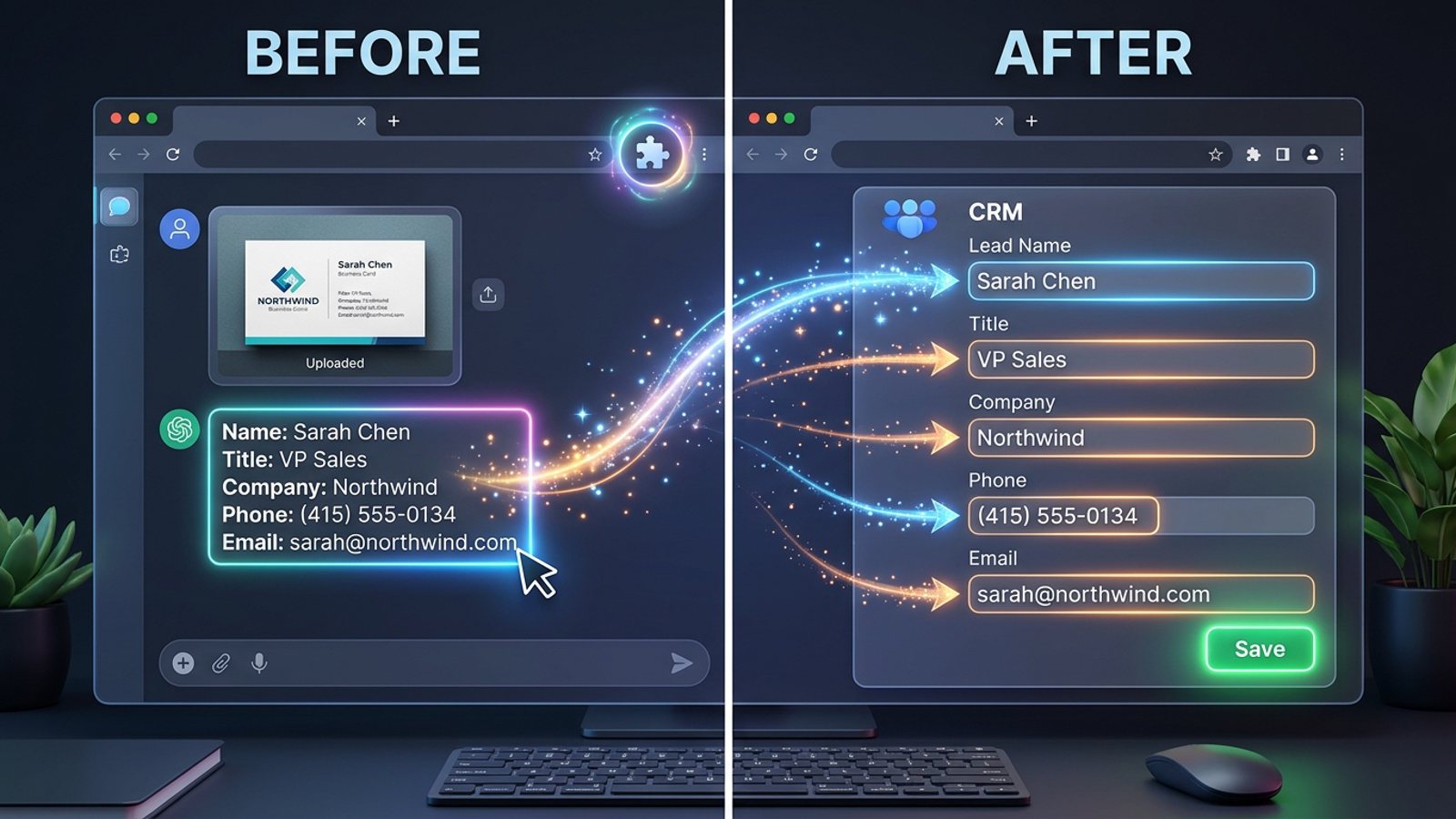
Claude can read a pasted LinkedIn bio and pull out the name, title and company, but on its own it cannot type those values into the Salesforce form in your browser. You still copy them back by hand — unless your admin sets up the beta "Salesforce in Claude" plugin, which works inside Claude, not on the form. A Salesforce form filler extension closes that last mile.
Does Claude connect to my Salesforce account directly?
Only through the "Salesforce in Claude" plugin, and only if your organization is approved for its beta. Claude on its own is a chat and analysis assistant. The Salesforce connection is a separate integration built with Salesforce, announced as part of the Claudeforce partnership on 28 August 2026, per Salesforce's press release.
So the honest answer to "can Claude be my claude salesforce form filler?" is: not by itself. It can reason over a bio you paste in. It cannot reach into the Salesforce tab open in your browser and type into the fields.
What can Claude actually do with a LinkedIn bio?
It can extract the pieces you need. Paste a bio in and ask for name, title, company, email and phone, and Claude returns them as text you can review. That is genuinely useful — the parsing is the part humans are slow at.
What it gives you is text in a chat window. What Salesforce needs is values inside a record. Those are two different places, and the gap between them is where your two minutes per profile goes.
Can Claude type into the Salesforce form on my page?
There is no evidence in the material that Claude acts as a browser extension that fills form fields on a page. The Salesforce integration is described as a plugin that brings accounts, opportunities and pipeline into Claude — not as something that drives the Salesforce UI.
Our recommendation: treat Claude as your extractor and a form filler as your writer. Expecting one tool to do both is how reps end up with a chat window full of clean text and an empty Lead record.
What does the Salesforce in Claude plugin actually do?
It brings Salesforce data into Claude and adds 37 prebuilt sales skills, including account research, call prep, pipeline review and CRM updates, per Claude's own announcement (2026-09-14). Record writes are scoped: when the plugin updates records it only changes fields it named in advance, and admins can require approval before Claude acts, per Cloud for Good (2026-09-20) and Salesforce (2026-10-07).
That is a strong fit for reasoning across an account. It is a different job from "take this bio and fill the New Lead form I have open."
What does it take to switch it on?
This is not a user-level toggle. Setup runs through your Salesforce admin:
- Activate the Salesforce MCP server in your org.
- Create an External Client App and share its consumer key and secret with the Claude admin.
- Enter those credentials in the org connector settings in Claude.
- Decide who gets access, then install and link the plugin.
Per the Anthropic Help Center (2026-11-11), the plugin is beta-only, available on all paid plans, and limited to organizations Salesforce approves through its beta sign-up. The org also needs access to the latest Sales Cloud Enterprise edition.
Is pasting a LinkedIn bio into Claude private?
It depends which Claude you use. Anthropic says it does not use chats or coding sessions from commercial products (Claude for Work, API) to train models unless you opt in to its Development Partner Program; consumer plans sit under a separate policy (Anthropic Privacy Center, 2026-03-05). Anthropic also encourages users not to use its products to process personal data, and its privacy policy does not apply when it processes data as a processor for business customers — the customer is the controller.
A LinkedIn bio is someone else's personal data. That does not make pasting it wrong, but it does mean the account you paste into matters. Rules vary by organization and by place — this is not legal advice.
How do I get the bio into Salesforce in one click?
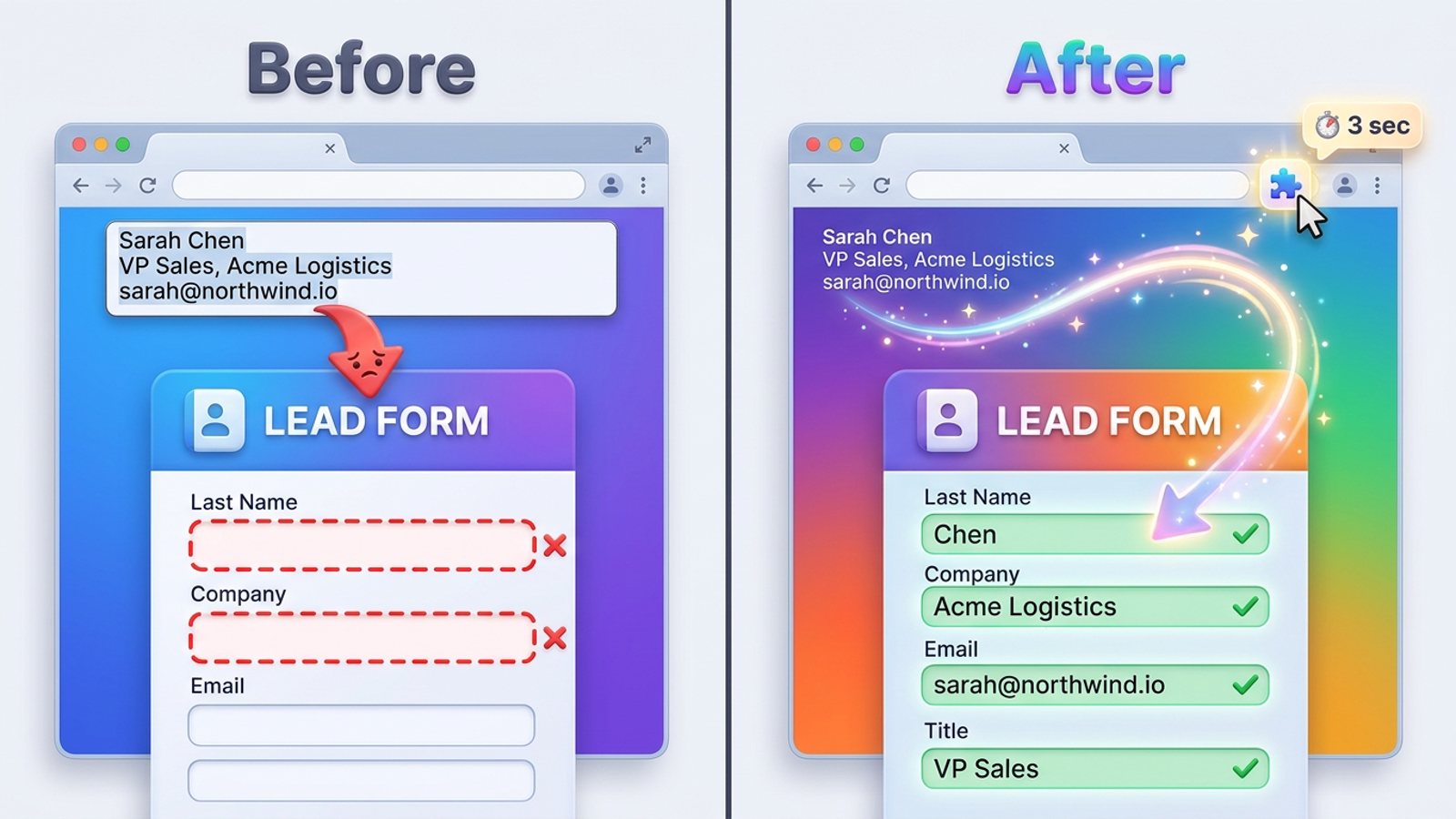
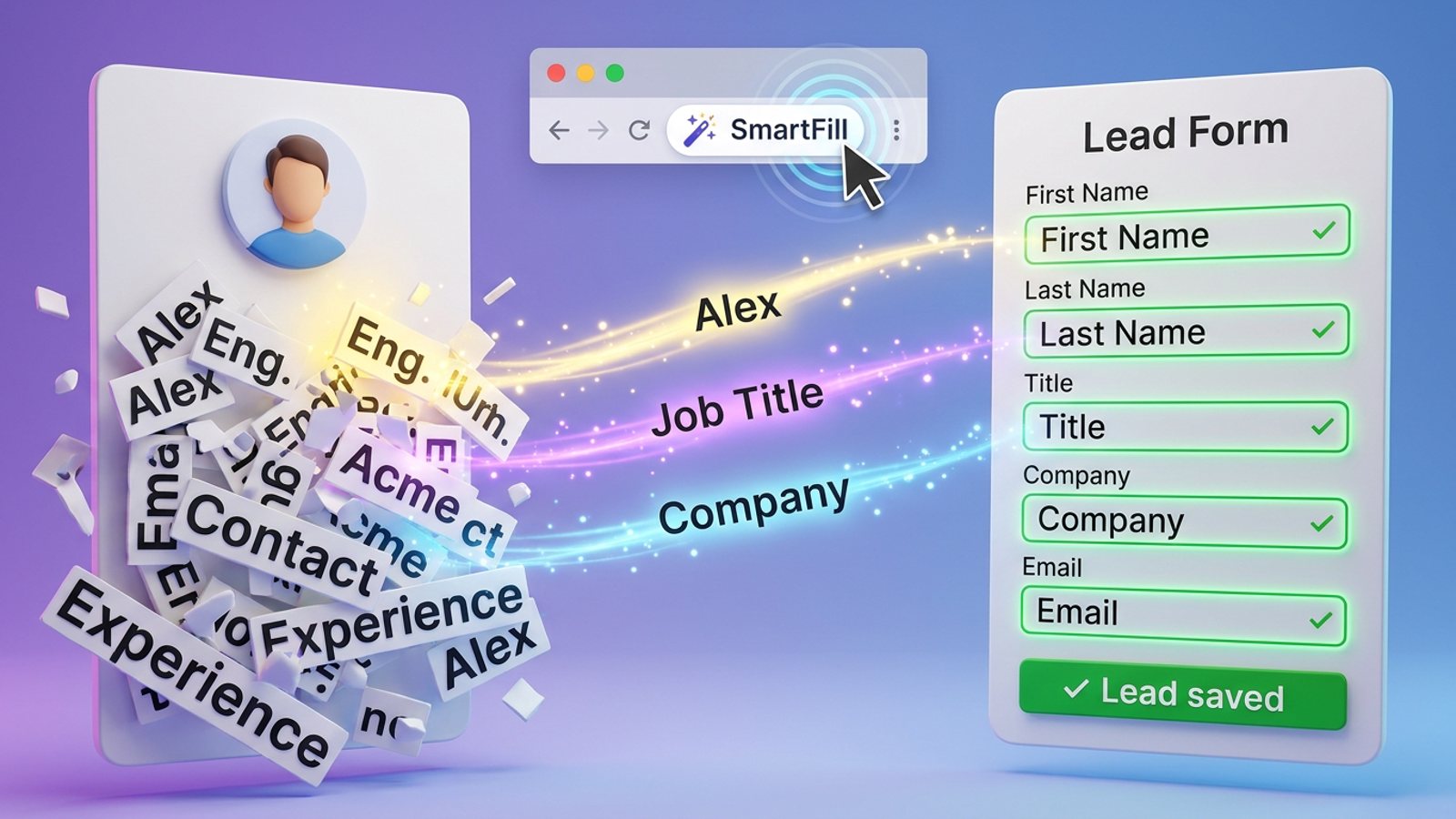
Use a form filler that runs in the browser on the Salesforce page itself. SmartFill is a Chrome extension that takes any pasted text — a LinkedIn bio, an email signature, a messy block of notes — and populates the Salesforce form fields from it. No setup, 10-second install, no sign-up. It works on anything you can open in Chrome, including Salesforce Classic and Lightning, and it fills any Salesforce object and any number of fields.
The steps are short:
- Install the extension in one click.
- Open Salesforce and the LinkedIn profile in separate tabs.
- Copy the bio text — messy is fine.
- Click the SmartFill icon and watch the form fill.
Then check that Last Name and Company are populated before you save. A Salesforce Lead needs both to save at all, and other fields can be made required in your setup, per Ping Identity's docs (2026-09-10) and Shout.com's docs (2026-09-15). If required fields are missing, Lightning warns "Save without required fields?" and the record won't save, per Salesforce Help (2026-08-01).
On privacy: SmartFill processes text in real time and does not store it, and no lead database is built. That matters when the text you are pasting belongs to a prospect rather than to you.
For the deeper walkthrough on the LinkedIn case, see can AI fill Salesforce forms from a LinkedIn profile I paste in?
Install SmartFill Free and log your next LinkedIn lead without retyping it.
Which option is best for filling Salesforce from a LinkedIn bio?
Here is how the realistic options compare for this exact job, as of November 2026. Prices can change.
| Option | Best for | Key features | Price / free option | Watch-outs |
|---|---|---|---|---|
| SmartFill (Our pick) | Filling the form from a pasted bio | AI fills any Salesforce form from text; any object, unlimited fields | Free: 5 fills, then 3/day; Pro $9.99/mo | Desktop Chrome only |
| Claude + Salesforce in Claude | Reasoning across accounts and pipeline | 37 sales skills; Salesforce permissions apply | Beta, paid plans, approved orgs | Admin/MCP setup; Sales Cloud Enterprise; not a form filler |
| Salesforce Web-to-Lead | Leads from your own website | Automated Lead creation; custom fields | Native Salesforce feature | Needs a web form; 500/day default cap; no bio parsing |
| Manual copy-paste | Very low volume, high-touch profiles | Nothing to learn | Free | About 2 minutes per profile; error-prone |
SmartFill is our pick of the tools we compared here because the job in the title is specifically "fill the record from this bio," and it is the only option in this table built to do exactly that in the browser. SmartFill is made by the team behind this blog.
Being straight about the others: if you mainly need to research an account and draft a CRM update inside a chat interface, Claude with the plugin is the more direct choice — that is what its 37 skills are for. If your leads arrive through a website form you control, Web-to-Lead is the native path, and Salesforce Help (2026-09-22) confirms you can add custom fields to it after creating them on the Lead object. Note the default cap of 500 leads per day and that duplicate rules set to "allow + alert" can block submissions, per Synergy Marketing (2025-06-27).
For a broader look at how these tools stack up, read what are the top 5 AI form fillers for Salesforce lead records?
What about a dedicated LinkedIn-to-Salesforce extension?
There are Chrome extensions that capture a LinkedIn profile and create or update a Salesforce Lead directly — for example "LinkedIn → Salesforce" and PortifyLead, both listed on the Chrome Web Store with no date given. Some listings claim 100% browser-side processing and customizable field mapping.
They are worth knowing about, and worth reading closely before you install. Chrome Web Store policy requires extensions that handle user data to post a privacy policy, transmit over secure connections, and disclose data use even when processing happens locally, per Chrome for Developers (enforced since 2019-10-15). Our recommendation: check that privacy policy against what you are about to paste in.
The difference in approach is simple. A profile-capture extension is built around LinkedIn as the source. A general form filler is built around the Salesforce form as the destination, so it handles a bio, an email signature, call notes or a forwarded thread with the same click. If your sources vary, the second shape tends to fit better.
How much time does this actually save?
Start with the baseline. Copying name, title, company and profile URL into a new Lead by hand takes about 2 minutes per profile, per Simular.ai (2026-08-18). That is the number you are beating.
Now the shape of the fix. SmartFill's own framing is turning a 4-minute form fill into a 3-second click. Whichever baseline applies to your team, the pattern is the same: the time goes into finding the lead, not into typing it.
Run the arithmetic on your own week. Twenty LinkedIn leads a day at two minutes each is forty minutes of typing — most of an hour you could spend on the phone.
The real gap is not extraction — Claude reads a bio fine. The gap is the last six inches between clean text in a chat window and a saved Salesforce record.
Ready to stop retyping bios? Install SmartFill Free — 5 fills to start, then 3 a day forever, and unlimited fills on Pro at $9.99/month as of November 2026 (prices can change).
Sources
- Salesforce in Claude (Claude/Anthropic, 2026-09-14)
- Use Salesforce in Claude (Claude Help Center, 2026-09-24)
- Set up Salesforce in Claude (Claude Help Center, 2026-11-11)
- Configurar Salesforce no Claude (Claude Help Center, 2026-09-24)
- Decide What Claude Can See and Change in Salesforce (Salesforce blog, 2026-11-17)
- Claudeforce overview (Salesforce TW, 2026-10-07)
- Claudeforce press release (Salesforce BR, 2026-08-30)
- Sales Cloud in Claude (Beta) (Salesforce Help, 2026-10-19)
- The Claudeforce Two-Way Road (Cloud for Good, 2026-09-20)
- Lead record attributes reference (Ping Identity, 2026-09-10)
- Create or update a Salesforce lead (Shout.com docs, 2026-09-15)
- Web-to-Lead custom fields (Salesforce Help, 2026-09-22)
- Save without required fields warning (Salesforce Help, 2026-08-01)
- Web-to-Lead overview (Synergy Marketing blog, 2025-06-27)
- How to Sync LinkedIn Leads to Salesforce (Simular.ai, 2026-08-18)
- Exporting account and lead info from Sales Navigator (LinkedIn Help)
- Chrome Web Store user-data policy FAQ (Chrome for Developers)
- LinkedIn → Salesforce extension listing (Chrome Web Store)
- PortifyLead listing (Chrome Web Store)
- Personal data in model training (Anthropic Privacy Center, 2026-03-05)
- Como você usa dados pessoais (Anthropic Privacy Center, 2026-03-16)
- Non-User Privacy Policy (Anthropic, 2026-07-07)