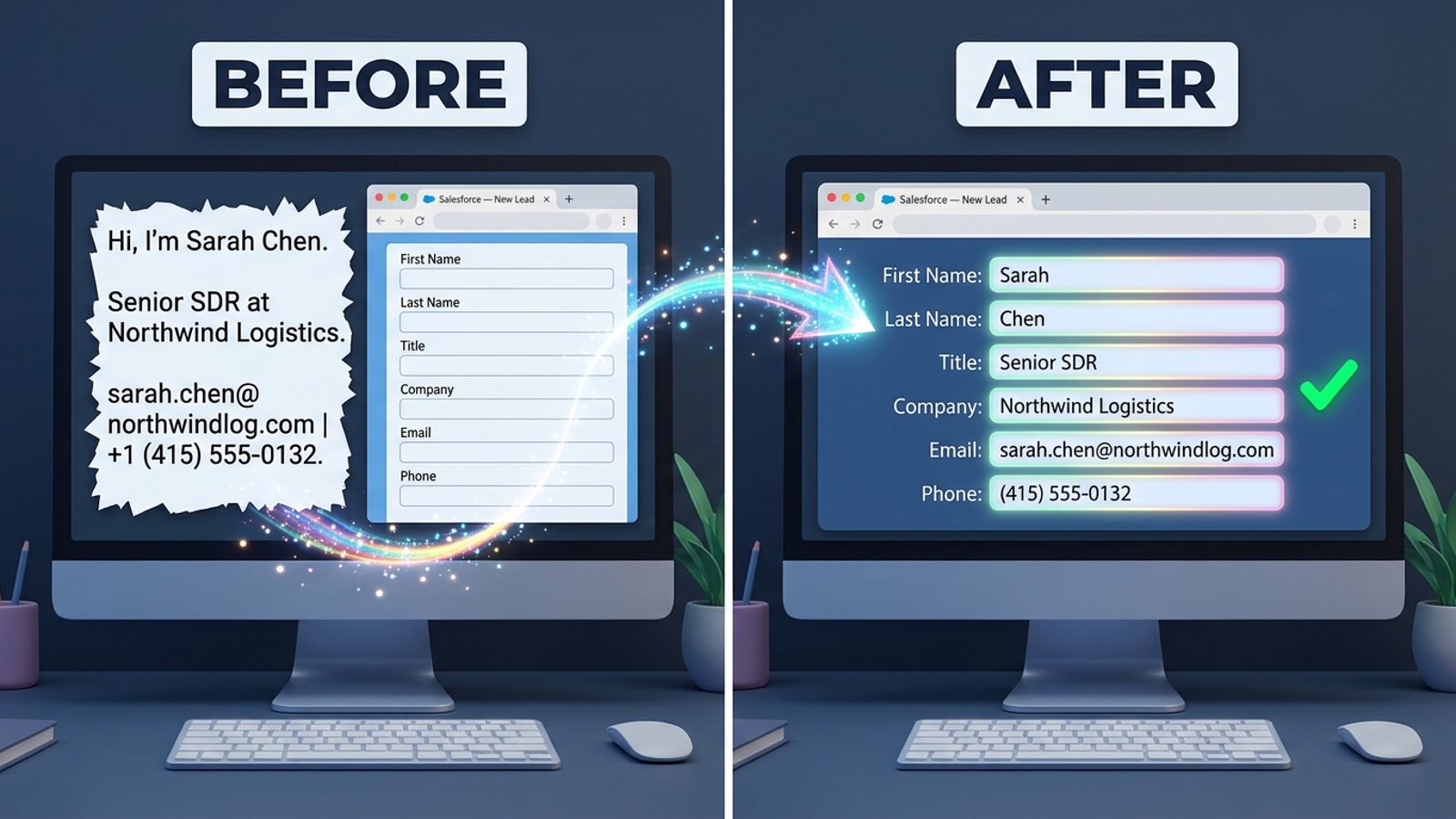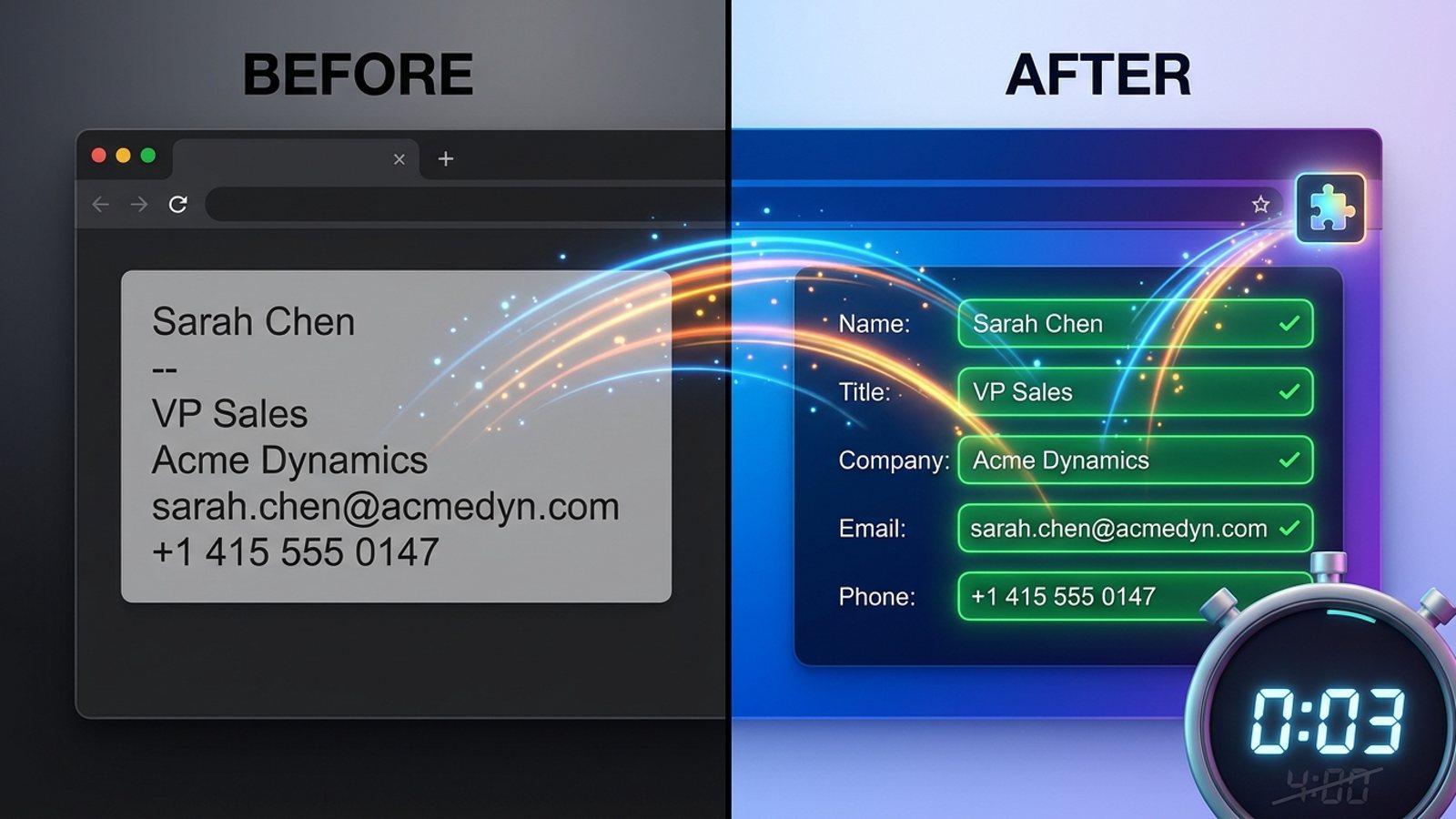
If "zero setup" means a rep pastes an email signature into an open Salesforce record and the fields fill themselves, Titan AI Studio isn't that tool — it builds Salesforce-connected forms from a prompt, then you refine and deploy them. For rep-side lead logging, the titan ai studio revops alternative to compare first is a paste-to-fill Chrome extension like SmartFill, alongside Web-to-Lead and plain copy-paste.
Install SmartFill Free and the next lead you copy from an email signature lands in Salesforce in one click.
Is Titan AI Studio actually zero setup?
No. Titan's own documentation describes a build workflow, not a one-click fill. You write a plain-language prompt, AI Studio generates a fully designed form with labels, button text and layout, and it automatically maps form elements to Salesforce data and generates the logic to create or update records (Titan support docs, 2026-03-30). You then keep refining the result with more chat prompts.
Titan's blog describes the same sequence: prompt → AI creates a first version → connect the form to Salesforce → the team refines "the last mile" in the no-code builder (Titan blog, 2026-07-01). Titan also positions AI Studio as "the build accelerator, not the processor of private CRM records."
That's genuinely useful if you need a customer-facing or partner-facing form. It is not the same job as a rep logging a lead that already exists as text in their inbox.
What does "zero setup" mean for a RevOps lead?
It depends which of two jobs you're solving, and they need different tools.
Job one — building forms. You need a Salesforce-connected form on a landing page, portal or internal workflow. This is Titan's territory: a builder, a data model, a deployment.
Job two — logging a lead a rep already has. The details are sitting in an email signature, a LinkedIn bio or a half-formatted paragraph. Someone needs those fields in a Salesforce record now.
For job two, "zero setup" means: no fields to map, no URL patterns, no regex, no training session. Paste, fill, save.
What are the best Titan AI Studio alternatives for zero-setup lead entry?
Of the tools we compared, these four cover the realistic options. SmartFill goes first because it is the one built for the rep-side job.
| Option | Best for | Key features | Price / free option | Watch-outs |
|---|---|---|---|---|
| SmartFill (Our pick) | Reps pasting messy lead text | AI fills Salesforce forms from pasted text; no setup; all objects | Free: 5 fills, then 3/day; Pro $9.99/mo | Desktop Chrome only |
| Titan AI Studio | Prompt-built Salesforce forms | Prompt-to-form; auto field mapping; push actions | Titan lists $250/mo tier; AI Studio included | Build + refine step |
| Salesforce Web-to-Lead | Inbound leads from your website | Native capture; autoresponders; assignment rules | Included in Sales/Service Cloud | 500 leads/24h; no dedupe |
| Copy-paste by hand | Very small volumes | No tooling at all | Free | Typos, duplicates, slow |
SmartFill is made by the team behind this blog.
SmartFill — our pick for the paste-to-fill job. Install the extension, open Salesforce and your source text in two tabs, copy the lead details even if messy, click the SmartFill icon and the form fills. It works on Leads, Contacts, Cases and custom objects, with no URL patterns or regex mapping to configure. Text is parsed in real time and not retained, and no lead database is built (Chrome Web Store listing, 2026-10-19). Pricing as of November 2026: free with 5 fills on install then 3 free fills every day, or Pro at $9.99/month for unlimited fills — prices can change. Honest limit: it's a desktop Chrome extension, so no mobile and no other browsers. Duplicate detection is listed as "coming soon."
Get SmartFill for Salesforce — install takes about ten seconds and needs no sign-up.
Titan AI Studio — the right choice if you're building forms. If your actual need is a polished, Salesforce-connected form for customers, partners or employees, Titan is the more direct choice. It understands Salesforce objects, fields and relationships without reading record data, and a walkthrough on DEV Community describes building a Salesforce donation form in about a minute after AI Studio reviewed the connected data model and flagged that Last Name is required on Contact (DEV Community, 2026-08-16). Watch-outs: it's a build tool with a last-mile refinement step, only push actions are supported, and Titan's own pricing page lists $250/month for Salesforce-connected forms and landing pages, with $450–$1,000/month for multi-page forms, portals, workflows, conditional logic and 2FA (Titan, 2025-10-26).
Salesforce Web-to-Lead — free, but a different door. Included at no extra cost in Sales Cloud and Service Cloud subscriptions and part of Salesforce for more than 20 years (CloudAmp guide, no date). It captures prospects from your own website straight into the Lead object with autoresponders and assignment rules. Its stated disadvantages: raw HTML with limited branding and validation, no deduplication against existing records, and a 500-lead-per-24-hour cap (CloudAmp). Setup happens in Setup, with reCAPTCHA on by default, a Default Lead Creator and a Default Response Template (Kubaru, 2026-11-02). If your problem is a rep holding a signature in an email, Web-to-Lead doesn't help.
Copy-paste by hand — free, and it shows. Fine at very low volume. A comparison table rates manual data entry as low setup but high ongoing effort, low accuracy from typos and duplicates, and very limited scalability (Thunderbit, 2026-07-12). That cleanup work lands on RevOps.
How do you log a lead from an email signature without leaving Salesforce?
You copy the text and let a filler do the parsing. Five steps:
- Install the extension. One click from the Chrome Web Store, no sign-up.
- Open two tabs. Salesforce on one, the source text — email signature, LinkedIn About, a dashed-off paragraph — on the other.
- Copy the lead text. Messy is fine; that's the point.
- Open the record and click SmartFill. Click New Lead (or Contact/Case), open the extension, paste, hit Auto-Fill.
- Save. Check the fields, then save the record.
Optionally, save a Page Rule once so the clipboard auto-fills on that Salesforce page (Chrome Web Store, 2026-10-19). That's the only configuration in the whole flow, and it's optional.
Do I have to map fields myself with an AI form filler?
With a paste-to-fill filler, no. SmartFill fills the open Salesforce form from the pasted text, so there are no field mappings, URL patterns or regex to maintain — and per the owner, there's no cap on how many fields it fills at once.
With a form builder, mapping is part of the product. Titan AI Studio automatically maps form elements to Salesforce data and generates the create/update logic (Titan support docs, 2026-03-30) — helpful, but it's mapping you then own and refine.
That distinction is the whole decision. A builder maps once per form and serves everyone who fills it. A filler maps nothing and serves the rep in front of a record right now.
What happens to my lead data when an AI tool reads it?
Ask this of every tool on your shortlist, and get the answer in writing.
For SmartFill, the product facts state that text is processed in real time and not stored — no lead database is built from what you paste. Titan states that AI Studio builds layout, fields, mapping and logic while live record values come from Salesforce at runtime (Titan blog, 2026-07-01). AutoFormAI, a Chrome extension that fills forms from a personal-information library built from resumes, emails or notes, says data is stored on the user's device (Chrome Web Store, 2025-11-15).
Our recommendation: whatever you pick, confirm in writing whether pasted text is retained, and who can access it. This isn't legal advice, and data-protection rules vary by place — check with your own counsel before rolling anything out across a team.
How does SmartFill compare on price with Titan AI Studio?
Titan's own pricing page lists $250/month for the tier covering Salesforce-connected forms and landing pages, $450–$1,000/month for the tier adding multi-page forms, portals, workflows, conditional logic and 2FA, plus an enterprise tier (Titan, 2025-10-26). Titan states AI Studio is included at no extra cost within its form pricing (Titan forms page, 2025-09-22).
Third-party price trackers read Titan's plans differently as of October 2026 — Experience Studio Starter at $250/mo, Scale (AI Studio) at $1,200/mo, Document Studio Starter around $150/mo (Specifiction, 2026-10-14; PCNMobile; MacMyths). Treat those as third-party readings and quote Titan's own page for Titan's own prices.
SmartFill is free for 5 fills on install, then 3 fills every day forever, with Pro at $9.99/month for unlimited fills as of November 2026 — prices can change.
The comparison isn't quite apples to apples — Titan's price buys a form-building platform, SmartFill's buys unlimited rep-side fills. If you're only solving lead logging, you're paying for a lot of platform you won't use.
Which Titan AI Studio alternative should a RevOps lead pick?
Pick by job, not by feature list.
- Reps pasting messy lead text into Salesforce: SmartFill, because there's nothing to configure and it fills the record in front of them. Desktop Chrome only.
- Customer- or partner-facing Salesforce forms: Titan AI Studio, because a prompt-built form you refine in a visual builder is exactly what that job needs.
- Inbound capture from your website: Web-to-Lead, free with your Salesforce subscription, with the 500-a-day cap and no dedupe in mind.
- Under a handful of leads a week: copy-paste, and revisit when the cleanup starts eating time.
If the complaint is "my reps retype email signatures into Salesforce," you don't need a form builder — you need the paste to do the typing.
Install SmartFill Free and turn a four-minute form fill into a three-second click.
Sources
- SmartFill: The AI Form Filler for Salesforce (Chrome Web Store, updated 2026-10-19)
- Titan AI Studio support docs (Titan DXP, 2026-03-30)
- Pre-Filling Salesforce Forms with Existing CRM Data Using AI (Titan blog, 2026-07-01)
- Titan Pricing (Titan DXP, 2025-10-26)
- Forms That Speak Salesforce (Titan DXP, 2025-09-22)
- FormTitan pricing read (Specifiction, 2026-10-14)
- FormTitan pricing (PCNMobile, read 15 Oct 2026)
- FormTitan (MacMyths, checked Oct 15 2026)
- CloudAmp's Ultimate Guide to Salesforce Web-to-Lead Forms (Salesforce AppExchange PDF, no date)
- Salesforce Web-to-Lead: Setup, Limits & Lead Assignment (Kubaru, 2026-11-02)
- Web-to-Lead integration comparison (Thunderbit DE, 2026-07-12)
- Donation form: native vs Titan (DEV Community, 2026-08-16)
- AutoFormAI (Chrome Web Store, 2025-11-15)