If you're a RevOps lead comparing fill tools, the real question isn't feature parity. Einstein Autofill is a beta, Salesforce-native feature that only runs inside Industries clouds after generative AI, permission sets and an Action Launcher are configured. Lighter alternatives — SmartFill, Magical, Text Blaze, Chrome autofill and Salesforce's own Quick Create — trade that setup weight for different costs, data handling and mess tolerance.
The fastest way to see the difference on your own data is to install SmartFill free and time ten real lead fills against whatever you're evaluating now.
What is Einstein Autofill and who can actually use it?
Einstein Autofill (Beta) lets users "instantly transform call and chat conversations into form suggestions" using AI-driven recommendations integrated with OmniScripts, according to Salesforce's Spring '25 release notes. It runs in Lightning Experience, in Enterprise and Unlimited editions of Industries clouds where the Industry Service Excellence Add-On is enabled (Salesforce Help, 2026).
That sentence is the whole availability story, and it's why so many RevOps teams end up looking elsewhere. If your org isn't on an Industries cloud with that add-on, Einstein Autofill isn't a cheaper-or-pricier decision — it's simply not on the menu.
It's also a pilot/beta service under Salesforce's Beta Services Terms, per the same release note. Beta means the shape of the feature can change under you.
How much setup does Einstein Autofill really take?
More than a toggle. Salesforce Dictionary's setup walkthrough (updated July 2026) lays out the order: generative AI must be configured first, because every suggestion is a model call; then you turn on Einstein Autofill in Setup; then you assign the full permission list to reps. As that guide puts it, "everything that decides whether reps see anything useful happens afterwards, in the OmniScript and its schema."
There's one more layer: an Action Launcher has to be configured on the record page, and it launches the OmniScript that embeds the Autofill component — not Autofill directly (Salesforce Help, 2026).
So the honest setup checklist looks like this:
- Confirm eligibility — Enterprise or Unlimited Industries cloud, Industry Service Excellence Add-On, Lightning Experience.
- Configure generative AI — the prerequisite for every suggestion.
- Turn on Einstein Autofill in Setup.
- Assign permission sets for Voice, Messaging, Prompt Builder and OmniStudio, as applicable.
- Build or verify the OmniScript and its schema.
- Add the Action Launcher to the record page.
No source in this material gives a duration for that work. What it does say is that the effort is real and lands on admins, not reps — which is exactly the "admin effort / usability" and "people time = hidden cost" dimension the Pedowitz Group's buyer's guide tells you to validate with time-to-task studies.
Our recommendation: before scoping any of this, check whether an Einstein capability is already bundled in your edition. Redress Compliance's licensing advisory (updated August 2026) found 1 in 3 estates it benchmarked paid twice for an Einstein feature.
What will per-seat cost look like across a 20-rep team?
For Einstein Autofill itself there's no public list price in the material — it's gated behind editions and an add-on. The surrounding Einstein/Agentforce AI is licensed under three mixed models: edition-bundled features, per-user add-ons, and consumption credits (Redress Compliance, updated 2026-08-06).
That third model is the one to model carefully. In the same advisory's engagements, initial Agentforce credit commitments ran 40–70% ahead of first-year actual consumption, and unused credits rarely roll over.
For the lighter tools, the seat math is published and boring — which is a feature:
Source: Text Blaze plans page; SmartFill product facts; third-party Magical trackers
Read that chart with care: the Magical figures come from third-party trackers that disagree with each other, and Magical no longer publishes consumer pricing on its own site. The Text Blaze numbers come from its plans page. SmartFill's comes from its own product facts.
Which tools should a RevOps lead shortlist?
Here's the comparison across the options in this material. The product goes first because this is our blog and we make it — the disclosure is below the table.
| Option | Best for | Key features | Price / free option | Watch-outs |
|---|---|---|---|---|
| SmartFill (Our pick) | Reps filling Salesforce forms from messy pasted text | AI fills Salesforce forms from any copied text; no setup; 10-second install | Free: 5 fills, then 3/day; Pro $9.99/mo | Desktop Chrome only |
| Einstein Autofill (Beta) | Industries-cloud teams generating suggestions from calls and chats | OmniScript form suggestions from voice and messaging | No public list price; edition + add-on gated | Beta; admin-heavy setup |
| Magical | Reps moving data across many web apps | Text expansion, cross-tab form fill, shared templates | No published consumer price; trackers ~$6.50–$15/user/mo | Generic, not Salesforce-specific |
| Text Blaze | Teams standardising snippets and templates | Snippets, conditional logic, team sharing, SSO on Enterprise | Free (20 snippets); Pro $2.99/user/mo yearly | Expands what you pre-write |
| Chrome autofill | Static HTML forms and personal data | Built into Chrome, free | Free | Struggles with Lightning fields |
| Salesforce Quick Create | Manual record creation inside Salesforce | Native, no third-party data handling | Included with editions | Entirely manual |
SmartFill is made by the team behind this blog.
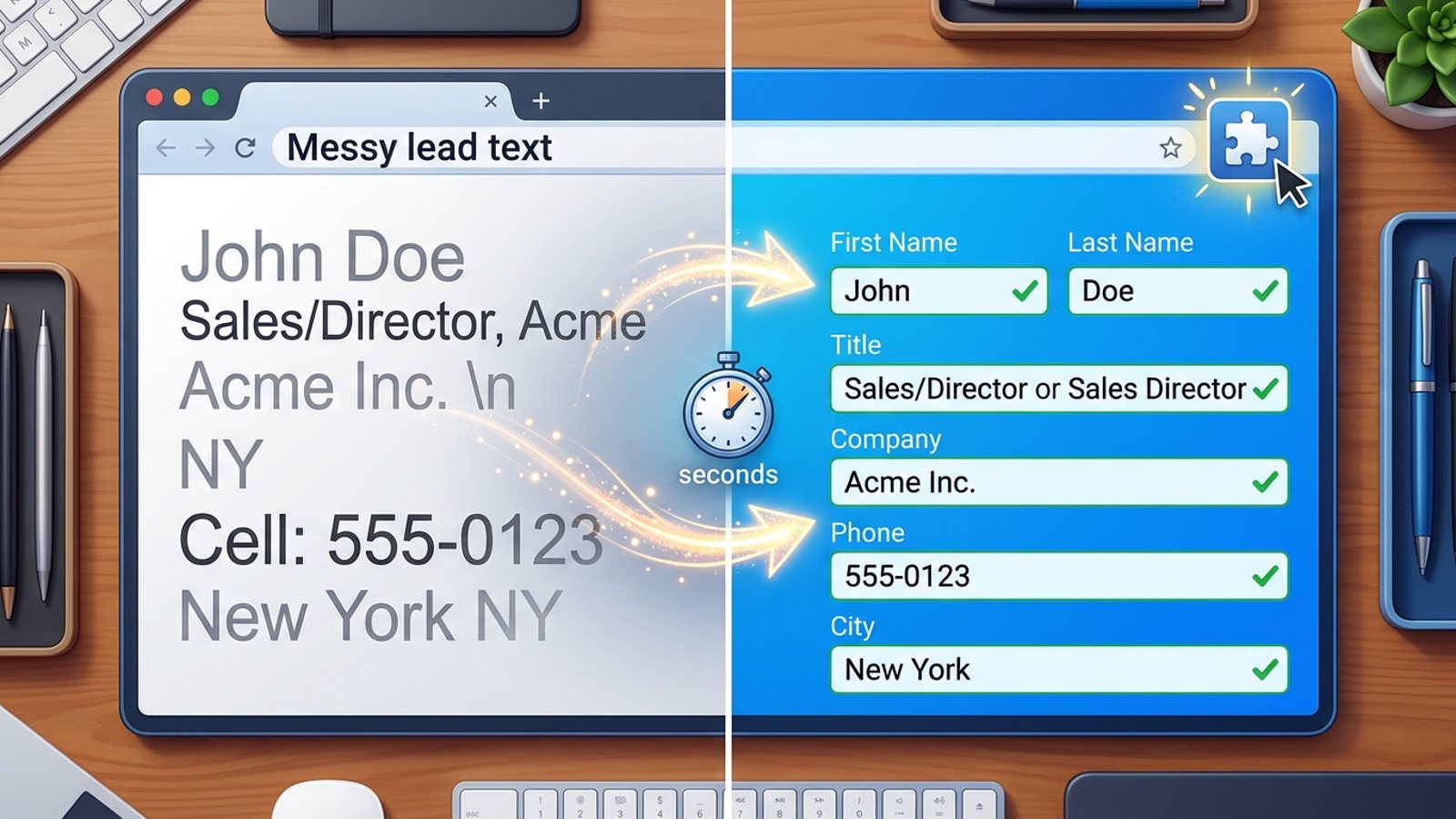
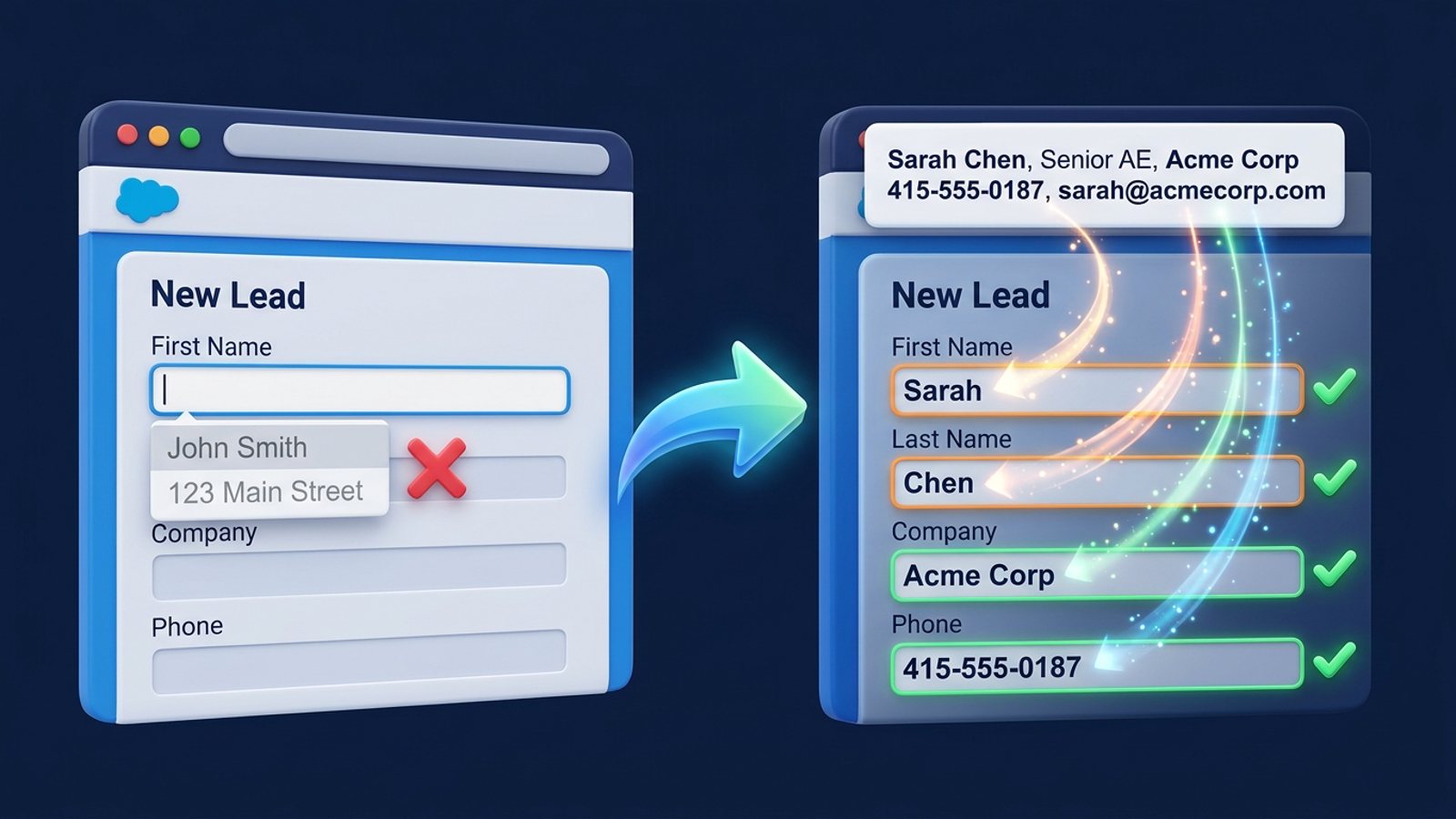
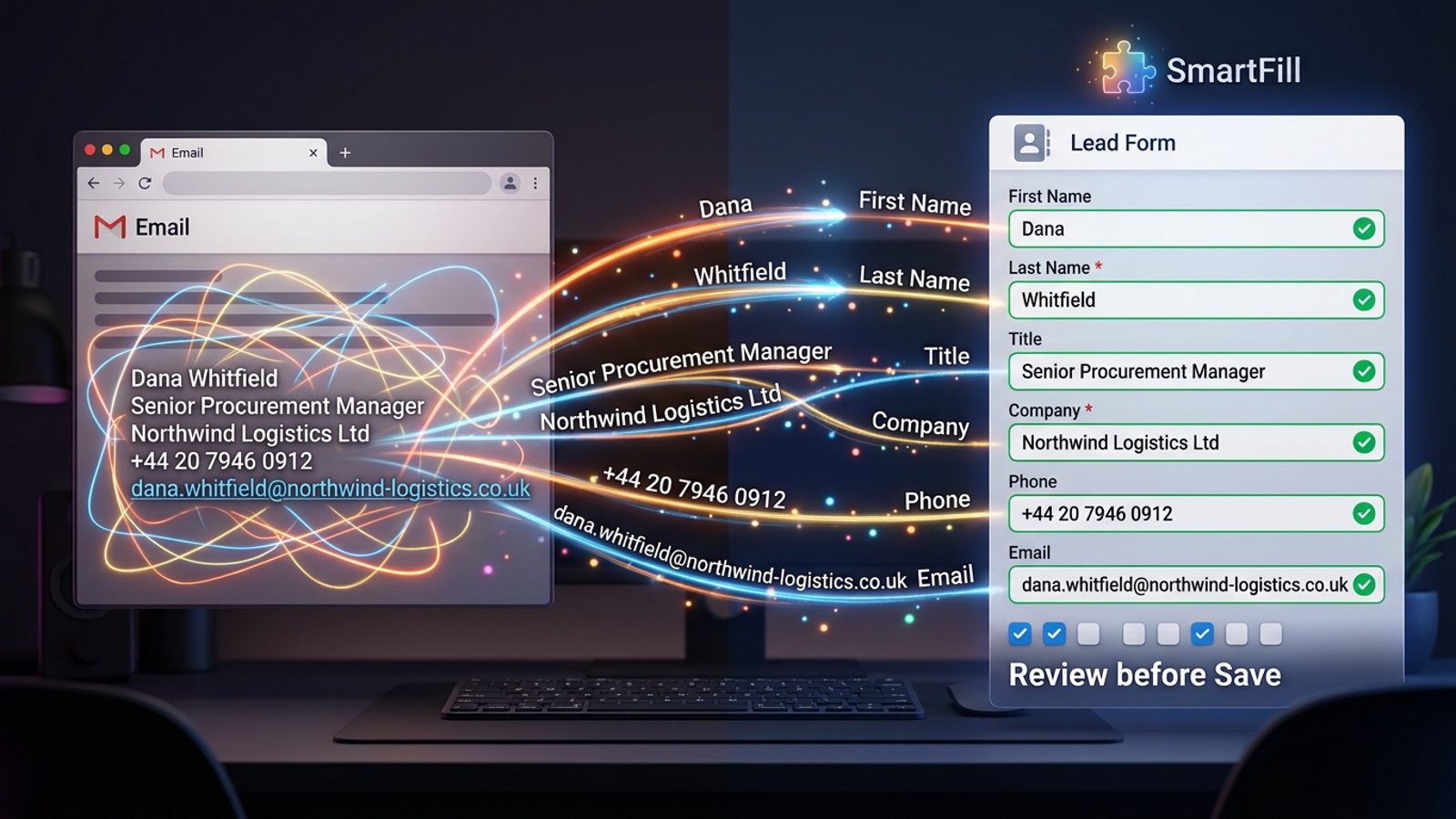
Our pick, scoped to the tools we compared: SmartFill is the lightest path from a messy email signature or LinkedIn bio to a filled Salesforce form. It handles unstructured lead data without manual parsing, needs zero setup or learning curve, and the owner states it fills every Salesforce object and has no limit on fields per fill. It turns roughly 4-minute form fills into 3-second clicks, per the product's own estimate. It processes pasted text in real time and builds no lead database — nothing is retained after the fill, and it is not a native Salesforce integration or endorsed by Salesforce. If you want to test that claim on your own records, install SmartFill free and run ten leads through it.
If you mainly need suggestions generated inside OmniScript flows from recorded calls and chats, and you're already on an Industries cloud, Einstein Autofill is the more direct choice — it's the only option here that's native.
If you mainly need shared snippet libraries with conditional logic and enterprise controls like SAML SSO, SCIM and audit logs, Text Blaze is the more direct choice. Its Free plan covers up to 20 basic snippets with unlimited expansions on Chrome and Edge (ToolChase, 2026), and Enterprise adds the governance layer (MEFMobile, undated). The catch is philosophical: templates expand what you pre-write; they don't parse a messy lead into fields.
If you mainly need text expansion plus cross-tab data movement across many web apps, Magical fits — it's a Chrome extension for text expansion and cross-tab form autofill with team template sharing (lunarlist.ai, 2025). Budget carefully: three trackers list it at roughly $6.50, ~$10 and ~$15 per user/month, so check magical.so's own pricing page before you build a number into a business case.
If you mainly need free and native, Salesforce Quick Create and inline editing are included with your editions and involve no third-party data handling at all. They're also entirely manual — no parsing, no suggestions, and typing time stays your cost.
Why doesn't Chrome autofill just solve this for free?
Because Chrome's built-in autofill was designed for static HTML forms, while Salesforce Lightning fields are rendered by JavaScript. QuickForm's vendor blog (June 2026) reports that a 10–30-field Lightning workflow "still takes 5–10 minutes even when you already have your information saved in Chrome." QuickForm sells a competing form filler, so weigh that source accordingly.
An independent guide notes Chrome doesn't detect every field, and the workaround on forms it can't recognise is a filler that matches fields by their visible label (tidyleaf.github.io, undated).
One thing worth knowing as a RevOps admin: browser autocomplete behaviour in Salesforce is controlled by the browser, not by Salesforce, and users can switch it off in Chrome's own Settings (Salesforce Help, 2024). So "turn off browser autofill" is a Chrome policy question, not a Salesforce configuration one.
How should RevOps actually run this evaluation?
Start with must-pass criteria, not demos. The Pedowitz Group's buyer's guide recommends shortlisting 3–5 vendors, defining must-pass standards for security, data model, integrations and total cost of ownership, running a scripted proof with your own data, and scoring against weighted criteria.
For AI vendors specifically, the same guide says to prioritise governed AI — retrieval from your own knowledge, policy validators, audit logs and role-based approvals — rather than just "assistant" features.
Then run the proof:
- Pick 10 real lead records with genuinely messy source text — signatures, bios, forwarded threads.
- Time each fill and log which fields landed correctly and which needed fixing.
- Ask where the text goes. SmartFill states it processes text in real time and stores nothing; retention terms for the other tools in this material aren't published in it, so ask each vendor directly.
- Model three-year cost including admin hours, not just seat price.
- Audit overlap before you renew — check whether a capability is already bundled.
That last step matters more than it sounds. The RevOps Report (February 2026) reports the average B2B company uses 120+ SaaS tools, with RevOps owning or influencing 30–50, and recommends auditing usage vs spend, overlap and integration health quarterly or before renewals. A separate checklist from the same site puts the average at 130+.
The tool that wins a RevOps evaluation is rarely the one with the most features — it's the one your reps actually open on a Tuesday afternoon.
If you want the wider field, our breakdown of the best alternatives to Einstein Autofill for Salesforce covers more options, and the free alternative to Einstein Autofill is the place to start if budget is the binding constraint.
When you're ready to put one on the shortlist, install SmartFill free — five fills to start, then three a day, no sign-up required.
Sources
- Einstein Autofill Editions and Permissions (Beta) — Salesforce Help, 2026-10-22
- Action Launcher for Einstein Autofill — Salesforce Help, 2026-11-12
- Einstein Autofill release note — Salesforce, no date
- How to: Einstein Autofill Setup — Salesforce Dictionary, updated 2026-07-31
- Salesforce Einstein AI Licensing 2026 — Redress Compliance, published 2026-03-20, updated 2026-08-06
- Disable Browser Autofill / Auto-Completion for Fields in Salesforce — Salesforce Help, 2024-11-13
- Best Chrome Extension to Autofill Salesforce Forms — QuickForm Blog, 2026-06-09 (vendor blog)
- Chrome autofill not working on some forms — tidyleaf.github.io, undated
- Text Blaze plans — blaze.today, no date
- Text Blaze Review 2026 — ToolChase, 2026-04-15
- Text Blaze: price, platforms and alternatives — MEFMobile, no date
- Clipboard History Pro vs Text Blaze vs Magical — clipboardextension.com, checked October 2026
- Magical review/prix — librairie.io, 2026-10-29
- Magical — MoreAI.tools, 2026-05-21
- Magical — lunarlist.ai, 2025-11-17
- How to Evaluate and Select RevOps Technology — The Pedowitz Group, no date
- The RevOps Tech Stack Audit — The RevOps Report, 2026-02-14
- RevOps Tech Stack Audit Checklist — The RevOps Report, 2026-02-22
- Salesforce pricing 2026 — eesel AI, last updated 2026-08-09
- Salesforce Sales Cloud Pricing in 2026 — PromptLab, 2026-10-05