Yes — SmartFill is a free alternative to Einstein Autofill for filling Salesforce forms from lead data. Its free plan gives you 5 fills to start, then 3 per day forever, and Pro is unlimited at $9.99/month as of November 2026 (prices can change). It's a Chrome extension with no setup, so you can test it on real leads today.
If you're a RevOps buyer staring at an enterprise quote, the real question is which free option actually fills a Salesforce form from the messy lead data your reps already have. That's what this page answers.
Install SmartFill Free and paste a real lead into a Salesforce form to see the difference before you decide anything.
What does Einstein Autofill actually do — and what does it cost?
Einstein Autofill (Beta) turns call and chat conversations into form suggestions using AI-driven recommendations, and it integrates with OmniScripts to fill forms based on those conversations, according to Salesforce's Spring '25 release notes. It runs in Lightning Experience in Enterprise and Unlimited editions of Industries clouds where the Industry Service Excellence Add-On is enabled, per Salesforce Help (October 2026).
On price: enterprise add-ons are priced on request and vary, so there's no public list price to compare against. Third-party estimates for Einstein and Agentforce seats disagree — one 2024 analysis put Einstein 1 for Sales at $500/user/month, while other sites cite figures from $25 to $550/user/month. Those are third-party estimates, not Einstein Autofill's price, so don't budget from them.
What you can say for certain is that it isn't a free tier. It's labelled a pilot or beta service subject to the Beta Services Terms, and it needs assigned permission sets for Salesforce Voice, Service Cloud Messaging Session, Einstein Prompt Builder and Omnistudio. Setup also means configuring generative AI first, then enabling Einstein Autofill in Setup, then assigning the full permission list to reps — as documented by Salesforce Dictionary (updated July 2026), an independent blog.
Is SmartFill a genuinely free Einstein Autofill alternative?
Yes. SmartFill is a Chrome extension that uses AI to fill Salesforce forms from any pasted text, and its free plan gives you 5 fills to start, then 3 per day forever, per its Chrome Web Store listing (updated October 2026). Pro is unlimited fills at $9.99/month as of November 2026 — prices can change.
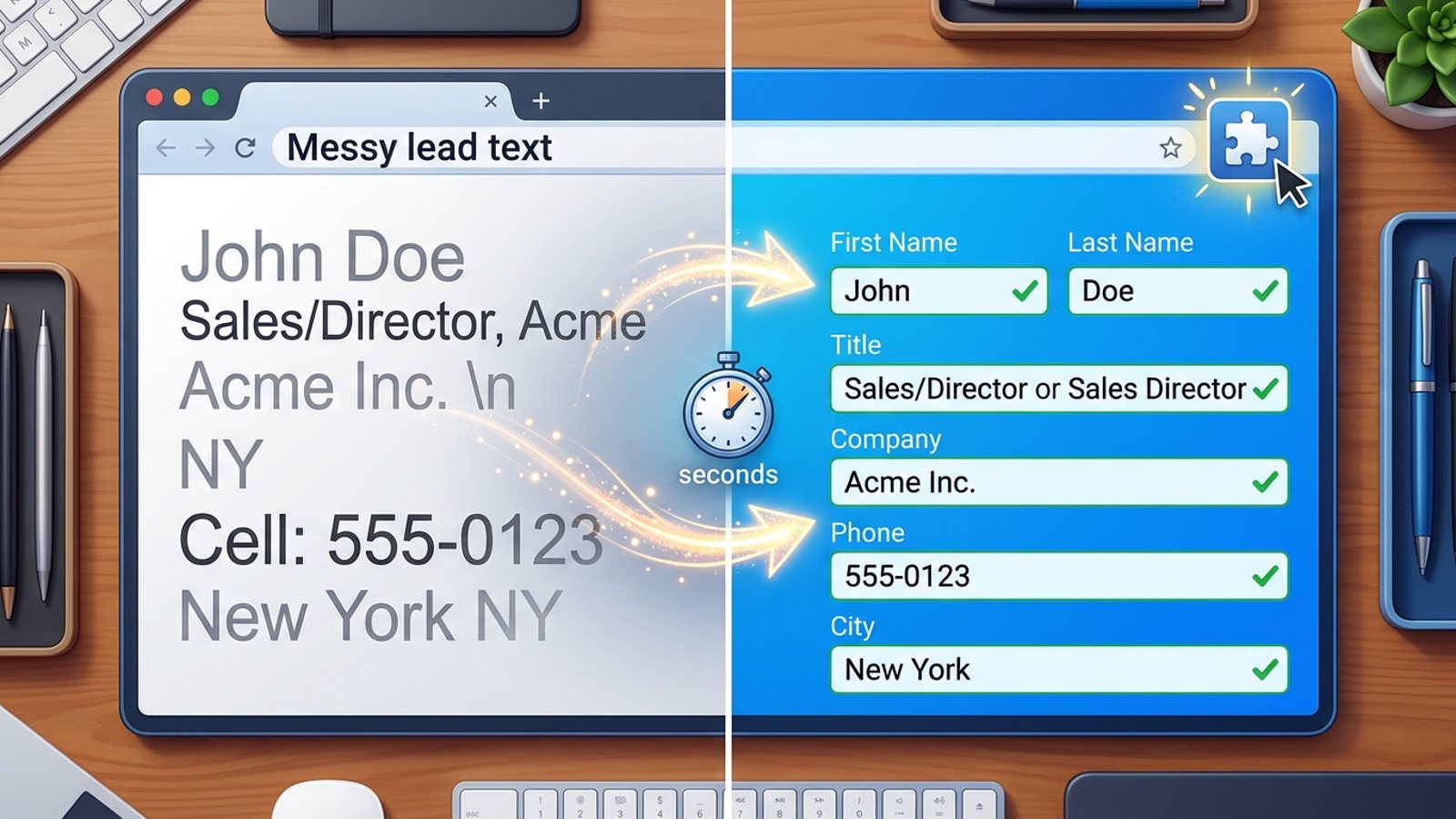
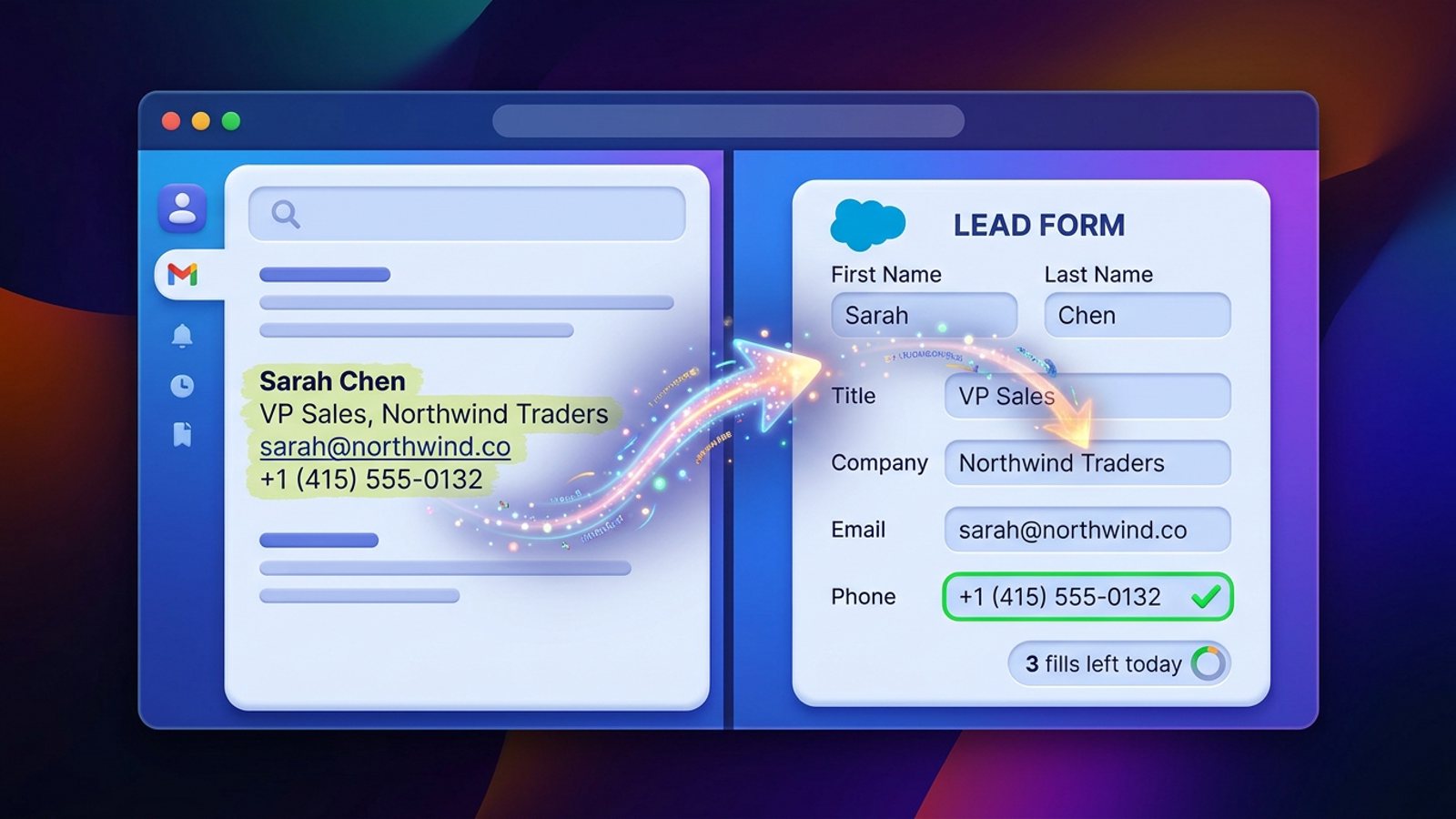
Here's what that means in practice. Say an SDR copies a messy signature block — name, title, company, two phone numbers, a LinkedIn URL — and pastes it into SmartFill. The extension fills the Salesforce fields for them. No field mapping, no configuration, no admin ticket. The listing says it works with messy, unstructured data like email signatures and LinkedIn bios, and that install takes about 10 seconds with no sign-up.
Three things matter to a RevOps buyer specifically:
- It covers all Salesforce objects. The owner confirms it fills everything — leads, contacts, accounts, cases and custom objects — and there's no limit to how many fields it can fill at once.
- It doesn't build a lead database. Pasted text is parsed in real time to fill the form and is not retained afterward, per the Chrome Web Store listing. The owner states nothing sent to the AI is saved.
- It works wherever Chrome does. Because it's a Chrome extension, it works in Salesforce Classic and Lightning — anything that runs in a Chrome browser.
The honest limit: it's desktop Chrome only. If your reps work from mobile or a non-Chrome browser, this isn't the tool for them.
What are the other free ways to fill Salesforce forms?
There are three other free routes, and each one solves a narrower problem than you probably think.
Salesforce Web-to-Lead is built into your org at no licence cost — described as "no integration, no cost, no middleware" by a September 2026 Medium write-up. You generate an HTML form snippet in Setup, paste it on a web page, and submissions post straight in as Lead records. But it creates Lead records only, needs admin setup and HTML embedding, and custom fields come through with names like 00NXXXXXXXXXXXX, per Thunderbit's 2026 tutorial. It's for inbound website capture, not for a rep filling a Contact or Case form from pasted notes.
Chrome's built-in autofill is free and zero-setup, but it was designed for static HTML forms. Salesforce runs on Lightning Web Components, where fields are rendered and managed by JavaScript the scanner wasn't built to handle — a 10–30-field workflow still takes 5–10 minutes, per a June 2026 QuickForm blog (a vendor blog). Salesforce itself says browser autofill in Salesforce fields "is controlled by the browser — not by Salesforce" (Salesforce Help, November 2024).
Manual copy-paste is free in the sense that it costs only the rep's time. It's also the slowest option and the most error-prone.
The QuickForm benchmark is the one published time figure in the research: a 10–30-field Salesforce workflow still takes 5–10 minutes with Chrome's autofill. SmartFill's own pitch is that it turns 4-minute form fills into 3-second clicks — that's the vendor's stated estimate, not a measured result.
How do the options compare?
| Option | Best for | Key features | Price / free option | Watch-outs |
|---|---|---|---|---|
| SmartFill (Our pick) | Reps with lead data as pasted text | AI fills any Salesforce object; no setup; no lead database | Free: 5 fills, then 3/day; Pro $9.99/mo | Desktop Chrome only |
| Einstein Autofill | Industries service orgs on OmniScript | Conversation-driven suggestions; native to Salesforce | Add-on, priced on request | Beta; edition- and add-on-gated |
| Salesforce Web-to-Lead | Inbound website leads | Built-in HTML form posting to Leads | No licence cost | Lead records only; admin setup |
| Chrome built-in autofill | Static HTML forms | Zero setup, any text/email/phone field | Free with Chrome | Unreliable on Lightning |
| Manual copy-paste | One-off records where accuracy wins | Full human control | Free (rep time) | Slow; error-prone |
SmartFill goes first here because, of the tools we compared, it's the only one that fills any Salesforce object from messy pasted text on a free plan. The others aren't worse — they're built for different jobs. If you mainly need conversation-driven suggestions inside OmniScript on an Industries cloud, Einstein Autofill is the more direct choice. If you mainly need website visitors to become Lead records automatically, Web-to-Lead is the more direct choice.
SmartFill is made by the team behind this blog.
For a wider field, see our comparison of the best alternatives to Einstein Autofill for Salesforce, and if you're weighing a different extension, the free alternative to FillApp for Salesforce forms covers that ground.
What do other paid and freemium form fillers cost?
If the free plans don't fit, three adjacent tools come up often — and their trade-offs are worth knowing before you pay for anything.
Magical is a Chrome text expander and autofill app claiming 950,000 users at 100,000+ companies, and it fills lead contact info into a CRM from another tab in one click with no integrations or APIs, per its Chrome Web Store listing (updated April 2026). It's rated 3.1 out of 5 from 3.5K ratings there, and its Chrome Web Store disclosure says it handles personally identifiable information, location, web history, user activity and website content. Best for multi-app templating and messaging rather than Salesforce-specific parsing.
FillGenius is a freemium Chrome extension that auto-fills web forms from data you store once. A third-party directory (October 2026) lists Pro at $9/month or $6.58/month billed annually ($79/year) — that's a directory figure, not an official page, so verify it. Its own listing says it never auto-submits forms and never shares your data, and it's rated 3.4 from 5 ratings.
QuickFields stores up to 25 custom text fields plus a date field, inserted via right-click into any input including Shadow DOM, with data living only in Chrome Sync storage — no servers, accounts or analytics, per its Chrome Web Store listing. It's private and free-style, but it doesn't parse a lead for you; you define every field yourself.
Which free option should you pick?
Pick by the shape of your data, not by the feature list.
- If your reps have lead details as pasted text — an email signature, a LinkedIn bio, a messy note — use SmartFill. It's the only free-plan option in this comparison built to read unstructured text and fill Salesforce fields from it.
- If you need website visitors to become leads automatically, ask your admin about Web-to-Lead. It's free with your org and does exactly that one job.
- If you're on an Industries cloud and want suggestions from call and chat conversations inside OmniScript, Einstein Autofill is the native path — just budget for the edition and add-on conversation.
- If you only fill the same five fields on static pages, Chrome's autofill or QuickFields may be enough.
A quick way to test SmartFill: install it, copy the messy lead text, paste it into the extension, click Auto-Fill, review the populated Salesforce fields, and save. If the fields land where you'd have typed them, you've answered the question for your team.
Install SmartFill Free — no sign-up, and the free allowance doesn't expire.
The real test of a free alternative isn't the price tag. It's whether it handles the messy lead data your reps actually paste, on the Salesforce forms they actually use.
Sources
- SmartFill: The AI Form Filler for Salesforce (Chrome Web Store, updated Oct 19, 2026)
- Einstein Autofill Editions and Permissions (Beta) (Salesforce Help, 2026-10-22)
- Boost Efficiency and Customer Satisfaction with Einstein Autofill (Beta) (Salesforce Spring '25 Release Notes, no date)
- How to: Einstein Autofill Setup (Salesforce Dictionary, updated Jul 31, 2026)
- Disable Browser Autofill / Auto-Completion for Fields in Salesforce (Salesforce Help, 2024-11-14)
- Best Chrome Extension to Autofill Salesforce Forms (QuickForm, 2026-06-09)
- The new browser extension for Password Depot 19 (Password Depot support, no date)
- Google Forms vs Salesforce Web-to-Lead (Medium / Dented Feels, 2026-09-10)
- Web-to-Lead-Formulare in Salesforce (Thunderbit, 2026-06-29)
- Salesforce Web-to-Lead Integration (Thunderbit, 2026-06-09)
- Web to Lead Testing (Plauti, 2025-10-17)
- Web-to-Lead Salesforce vs Ninja Forms (Ninja Forms blog, 2026-09-06)
- Magical: Text Expander & Autofill (Chrome Web Store, updated Apr 4, 2026)
- FillGenius: AI Autofill for CRM Forms (Chrome Web Store, no date)
- FillGenius directory entry (toolstory.ai, data updated 2026-10-03)
- QuickFields – Right-Click Autofill (Chrome Web Store, no date)
- Salesforce AI and Data Cloud Licensing (Redress Compliance, 2024-08-26)
- Salesforce Einstein — what it does, pricing & fit (new-mantra.com, 2026-11-01)
- Salesforce Einstein pricing (artificialintelligences.com, checked 2026-10-25)
- Salesforce Einstein Review 2026 (Swaposaur, June 2026)