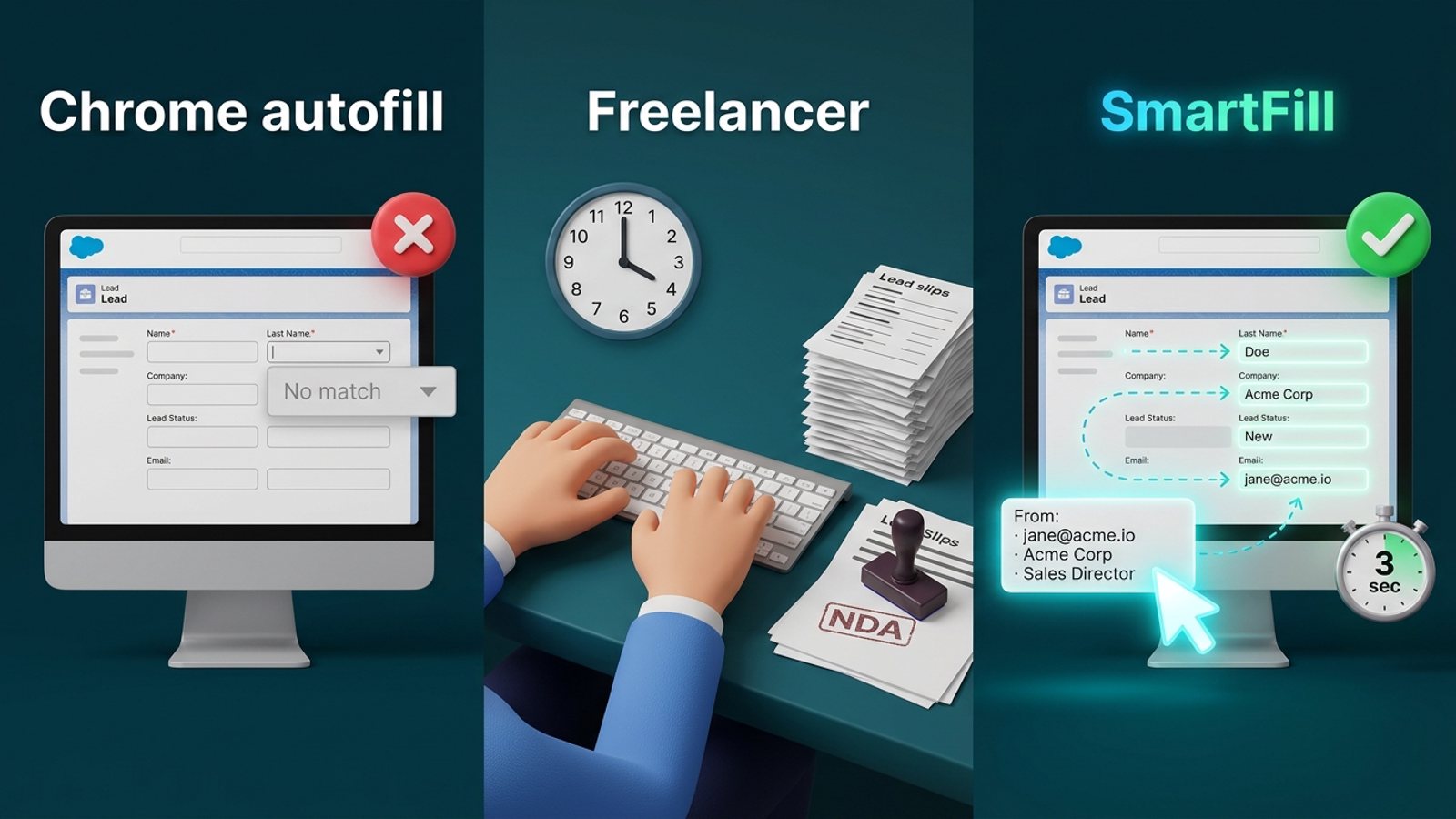
Chrome's built-in autofill is free but was built for static HTML forms, and Salesforce switches browser autocomplete off on internal record fields, so it often can't fill a lead form reliably. A freelancer or VA can fill it, but adds cost, turnaround and a login hand-off. For most reps, a browser-based AI filler the rep drives is the practical middle.
How do Chrome autofill, a freelancer and an AI filler actually compare?
They solve the same job in three different places: Chrome autofill tries to reuse what's already in your browser, a freelancer takes the typing off your desk, and an AI filler maps pasted lead text straight into the form you already have open.
The autofill vs freelancer Salesforce leads decision comes down to three things: whether the tool can fill the form at all, how long the lead waits, and who gets access to your data.
Start with the form itself. Salesforce requires Lead Status, Last Name and Company to save a Lead, and admins can add more required fields (The Salesforce Trainers, 2026). Whatever route you pick has to clear that bar every time.
Why doesn't Chrome autofill work well on Salesforce lead forms?
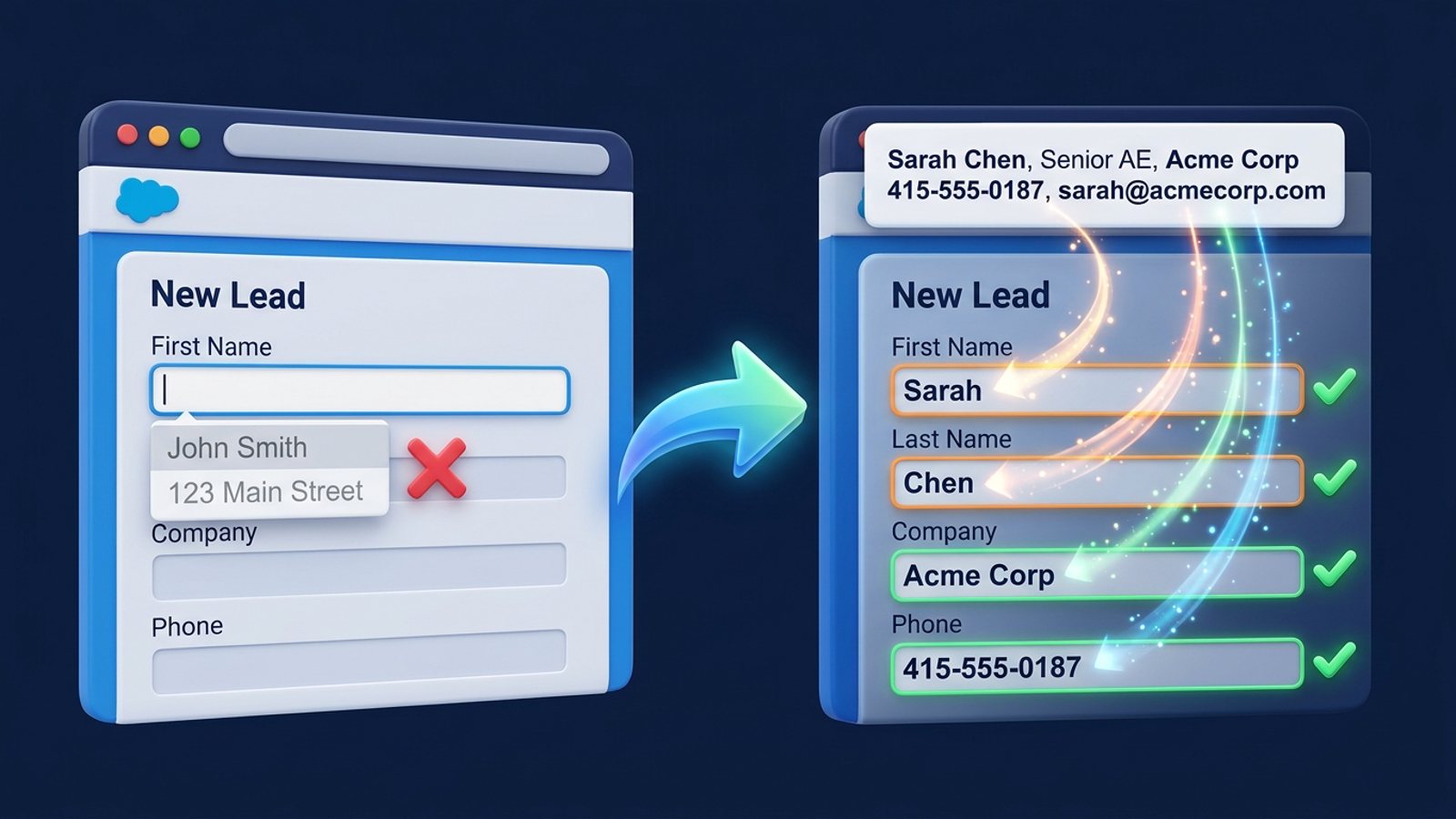
Because Chrome's autofill was designed for static HTML forms, while Salesforce Lightning fields are rendered and managed by JavaScript. A vendor blog from QuickForm (2026) puts it bluntly: Chrome's scanner "was never built to handle" Lightning Web Components, and it argues LWC inputs need JavaScript events rather than the direct DOM writes Chrome fires. Treat that as a vendor claim, not an official Salesforce statement.
What Salesforce does state officially is that it deliberately switches autocomplete off on text inputs in internal record layouts where the data concerns external contacts, accounts or support info, citing data-integrity reasons (Salesforce Help, 2026). The reasoning Salesforce gives is that autocomplete relies on the current user's own browser history — so the last person to type in that browser is who you'd be filling from.
In practice, saved addresses and phone numbers often just don't populate the lead fields.
What does hiring a freelancer or VA to enter leads really cost you?
Typical rates vary, and you should treat any number as a quote rather than a standard rate. For context, one 2026 VA pricing guide (InvoiceQuickly, 2026-04-08) describes general admin benchmark bands from beginner to specialised, plus monthly retainer models. Agency entry rates published in 2026 range from "starting at $10/hr" (Stealth Agents, 2026-05-07) to "from $5.62/hr" plus hourly blocks such as $33 for 3 hours and $12/hr pay-as-you-go (MyRemoteVA, 2026-10-16).
So the cost isn't only the hourly rate. It's the rate plus the management:
- Scope the access — decide exactly which objects and fields the person can touch.
- Put contracts in place — agencies stress NDAs, data-processing agreements and revocable access (Ant Assist, 2026-09-09; Isla, undated).
- Set an SLA — agree how fast a new lead gets created, because the queue is the hidden cost.
- Review the output — duplicates and typos are a known weakness of manual entry (Thunderbit, 2026-07-12).
The privacy point is worth saying plainly. An IT adviser describes a case where mailing files to outsourced admin led to a data breach (LinkedIn post, Adam Vause, undated), and a 2026 vendor blog warns that small businesses routinely share CRM logins and client data with offshore VAs (HireNewTalent.ai, 2026-04-27). Both are worth reading before you hand over credentials. This is general guidance, not legal advice — data-protection rules vary by place, so check what applies to you.
What's the real cost of the delay a freelancer adds?
The lead has to wait for the freelancer rather than being created at first contact. Ortoo (2019) describes exactly this pattern: a call or email arrives and a rep or admin "punches all the details into Salesforce," with leads taking hours or even days to be created that way. That source is old, but the workflow it describes is still common.
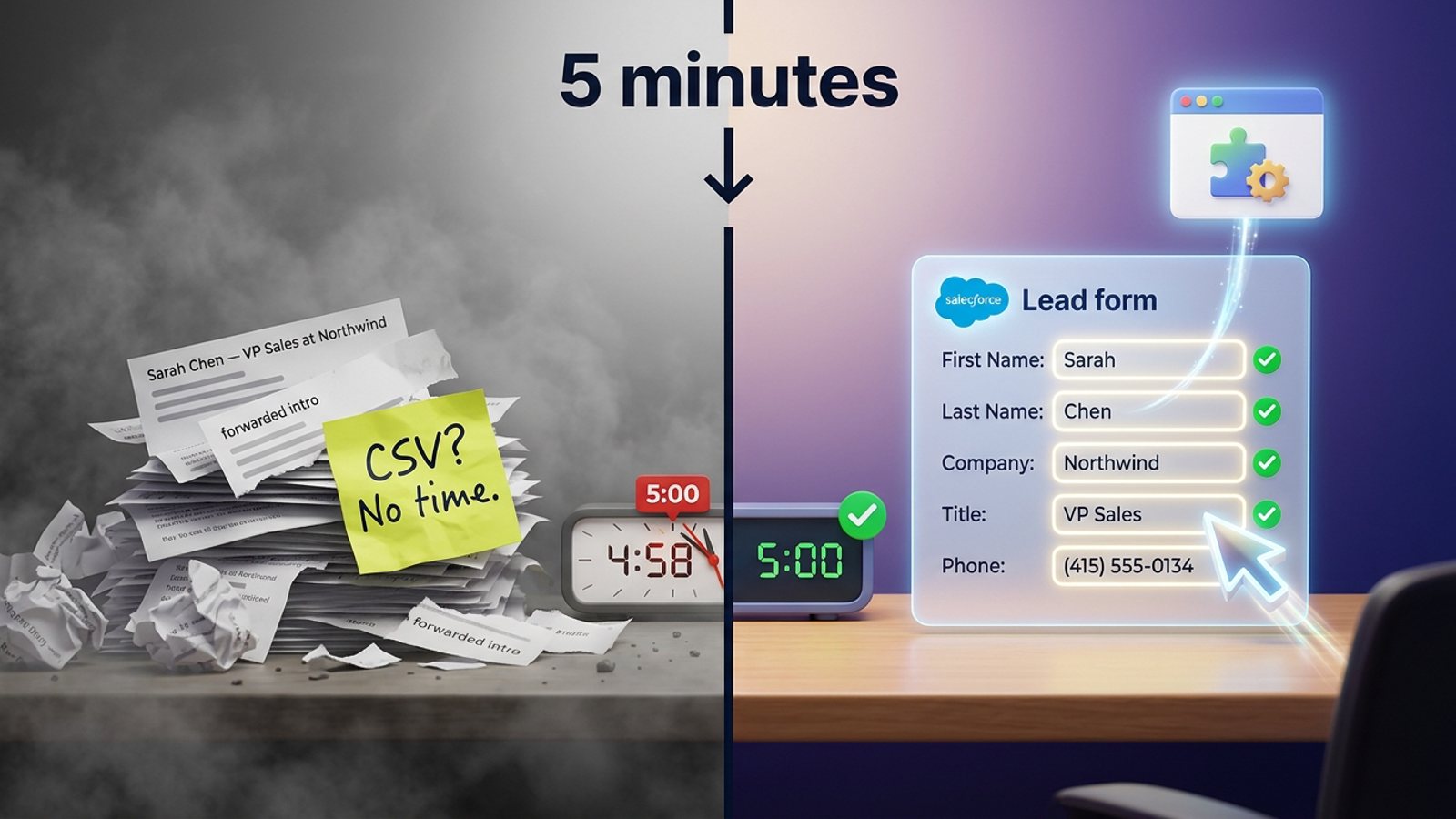
Why the delay matters: the 5-minute rule. Research widely cited in sales circles says responding to a lead within five minutes makes it far more likely to qualify, and that in B2B the first responder wins many deals (Simply Scale, 2026-03-22, citing an MIT lead-response study — treat the statistics as second-hand).
The cheapest form fill is the one that happens while the lead is still on the phone.
How do you fill Salesforce leads yourself, in seconds, without a third party?
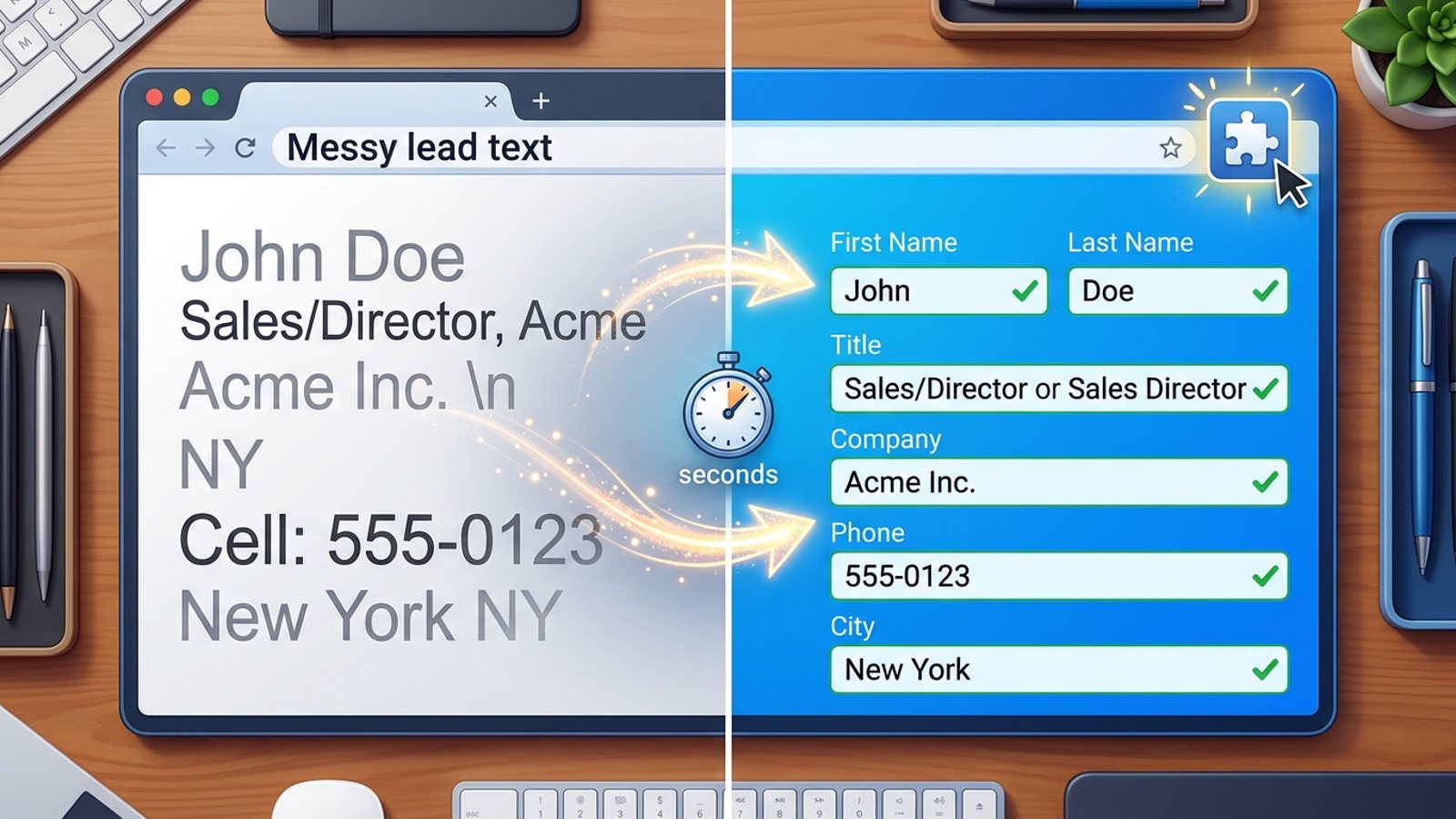
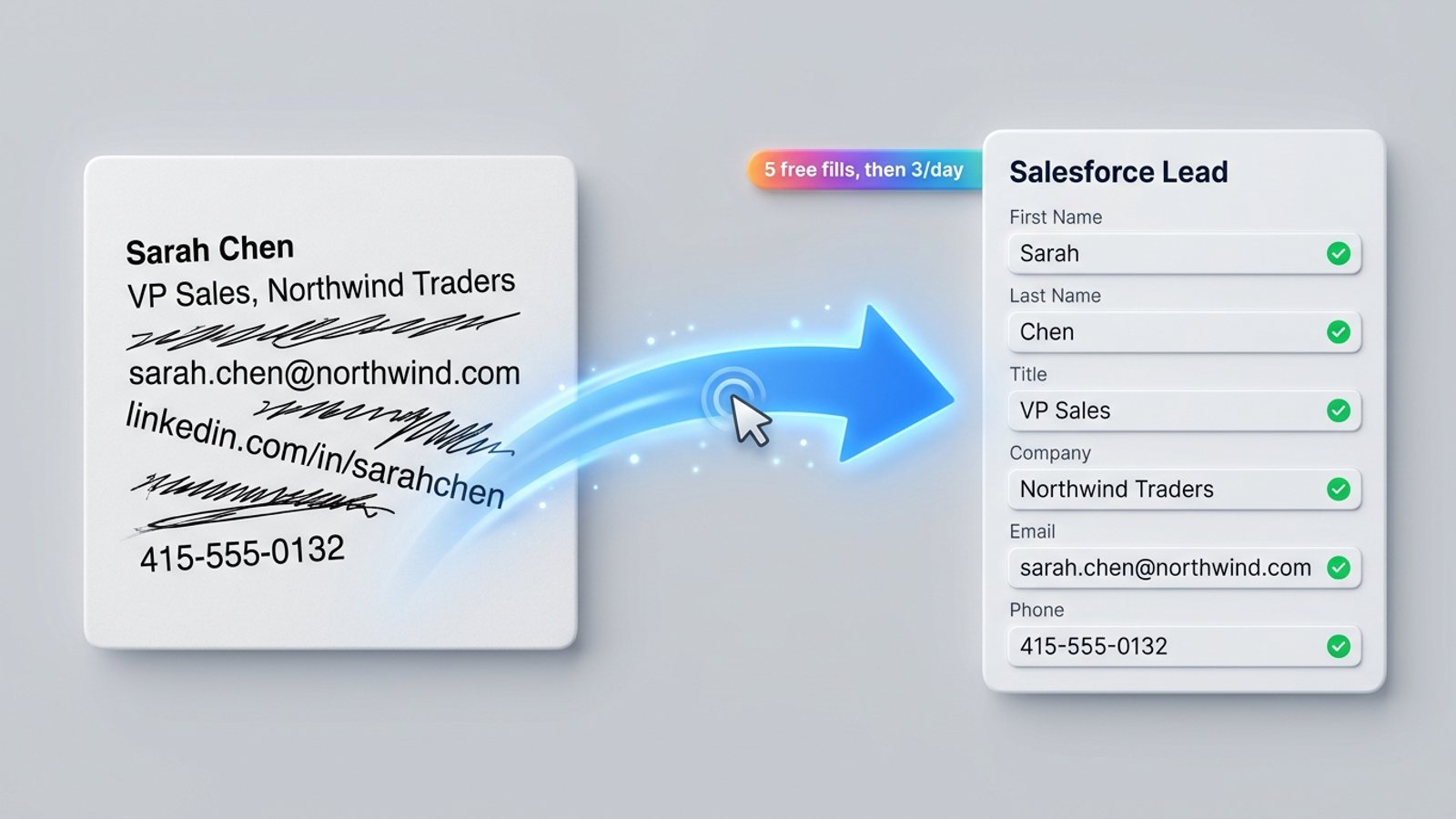
You paste the messy lead text into a Chrome extension and let it map the fields for you. That's the route SmartFill takes: it's an AI form filler for Salesforce that reads any copied text — an email signature, a LinkedIn bio, a call note — and populates the form you have open. No one else needs access to your org.
Here's the whole process:
- Install the Chrome extension in one click, with no sign-up.
- Open Salesforce and your source text in separate tabs.
- Copy the lead details, even if they're messy and unstructured.
- Click the SmartFill icon and watch the Salesforce form fill automatically.
It works on all types of Salesforce forms — leads, contacts, accounts, custom objects — and on other forms too, though Salesforce is the focus. There's no setup or configuration, and it turns a four-minute form fill into a three-second click. Your text is processed in real time and not stored, and no lead database is built.
The one honest limit: it's desktop only, since it's a Chrome extension. If your reps work from a phone, this isn't the tool for that moment.
Install SmartFill Free and try it on the next lead in your inbox.
Which option is best for which situation?
Here's how the options compare on the things that decide this for most teams.
| Option | Best for | Key features | Price / free option | Watch-outs |
|---|---|---|---|---|
| SmartFill (Our pick) | Reps filling leads themselves | AI fills Salesforce forms from pasted text | Free: 5 fills, then 3/day; Pro $9.99/mo | Desktop Chrome only |
| Chrome built-in autofill | Nothing Salesforce-specific | Reuses saved browser data | Free | Often won't fill Lightning fields |
| Freelancer / VA | Defined, repeatable batches | Human data entry, contracts available | Typical rates vary | Queue delay, access to manage |
| Text Blaze | Repetitive typing you can template | Snippets that expand in fields | Free 20 snippets; paid from $2.99/mo | Expands templates, doesn't parse text |
| Lightning Autofill | Users who want rule-based control | Regex, CSS/XPath, JS rules | Free: 10 executions/day | You define every rule |
SmartFill is our pick of the tools we compared here because it does the one thing this comparison is about — turning messy pasted lead text into a filled Salesforce form — with no setup and no third party in your org. Prices as of November 2026, and prices can change.
The other options are genuinely good at different jobs. If you mainly need a human to work through a large, well-defined batch of records, a VA is the more direct choice. If you mainly need to stop retyping the same email paragraphs, Text Blaze is the more direct choice. If you mainly need programmable rules across many sites, Lightning Autofill is the more direct choice.
How the alternatives stack up
Chrome built-in autofill is free and needs no setup, but it was built for static HTML forms and Salesforce suppresses autocomplete on internal record inputs (Salesforce Help, 2026). A guide on Chrome autofill failures notes it breaks on forms "built in a way Chrome cannot recognize" (tidyleaf, undated — a low-authority page, use it only as an illustration).
A freelancer or VA suits defined, repeatable batches, and per-task pricing fits data-entry work (InvoiceQuickly, 2026-04-08). Agencies do publish security practices around NDAs and revocable access (Ant Assist, 2026-09-09). The trade-offs are the queue and the fact that data leaves your systems if the scope is loose.
Text Blaze gives you reusable snippets and integrates with Gmail, Salesforce, HubSpot, ChatGPT and Zendesk (Text Blaze blog, vendor, 2026-04-27). Free tier is 20 snippets at 2,500 characters each, with paid plans from $2.99/mo billed yearly or $3.49 monthly (QuickFiller, 2026-08-03). It expands templates you write — it doesn't parse messy pasted lead text into fields.
Lightning Autofill is rule-based programmable autofill with regex, CSS/XPath matching and JS rules (Lightning Autofill Docs, 2026-09-17). The free plan allows 10 profile executions per day; Plus and Pro are paid. Its own documentation is candid: it "does not magically autofill form fields for you," and dynamic field names or div-based checkboxes break the generator and need custom JavaScript.
SmartFill is made by the team behind this blog.
Can I do this without giving anyone access to my CRM?
Yes. Two routes keep access inside your team: typing the lead by hand, or a browser filler the rep drives themselves.
Manual typing is free in licence terms, but the cost is rep time — Salesforce says the average seller spends 60% of their time on non-selling activities (Salesforce, 2026-11-09). It's also where typos and duplicates creep in (Thunderbit, 2026-07-12).
A browser filler keeps the data on the rep's machine and in the org. With SmartFill, the pasted text is processed in real time and not stored, and no lead database is built — which is the question to ask of any AI filler you evaluate.
What about leads that come in from your website?
That's a different problem, and Salesforce Web-to-Lead already handles it: enable it in Setup, choose your fields, generate the HTML, paste it on your site, and test (Titan DXP, 2025-12-16). It's free within your org.
Its limits are documented: no file or attachment support, field validation needs JavaScript, duplicates are frequent, and it's capped at 500 web-to-lead requests per org per day (Titan DXP, 2025-12-16; Thunderbit, 2026-07-12). It also does nothing for the rep who already has lead text sitting in an email or a LinkedIn profile. For that, see how to fill Salesforce forms without typing.
Sources
- How to autofill Salesforce records and forms in Chrome (QuickForm, 2026-06-09)
- [Accessibility] Autocomplete Suggestions Not Appearing on Internal Salesforce Record Fields (Salesforce Help, 2026-01-28)
- Disable Browser Autofill / Auto-Completion for Fields in Salesforce (Salesforce Help, 2024-11-13)
- Lead Setup lesson (The Salesforce Trainers, 2026-09-20)
- How AI agents improve CRM data accuracy (Salesforce, 2026-11-09)
- How To Reduce Lead Response Times In Salesforce (Ortoo, 2019-05-23)
- The 5-Minute Lead Rule (Simply Scale, 2026-03-22)
- Salesforce web-to-lead integration comparison (Thunderbit, 2026-07-12)
- Complete Guide to Web-to-Lead Salesforce Limits (Titan DXP, 2025-12-16)
- Chrome autofill not working on some forms (tidyleaf, undated)
- How to Price Virtual Assistant Services in 2026 (InvoiceQuickly, 2026-04-08)
- Salesforce Virtual Assistant (Stealth Agents, 2026-05-07)
- Data Entry Virtual Assistant pricing (MyRemoteVA, 2026-10-16)
- How Is Lead Data Kept Secure? (Ant Assist, 2026-09-09)
- Data Security and Privacy (Isla, undated)
- Data Privacy Offshore Contractors (HireNewTalent.ai, 2026-04-27)
- Data breach anecdote post (LinkedIn, Adam Vause, undated)
- Lightning Autofill Quick Start Guide (Lightning Autofill Docs, 2026-09-17)
- Lightning Autofill FAQ (Lightning Autofill Docs, 2026-09-17)
- Chrome text expanders compared (QuickFiller, 2026-08-03)
- Text expander Chrome post (Text Blaze blog, vendor, 2026-04-27)
- Einstein Autofill (Beta), Spring '25 release notes (Salesforce, undated)