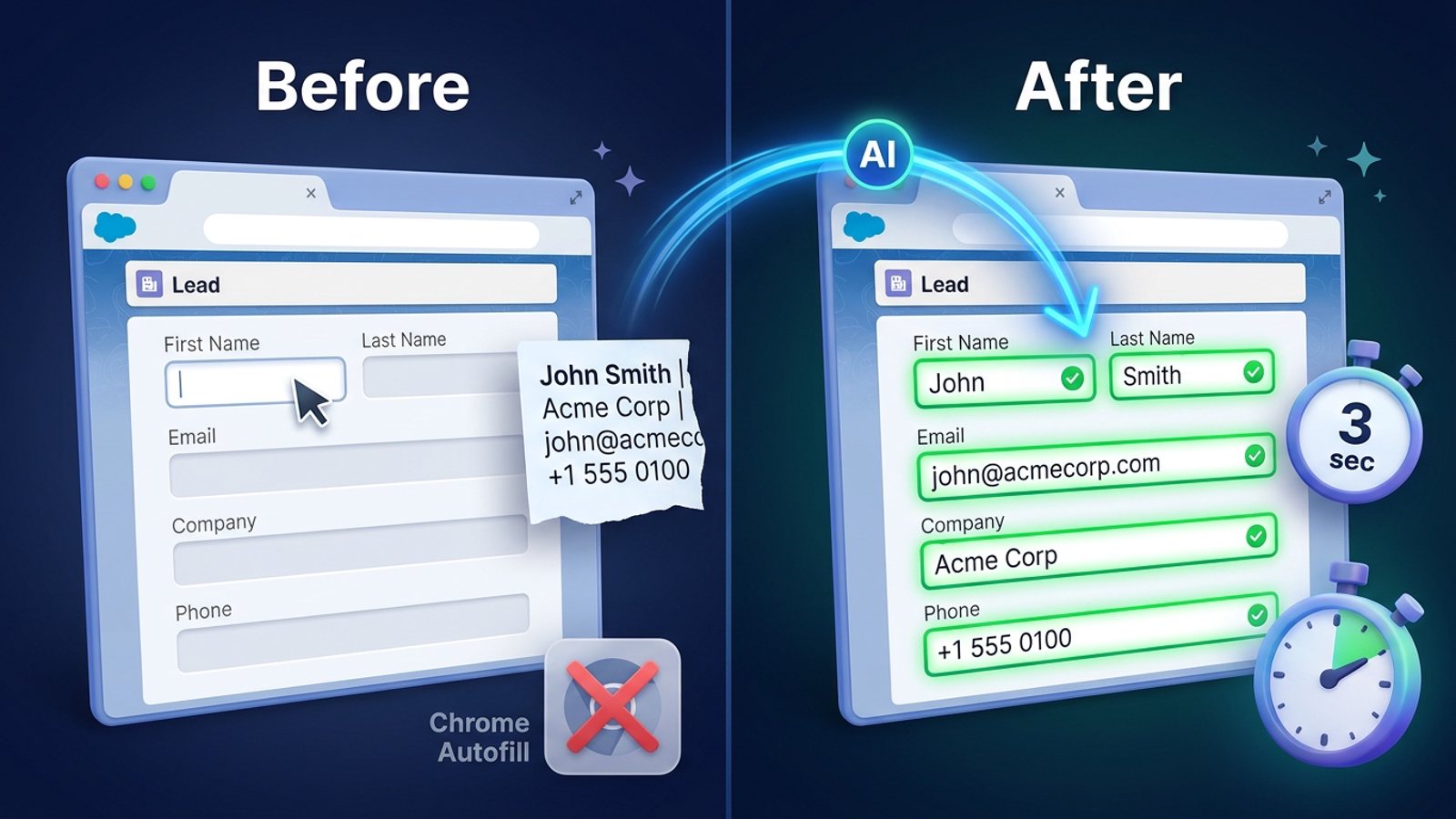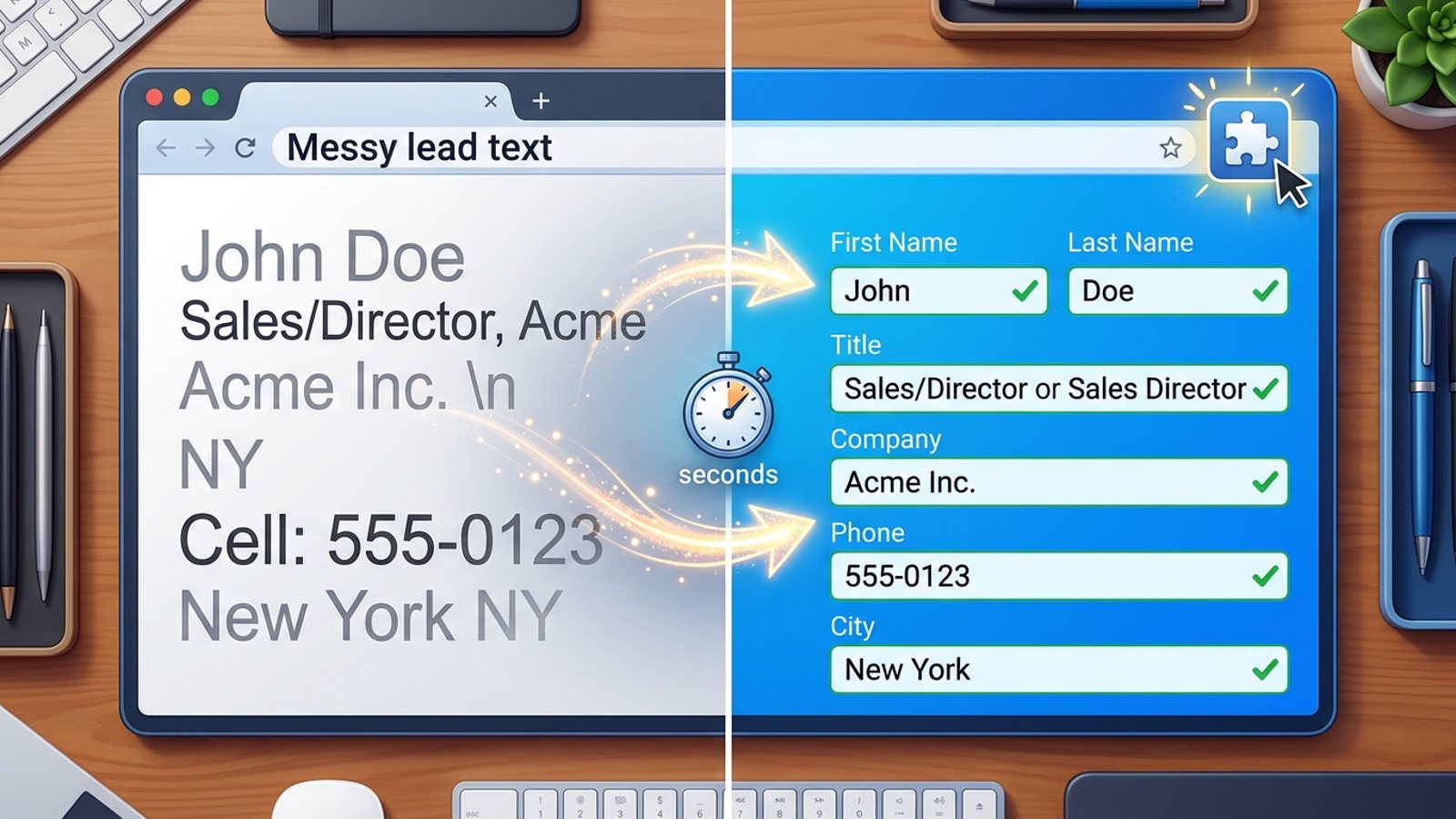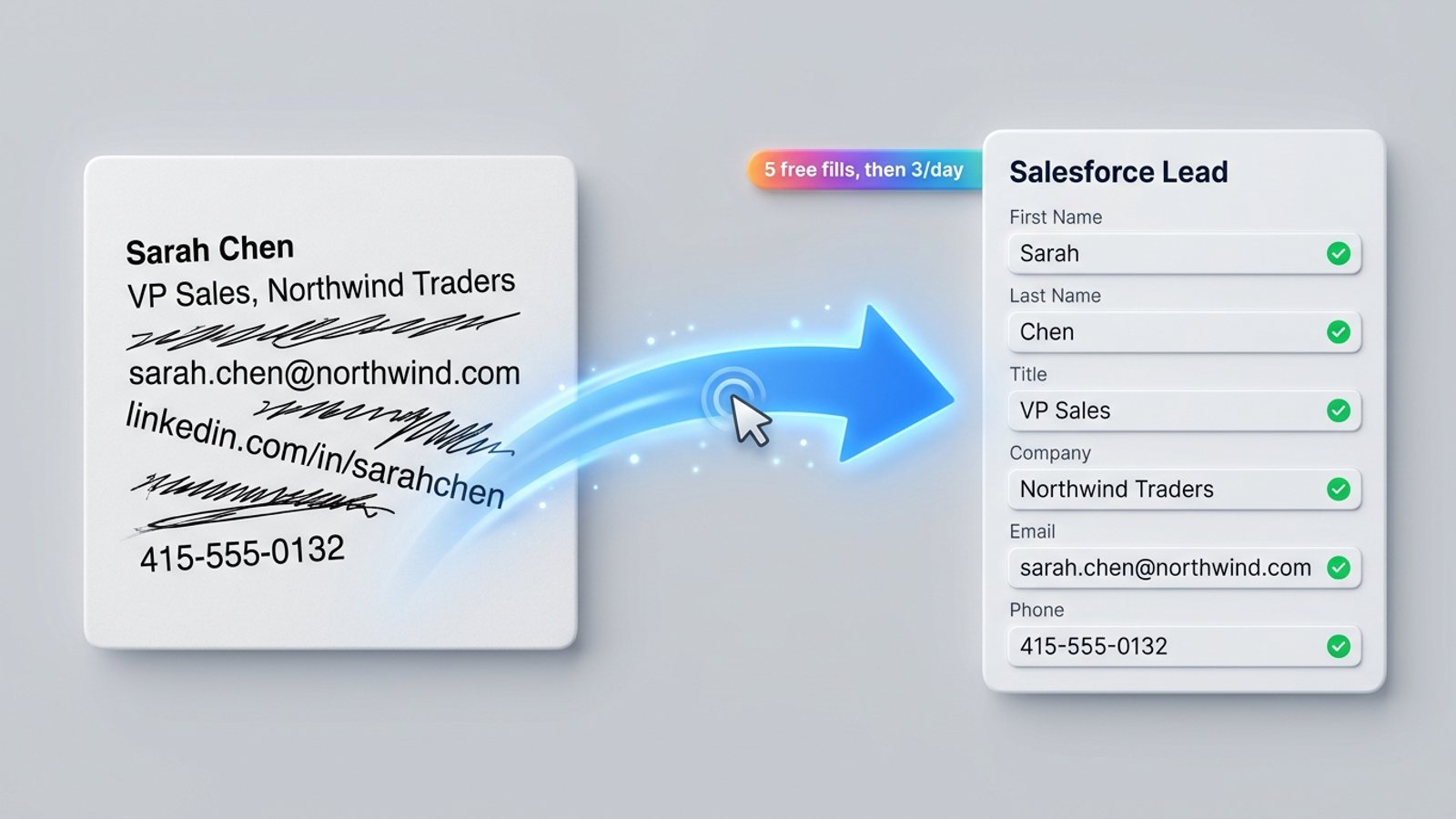
There is no single best free Salesforce autofill extension — it depends on where your lead data lives. For messy text pasted straight into any open Salesforce form, SmartFill is our pick: 5 fills to start, then 3 free fills a day forever, with Pro unlimited at $9.99/month (as of November 2026, prices can change). Desktop Chrome only.
If you're a founder or a small sales team hunting for a free salesforce autofill extension, the honest answer is that "free" means five different things depending on the tool. One gives you a daily fill count. Another gives you saved snippets. Another is free forever but only fills a website form. Picking the wrong one means you're back to copy-pasting by Friday.
Install SmartFill Free and you can test the messiest case first — a pasted email signature — before you decide anything.
Why is free autofill on Salesforce so hard in the first place?
Because Chrome's autofill was built for static HTML pages, and Salesforce Lightning renders its fields with JavaScript. A vendor blog from QuickForm (June 2026) puts it plainly: Chrome's scanner wasn't built for Lightning Web Components, so a 10–30-field workflow can still take 5–10 minutes even with your data saved. Salesforce's own help page (published November 2024) confirms browser autocomplete is controlled by the browser, not Salesforce, and can appear in text, email and phone fields alike.
That gap is exactly why extensions exist. Password managers hit the same wall — Password Depot's support page notes that enterprise fill tools had to add native setters and synthetic events to work on Salesforce Lightning and other Shadow DOM apps.
Chrome fills what it recognises. Salesforce forms need something that fills what you paste.
What does each free tier actually give you?
Here's the short version, then the detail. All prices for other tools are as of November 2026 and can change.
| Option | Best for | Key features | Free tier | Watch-outs |
|---|---|---|---|---|
| SmartFill (Our pick) | Messy pasted lead text | AI fills any Salesforce form | 5 fills, then 3/day forever | Desktop Chrome only |
| Lightning Autofill | Rule-based repeat fills | Profiles, CSS/XPath rules | 10 executions/day | You build the rules |
| Text Blaze | Saved text templates | Snippets with placeholders | 20 snippets, solo only | Snippets made in advance |
| Magical | Text expansion + tab transfer | Broad app support | Free plan, AI metered | Paid for team use |
| Web-to-Lead | Website lead capture | Free on all editions | Free | Lead object only |
| Chrome autofill | Basic address fields | Built in, no install | Free | Weak on Lightning fields |
Our pick is SmartFill because it's the only one on this list built for the case most reps actually face: a lead's details arrive as a blob of text — an email signature, a LinkedIn bio, a messy CRM export — and you need them in the Salesforce form that's already open. It fills all types of Salesforce forms, needs no setup, and doesn't build a lead database. It's also desktop Chrome only, which we'll say again later because it matters.
SmartFill is made by the team behind this blog.
How does SmartFill handle messy lead data?
You paste the text, click the icon, and the open Salesforce form fills itself. That's the whole workflow:
- Install the extension — one click from the Chrome Web Store, no sign-up.
- Open Salesforce and your source text in two separate tabs.
- Copy the lead details, even if they're unstructured — a signature block works.
- Click the SmartFill icon and watch the form populate.
Say you run a two-person agency and a prospect emails you. You copy their signature — name, title, company, phone, email, all in different orders — open the Lead in Salesforce, and click. That's the four-minute fill turned into a few seconds. No field mapping, no rules to write, no template to build first.
Which free tier fits your weekly volume?
Count your fills before you commit, because the limits differ wildly.
Lightning Autofill's free plan gives 10 profile executions per day, per its Chrome Web Store listing (June 2025). The same listing notes the move to the MV3 platform pushed it to a freemium model after 14 years free — which the vendor says "upset many of our users, leading to a flood of one-star reviews." It's rule-driven: you build profiles with CSS selectors, XPath or text matching, and it replays them. Powerful, but you're doing setup work first.
Text Blaze's free plan is 20 active snippets, solo users only, per its own blog (March 2026) and a community thread (July 2026). Pro-only commands fire 5 times a day on Basic. Third-party pricing tracker ToolChase lists Pro at $2.99/month and Business at $6.99/user/month, verified May 2026.
Magical's free plan exists, but it's metered — TypeFire's comparison (February 2026) calls it "polished freemium" where AI is metered and team or high-volume use needs a paid plan. Price tracker finde.tools (July 2026) lists Pro from about $10/month.
Do Chrome's built-in autofill or Web-to-Lead count as free options?
They're free, but neither fills the record already on your screen. Chrome's autofill handles basic address and password fields and needs a dropdown pick each time, per Lightning Autofill's FAQ. Salesforce can't switch it on or off for you — that's a browser setting, per Salesforce Help (November 2024).
Salesforce Web-to-Lead is free on all editions including Essentials (khod.io, May 2026) and creates Lead records from a form on your own website with no middleware. But per Salesforce Dictionary (May 2026), the default cap is 500 submissions per 24 hours per org, and it writes to the Lead object only. Micronetbd (September 2026) adds it can't update existing records and doesn't run validation rules. Opibility (October 2026) notes the cap can be raised through a Salesforce support case.
So: Web-to-Lead for capturing new leads from your site, an extension for filling the record in front of you.
Will a free extension store or sell my lead data?
That's the right question to ask, and the answer depends on the tool's disclosure. Chrome Web Store policy requires extensions to collect only the data needed for their disclosed single purpose and bars collecting browsing activity outside a disclosed feature, per Chrome for Developers.
The risk is real elsewhere. Valo.ai (March 2025) warns that browser extensions can read all data on a Salesforce page and act invisibly, and that some connect via a Connected App and take an OAuth token to call the Salesforce API as you. The same post notes many Salesforce-related extensions come from individual developers with little public evidence of security testing, and that extensions can be bought and have code injected.
SmartFill's position: text is processed in real time and not stored, and no lead database is built. Lightning Autofill's listing states no Google Analytics, tracking pixels or cookies, with data stored locally unless you use cloud sync — and notes that sync data "is not encrypted," cautioning against filling passwords or card numbers.
The free tier tells you what a tool costs. The privacy disclosure tells you what it costs you.
Can these extensions fill Salesforce from a LinkedIn profile or email?
Yes — that's the whole point of an AI filler. Paste the profile text or the email signature into a tab, and an AI extension reads the fields out of it. This is the case SmartFill was built for: messy, unstructured data with no parsing by hand.
The snippet tools take a different route. Text Blaze and Magical replay text you've already saved, so a new prospect means building or editing a snippet first. Lightning Autofill replays rules you've already written. All three are fast on the tenth fill of a known shape and slower on the first fill of a new one.
If you want the deeper comparison of AI-driven fillers specifically, our roundup of AI Salesforce form fillers for sales teams covers that ground.
Do these tools work on forms besides Salesforce?
Mostly yes, with different reach. SmartFill's focus is Salesforce, and it works on other forms too. Magical's Chrome listing claims support across a very large number of apps including Salesforce. Lightning Autofill and Text Blaze are general-purpose browser tools, not Salesforce-specific.
The honest limit on SmartFill: it's a desktop Chrome extension, so there's no mobile or Safari version to fall back on. If your team works from iPads in the field, plan around that.
Which should a founder pick?
Start with where your data lives. If it arrives as pasted text, SmartFill's 3 free fills a day is enough to prove it on real leads, and $9.99/month removes the cap when you're ready (as of November 2026, prices can change). If you fill the same shaped forms every day, Lightning Autofill's rules repay the setup. If your team writes the same emails and notes repeatedly, Text Blaze's 20 snippets go a long way for one person.
If you mainly need website lead capture, Web-to-Lead is the more direct choice — it's free and built in. If you need a broad text expander across many apps, Magical is the more direct choice.
For a wider field, see our top 5 Salesforce autofill extensions for sales teams and the best Salesforce form filler extension for Chrome.
Install SmartFill Free — five fills to start, no sign-up, and you'll know within one lead whether it fits how you work.
Sources
- Autofill Salesforce Chrome Extension (QuickForm, 2026-06-09)
- Disable Browser Autofill / Auto-Completion for Fields in Salesforce (Salesforce Help, 2024-11-13/14)
- New Password Depot 19 browser extension FAQ (Password Depot, no date)
- Chrome Web Store limited use policy (Chrome for Developers, no date)
- Hidden security risks of Salesforce admin Chrome extensions (Valo.ai, 2025-03-07/08)
- Lightning Autofill (Chrome Web Store, 2025-06-19)
- Text Blaze vs TextExpander (TextExpander, 2026-03-02)
- Text Blaze vs Espanso (Text Blaze, 2026-03-30)
- Snippet/request limits thread (Text Blaze Community, 2026-07-13/15)
- TextExpander vs Text Blaze (LazyBoard, 2026-10-30)
- Text Blaze Review 2026 (ToolChase, 2026-04-15)
- 5 Best Free Text Expanders for Chrome in 2026 (Text Blaze, 2026-04-27)
- Magical listing (Chrome Web Store, updated 2026-04-03/04)
- Magical vs TypeFire (TypeFire, 2026-02-25)
- Magical Preise & Kosten 2026 (finde.tools, 2026-07-11)
- Web-to-Lead (Salesforce Dictionary, 2026-05-15)
- Webflow Salesforce Integration (khod.io, 2026-05-31)
- Salesforce WordPress Integration (Micronetbd, 2026-09-19)
- Web-to-Lead 500/day cap (Opibility, 2026-10-07)