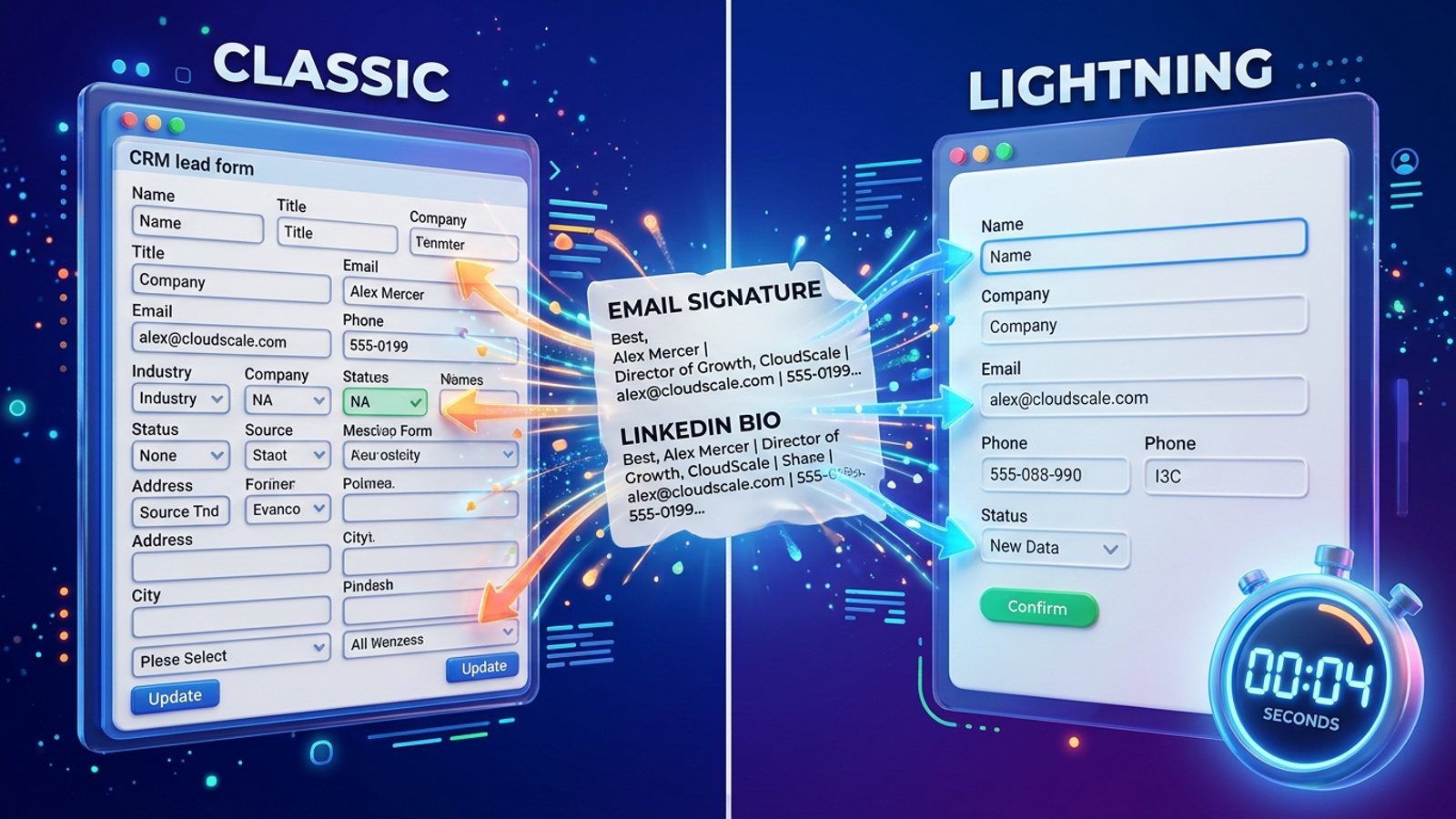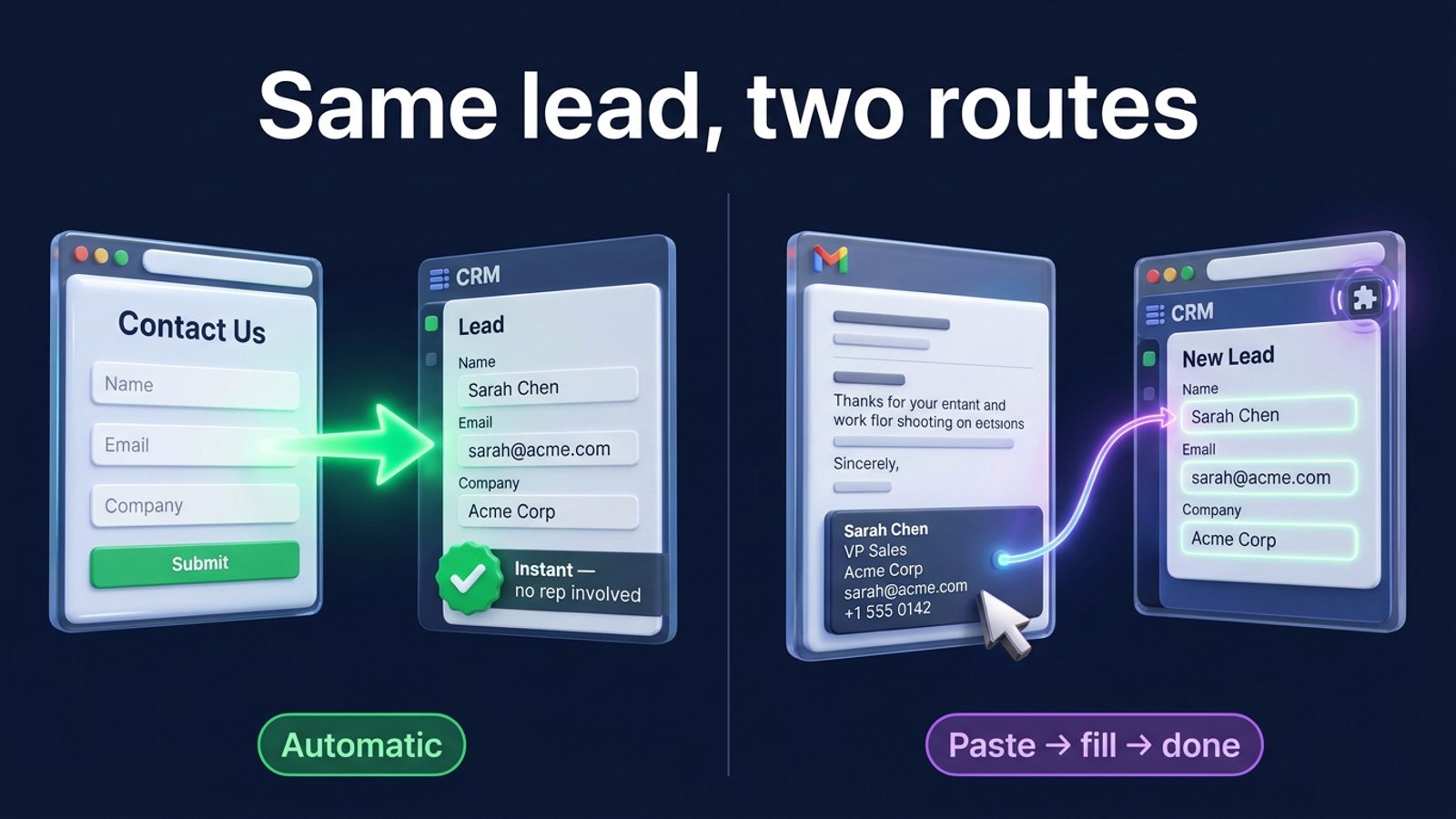
They solve different problems, so "faster" depends on where the lead comes from. Salesforce web to lead is effectively instant for someone who fills in a form on your own website — no rep touches it. Typing a lead in by hand is slower and more error-prone, but it's often the only option when the lead arrives by email or LinkedIn, where Web-to-Lead never fires.
Ready to stop retyping signatures and bios into Salesforce? Install SmartFill Free and fill the record from the text you already copied.
How fast is Salesforce Web-to-Lead, really?
For a lead who submits your website form, it's as close to instant as data entry gets: no rep opens Salesforce, and the Lead record is created automatically from the form submission (Thunderbit, 2025). The speed isn't in the form — it's in the fact that a human never touches the record.
The setup is the slow part, and it happens once. An admin enables Web-to-Lead under Setup › Feature Settings › Marketing › Web-to-Lead in Lightning, or Setup › Customize › Leads › Web-to-Lead in Classic, then generates an HTML form and hands the code to the webmaster to embed (Microsoft Learn, 2025; Salesforce Help 000385435, 2026).
After that, the routine is:
- Pick your fields — Last Name, Company, Email, plus any custom fields you need, and set a Return URL.
- Add reCAPTCHA to cut spam-driven duplicate errors (Salesforce Help 000386751, 2026).
- Generate the HTML and send it to whoever owns the website.
- Test it, then confirm a Lead record actually appears.
- Set assignment and auto-response rules so the lead routes to a rep and gets an immediate reply.
That's genuinely fast for the leads it covers. The catch is what it covers.
Does Web-to-Lead work for leads from LinkedIn or my inbox?
No. Web-to-Lead only fires on submissions through your own web form — nothing arrives from an inbox or a LinkedIn profile (Thunderbit, 2025). This is the single most important limit in the comparison, because most B2B leads a rep handles personally arrive exactly there.
Say you run a small agency. A prospect emails asking about pricing, signed with name, title, company and phone. Your website form never saw them. Web-to-Lead can't help. So the rep opens Salesforce, creates a Lead, and retypes every line from the signature — the classic manual lead entry job.
That's where the time goes. Salesforce's own figures put sellers at 60% of their time on non-selling activity like manually updating the CRM, and note that manual entry leaves context "late, untrustworthy, or missing altogether" (Salesforce, 2026). The record gets created eventually — usually after the follow-up, when the detail has gone stale.
Why is typing a lead in by hand so slow?
Because it's a copy-paste-verify loop repeated field by field, and every field is a chance for a typo, a transposed digit or a duplicate. Manual typing works everywhere and needs no setup — that's its real strength — but the cost is rep time and record quality (Salesforce, 2026).
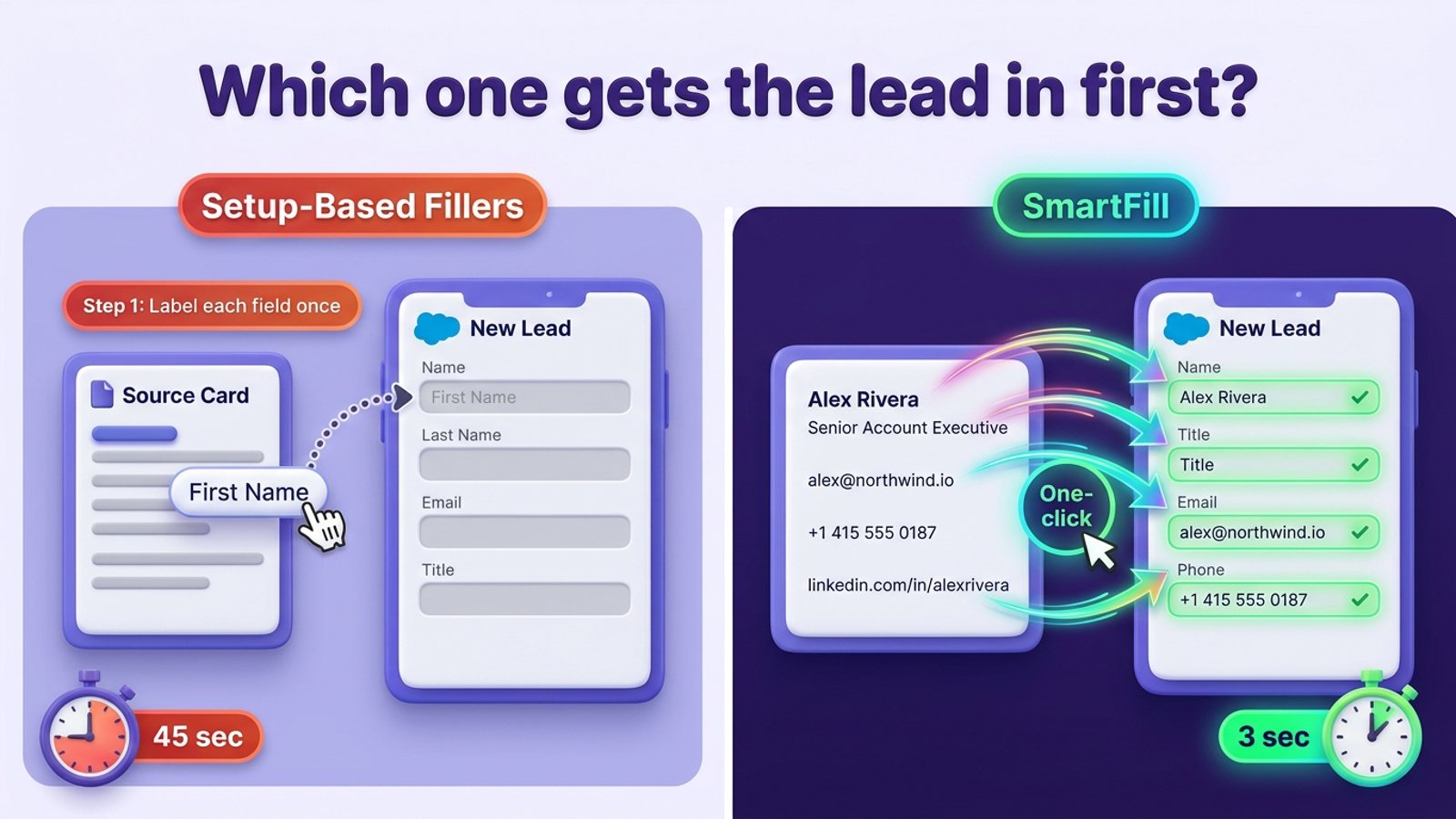
A third-party Chrome filler listing gives a rough sense of scale: typing name, email and address takes about 12 seconds by hand versus about 3 seconds with a filler (Chrome Web Store / SimpleFill, 2025). That's a vendor's own comparison on simple fields — a full Salesforce Lead with company, title, phone and source takes longer — but the direction is clear.
Manual typing is the right call in exactly one situation: a single one-off lead, no web form path, and no tool within reach. For anything more regular, it's the slowest of the three routes.
What's the fastest way to get an email or LinkedIn lead into Salesforce?
Paste the source text into a Chrome extension that fills the Salesforce form for you. That's the gap between Web-to-Lead (web forms only) and manual typing (everything, slowly) — and it's exactly what an AI form filler for Salesforce like SmartFill is built for.
The workflow, from SmartFill's own product facts:
- Install the extension — one click, about 10 seconds, no sign-up.
- Open Salesforce and your source text in separate tabs.
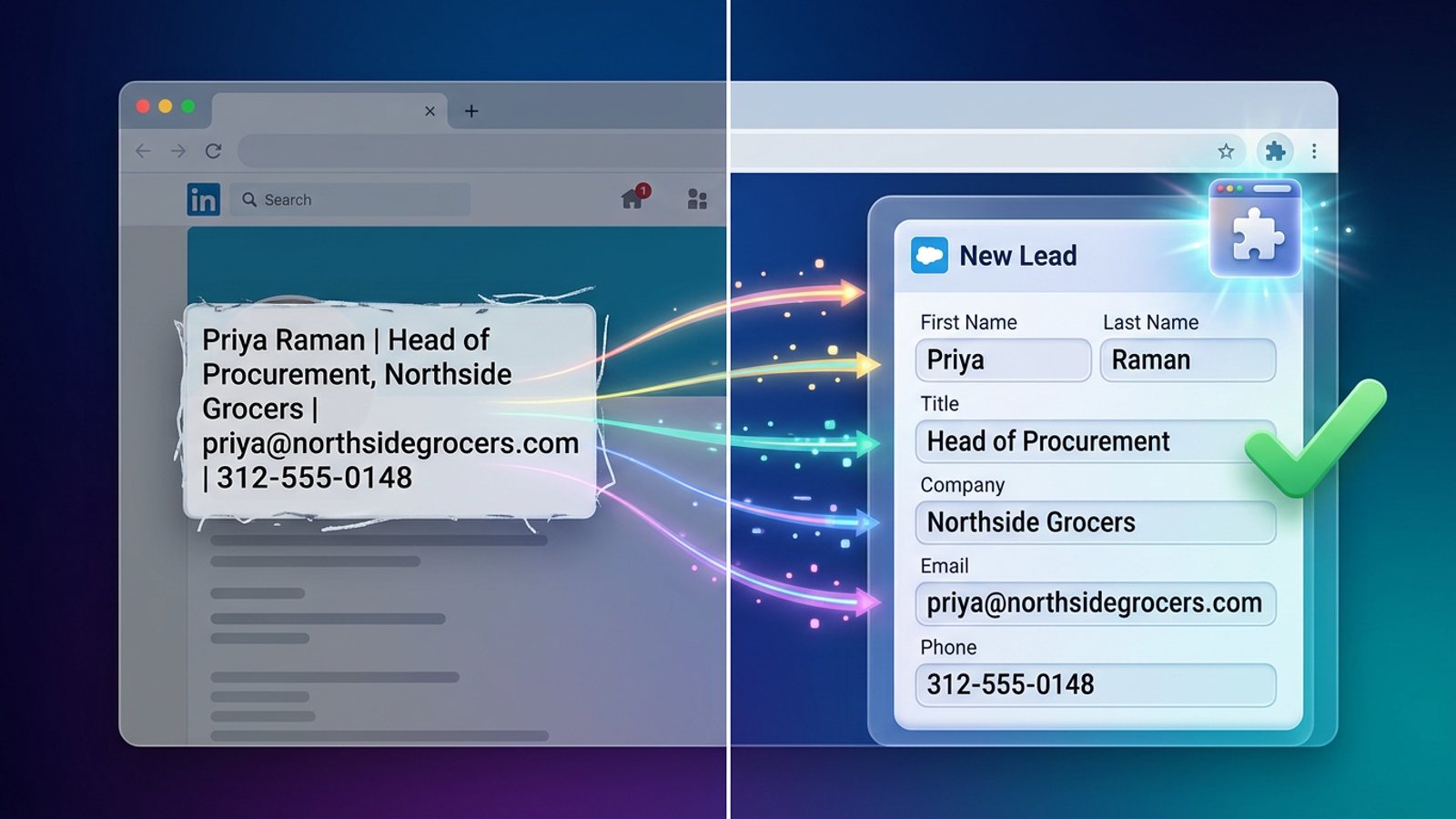
- Copy the lead text, even if it's messy — an email signature, a LinkedIn bio, a messy intro.
- Click the SmartFill icon and watch the Salesforce form populate automatically.
It handles unstructured text without manual parsing, works on Salesforce objects generally — leads, contacts, accounts, whatever form you're on — and fills unlimited fields per form. Text is processed in real time and not stored, and no lead database is built from what you paste. There's zero setup or learning curve.
The honest limit: it's a desktop Chrome extension, so it's a browser tool, not a mobile one. And it doesn't replace Web-to-Lead — it fills forms you already have open, it doesn't create leads from website submissions.
Which is faster: the side-by-side
| Option | Best for | Key features | Price / free option | Watch-outs |
|---|---|---|---|---|
| SmartFill (Our pick) | Email, LinkedIn and call leads | AI fills Salesforce forms from pasted text | Free: 5 fills, then 3/day; Pro $9.99/mo | Desktop Chrome only |
| Salesforce Web-to-Lead | Leads from your own website form | Native, automatic, no rep typing | Included with Salesforce | Lead object only; 500/day cap |
| Manual typing | One-off leads, no tools | Works everywhere, full control | No tool cost; rep time | Slow, typo- and duplicate-prone |
| Chrome built-in autofill | Reusing your own saved details | Zero setup, already installed | Free with Chrome | Only recalls saved data |
| Data Import Wizard | Bulk clean CSVs | Up to 50,000 records per import | Included with Salesforce | Needs structured CSV columns |
SmartFill is made by the team behind this blog.
Of the tools we compared, SmartFill is our pick for the leads Web-to-Lead can't see — the ones already sitting in your inbox. Prices are as of November 2026 and can change; SmartFill's Pro plan is $9.99/month after a free tier of 5 fills, then 3 per day forever.
Salesforce Web-to-Lead is the more direct choice if every lead you care about comes through a form on your own site — it's free with Salesforce and genuinely zero-touch. The limits are real, though: it maps only to the Lead object and can't create Contacts or Accounts, styling is minimal, conditional logic isn't supported, and there's no native dedupe — duplicate rules block submissions instead, producing "Salesforce could not create this lead" errors (FormAssembly, 2026; Salesforce Help 000386751, 2026).
Manual typing suits a founder logging the occasional one-off lead with no tooling at all. It's the most flexible and the least efficient.
Chrome's built-in autofill is free and already there, but it only recalls data you've previously saved — it has no way to read a fresh LinkedIn bio or email signature, and a third-party filler maker describes it as "not accurate most of the time" for arbitrary form filling (Chrome Web Store / SimpleFill, 2025).
Data Import Wizard is the right tool for bulk loading clean CSVs — it handles up to 50,000 records per import for Leads, Contacts and Accounts (Fabian Warislohner, LinkedIn, 2026) — but it needs your data already in columns, so it won't help with a single lead pasted from an email.
If you mainly need website form capture, Web-to-Lead is the more direct choice. If you mainly need to turn messy inbox text into a record in seconds, get SmartFill and fill your next Salesforce form from a paste.
Why didn't my Web-to-Lead lead appear?
Usually one of five things: a field on the form that doesn't exist on the Lead object, a duplicate rule blocking it, a State entered without a Country while the State and Country picklist is on, Web-to-Lead switched off, or a unique-field conflict. The nasty part is that visitors see the same thank-you screen even when the lead isn't created, so a silent failure goes unnoticed (Opibility, 2026).
Salesforce Help (000386751, 2026) lists the State-without-Country case specifically and notes that Support doesn't cover custom HTML fixes for it. A field that doesn't exist on the Lead object causes a silent failure too (Salesforce Dictionary, updated 2026).
What are the limits of Web-to-Lead I should plan around?
The one most teams hit is volume: Web-to-Lead accepts up to 500 leads per 24-hour period, and submissions beyond the cap get queued or dropped depending on org configuration (CloudAmp guide, undated; Tomba, 2026). Above that, you're into bulk import territory.
The other limits shape what the form can be: no native file or attachment support, validation needs JavaScript rather than drag-and-drop, and no workflow automation or approval routing (Titan DXP, 2025; FormAssembly, 2026). That's partly why third-party form tools like Formstack and FormAssembly exist — to cover design, conditional logic and multi-object mapping that Web-to-Lead doesn't (Formstack, 2026).
None of this makes Web-to-Lead bad. It makes it narrow — and the narrowness is exactly why reps still type leads by hand.
The fastest lead entry isn't one method — it's matching the method to where the lead actually arrived.
Want to see the paste-and-fill route on your own Salesforce org? Install SmartFill Free — 5 fills to start, then 3 a day forever.
Sources
- Configure lead management for Salesforce (Microsoft Learn, 2025-05-27, updated 2026-05-31)
- Tutorial Passo a Passo: Formulários Web to Lead no Salesforce (Thunderbit, 2025-07-20)
- Error 'Salesforce Could Not Create This Lead' on Web-to-Lead Form Submission (Salesforce Help 000386751, 2026-10-07)
- Add additional fields to the Standard Web-to-Lead form (Salesforce Help 000385435, 2026-09-22)
- Salesforce Web-to-Lead Hits a 500-a-Day Cap (Opibility, 2026-10-07)
- FormAssembly vs. Salesforce Web-to-Lead (FormAssembly, 2026-05-31)
- CloudAmp's Ultimate Guide to Salesforce Web-to-Lead Forms (Salesforce AppExchange, undated)
- Salesforce Web-to-Lead Form Limitations (Formstack, 2026-05-14, original 2019/updated 2022)
- Complete Guide to Web-to-Lead Salesforce Limits (Titan DXP, 2025-12-16)
- How to: Web Referral Leads (Salesforce Dictionary, updated 2026-05-19)
- Email to Lead Salesforce: Setup, Limits & Fixes (Tomba, 2026-08-09)
- How AI agents improve CRM data accuracy (Salesforce, 2026-11-09)
- SimpleFill Autofill Forms listing (Chrome Web Store, 2025-06-11)
- Chrome for Developers User Data FAQ (Chrome for Developers, undated)
- LinkedIn post, Fabian Warislohner (Data Import Wizard capacity, 2026-03-10)