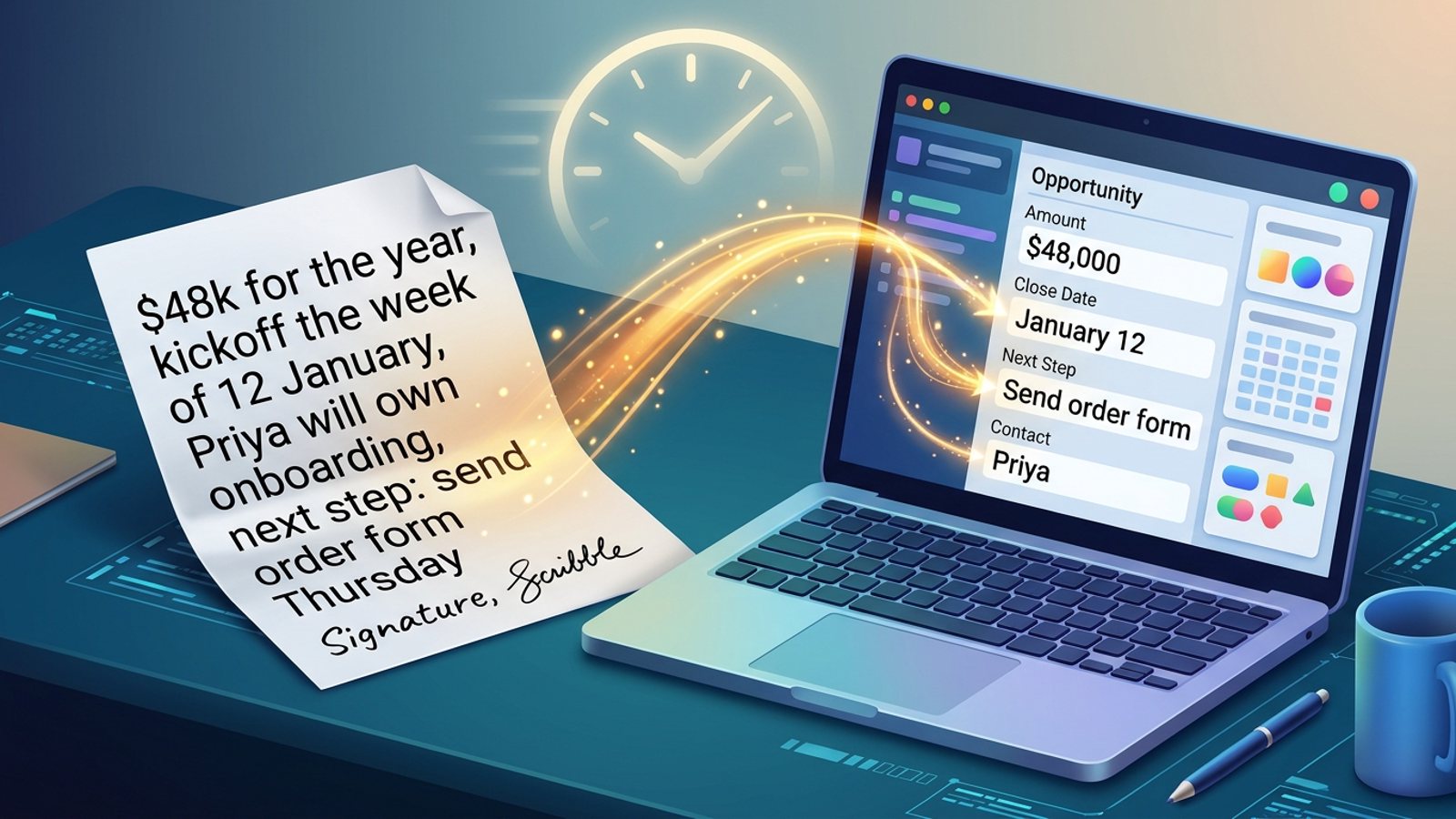
If you need the recap email turned into filled Salesforce fields — opportunity amount, close date, next step, contact details — the fastest option is an AI form filler that reads pasted email text, and SmartFill is built for exactly that. If you only need the email attached to the record, native Email to Salesforce (BCC) does that job.
Most reps lose the deal recap twice: once writing it, once re-keying it into Salesforce. Here's how to log email recap into salesforce without the second job — and which tool actually fits which half of the problem.
Install SmartFill Free and paste your next recap email straight into the opportunity.
What does "log a deal recap into Salesforce" actually mean?
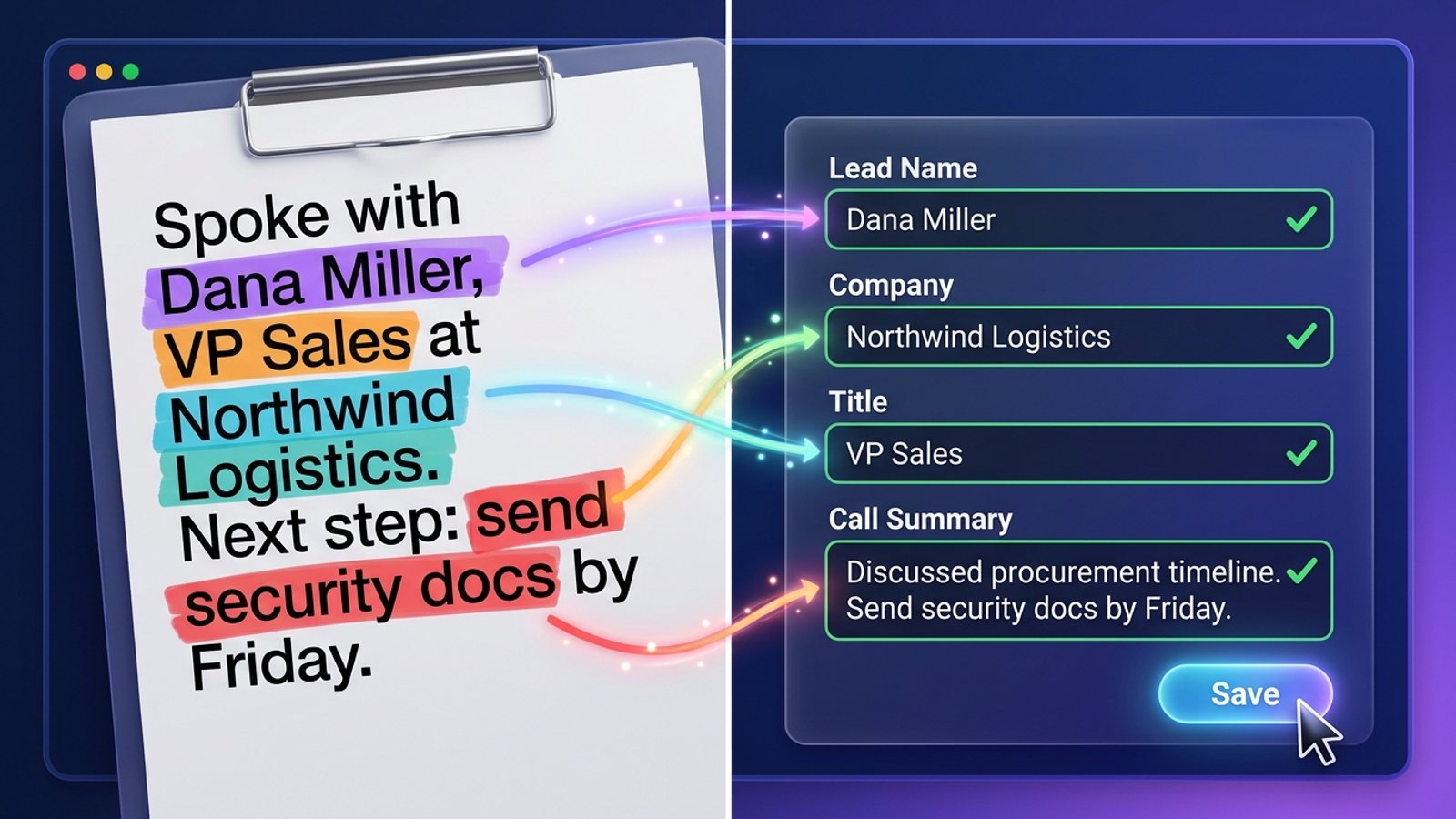
It splits into two jobs, and mixing them up is why teams buy the wrong tool. Job one is attaching the email itself to the contact or opportunity as an activity. Job two is turning what the email says — amount, close date, next step, stakeholders — into structured field values on the record.
Email logging tools do job one. AI form fillers do job two. Some teams need both, and that's fine: use a filler for the fields, then BCC the email if you also want the message on the timeline.
How do you turn a recap email into filled Salesforce fields?
The technique is the same whichever tool you use: get the email text out of your inbox, get the right record open, extract the values, review, save.
- Copy the recap email body from your inbox — the whole thing, greeting and signature included.
- Open the Salesforce opportunity (or contact) you want to update.
- Let the AI filler read the text and propose values for each field.
- Review the proposed fields before saving — amounts and dates deserve a second look.
- Save the record. If you also want the original email attached, BCC your Email to Salesforce address when you send it.
The manual version of step 3 is where the time goes. QuickForm's 2026 vendor blog notes that a 10–30-field Lightning record can still take 5–10 minutes to fill by hand, because Chrome's built-in autofill doesn't fire the JavaScript events Lightning components need.
What does a good recap-to-fields fill look like?
Say you run a small agency and your AE forwards this:
"Hi Dana — confirming we're moving ahead at $48k for the year, kickoff the week of 12 January. Priya will own onboarding. Next step: I'll send the order form Thursday."
A good filler should pull the amount, the start timing, the next step and the contact name into the right fields — without you retyping any of it. That's the outcome to test any tool against.
What is the best AI tool to log a deal recap from an email into Salesforce?
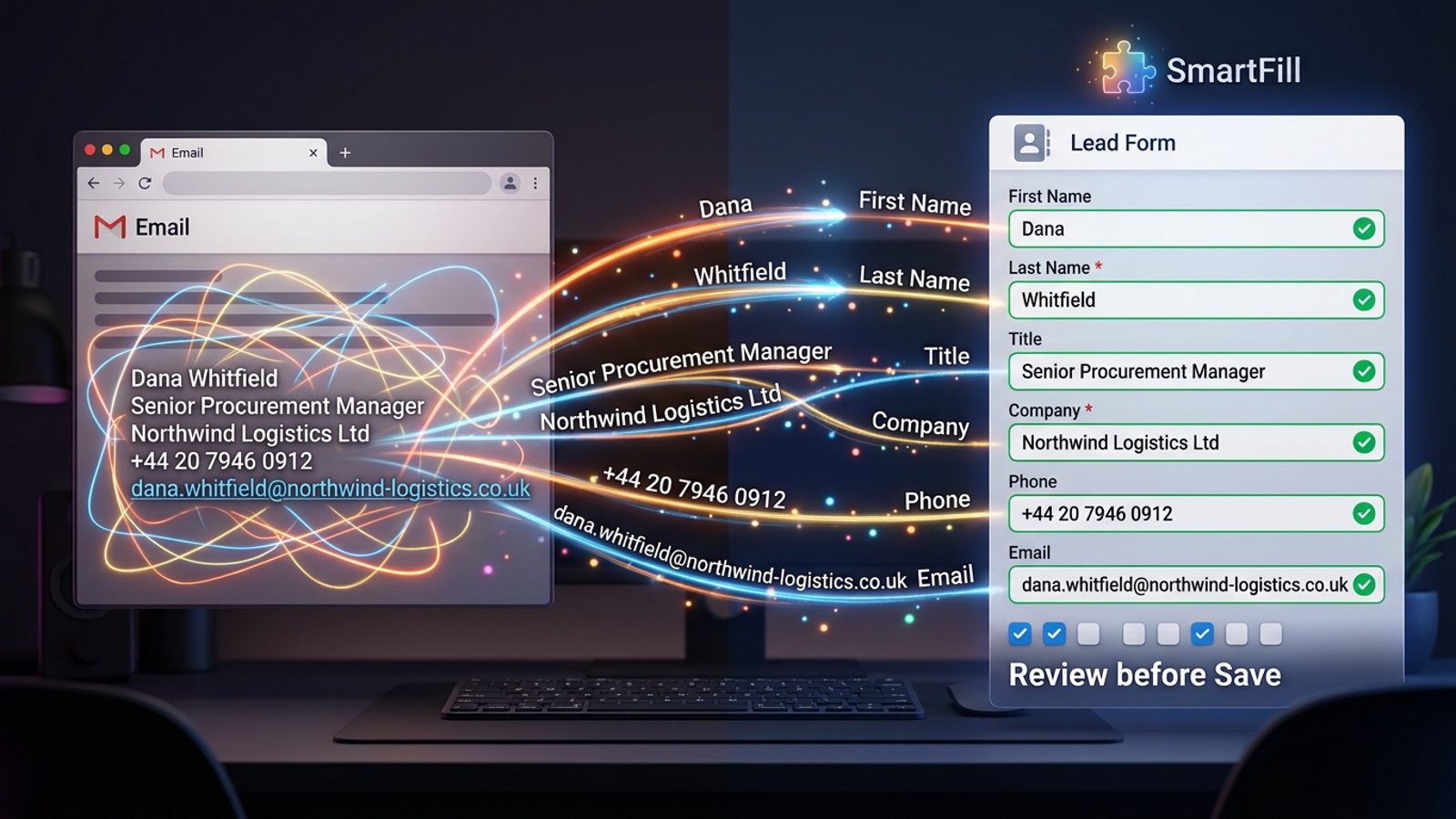
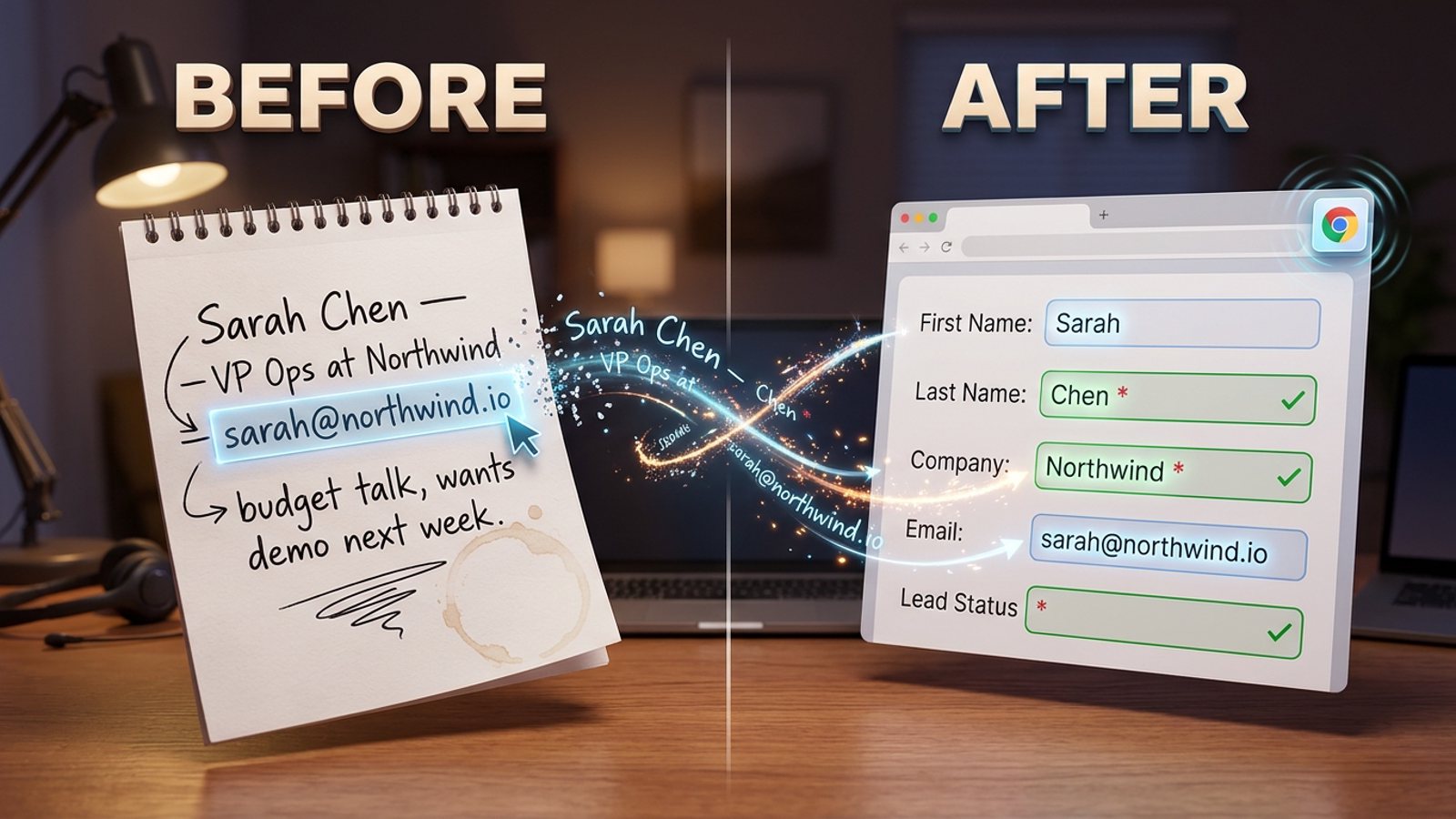
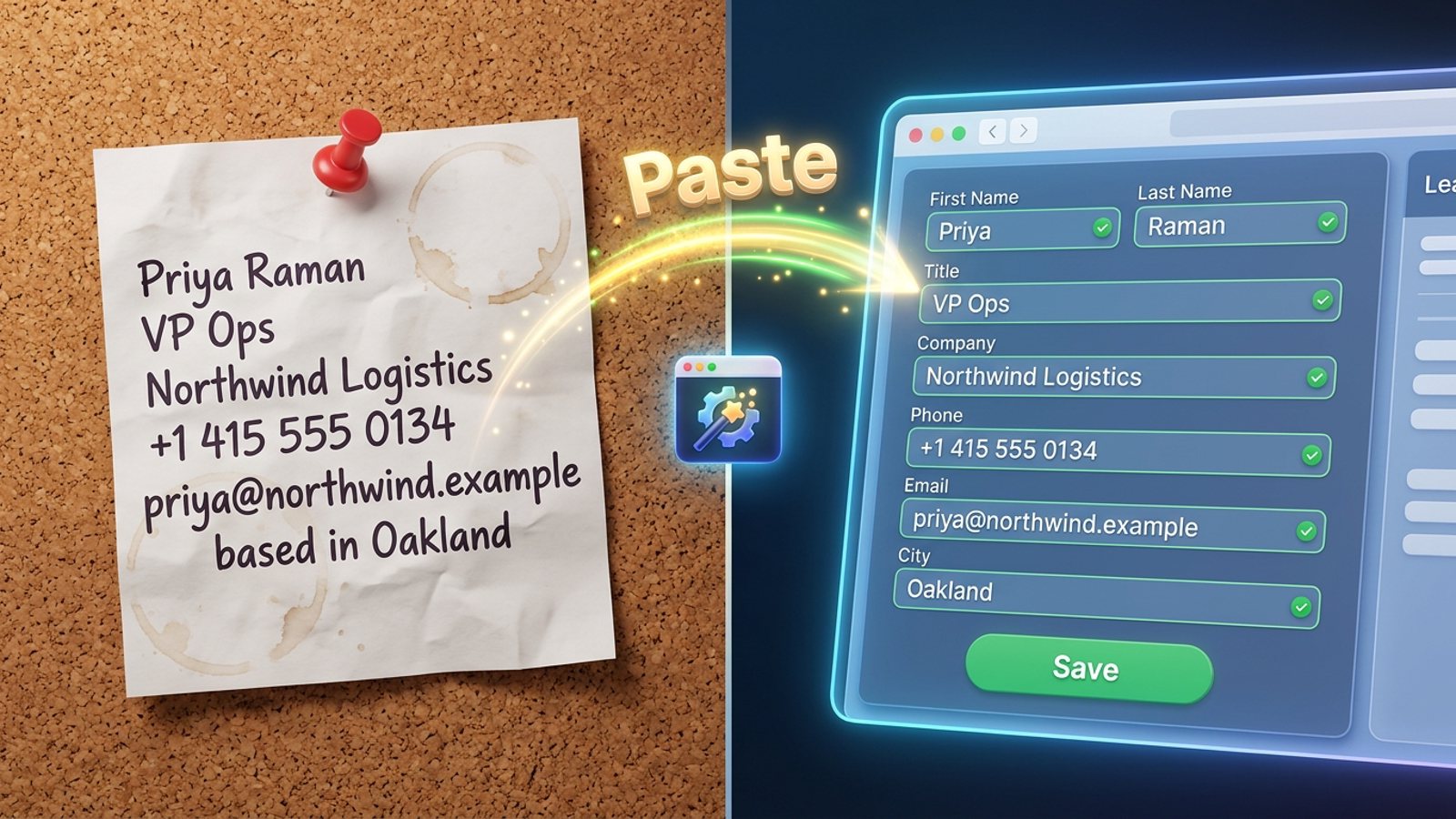
Of the tools we compared, SmartFill is our pick for turning a pasted recap email into filled opportunity and contact fields. It's a Chrome extension that uses AI to populate Salesforce forms from any pasted text — you copy the email, click the icon, and the form fills. No setup, no sign-up, a 10-second install.
It handles messy, unstructured text like email signatures and forwarded threads, and the owner confirms it fills any Salesforce object and any number of fields at once. Text is processed in real time and not stored. It's desktop Chrome only, and it works from text you paste — it doesn't read your inbox on its own, so copying the email is still your step.
Pricing as of November 2026: a free plan with 5 fills to start and then 3 per day forever, and Pro at $9.99/month for unlimited fills. Prices can change.
Install SmartFill Free — it takes about ten seconds.
Which tools compare, and who does each suit best?
Here's the honest picture of the options we compared for this job.
| Option | Best for | Key features | Price / free option | Watch-outs |
|---|---|---|---|---|
| SmartFill — Our pick | Turning a pasted recap into filled fields | AI fill from pasted text, any object, no setup | Free: 5 fills then 3/day; Pro $9.99/mo (Nov 2026) | Desktop Chrome only; you paste the text |
| Email to Salesforce (BCC) | Attaching the email itself | Native, no install | Not confirmed from an official page | Rep must remember the BCC every time |
| Salesforce Inbox | Reps who live in Gmail/Outlook | Tracking, Send Later, templates | Quoted at $25/user/mo by one source (Oct 2026) | Price varies by edition; EAC storage limits |
| Einstein Activity Capture | Hands-off email and calendar capture | Automatic sync to records | Edition-dependent per third-party sources | Data stored externally, 2-year retention |
| Text expanders (Text Blaze) | Repeating canned text you type often | Templates, field placeholders, keystroke simulation | Free to install per Chrome Web Store | Replays text; doesn't read or parse the email |
SmartFill is made by the team behind this blog.
The key distinction: only SmartFill in this table is built to turn pasted email text into field values. The others attach, capture or replay — they don't extract.
How does SmartFill compare with copy-paste by hand?
Hand-filling is free in licence terms, gives you full control, and needs nothing installed — for a one-off update it's genuinely fine. But the recap's body still has to be read and re-keyed field by field, and that's the 5–10 minutes per record QuickForm describes. If you update opportunities daily, the maths turns against you fast.
How does Salesforce's built-in Email to Salesforce compare?
It's the simplest way to attach the actual email to the right contact or opportunity, with no tool to install. The catch: it only logs a message when the rep remembers to add the Salesforce BCC address, and if they forget, the conversation isn't logged at all, per Cirrus Insight (2026). It also logs an activity — it doesn't fill your amount or close date.
How does Salesforce Inbox compare?
Inbox builds on Einstein Activity Capture and adds email tracking, Send Later, templates and shortcuts inside Gmail — good for reps who work from their inbox all day. One source quoted it at $25 per user per month as of October 2026, while Nektar.ai (2026) notes the real price depends on your edition or bundle. If you mainly need tracking and scheduling in Gmail, Inbox is the more direct choice.
How does Einstein Activity Capture compare?
EAC captures emails and calendar events from Gmail or Outlook and syncs them to records automatically, with no rep action. The trade-offs are documented: Weflow (2026) reports activity data sits on external servers with a 2-year retention, isn't fully reportable in standard Salesforce reports, and is deleted on deactivation. Emails that match no record — or match the wrong account — don't land correctly, per Weflow (2026).
How do text expanders like Text Blaze compare?
Text expanders save you typing — they don't do your data work. Text Blaze expands saved templates in text fields on any website, including Salesforce, supports form-field placeholders and can simulate keystrokes between fields, per its Chrome Web Store listing (2026). Auto Text Expander is offline-first with clipboard and date macros. Neither reads the pasted recap, extracts names or amounts, or chooses fields for you.
If your recaps are near-identical every time and you just want the wording faster, a text expander is the more direct choice.
Why does the recap email still need a separate fill step?
Because email tools were built to prove contact happened, not to update the forecast. That's the gap. A recap email is one of the richest pieces of deal data you'll get all week — amount, timing, next step, who owns what — and most of it dies in the inbox.
The email tells you the deal moved; only a filled record tells your forecast the same thing.
If you want the wider view of getting every field from pasted text, see how to fill all Salesforce fields from pasted text. And if your recaps often arrive as call notes instead, filling Salesforce from call notes covers that source.
What mistakes should you avoid when logging recaps?
Logging the email and calling the record updated. The activity is on the timeline; the amount field is still last quarter's. Do both, or at least do the fields.
Letting auto-capture guess the match. An email that matches no Salesforce record doesn't log, and a contact on the wrong account logs the email to the wrong account, per Weflow (2026). Check the record before you trust the sync.
Saving without reviewing. AI fill gets you to a draft in seconds; you're still the one who signs off on the amount and close date.
Assuming Chrome autofill will help. It doesn't fire the events Lightning inputs need, per QuickForm (2026), so saved browser data won't rescue you.
Install SmartFill Free and stop re-keying recaps.
Sources
- Email to Salesforce: How to Automatically Log Emails in Salesforce (Cirrus Insight, 2026-06-28)
- Einstein Activity Capture: Complete Setup & Sync Guide (TechForce Services, 2026-09-09)
- Salesforce Gmail Integration: Native Options vs. Alternatives (Weflow, 2026-05-27)
- Why Reps Keep Logging Emails by Hand (Weflow, 2026-11-14)
- Salesforce Inbox: What It Is, Features, Pricing & Limitations (Nektar.ai, 2026-09-06)
- Salesforce Gmail Integration: Pick the Right Method (MassMailer, 2026-10-25)
- Salesforce Outlook/Gmail Integration: 'Log Email' Button Missing (Salesforce Help, 2026-09-08)
- Salesforce Outlook and Gmail Integration for Small Teams (saaskool.com, 2026-09-13)
- Text Blaze: Templates and Snippets (Chrome Web Store, 2026-10-12)
- Free Auto Text Expander for Google Chrome (Chrome Web Store, 2026-06-30)
- How to autofill Salesforce records and forms in Chrome (QuickForm, 2026-06-09)
- How to Automatically Sync Email to Salesforce (Mixmax, 2026-05-21)