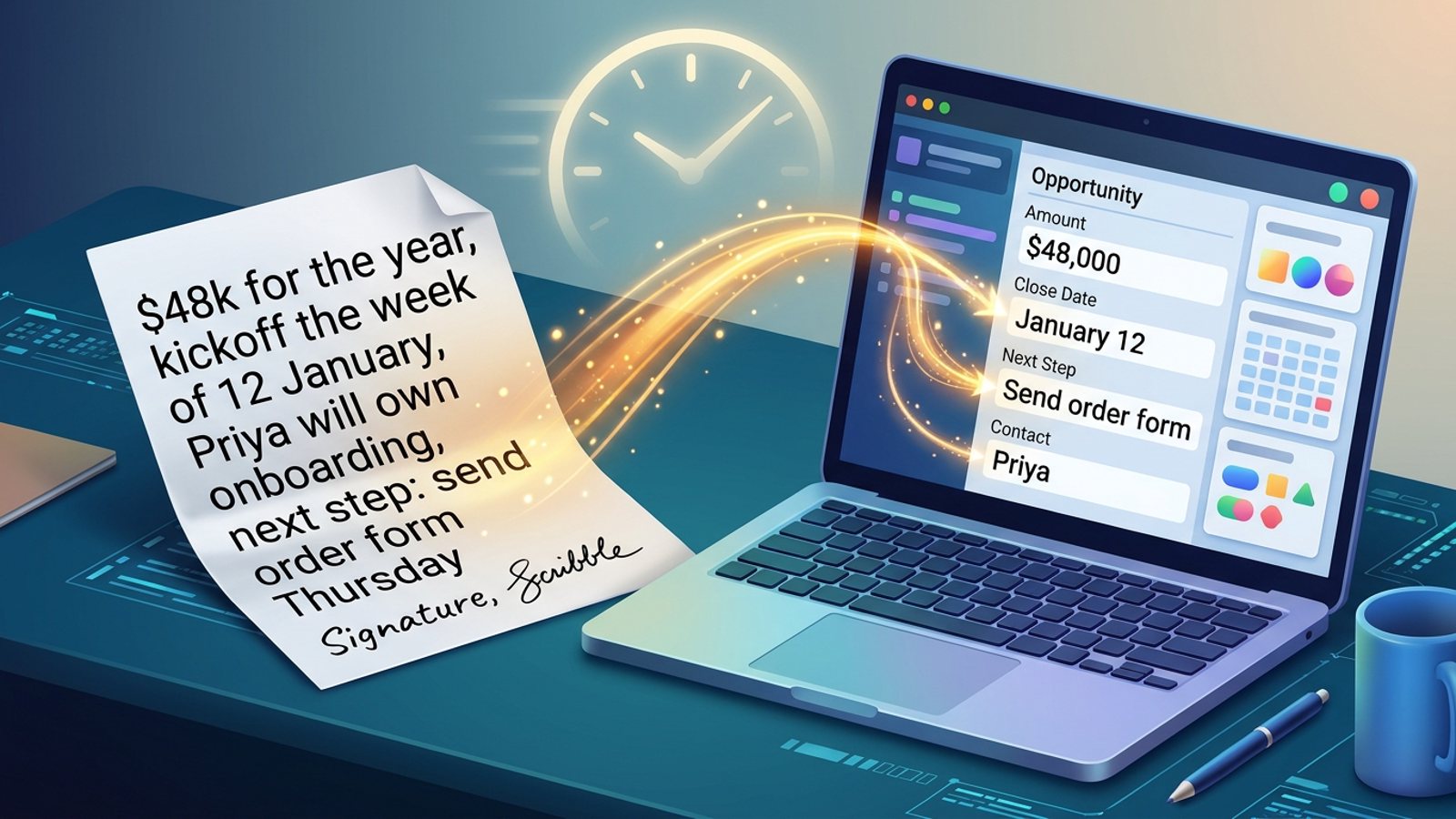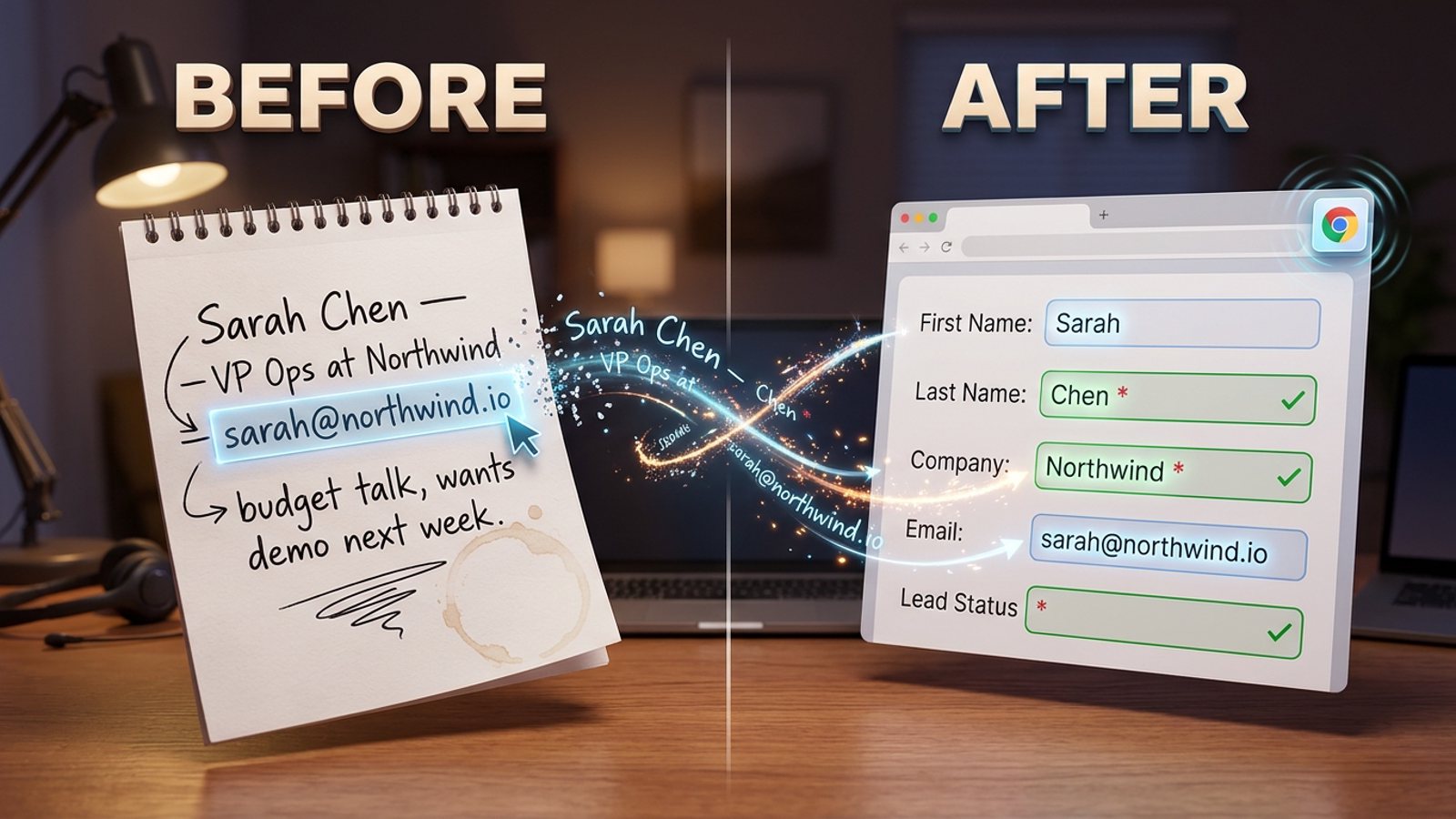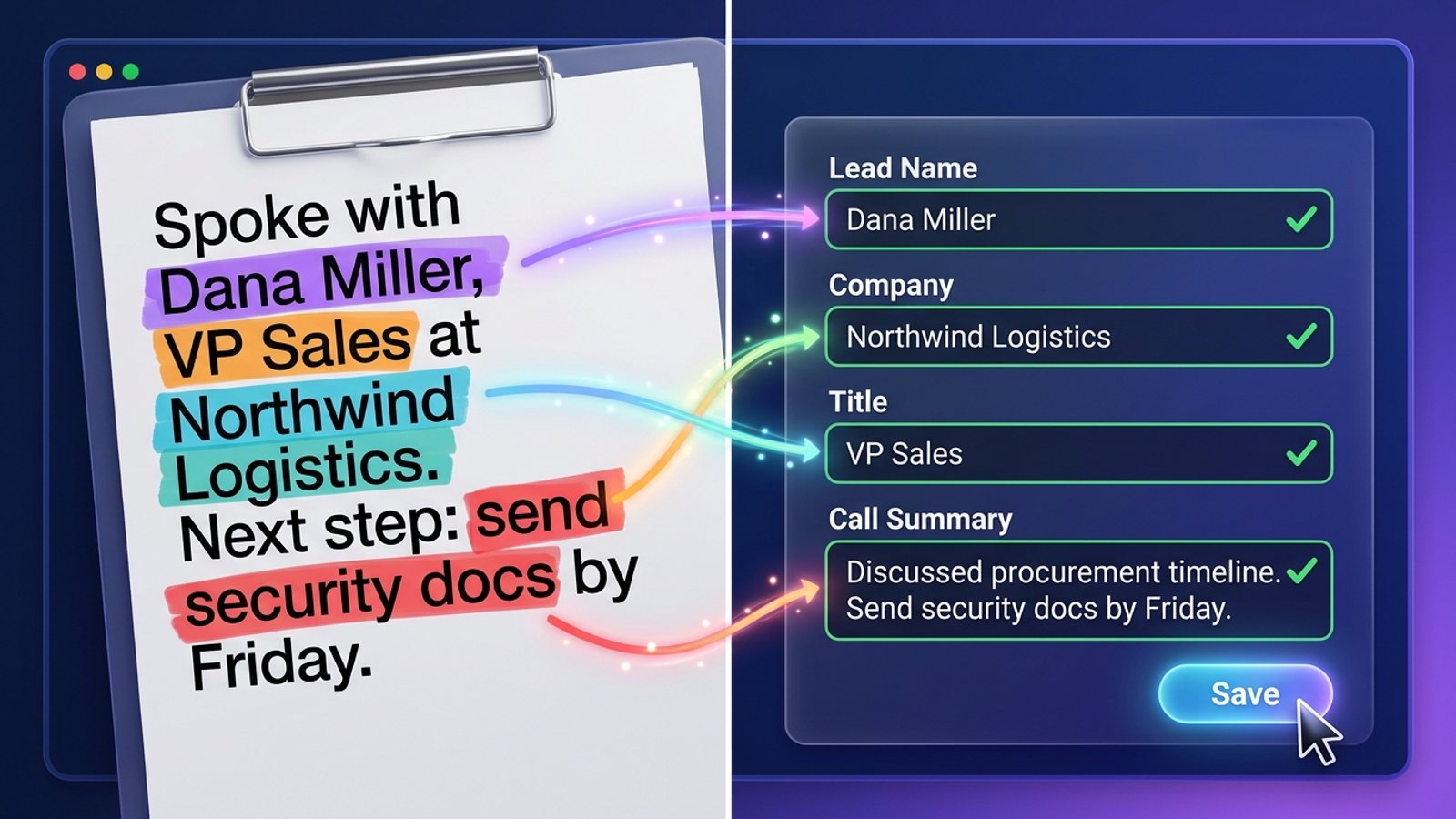
There is no single best tool, because "logging a call summary" splits into three jobs: writing the summary into Salesforce fields, auto-attaching the email or meeting, and transcribing the call itself. For getting a summary you already have into Salesforce fields fast, an AI form filler like SmartFill is the shortest path — it fills the form, it does not record or write the summary for you.
To log call summary into salesforce data without retyping it, first decide which of the three jobs you actually have. Most AEs mean the first one: a summary and a few contact details sitting in their notes, waiting to be typed into a record. That's the job this comparison is built around.
If that's you, you can install SmartFill free and fill your next Salesforce record from a pasted summary in one click.
Why does logging a call summary take so long?
Because most of the work isn't the call — it's the retyping afterwards. Salesforce itself says the average seller spends 60% of their time on non-selling activities like manually updating CRM (Salesforce, 2026). And Salesforce Trailhead states that 79% of opportunity data never makes it to a CRM at all.
The native path is manual by design. You open the record, go to the Activity panel, click Log a Call, type a subject and notes, and save (Salesforce Help). That saves the note your rep writes, with no audio (Claap, 2024).
The time adds up on the record itself. QuickForm's vendor blog reports that Chrome's built-in autofill fails on Salesforce Lightning because LWC inputs need JavaScript events, so a 10–30-field record can still take 5–10 minutes to fill by hand even with saved data (QuickForm, 2026).
What are the top 5 AI tools to log a call summary into Salesforce?
Here they are, with SmartFill first because it solves the most common version of the job — getting a summary you already have into the fields.
| Option | Best for | Key features | Price / free option | Watch-outs |
|---|---|---|---|---|
| SmartFill (Our pick) | Filling fields from a pasted summary | AI fills any Salesforce form from messy text; no setup; nothing stored | Free: 5 fills, then 3/day; Pro $9.99/mo | Desktop Chrome only; doesn't write the summary |
| Copy-paste + native Log a Call | One-off notes | Nothing to install; full control | Free | Slow; 5–10 min per record |
| Salesforce Inbox | Auto-logging email and calendar | EAC sync, quick-create, templates, Send Later | ~$25/user/mo add-on; included on Enterprise/Unlimited | Admin setup; mobile app retired |
| Text Blaze | Repeating the same note structure | Templates, placeholders, field jumps | Not stated in the material | Expands what you type; doesn't parse a summary |
| Gong | Post-call analytics at 50+ rep scale | Records, transcribes, analyses calls | Quote-only; $1,200–2,400/seat/yr plus platform fee | Enterprise contracts; works alongside CRM, not inside it |
SmartFill is made by the team behind this blog.
SmartFill — Our pick of the tools we compared
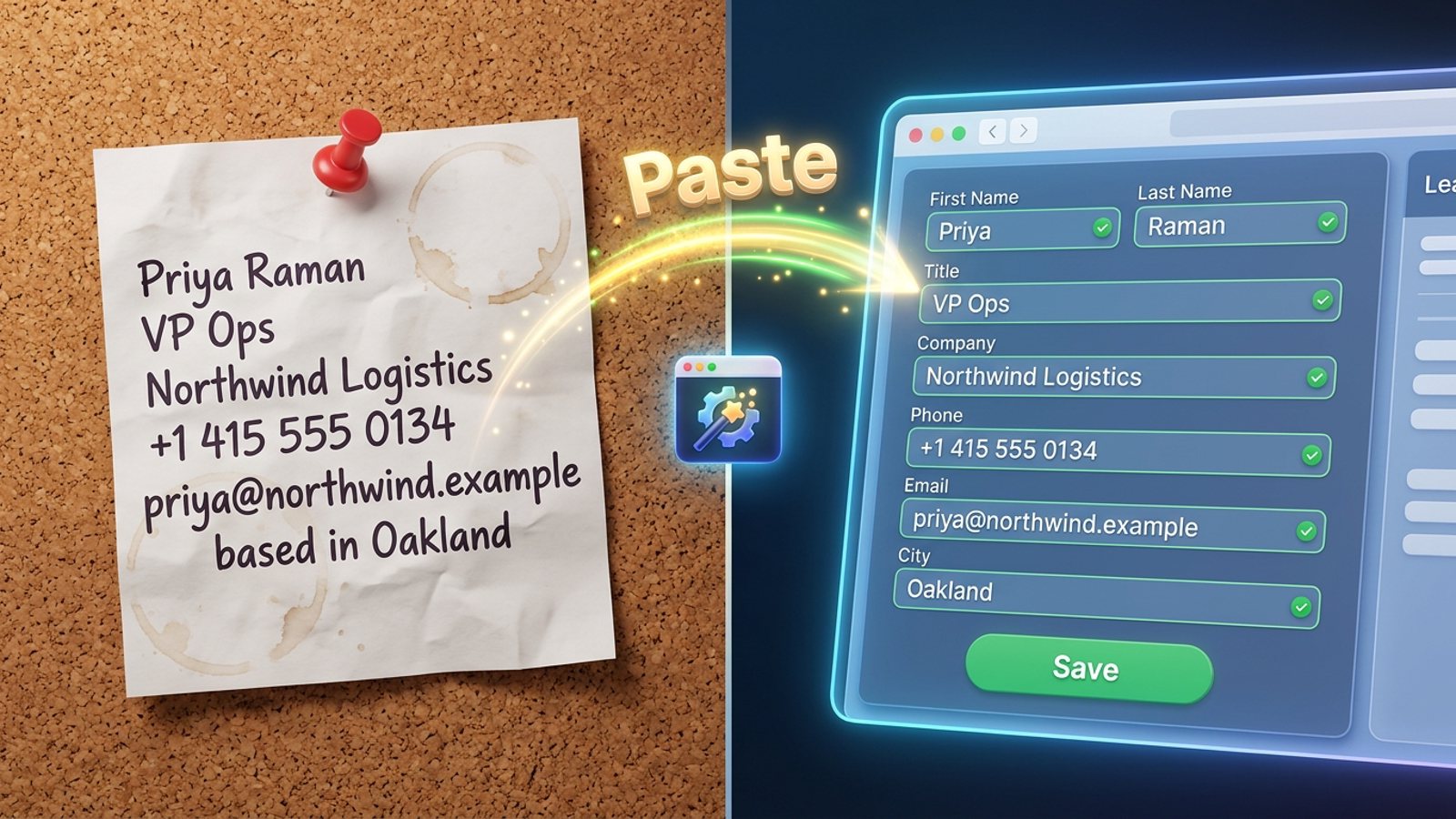
SmartFill is a Chrome extension that uses AI to fill Salesforce forms from any pasted text. You copy the summary and contact details from your notes, open the Salesforce record, click the extension icon, and the fields populate — Leads, Contacts, Cases and custom objects all included.
It handles messy, unstructured text like email signatures and LinkedIn bios, needs no setup or field mapping, and installs in about 10 seconds with no sign-up. Text is processed in real time and not stored, and no lead database is built.
Pricing as of November 2026: every new install gets 5 free fills, then 3 free fills every day forever. Pro is $9.99/month for unlimited fills. Prices can change.
Its honest limit: it fills the form in front of you. It does not record calls or write the call summary — you bring the summary, it does the typing. It's also desktop Chrome only.
Copy-paste by hand (with native Log a Call)
The baseline. Nothing to install, full control, and it works on any record with an activity timeline. If you log one note a week, it's fine.
At volume it breaks down. QuickForm's vendor blog puts a 10–30-field Lightning record at 5–10 minutes by hand (2026), and 42Voice advises that teams doing call volume move to automated logging because manual logging suits one-off notes only (2026). One more trap: if only "New Task" and "New Event" appear on your record, an admin has to add the Log a Call action to the page layout (Claap, 2024).
Salesforce Inbox
Inbox is Salesforce's native email and calendar integration for Gmail and Outlook, running on Einstein Activity Capture and sold as a Sales Cloud add-on (Cirrus Insight, 2026). It adds email tracking, meeting availability, scheduling, Send Later and templates (Nektar.ai, 2026).
It auto-logs emails and meetings — not the summary you typed. An admin must confirm the licence, assign permission sets, then enable and configure EAC (Cirrus Insight, 2026). The standalone Inbox mobile app was retired on February 1, 2024 (Nektar.ai, 2026).
Pricing as of November 2026: about $25/user/month as an add-on, or roughly $50 bundled with Sales Cloud Einstein, billed annually (Cirrus Insight, 2026). Vendr reports it's included on Enterprise and Unlimited Sales Cloud and a $25/user/month add-on on Essentials or Professional (Vendr, updated February 2026). Prices can change.
Text Blaze
Text Blaze expands saved templates in text fields on any site, including Salesforce, with form-field placeholders and an "AutoPilot" mode that moves between fields (Chrome Web Store, 2026). The store listing shows 4.9 stars from about 1.9K ratings and 800,000 users.
It's a typing shortcut, not a parser — it expands what you type and doesn't read a pasted summary. Its privacy disclosure lists personally identifiable, financial, authentication and user-activity data (Chrome Web Store, 2026). Pricing isn't stated in the material we reviewed, so check the listing before you commit.
Gong
Gong records, transcribes and analyses calls, meetings and emails, with transcription accuracy that's well regarded across enterprise deployments (Techreviewer; Grademyclose, 2026). If you need coaching and post-call analytics at scale, it's a serious platform.
It's also a different purchase. Gong publishes no standard pricing — it's quote-only, per seat per year with a separate platform fee (saasbluebook, 2026). Vendr data cited there puts base pricing at $1,200–2,400/seat/year plus $5,000–50,000/year platform fees, roughly $17,000 in year one for a 10-person team at entry pricing before onboarding (saasbluebook, 2026). Terms are noncancelable and non-refundable with automatic one-year renewal unless notice is given 60 days out (blocksentient). It's built to work alongside the CRM rather than inside it, and suits teams of 50+ reps (Grademyclose, 2026; AIDiveForge, 2026).
If you mainly need enterprise call analytics and coaching, Gong is the more direct choice. If you need the summary in the fields by the end of the call, it's overkill.
How do you log a call summary into Salesforce in seconds?
Copy the summary as plain text, open the record, and let the filler populate the fields — then review and save.
- Grab the text. Take the call summary and contact details from your notes or email as plain text. Don't tidy it.
- Copy it. Select the whole block.
- Open the record. Go to the Lead, Contact, Case or custom object and click the relevant action — New Lead, or Log a Call for activities.
- Run the filler. With SmartFill installed, click the extension icon, paste the text and hit Auto-Fill. Fields populate in seconds.
- Review and save. Correct any misfields, then save. Optionally set a Page Rule so it auto-fills from the clipboard on that page next time.
What if your "Log a Call" button is missing?
An admin needs to add the Log a Call action to the page layout. If only "New Task" and "New Event" show on the record, that's the cause (Claap, 2024). In Salesforce Classic, the feed must be shown before Log a Call is visible; in Lightning you click Log A Call and type into the Notes/Call Notes field (Atlassian/Vonage ContactWorld docs). At the time of writing, menus may differ from what you see.
Do auto-captured activities show up in Salesforce reports?
Often not, depending on sync mode and how the data is stored. With Einstein Activity Capture, activities aren't stored as Salesforce records — they sit on external AWS servers with a 2-year retention, aren't fully reportable in standard Salesforce reports, and are deleted on deactivation (Weflow, 2026). Confirm this before you build dashboards on captured activity (Spotsaas, 2026).
Is there a free way to fill Salesforce forms from a call summary?
Yes. SmartFill's free tier gives every new install 5 fills, then 3 free fills every day forever, with no sign-up or card required (Chrome Web Store, 2026). For a rep logging a handful of calls a day, that covers the routine work; Pro at $9.99/month removes the cap.
If your summary is already written and you just need it in the fields, that's the cheapest path we found. If you need the call recorded and transcribed first, budget for a transcription tool — File Transcribe reports lightweight transcription tools sit around $17–19/month, against quote-only enterprise conversation intelligence (2026).
It pays to know which job you're buying for: a filler gets your summary into Salesforce; a recorder writes the summary in the first place.
For a closer look at the filler route, see our guide to the best AI Salesforce form fillers for sales teams in 2026, or if you're logging after a specific call, the best tool to log a lead in Salesforce after a call. And when your notes arrive as a half-written recap, this piece on AI filling a Salesforce account record from a half-written call note walks through it.
Ready to stop retyping? Install SmartFill Free and put your next call summary straight into the record.
Sources
- SmartFill: The AI Form Filler for Salesforce (Chrome Web Store, updated 2026-10-19)
- How AI agents improve CRM data accuracy (Salesforce, 2026-11-09)
- Boost Adoption with Inbox (Salesforce Trailhead, undated)
- Sales | Log a Call (Salesforce Help, undated)
- Track Your Work with Activities and Calendar (Salesforce Help, 2026-11-12)
- Tracking sales calls in Salesforce (Claap, 2024-05-27)
- Autofill Salesforce Chrome extension (QuickForm, 2026-06-09)
- Salesforce call logging (42Voice, 2026-10-07)
- Salesforce Inbox: Features, Pricing, Setup & Limits (Cirrus Insight, 2026-07-24)
- Salesforce Inbox: What It Is, Features, Pricing & Limitations (Nektar.ai, 2026-09-06)
- Cirrus Insight pricing (Vendr, last updated Feb 2026)
- Text Blaze (Chrome Web Store, 2026-10-12)
- Gong Pricing 2026 (saasbluebook, 2026-06-30)
- Gong briefing (blocksentient, undated)
- Revenue.io vs Gong (Grademyclose, 2026-06-27)
- Gong listing (AIDiveForge, 2026-10-16)
- Gong overview (Techreviewer, undated)
- Capture Structured Salesforce Data from Sales Calls (Airspeed, 2026-06-22)
- Why Einstein Activity Capture fails Salesforce teams (Weflow, 2026-08-04)
- Salesforce Gmail integration (Weflow, 2026-05-27)
- Salesforce Help article 000383611 (Salesforce Help, 2026-09-08)
- Why CRM adoption fails (Spotsaas, 2026-11-12)
- Best Fireflies alternatives (File Transcribe, 2026-07-23)