The five realistic options are SmartFill, Salesforce's native Log a Call composer, Gong, Fireflies.ai and Chorus by ZoomInfo — plus Zapier if you need to bridge two of them. SmartFill is the pick when you already have call notes and need the record's fields filled in seconds; the meeting-intelligence tools are the pick when you need the call itself recorded and transcribed.
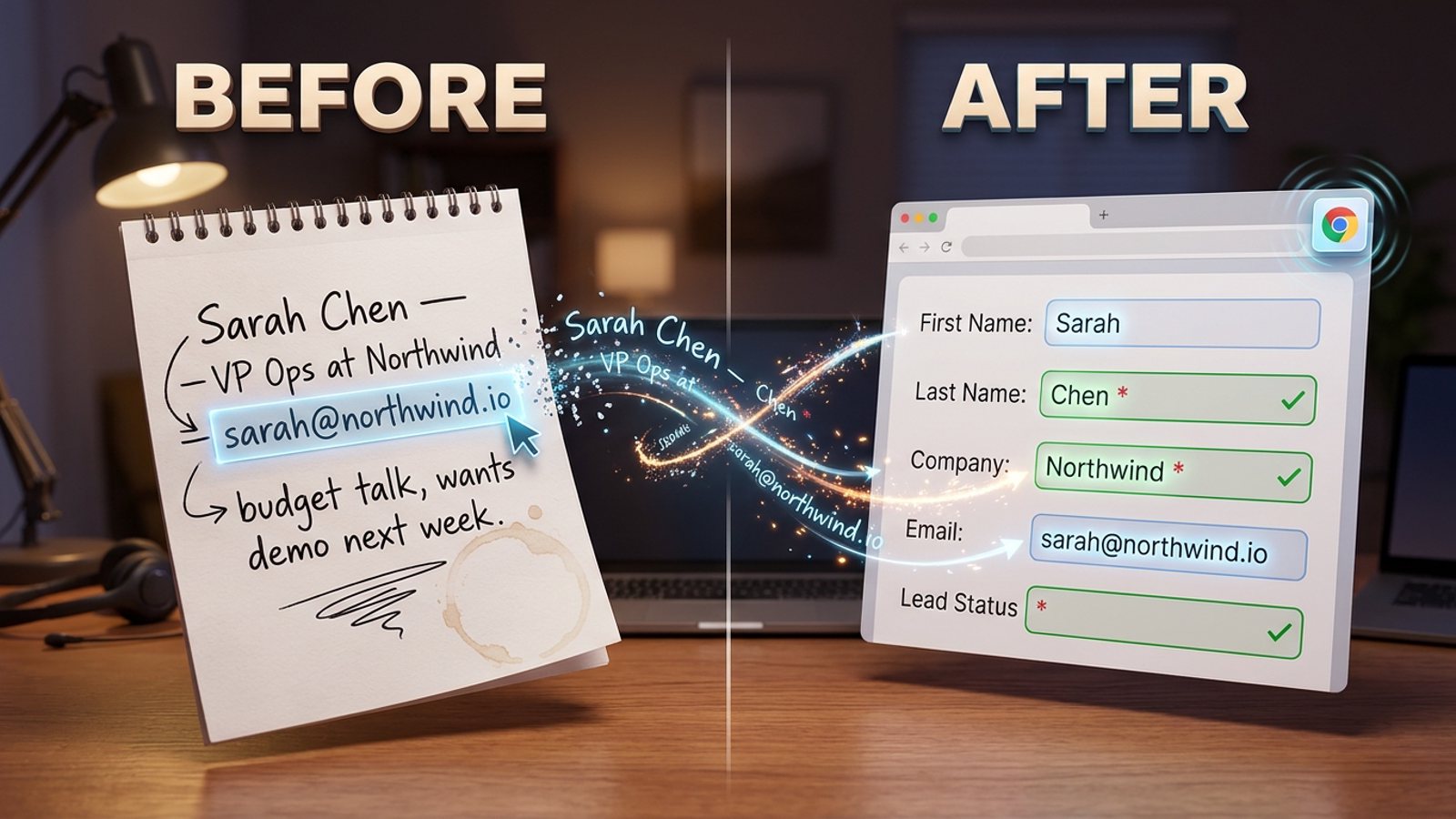
You finish a 30-minute discovery call. You have a page of notes, a next step, a new close date and a job title you finally got right. Now someone has to put all of that into Salesforce — and that's the part that eats the afternoon.
If your job is tools to update salesforce after a call, start by separating the two things people mean by "update." One is the activity log: a note on the timeline saying the call happened. The other is the record itself: stage, next step, close date, contact details. Only some tools touch the second one, and several say so in their own documentation.
Install SmartFill Free and you can test the paste-and-fill route on your next call before you read the rest.
What counts as "updating Salesforce after a call"?
Logging the call and updating the record are different jobs. The activity log records that a conversation happened; the record holds the data your forecast and pipeline reports depend on. Conquer's glossary (2026) calls the whole stretch between one call and the next "after call work": logging the call, writing notes, selecting a disposition, updating the CRM record and setting the follow-up.
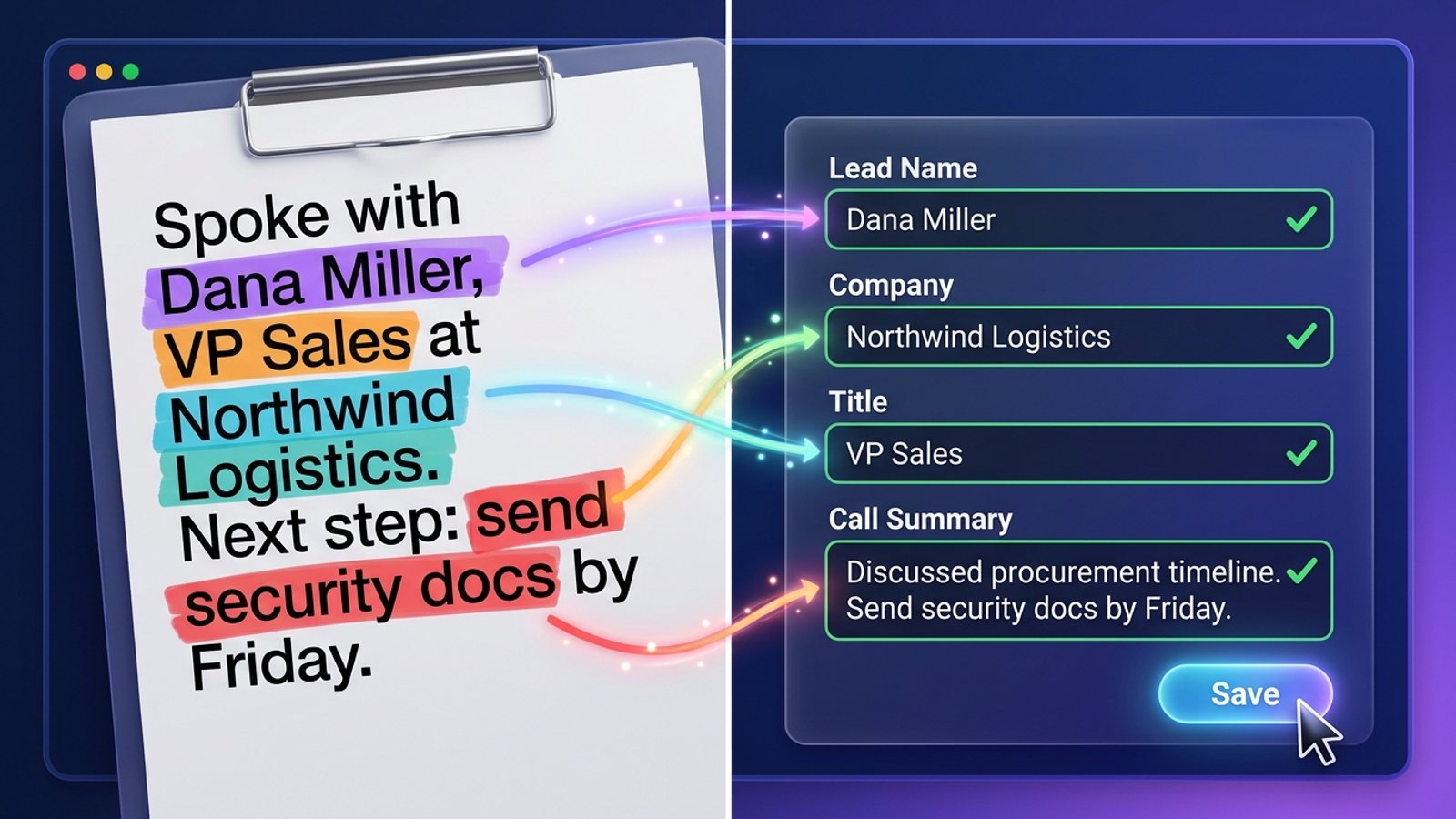
That distinction decides which tool you need. If your problem is "I have notes and the fields are empty," you need a form filler. If your problem is "nobody remembers what was said," you need a recorder.
How much time does post-call CRM updating actually take?
Reps lose somewhere between 5 and 9 hours a week to CRM updates, depending on whose number you use. A vendor LinkedIn post puts it at 5–8 hours a week (fieldbrain, March 2026); a separate post claims one company's real figure was 9 hours, with reps blocking out half of Friday for CRM accuracy (July 2026). Both are vendor claims, not audited studies — but they point the same direction as Salesforce's 60% figure.
The per-record cost is what you feel. A third-party Chrome Web Store listing benchmarks typing a name, email and address at about 12 seconds versus about 3 seconds with a filler (SimpleFill listing, 2025). That's a simple three-field form. A Salesforce lead with company, title, phone, source, stage and next step is a longer job — and you do it after every call.
One call's notes are worth nothing to your pipeline until they land in the record's fields, not just the timeline.
The top 5 tools to update Salesforce after a call, compared
Here are the five options, with SmartFill first because it's the one built for the paste-and-fill job this article is about.
| Option | Best for | Key features | Price / free option | Watch-outs |
|---|---|---|---|---|
| SmartFill (Our pick) | Filling record fields from notes you already have | AI fills Salesforce forms from pasted text; any object | Free: 5 fills, then 3/day; Pro $9.99/mo | Desktop Chrome only; does not join or record calls |
| Salesforce Log a Call | A quick note on the timeline | Built in; saves note to the record | Included in your Salesforce licence | Text only; no field updates |
| Gong | Deep conversation analytics | Logs each call as a linked activity | Pricing not in our sources | Export stops at the log; no field updates |
| Fireflies.ai | Meeting notes into CRM workflows | Lists Salesforce and HubSpot integrations | Plan eligibility not in our sources | Objects and fields not documented |
| Chorus by ZoomInfo | Conversation intelligence inside ZoomInfo | Meeting insights distributed to Salesforce | Pricing not in our sources | Write-back behaviour not documented |
The explanation matters more than the table. Each of these solves a different half of the problem, and picking the wrong half is how teams end up paying for a recorder and still typing stage changes by hand.
SmartFill — our pick for the paste-and-fill route
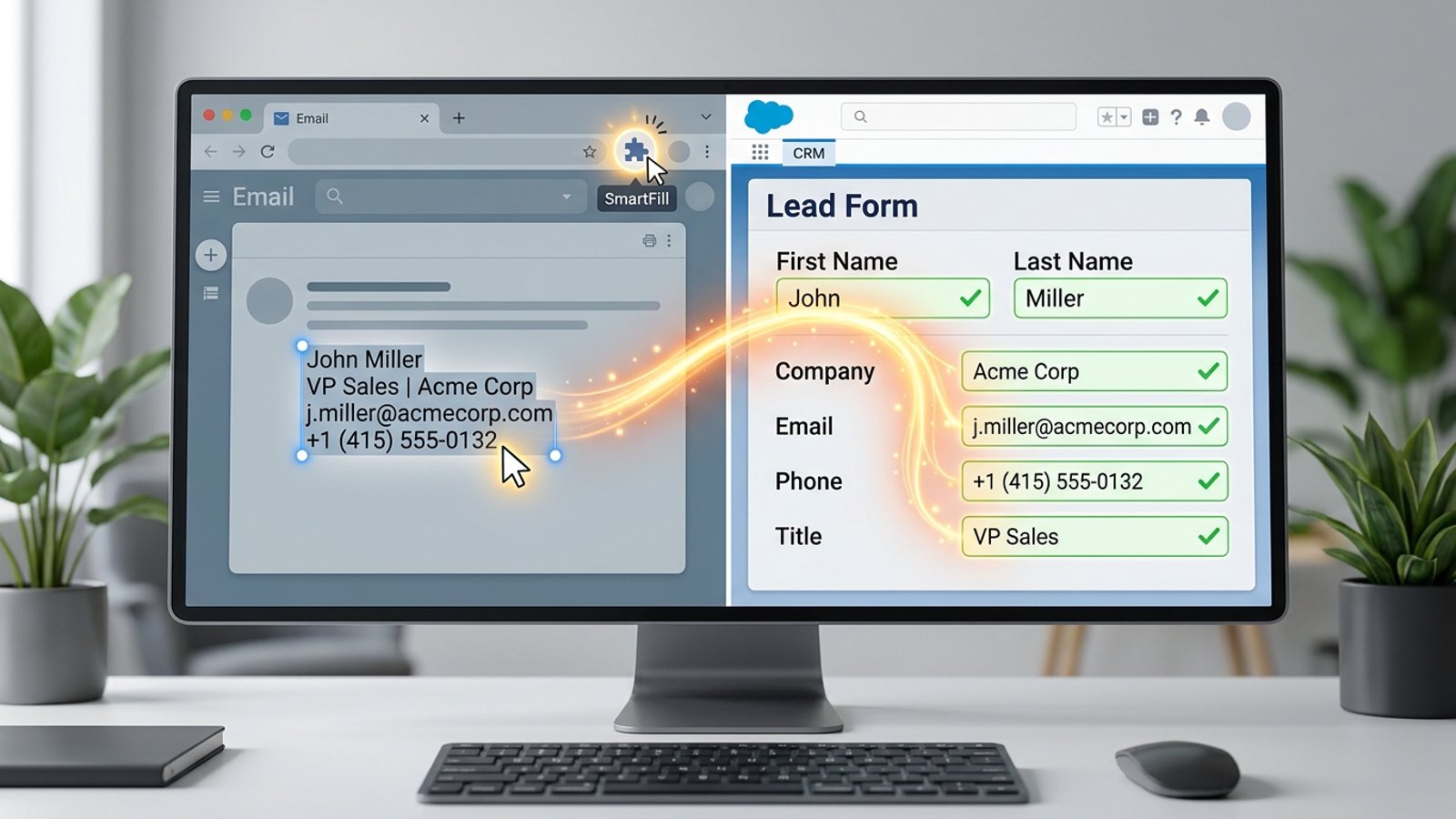
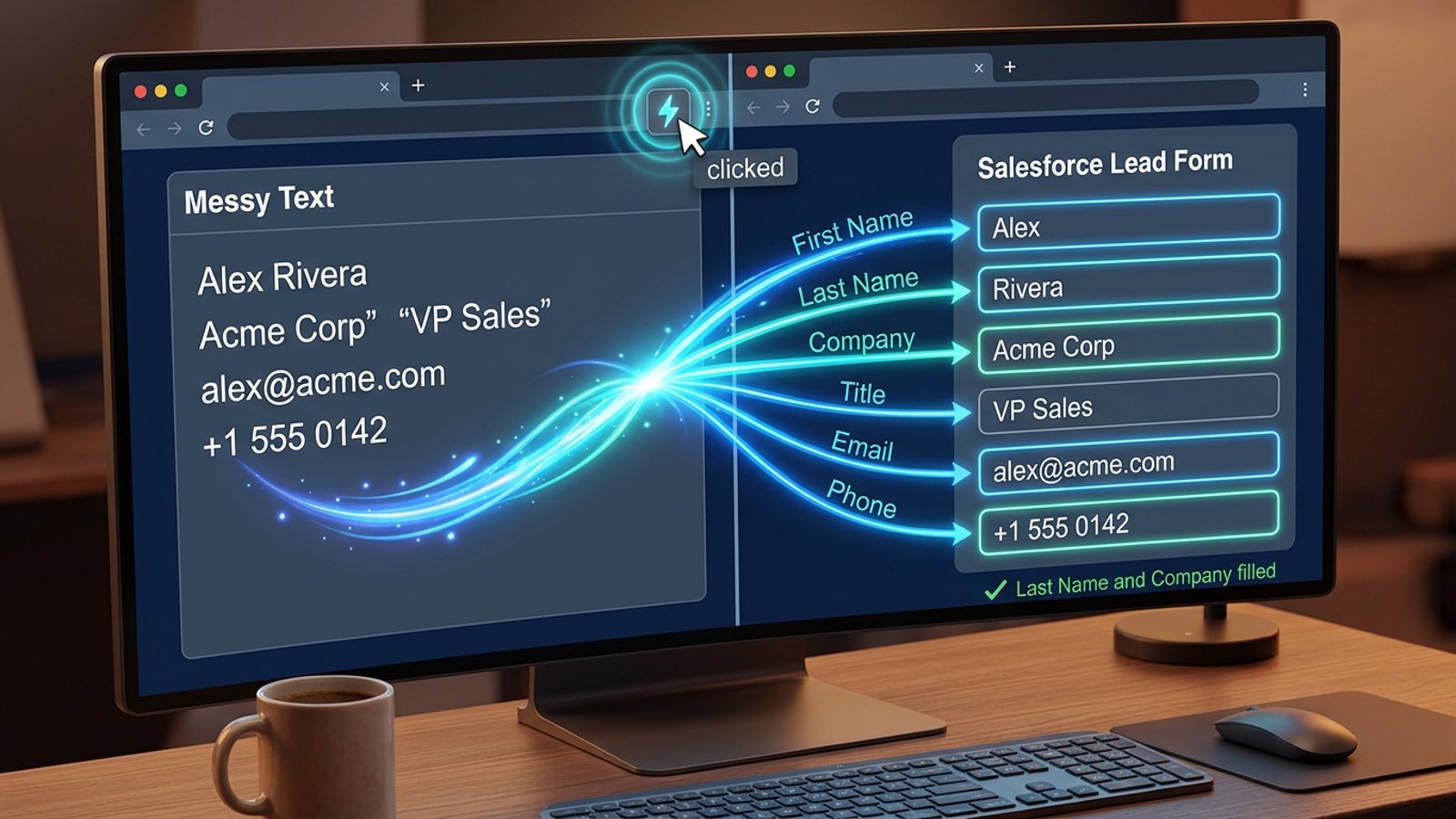
SmartFill is a Chrome extension that uses AI to fill Salesforce forms from any pasted text. You copy your call notes — however messy — click the extension, and the form populates. It handles unstructured text like email signatures and LinkedIn bios, needs no setup or configuration, and installs in about 10 seconds with no sign-up.
It works on anything that runs in a Chrome browser, including Salesforce Classic and Lightning, and fills any object — leads, contacts, accounts, opportunities, custom objects — with no limit on the number of fields. Text is processed in real time and not stored, so no lead database is built.
Its honest limit: it is a form filler. It does not join your calls, record them or read transcripts. If you need the call captured, that's a different tool. Duplicate detection is marked "coming soon" on its listing.
Pricing as of November 2026, and prices can change: 5 free fills to start, then 3 free fills per day forever, no card required. Pro is $9.99/month for unlimited fills.
Salesforce Log a Call — the free baseline
Log a Call is built into Salesforce and works on any record with an activity timeline. You open the lead or contact, go to Activity History, click Log a Call, add a subject and notes, and save (Gong blog, 2023). It saves the note your rep writes, with no audio (Claap, 2024).
Its limits are real. It's text only, it doesn't write to fields, and Vonage's documentation notes the composer can carry stale data — previous call notes not cleared, the call not linked. If only "New Task" and "New Event" appear instead of Log a Call, an admin has to add the action to the page layout (Claap, 2024).
If you mainly need a free note on the timeline, this is the more direct choice. If you need the stage and next step updated, it won't do it.
Gong — great at the call, stops at the log
Gong's native Salesforce export logs each call as an activity — a task in Salesforce — that links back to the call in Gong (Day AI, 2026). Gong also publishes its own CRM sync timing: new CRM records appear in Gong in up to 6 minutes (Gong Help, updated January 2026).
The gap is what happens after the log. Day AI's 2026 analysis states the Gong export "stops at the log": no transcript on the record, no field updates for next step, stage or close date, and only new activities export by default. Weflow, a competitor, argues Gong's captured calls live in its own Revenue Graph rather than native Salesforce objects — treat that as a vendor claim, not a neutral finding.
If you mainly need conversation analytics and coaching, Gong is the more direct choice. If you need the record's fields updated, it isn't built for that.
Fireflies.ai — meeting notes into CRM workflows
Fireflies lists Salesforce and HubSpot integrations, and its positioning includes CRM updates and structured outputs (Notta, 2026). That's the promise. Notta's comparison notes that the exact Salesforce objects, fields and actions Fireflies touches are worth confirming with the vendor before you rely on them.
That's not a knock on the product — it's a reminder to ask. Notta states plainly that "Salesforce integration" does not always mean automatic updates to every field, and teams should confirm exactly what transfers.
If you mainly need meeting notes and task workflows across a team, Fireflies is worth a look. Confirm the field-level behaviour with their team first.
Chorus by ZoomInfo — conversation intelligence in the ZoomInfo stack
Chorus sits inside ZoomInfo's ecosystem, and ZoomInfo's own blog covers AI note-taking and call-analysis tools that distribute meeting insights into Salesforce, HubSpot, Slack and Notion (ZoomInfo Blog, 2026). If your team already runs on ZoomInfo, that adjacency is the appeal.
Ask the vendor which Salesforce objects and fields Chorus writes to before you assume a field gets filled.
Zapier — the bridge, not the tool
Zapier isn't a post-call tool on its own, but it's how a lot of teams patch the gap. A published Zap triggers when a new call is processed in Gong and updates an existing Salesforce record on a chosen object — Lead, Contact or Opportunity (Zapier). Zapier advertises a free tier plus SOC 2 and GDPR compliance on its Salesforce integration pages.
What the Zap maps is up to you, and sync latency isn't documented in the material. It updates a record; it doesn't decide what the record should say.
SmartFill is made by the team behind this blog.
How do you actually update a record after a call?
Write your notes first, then let a tool move them into the record. The steps are the same whichever option you pick:
- Write the outcome in plain text. Any block will do — an email to yourself, a doc, a chat message. Include what was agreed, the next step and the date.
- Open the right record. The lead, contact or opportunity, or the New Lead form if it's a first call.
- Move the text into the tool. Log a Call for a timeline note; a call-intelligence platform if you already record; SmartFill if you want the fields populated.
- Review and save. Check the populated fields, save, and set the next step.
Step 4 is where discipline pays. Salesforce's field history tracking records old and new values, the user and the timestamp, keeps 18 months of it, and covers up to 20 custom plus 60 standard fields per object (Salesforce Help, 2026). That history is what makes a bad autofill recoverable — and a good one auditable.
Which tool should you pick?
Pick by the half of the job you're missing. If your notes exist but the fields are empty, use a form filler. If the call itself isn't captured, use a recorder. If both, use both — they don't overlap.
For the paste-and-fill route, the practical test is one call. Copy your notes, open the record, and see how many fields you'd otherwise have typed. Install SmartFill Free and that test costs you nothing — 5 fills on install, then 3 a day.
For a closer look at the paste-and-fill category specifically, see our comparison of the top 5 tools for auto filling Salesforce forms, and if logging the lead is the specific job, read the best tool to log a lead in Salesforce after a call.
Sources
- SmartFill Chrome Web Store listing (Chrome Web Store, updated 2026-10-19)
- How AI agents improve CRM data accuracy (Salesforce, 2026-11-09)
- Sales Reps Waste 5–8 Hours Weekly on CRM Updates (LinkedIn / Fabian Warislohner, 2026-03-07)
- LinkedIn post on 9 hours/week (LinkedIn / Fabian Warislohner, 2026-07-15)
- What Is After Call Work (Conquer, 2026-07-22)
- A Guide to Efficiently Logging Calls in Salesforce (Gong blog, 2023-02-08)
- Tracking sales calls in Salesforce (Claap, 2024-05-27)
- Log a Call stale data / call linking (Atlassian/Vonage docs, date not given)
- Update Salesforce or HubSpot Automatically From Call Recordings (Day AI, 2026-10-20)
- How the Gong Salesforce Integration Works (Weflow, 2026-11-19)
- Gong-CRM data sync times (Gong Help, updated 2026-01-08)
- Best AI Note Takers That Sync to Salesforce in 2026 (Notta, 2026-09-29)
- Best AI Note-Taking & Call Analysis Tools for Sales in 2026 (ZoomInfo Blog, 2026-06-14)
- Update Salesforce records each time new calls occur in Gong (Zapier, date not given)
- Zapier Salesforce integration page (Zapier, date not given)
- SimpleFill listing (Chrome Web Store, 2025-06-11)
- Field history tracking (Salesforce Help, 2026-11-09)