For a solo seller, the best free Salesforce form filler depends on where your lead data comes from. If leads arrive as messy text — an email signature, a LinkedIn blurb, a call note — SmartFill is the fastest free route: 5 fills to start, then 3 per day forever (as of November 2026; prices can change). If leads come from your website or a spreadsheet, Salesforce's own Web-to-Lead and Data Import Wizard are free and built in.
Install SmartFill Free and turn your next email signature into a filled Salesforce record in seconds.
How do you fill Salesforce forms for free as a solo seller?
You pick the free route that matches where your lead data already lives. A solo seller has several free ways to get a Lead into Salesforce — manual entry, Web-to-Lead forms, the Data Import Wizard and API integrations — but no ops admin to run them, as a 2025 Prezi transcript on lead management in Sales Cloud lays out.
That's the whole decision. Website form → Web-to-Lead. Spreadsheet → Data Import Wizard. One-off messy text from an email, a bio or a call → an AI form filler, or typing it all by hand.
What does a solo seller actually need from a free filler?
Three things: no setup, no per-seat pricing, and it has to handle the way your leads really arrive. Most solo sellers don't get a tidy form submission. They get a forwarded email, a LinkedIn profile, a signature block with a phone number buried in it.
What is the best free Salesforce form filler? The options compared
SmartFill is our pick of the tools we compared for solo sellers whose leads arrive as unstructured text. It's the only option here built specifically to read a messy paste and populate any Salesforce form from it.
| Option | Best for | Key features | Price | Watch-outs |
|---|---|---|---|---|
| SmartFill (Our pick) | Messy text leads | AI fills any Salesforce form from pasted text | Free: 5 fills, then 3/day | Desktop Chrome only |
| Salesforce Web-to-Lead | Website form leads | Native, auto-creates Leads | Included with subscription | Needs a site embed; 500/day cap |
| Data Import Wizard | Bulk spreadsheet loads | No-code CSV import | Free in Setup | Requires a clean CSV |
| Text Blaze | Reusable snippets | Text expansion, templates | Free tier: 20 snippets | Not built to parse text |
| Magical | Saved profiles | AI form autofill, CRM data | Free tier available | Free limits not published |
SmartFill is made by the team behind this blog.
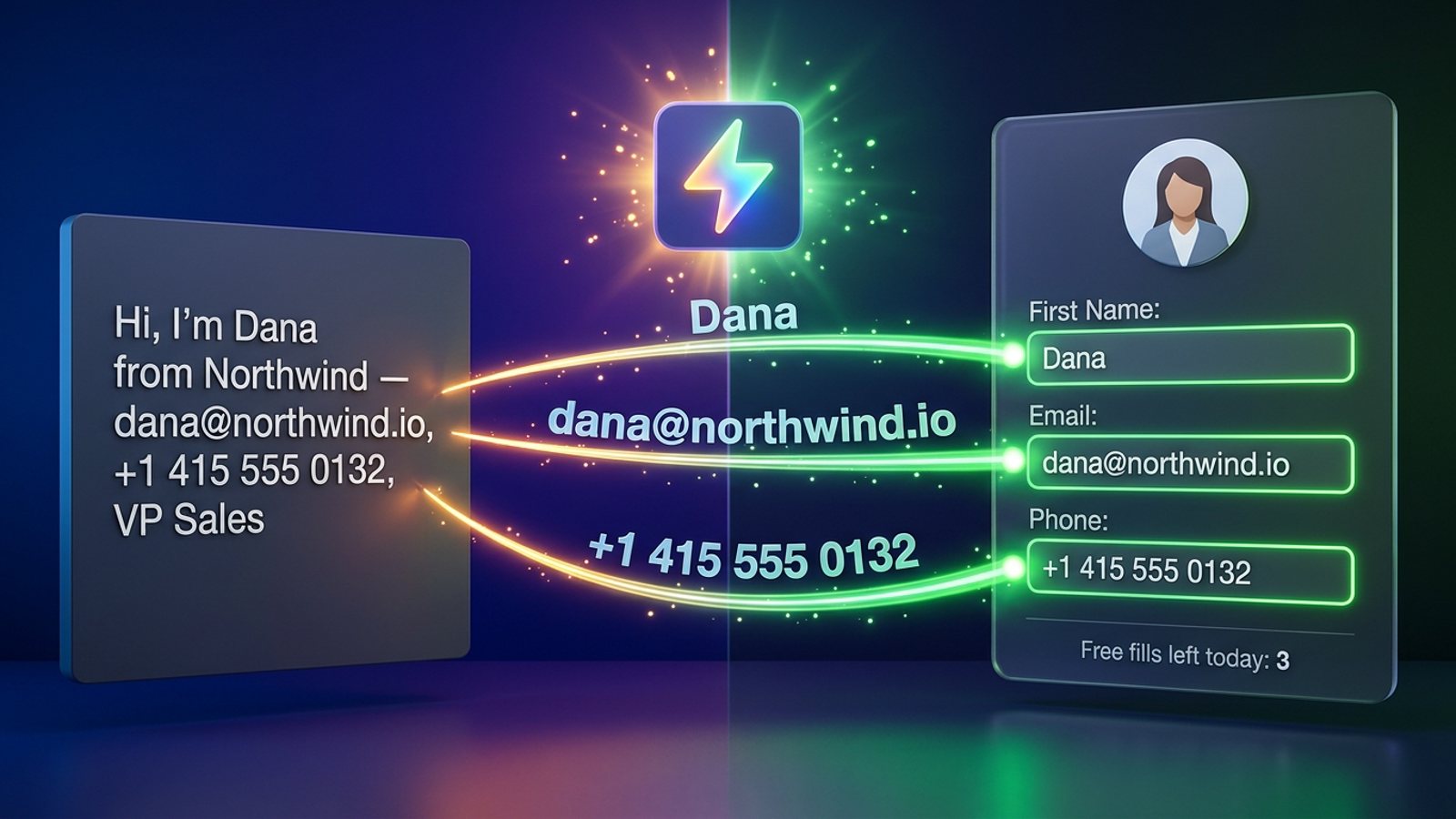
Here's the honest read on each. SmartFill's free plan gives you 5 fills to start and then 3 per day forever, as of November 2026, and prices can change. It works on Salesforce forms of all types — Leads, Contacts, Accounts, whatever you're filling — with no setup and no sign-up, and it doesn't build a lead database: text is processed in real time and not stored. Its one real limit is that it's a desktop Chrome extension.
Install SmartFill Free if your leads arrive as text — it's the fastest free route for that job.
How does Web-to-Lead compare, and when is it the better free choice?
Web-to-Lead is the better free choice when every lead comes through a form on your own website. It's a built-in feature that turns a website form into a Lead record with no Apex or middleware, and Setup generates an HTML snippet with hidden oid and retURL fields to paste on your site, per CRM Curator (2026).
The catch is what it can't do. FormAssembly's vendor blog (2023) lists the limits: 500 submissions per 24 hours, no file uploads, no field validation, no deduplication, and it writes only to the Lead object. Salesforce's own Help documentation notes the 500-per-day auto-generation cap (2026). A CloudAmp guide on AppExchange also flags that it's harder to set up without a web developer and can't match submissions to existing records.
If you mainly need a website form, Web-to-Lead is the more direct choice. If you're pasting a signature into a record, it does nothing for you.
When is the Data Import Wizard the right free tool?
When your leads are already sitting in a spreadsheet and you want them all in at once. The Data Import Wizard is a standard, no-code Salesforce tool that runs inside Setup and imports, updates or upserts CSV files for a limited set of objects.
The limitation is right there in the name: it imports. It doesn't help with one record you're creating from a forwarded email at 4pm on a Friday.
What about free text expanders like Text Blaze and Magical?
They're good at a different job — replaying things you've already written. Text Blaze's free tier covers 20 snippets at 2,500 characters each, with paid plans from $2.99/month billed yearly ($3.49 monthly), per a QuickFiller comparison (2026). The vendor markets it as free forever on core text expansion and lists Salesforce among its integrations (Text Blaze blog, 2026).
Magical is a no-code Chrome extension with AI completion that autofills forms from saved contact and CRM data, with a named Salesforce integration, per AICompareNet and vibedonalds.com (2026). It has a free tier, though its free-tier limits aren't published in the material, and its paid Advanced plan is quote-only with no self-serve price as of October 2026 (Clipboard Extension comparison).
How do you fill a Salesforce form from a messy email signature?
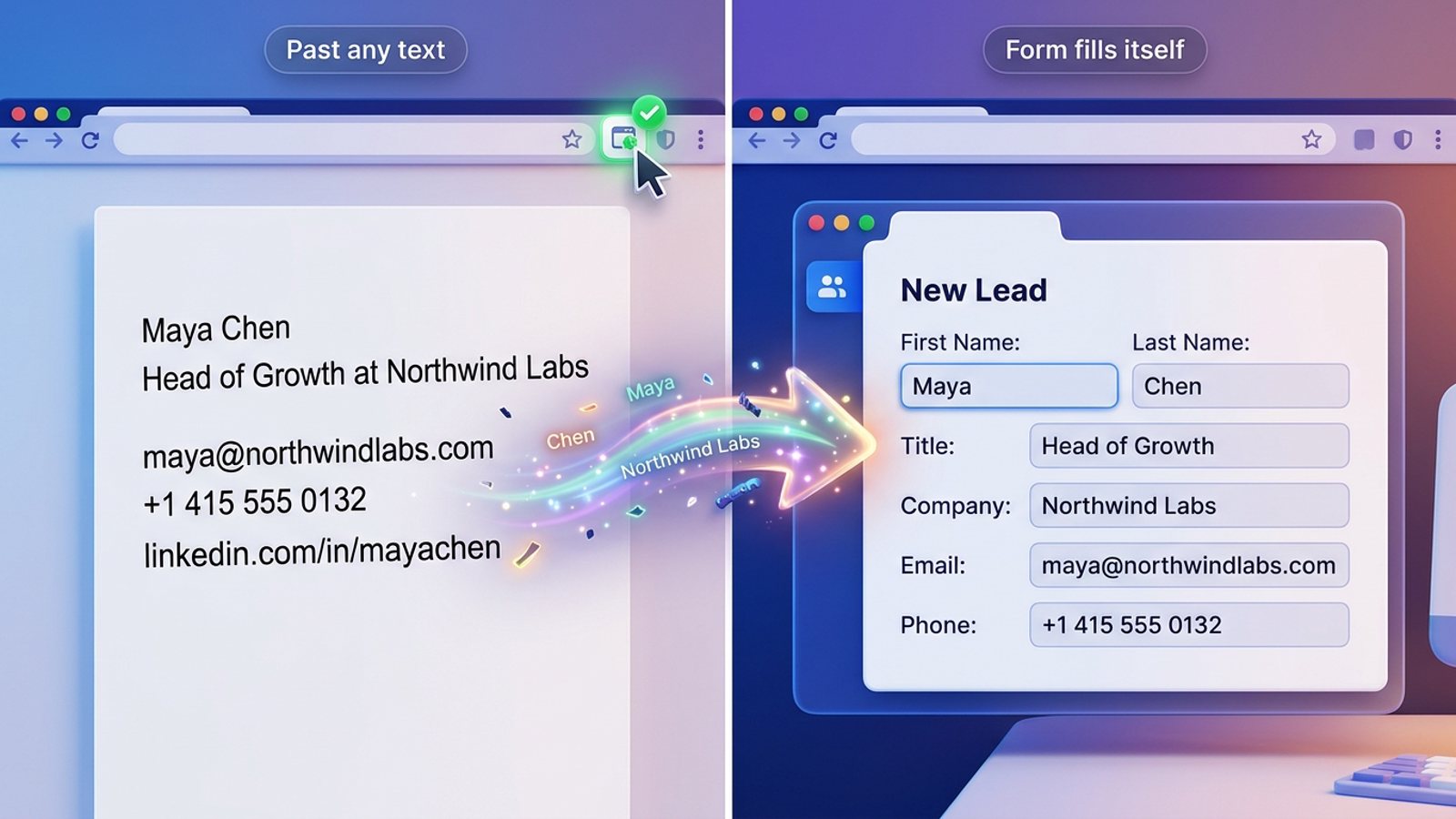
Paste the text and let the AI map it to the fields. Here's the workflow with SmartFill:
- Install the extension — one click, about 10 seconds, no sign-up.
- Open two tabs — your Salesforce record and the source text.
- Copy the messy text — signature, LinkedIn bio, call notes, whatever you have.
- Click the SmartFill icon — the form fills automatically.
- Check the fields and save — especially Lead Source, which feeds attribution reporting and should be set before the first save, per the Salesforce Dictionary (updated 2026).
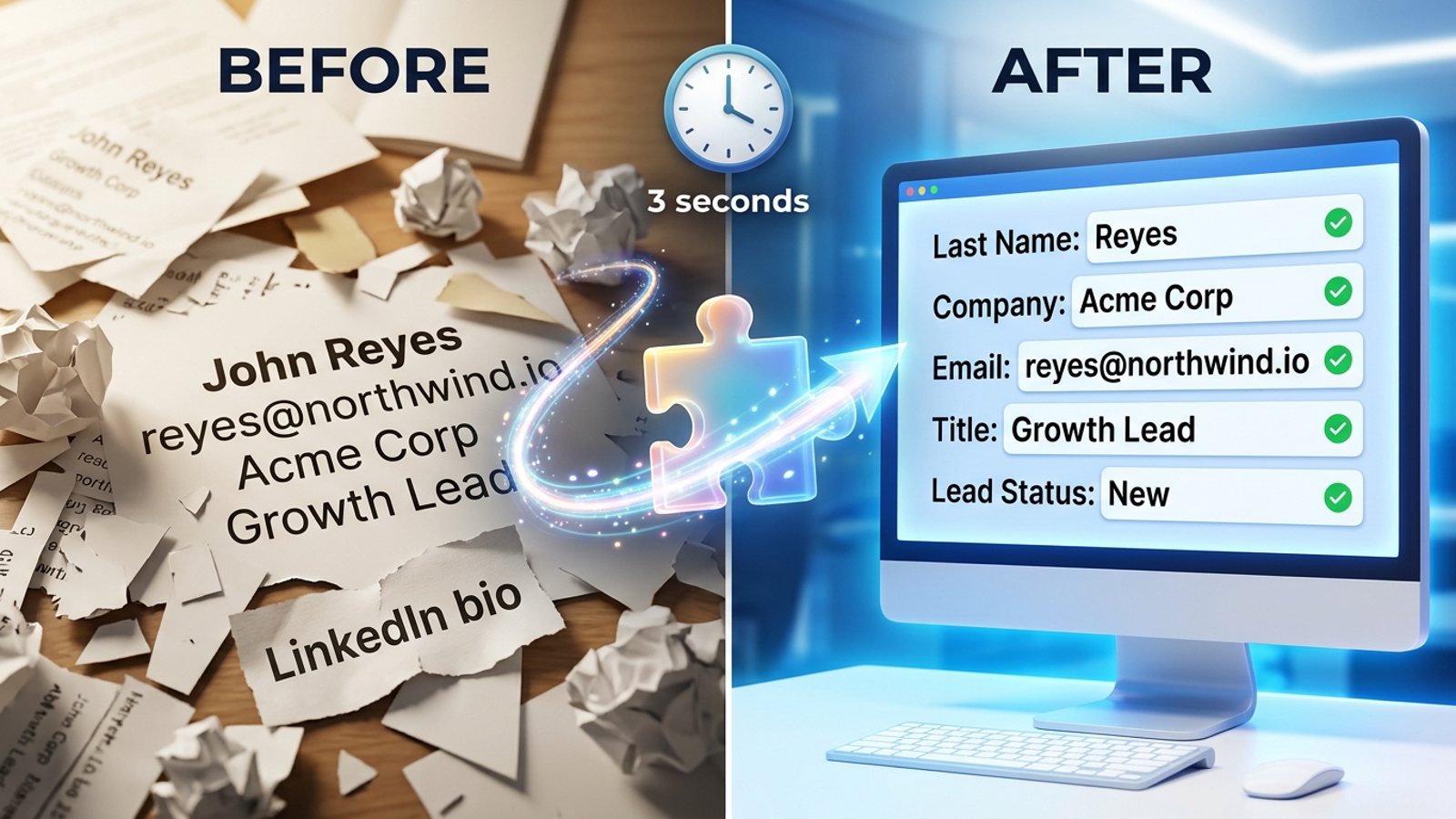
Say you run a one-person consultancy and a prospect emails you. You copy their signature block — name, title, company, phone, a line about what they do — click SmartFill, and the New Lead form is populated. You check it and hit save. That's the 4-minute form fill turned into a 3-second click.
The fastest free route for a solo seller isn't the tool with the most features — it's the one that matches how your leads actually arrive.
Can you paste an email signature or LinkedIn bio straight into Salesforce?
Not into Salesforce itself — but you can paste it into a form filler that does the mapping. Salesforce's New record flow has no field that reads a block of text and distributes it. You open the object, click New, pick a record type if your org uses them, then type every field by hand, per the Salesforce Dictionary (2026).
Chrome's built-in autofill doesn't rescue you either. A QuickForm vendor blog (2026) claims it was built for static HTML forms and doesn't reliably handle Salesforce Lightning Web Component fields — treat that as a vendor claim — and says a long Salesforce form can still take 5–10 minutes by hand.
That's the gap: the data exists as text, and the form wants fields.
Will an AI filler create duplicate leads?
Salesforce's own duplicate and matching rules warn you before a save, per Trailhead's duplicate management module. That's your safety net regardless of how the record gets filled.
Our recommendation: run the check before you save, and set Lead Source on the first pass so your attribution reports don't need cleaning up later.
Is my lead data safe with a free AI form filler?
Ask each tool where the text goes. SmartFill processes text in real time and doesn't store it — no lead database is built — and none of the information sent to the AI is saved, per the product's own documentation. Other tools differ: AI Cowork for Salesforce, for example, sends note text to the AI provider you choose and stores your API key locally, per its Chrome Web Store listing (2026).
If you want the deeper comparison on privacy, see our guide to the best secure AI form filler for Salesforce lead data.
Which free Salesforce form filler should you pick?
Match the tool to the source of your leads, not to a feature list. That's the whole ranking.
- Leads arrive as messy text → SmartFill. Free plan: 5 fills, then 3 per day forever.
- Leads arrive through your website → Web-to-Lead. Free with your subscription.
- Leads arrive as a spreadsheet → Data Import Wizard. Free in Setup.
- You retype the same boilerplate all day → Text Blaze or Magical free tiers.
If you're weighing whether any of this beats typing, our breakdown of whether a Salesforce form filler is worth it vs copy-pasting lead data runs the maths. And if you're a founder without an ops team, the best Salesforce form filler for founders with no ops team covers that setup.
Install SmartFill Free and stop retyping signatures into Salesforce.
Sources
- Salesforce Dictionary — How to create a Lead (updated 2026-08-22)
- Salesforce Dictionary — How to create a record (updated 2026-06-16)
- Lead management in Sales Cloud (Prezi transcript, 2025-04-25)
- Autofill Salesforce Chrome extension (QuickForm vendor blog, 2026-06-09)
- What is Web-to-Lead in Salesforce (CRM Curator, 2026-05-16)
- Salesforce Web-to-Lead guide (Kubaru, 2026-11-02)
- Salesforce Help — Leads supplemental (2026-11-05)
- Salesforce forms limits (FormAssembly vendor blog, 2023-11-18)
- CloudAmp's Ultimate Guide to Salesforce Web-to-Lead Forms (AppExchange PDF, undated)
- How to set up Salesforce Web-to-Lead (Thunderbit, updated 2026-07-13)
- Chrome text expanders compared (QuickFiller, 2026-08-03)
- Text expander for Chrome (Text Blaze vendor blog, 2026-04-27)
- Clipboard History Pro vs Text Blaze vs Magical (Clipboard Extension, undated)
- Magical review (AICompareNet, undated)
- Magical — free AI productivity tool (vibedonalds.com, 2026-05-22)
- AI Cowork for Salesforce (Chrome Web Store, updated 2026-06-09)
- Duplicate management (Trailhead, undated)