Yes. For a 2–10 person sales team, the cheapest path is Salesforce's built-in Web-to-Lead (no extra tool cost) or a free-tier builder like Tally. If your leads arrive as text and you just need the Salesforce form filled, SmartFill is the cheaper formstack alternative at $9.99/month as of November 2026 (prices can change), with 5 free fills at install.
Why is a form platform more than a small sales team needs?
Because a form platform is priced for collecting submissions from the public, not for typing one lead into Salesforce. That distinction decides your whole budget.
Think about where your leads actually come from. Say you run a three-person sales team. Your leads arrive as forwarded emails, LinkedIn profiles, a spreadsheet from a trade show, and a "contact us" form on your site. Only that last one needs a form builder at all. The rest are text you're re-typing into Salesforce by hand.
Formstack's own plan structure reflects the bigger job. Third-party material describes an entry Forms tier that is single-user with a form cap, scaling up to a Suite that bundles Forms, Documents and Sign, and a separate Salesforce Solutions plan with custom pricing. There's a 14-day trial but no free plan, per that same coverage (Paperform comparison, updated September 2026; Tally help centre, September 2026).
A form suite is priced for collecting submissions. Most small sales teams just need the record filled.
So before you compare prices, list where your lead data lives today. If most of it is text — inbox, LinkedIn, notes — a form platform is solving a problem you don't have.
What is the cheapest way to get lead data into Salesforce?
It depends on one thing: whether the lead arrives through a form or as text you already have.
If leads arrive through a website form
Salesforce Web-to-Lead is the cheapest option because it's already in your org — no package install needed. It collects prospect data from website visitors into new lead records, which you can then score, qualify and route to reps (Webkul, updated January 2025).
It's available in Group, Professional, Enterprise, Performance, Unlimited and Developer Editions, and collects up to 500 leads per day, per Webkul. Setup is a few clicks: open Setup, search "Web-to-Lead" in Quick Find, select it, then create the form.
Its limits are real too. A CloudAmp guide hosted on the Salesforce AppExchange (date not given) lists fewer advanced features than third-party builders: advanced validation, conditional logic, multi-page forms, file uploads and third-party integrations. That guide is vendor-authored, so read it as a vendor blog.
If leads arrive as text you're re-typing
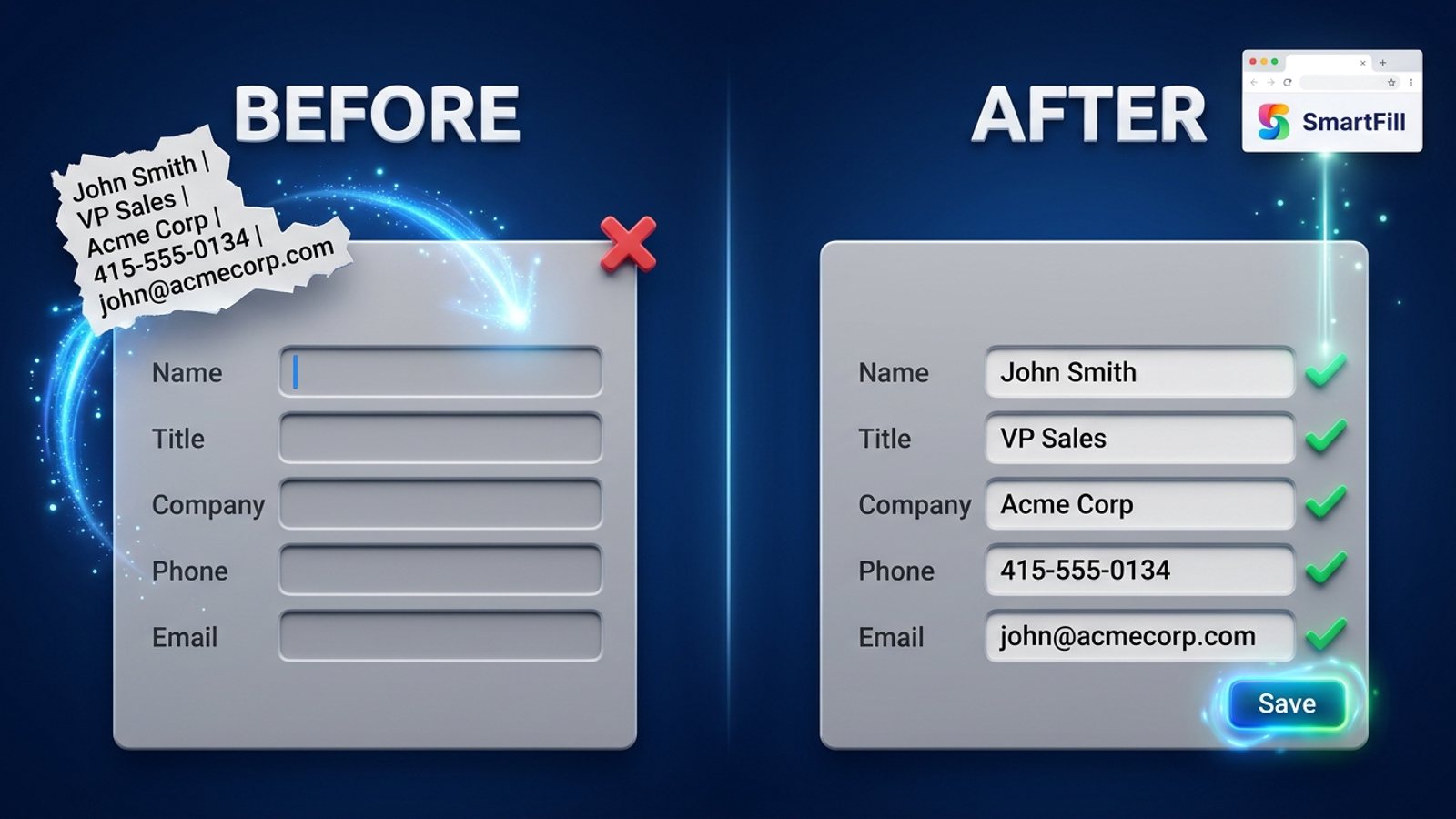
This is where most small sales teams lose hours. The lead already exists — in an email signature, a LinkedIn bio, a forwarded thread — and someone types it into the Lead form field by field.
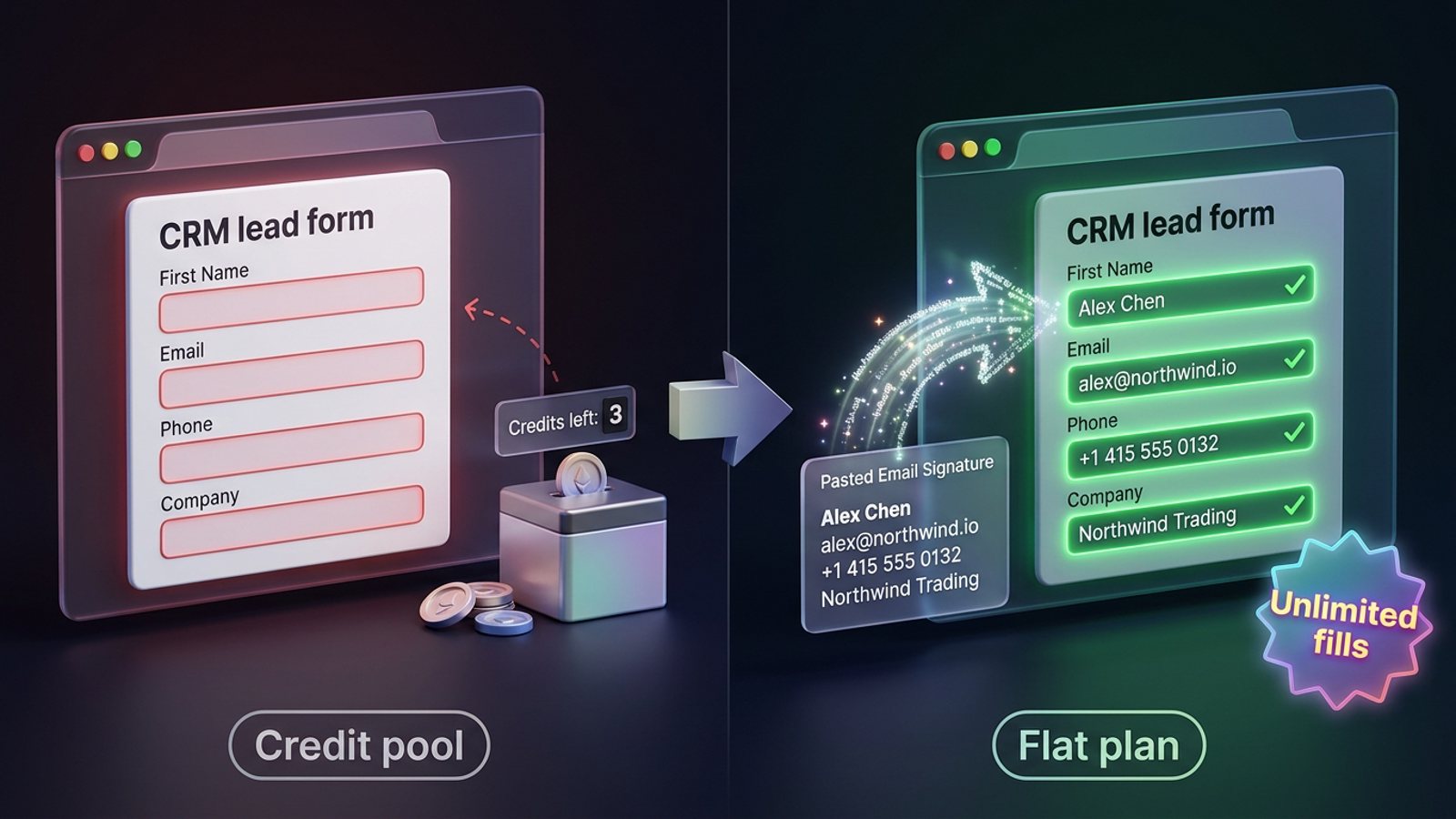
That job doesn't need a form builder. It needs something that fills the Salesforce form you already have open. That's exactly what an AI form filler for Salesforce does: paste the messy text, and the extension populates the form.
Install SmartFill Free and you get 5 fills to start, then 3 a day forever — enough to test it on your real leads before deciding anything.
How do the options compare on cost?
Here's how the realistic options stack up for a small team, with the tool we build listed first.
| Option | Best for | Key features | Price / free option | Watch-outs |
|---|---|---|---|---|
| SmartFill (Our pick) | Filling Salesforce forms from pasted text | AI fills any Salesforce form, messy text OK, zero setup | Free: 5 fills, then 3/day. Pro: $9.99/mo | Desktop Chrome only |
| Salesforce Web-to-Lead | Website visitor capture, no extra tool | Built into Salesforce, 500 leads/day | No separate tool cost | Lighter on advanced features |
| Tally | Free form building | Unlimited forms and responses on free | Free plan; Pro $29/mo | No native Salesforce integration |
| Jotform | Big template library | No-code builder, Salesforce connector | Free plan with branding | Submission caps; shallow Salesforce link |
SmartFill is our pick of the tools we compared for this specific job — filling a Salesforce form from lead text you already have. It handles messy, unstructured data, needs no setup, and processes text in real time without storing it. It's desktop Chrome only, which is its honest limit.
Salesforce Web-to-Lead is the more direct choice if your leads genuinely arrive through a website form and you want zero extra spend. Tally suits you better if you need a free, capable form builder and can live without a native Salesforce connector — its own help centre (September 2026) confirms no native integration. Jotform is the better fit if a large template library matters more than depth; a Paperform comparison (June 2026) describes its Salesforce connection as surface-level, with complex multi-object mapping needing middleware, and notes submission caps on all plans. That's competitor vendor content, so weigh it accordingly.
SmartFill is made by the team behind this blog.
If you want the wider field, see our roundup of the best alternatives to Formstack for Salesforce data entry.
What does $9.99 a month actually buy you?
It buys unlimited AI fills of Salesforce forms from pasted text — and that's a different purchase from a form subscription.
SmartFill's Pro plan is $9.99/month as of November 2026, and prices can change. For that you get unlimited fills. The free tier gives 5 fills at install, then 3 per day forever.
Here's the practical difference. A form platform charges you to collect data from people who fill in your form. SmartFill charges you to stop typing data you already have. For a 2–10 person team whose leads mostly arrive as emails and LinkedIn profiles, the second is the job.
What about per-seat pricing as the team grows?
This is where small teams get caught. Form platforms commonly price by user or cap submissions, so going from 2 to 10 people can move you up a tier. Tally's Pro plan, for example, adds unlimited users at $29/mo on top of its free tier (Tally help centre, September 2026).
Our recommendation: before you commit to any tier, write down your headcount in 12 months and check what that costs. A flat $9.99/month doesn't move when you hire.
How do you set this up without wasting money?
Five steps, in order, each one cheap or free.
- List where your lead data lives. Website forms, inbox, LinkedIn, spreadsheets. Count roughly what share is text versus form submissions.
- Cover the website form first. If leads come through your site, set up Web-to-Lead in Setup > Web-to-Lead — it's built in. Then check settings like reCAPTCHA so leads aren't silently blocked.
- Cover the text leads next. For leads you're re-typing into existing Salesforce forms, use a filler. Paste the text, let it populate the Lead, Contact, Case or custom-object form, review, save.
- Test the free tier before paying. SmartFill's 5 free fills, Tally's free plan and Jotform's free plan all let you check fit at no cost.
- Re-check tiers as you grow. Submission caps and per-seat limits bite at the entry tier — revisit them before you add headcount.
Is my lead data safe with a cheaper tool?
With SmartFill, the design is the answer: no lead database is built. Pasted text is parsed in real time to fill the form and isn't retained afterward, per its Chrome Web Store listing (updated October 2026).
That matters more than price for most sales leaders. A cheap tool that quietly accumulates a copy of your pipeline is expensive later.
If you're ready to stop re-typing lead data, Install SmartFill Free and fill your first Salesforce form from pasted text in seconds.
Sources
- SmartFill — AI Form Filler (Chrome Web Store, updated October 19, 2026)
- Tally, a free Formstack alternative (Tally help centre, September 8, 2026)
- How to use Salesforce Web-to-Lead in BigCommerce (Webkul, updated January 23, 2025)
- CloudAmp's Ultimate Guide to Salesforce Web-to-Lead Forms (Salesforce AppExchange, date not given)
- AgentExchange Leads (Salesforce Developers, date not given)
- Web To Lead Testing (Plauti, October 17, 2025)
- Is Salesforce integration available with all plans? (Jotform Q&A, July 14, 2024)
- Jotform Enterprise for Salesforce vs Salesforce native forms (Jotform, date not given)
- FormAssembly vs Jotform (Paperform, June 3, 2026)
- Formstack vs Fillout comparison (Paperform, updated September 24, 2026)
- Formstack Pricing 2026: Plans, Costs & Features (Activepieces, October 24, 2026)
- Salesforce import checklist (Salesforce Help, November 12, 2026)