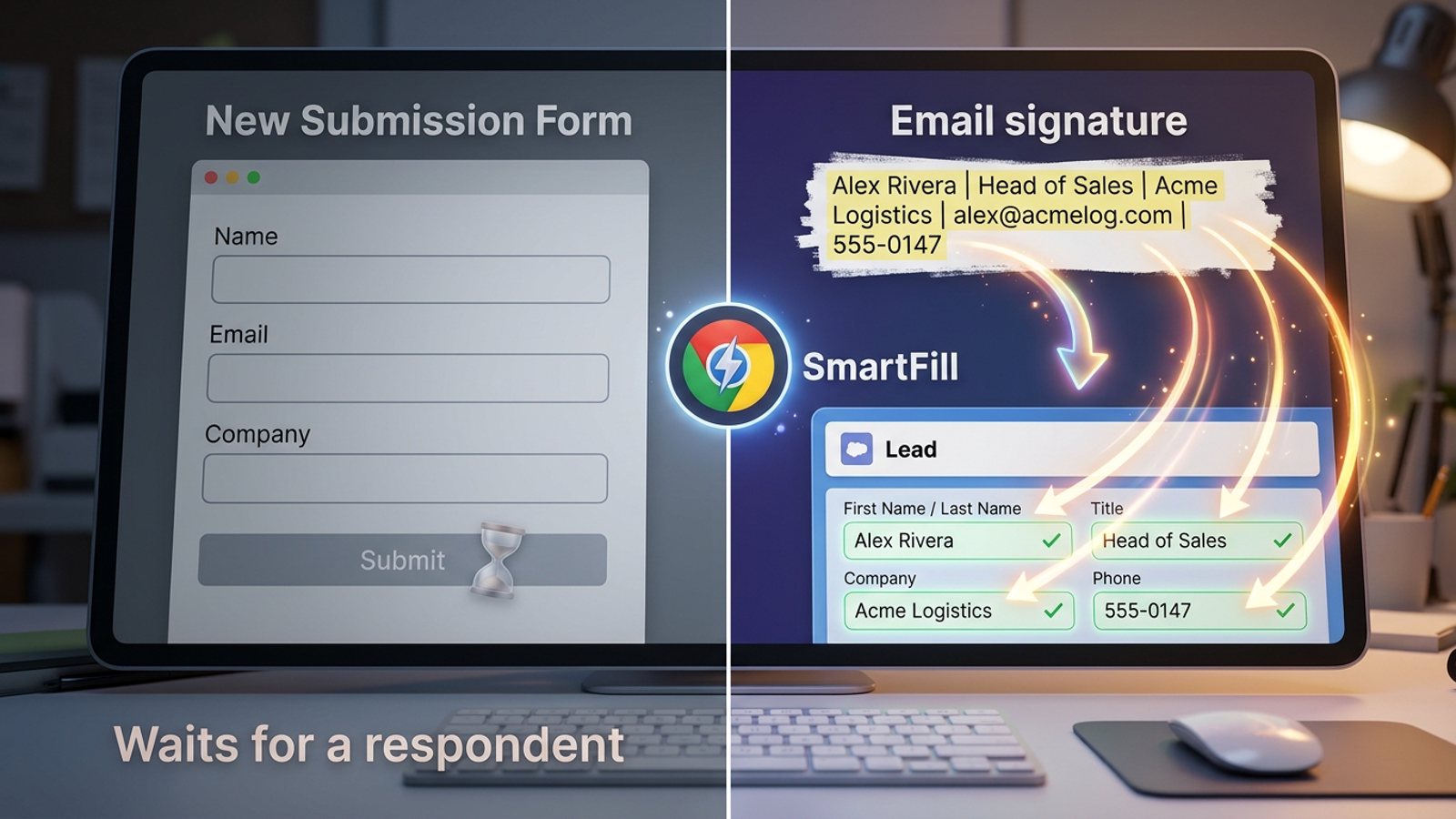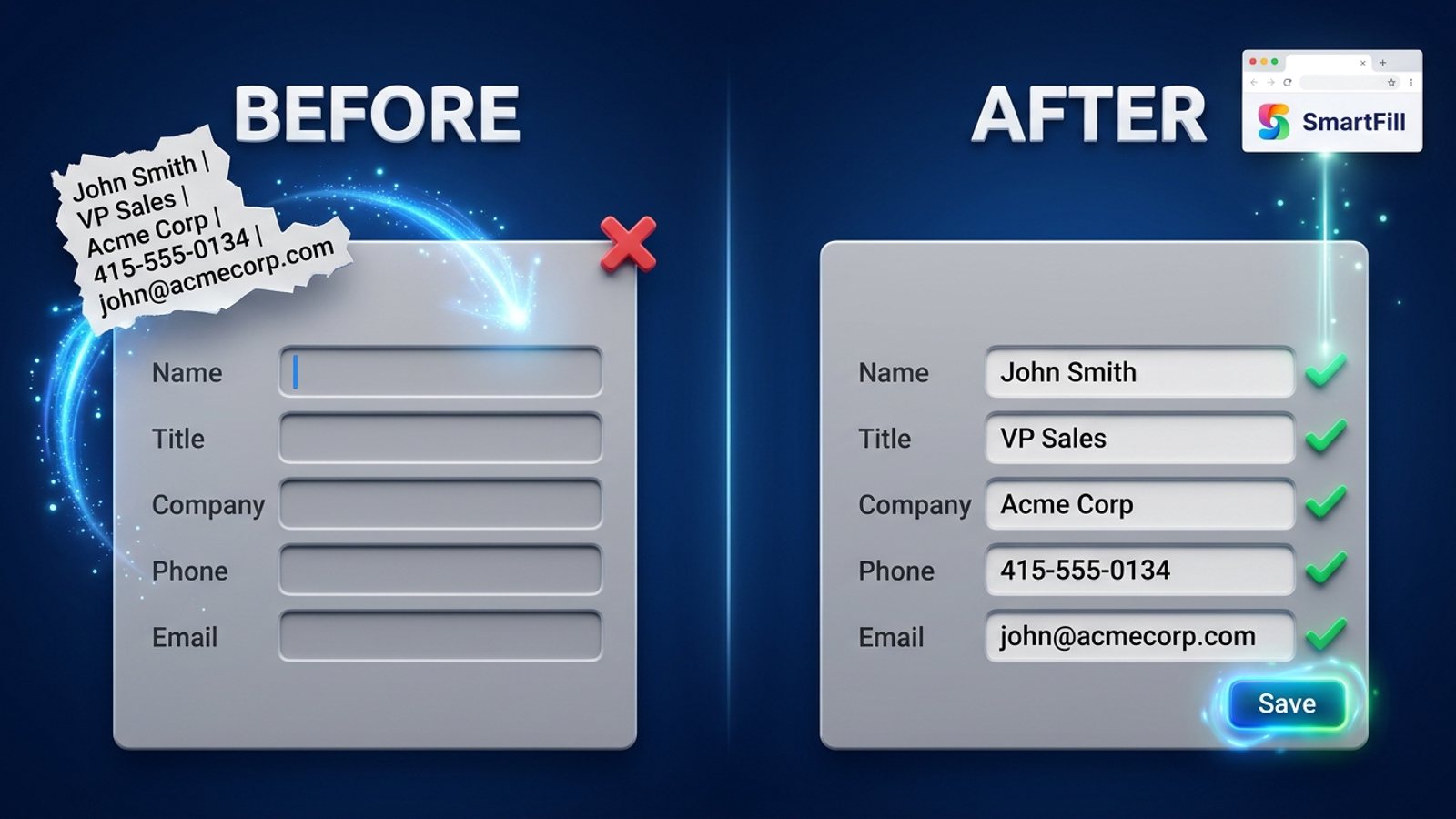
If your team is drowning in data entry, the practical einstein autofill sales team alternative is a Salesforce-first AI form filler: reps paste the messy text they already have — an email signature, a LinkedIn bio, call notes — and the Salesforce form in front of them fills in one click. SmartFill does this on any Salesforce object, and pasted text is processed in real time and not stored.
Install SmartFill Free and let a rep test it on the next lead that lands in their inbox.
Why isn't Einstein Autofill enough for a whole sales team?
Because it's one piece of Salesforce's own toolkit, and the data-entry problem has more than one shape. Leads arrive from website forms, from CSV lists, and from text a rep already has in front of them. Salesforce's own answers to those three are different tools, and none of them is built to read a messy email signature and write it into the record you have open.
That's the gap a team feels. Treat this as a routing question rather than a feature comparison: which tool should catch which lead?
What are the main Einstein Autofill alternatives for a sales team?
There are four realistic routes, and most teams end up using two or three of them side by side.
- Salesforce Web-to-Lead — a form on your website creates the lead in Salesforce. You build the form and paste the "oid" organisation identifier into the external system (Microsoft Learn, 2025).
- Salesforce Flow — an admin builds a screen flow that collects details and creates the record. Salesforce's Flow Builder sample library includes "create a record using an online form," which collects opportunity details and creates the Opportunity (Salesforce Help, 2026).
- Data Loader or Data Import Wizard — bulk CSV import and export. Data Loader is free and supports up to 5 million records per operation; the built-in Data Import Wizard handles up to 50,000 records per import (Skyvia comparison, 2025).
- An AI form filler — a browser extension that reads pasted text and writes the fields on the Salesforce form the rep already has open.
Route four is the one that touches the rep's actual day. Routes one to three are infrastructure: they decide where leads land, not how fast a rep clears their morning.
How do these alternatives compare for a sales team?
Here's the comparison, with SmartFill first because it's our product and this is our blog.
| Option | Best for | Key features | Price / free option | Watch-outs |
|---|---|---|---|---|
| SmartFill (Our pick) | Filling the Salesforce record a rep already has open | AI fills any Salesforce form from pasted text; messy data; no setup | Free: 5 fills, then 3/day; Pro $9.99/mo | Desktop Chrome only |
| Salesforce Web-to-Lead | Website visitors becoming leads | Form-to-lead capture; oid wiring | Included with Salesforce | Needs a form built; no prepopulated picklists |
| Salesforce Flow (Screen Flow) | Admin-designed intake and record creation | Screen flows; email alerts; Chatter posts; approvals | Included with Salesforce | Admin build and field mapping required |
| Data Loader / Data Import Wizard | Bulk CSV imports | Up to 5M records (Data Loader); 50,000 (Import Wizard) | Free | Needs field API names and record IDs |
| FillGenius | General stored-profile autofill across web forms | Save data once, fill forms in one click | Free tier; Pro $9/mo, $79/yr | Not Salesforce-specific in the material read |
| Manual copy-paste | Anything, with zero setup | None | Free | Slow, field by field, error-prone |
Our pick is SmartFill of the tools we compared, because it's the only one in this table built to fill the Salesforce form in front of the rep from text they already have — Lead, Contact, Case or a custom object, with unlimited fields per fill. SmartFill is made by the team behind this blog.
The rest of the table is honest about who each option suits. If you mainly need lead capture from your website, Web-to-Lead is the more direct choice. If you need to move 50,000 rows on a Sunday night, Data Loader is the right tool. Neither will help a rep who just got a signature block pasted into Slack.
Where SmartFill fits
SmartFill is a Chrome extension that uses AI to fill Salesforce forms from any pasted text. Install it in about 10 seconds, no sign-up. Open Salesforce in one tab and your source text in another, copy the lead details even if they're messy, click the SmartFill icon, and watch the form fill.
The pricing is simple: free gets 5 fills to start, then 3 per day forever. Pro is unlimited fills for $9.99/month as of November 2026, and prices can change. The honest limit is that it's desktop Chrome only — no mobile, no other browser.
Text is processed in real time and not stored, so no lead database is built on SmartFill's side. That matters if your team handles prospect data under a customer's own privacy expectations.
Install SmartFill Free and put it on the next lead that arrives as a signature block.
Can I autofill the Salesforce record I already have open?
Yes — that's exactly what an AI form filler like SmartFill does, and it's the job Salesforce's own intake tools don't cover. Web-to-Lead creates a new lead from a website form; Flow creates a record from an admin-designed screen; Data Loader writes rows from a CSV. None of them reads the email a rep is looking at right now.
Say you run a five-person sales team. A prospect emails asking for pricing. The rep has the name, title, company, phone and a note about the deal in the email body. With manual copy-paste, that's four minutes of tab-switching and field-by-field typing — the pattern SmartFill's own listing describes. With an AI filler, it's a copy, a click, and a review.
That's the difference the owner's brief puts at 4 minutes per form fill versus a 3-second click. The point isn't the exact number; it's that the work disappears from the rep's day.
What about messy text — email signatures, LinkedIn blurbs, call notes?
This is where general-purpose tools and Salesforce-specific ones part ways. A stored-profile autofiller expects clean, known fields. A rep's email signature is the opposite: a name, a title, a company, sometimes two phone numbers, sometimes a legal disclaimer.
SmartFill is built for that: it works with messy, unstructured data like email signatures and LinkedIn bios, and fills any Salesforce object — the owner confirms it fills everything, with no limit on fields per fill. You paste the block, not a tidy row.
Will AI autofill trip Salesforce duplicate rules?
Possibly, and it's worth understanding before you roll anything out. A duplicate rule sits between matching rules and user actions, with three per-event actions: Block the save, Allow with alert, or Allow with report (Salesforce Dictionary, 2026). Each object can have up to 5 active duplicate rules, and a matching rule must already exist and be active before a duplicate rule can use it.
Duplicate rules should be treated as intake controls, not cleanup tools, and reviewed before imports and lead-capture changes (Lovalto Consulting, 2026). One practitioner view argues that blocking rules push reps to alter names — "Acme Corp" instead of "Acme Corporation" — to get past the block, creating duplicates nobody can detect (Cloudingo, vendor blog for a dedupe tool, 2026).
Our recommendation: if your team is filling records fast, set duplicate rules to "Allow with alert" rather than "Block" for rep-entered records, and keep blocking for bulk imports. A filler that writes into the form doesn't bypass your rules — the save still goes through them.
Do these tools store my lead data or build a database?
This is the question most teams ask second, after price. The answer depends on the tool.
SmartFill processes pasted text in real time and does not store it, so no lead database is built. The owner confirms none of the information sent to the AI is saved. That's a different model from tools that keep a personal library of your details, and different again from dataloader.io, which stores uploaded CSV files in its own database so tasks can be re-run without re-uploading (dataloader.io Product FAQs, 2023 — an older source).
Neither model is wrong; they're built for different jobs. But if your legal or security team asks where prospect data lives, know the answer per tool before you buy.
What does it cost per rep per month versus Salesforce's own tools?
Salesforce's own routes are included with your subscription — no separate price appears on the pages read for Web-to-Lead, Flow or Data Import Wizard. The trade-off is admin time: someone has to build the form, design the flow, or map field API names for every import.
The paid options look like this, as of November 2026, and prices can change:
- SmartFill Pro: $9.99/month for unlimited fills; free tier of 5 fills then 3/day.
- FillGenius: Pro Monthly $9/month with 4,000 credits, Pro Yearly $79/year with 48,000 credits, plus a small free tier (EffectHub, 2026; corroborated by aiwizard, 2026, and toolstory.ai, 2026). One directory lists paid access from $14/month and says no official numeric plan price was reliably verified (TaskBoosters, 2026) — treat that as conflicting.
- dataloader.io: Free plan at $0 with 10,000 records a month; Professional $99 per user per month (Skyvia review, 2026).
- Data Loader: free, desktop, up to 5 million records per operation (Skyvia, 2025).
Source: Skyvia dataloader.io review, 2026-11-09; EffectHub, 2026-08-22; SmartFill product facts
For a ten-rep team, the per-seat gap between a $9.99 filler and a $99 loader is the difference between a tool every rep uses and one only the ops person touches.
Which alternative is best for Cases and custom objects, not just Leads?
An AI form filler that fills any Salesforce form is the shortest route. SmartFill works on all types of Salesforce forms — the owner confirms it fills every object, including Cases and custom objects, with unlimited fields per fill.
Salesforce's own tools are more object-specific. Web-to-Lead is about leads. Flow can create any record an admin designs a screen for, and FlowRunner's free templates include a "Find Existing Records" pattern that identifies existing Contacts, Leads and Accounts by email, name, phone or domain (FlowRunner, undated). Data Loader can load any object, provided you know the field API names — custom fields end in __c, and lookups need the related record's 18-character ID (Octave, 2026).
What's the next step for a team drowning in data entry?
Pick the intake route that matches where your leads actually come from, then close the rep-side gap.
For site leads, build the Web-to-Lead form and paste the oid into the source system. For batch imports, export to CSV, map to field API names, and load via Data Loader. For everything a rep finds in their inbox, LinkedIn or a call, use an AI form filler for Salesforce. Before go-live, review duplicate rules as intake controls.
If you want the rep-side gap closed today, install SmartFill Free — 5 fills to start, 3 a day forever, no sign-up, and nothing stored.
For a wider view of the category, see our roundup of the best AI Salesforce form fillers for sales teams in 2026, and if budget is the sticking point, the free alternative to Einstein Autofill covers that route in detail.
The fastest win isn't a better intake form — it's deleting the typing between the lead's email and the Salesforce record.
Sources
- Salesforce lead management setup (Microsoft Learn, 2025-05-27)
- Web-to-Lead guide (Salesforce, undated)
- Flow Builder sample library (Salesforce Help, 2026-11-05)
- Action element communication (Trailhead, undated)
- Salesforce Data Loaders comparison (Skyvia, 2025-04-29)
- Dataloader from MuleSoft FAQs (Salesforce Developers, undated)
- Salesforce Data Loader field mapping (Octave, 2026-02-21)
- dataloader.io review (Skyvia, 2026-11-09)
- dataloader.io Product FAQs (dataloader.io, 2023-01-30)
- Duplicate Rule definition (Salesforce Dictionary, 2026-05-18)
- Create and activate a Duplicate Rule (Salesforce Dictionary, 2026-05-19)
- Configure duplicate rules before imports (Lovalto Consulting, 2026-06-21)
- Why Salesforce Duplicate Rules Backfire (Cloudingo, 2026-08-20)
- FillGenius Chrome Web Store listing (Chrome Web Store, undated)
- FillGenius pricing (EffectHub, 2026-08-22)
- FillGenius (aiwizard, 2026-10-21)
- FillGenius (toolstory.ai, 2026-10-03)
- FillGenius (TaskBoosters, 2026-08-08)
- Magical auto form filler (Magical, undated)
- AutoFormAI Chrome Web Store listing (Chrome Web Store, 2025-11-15)
- FlowRunner flow templates (FlowRunner, undated)
- SmartFill Chrome Web Store listing (Chrome Web Store, 2026-10-19)