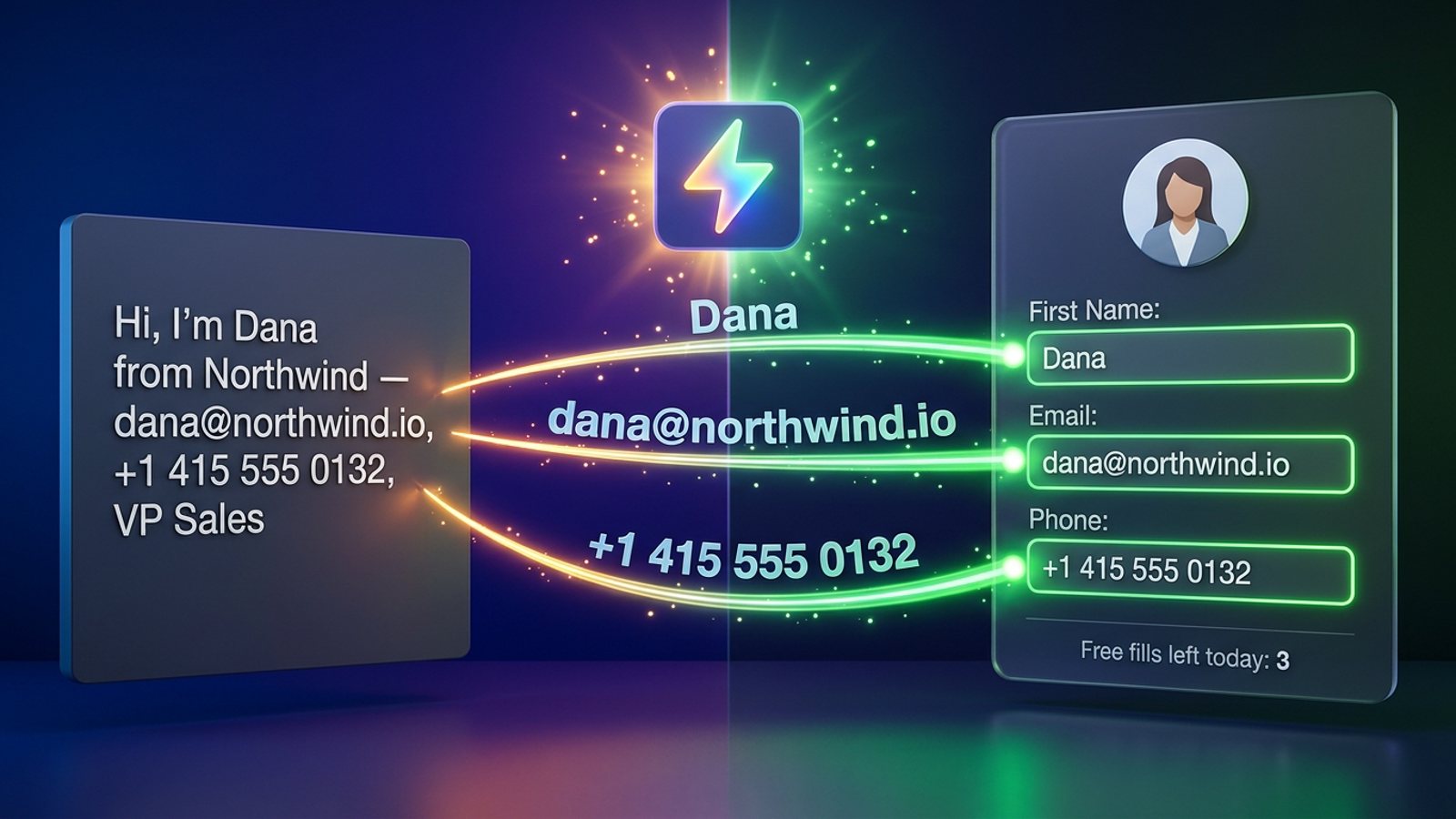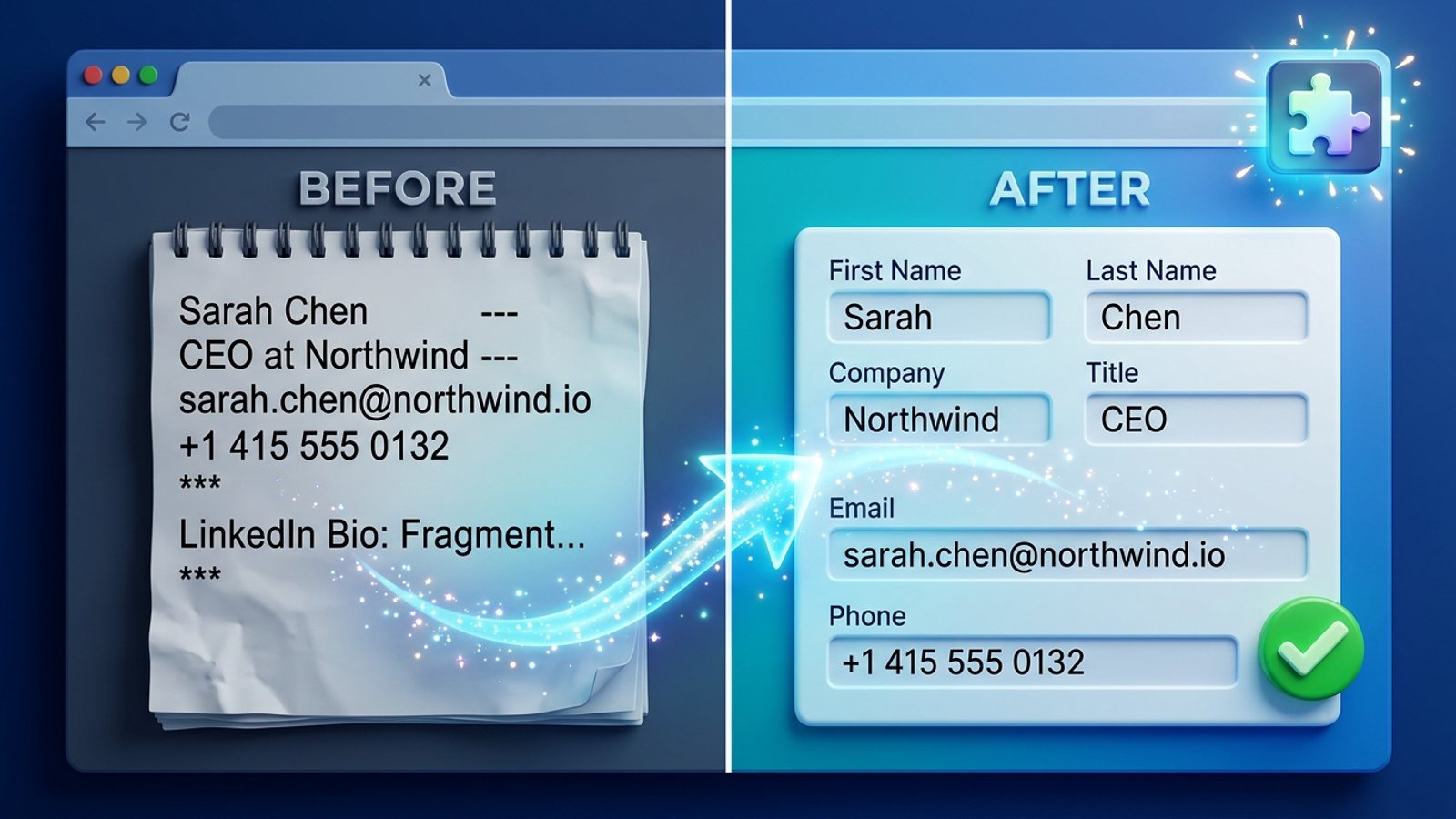
Yes. AI can automate Salesforce form filling, but the job splits in two: reading messy lead text, and writing it into the record form. General AI assistants can do both with supervision inside your browser; a purpose-built AI form filler does the pasted-text-to-Salesforce-form job end to end, with no setup, on desktop Chrome.
Can AI actually fill a Salesforce form for you?
Yes — with one distinction that decides everything. Automate salesforce form filling is really two jobs: pulling the right details out of messy text, and typing them into the right fields of the open Salesforce record. General AI assistants are good at the first job and can attempt the second inside your browser; Chrome's own autofill only does the second, and only for saved address data.
The reliable route is a tool built for the second half. SmartFill is a Chrome extension that takes any text you paste — an email signature, a LinkedIn bio, call notes — and populates the Salesforce form for you, on any Salesforce form that runs in Chrome.
That gap between reading and writing is where most attempts to automate Salesforce form filling quietly fail. Here is what each kind of tool actually does.
What can AI assistants do, and what can't they do?
General AI assistants can read a page, click, and type — but only within rules the vendor sets, and those rules are strict.
Claude in Chrome, per Anthropic's permissions guide (17 November 2026), runs in the Chrome side panel on paid plans (Pro, Max, Ultra, Team, Enterprise), and on Enterprise an owner must enable it first. It has three permission modes — approve manually, approve automatically, skip all approvals — and it is blocked outright from actions like making purchases, creating accounts and anything that may indicate prompt-injection risk. Anthropic warns no defence is perfect and advises staying close and reviewing what it does when there are real consequences.
Gemini Auto Browse handles multi-step Chrome tasks including filling forms (TechRepublic, 13 October 2026), but Gadgets 360 (updated 10 March 2026) reported it available to AI Pro and Ultra users in the US, rolling out gradually. MakeUseOf (7 March 2026) notes it takes over the Chrome window.
ChatGPT's cloud browser can enter information into forms, but OpenAI's Help Center says it runs on a separate computer in the cloud with its own cookies and sessions — it does not use your existing logins. It pauses when it needs input or sign-in, and some sites block automated agents.
Independent testing makes the point bluntly. Decodo, reported by TechRadar (2 September 2026), analysed 45 AI agents across 10 categories and found none scored 20/20 on real-world browsing tasks including form filling.
The extraction is the easy half; writing the values into the right Salesforce fields, every time, is the half that decides whether you saved time or created a mess.
What about Chrome's built-in autofill?
Chrome autofill is free and built in, but it fills forms from your saved addresses, using heuristics to guess which saved value maps to which field (Chrome for Developers, 15 April 2024). It has no way to recognise a company name, lead source or deal note.
It also fails quietly. A small independent guide (no date) lists the usual causes when Chrome fills some forms and skips others: autofill off for that info type, an incomplete saved address, another extension interfering, or a form Chrome cannot recognise — and the last one can't be fixed from your side. Chrome also has no named, switchable form profiles; you pick from saved addresses per form.
For lead data, that is the wrong tool. You need something that reads text and understands which piece is the email.
How do you automate Salesforce form filling with AI in practice?
Decide the job first, then pick the tool. There are three jobs, and they need three different answers.
- One record from pasted messy text — copy the lead text from LinkedIn, an email or your notes, open the Salesforce form, and let an AI form filler map it in. This is the rep's daily job.
- Many records from a file — export to CSV, launch the Data Import Wizard from Setup, choose the object and operation, upload, map fields, check duplicates, start. GENIEE's library (updated 30 October 2025) puts the limit at 50,000 records, and it checks duplicates on Account name and on Contact/Lead name plus email.
- Website capture — enable Web-to-Lead in Setup and embed the generated HTML snippet (Thunderbit, updated 13 July 2026). FormAssembly's vendor blog (2023) notes it caps at 500 submissions per 24 hours, writes to the Lead object only, and has no field validation or deduplication.
For job one, the steps with SmartFill are short: install the extension in one click, open Salesforce and your source text in separate tabs, copy the text even if messy, then click the SmartFill icon and watch the form fill. No configuration, no sign-up.
Which tool should you use to automate Salesforce form filling?
It depends on the shape of your data. Here are the options we compared.
| Option | Best for | Key features | Price / free option | Watch-outs |
|---|---|---|---|---|
| SmartFill (Our pick) | Pasted lead text → any Salesforce form | Fills from messy text, any object, no setup | Free plan; Pro $9.99/mo (as of Nov 2026) | Desktop Chrome only |
| Claude in Chrome | Supervised browser work while signed in | Reads pages, fills forms when permitted | Paid Claude plans only | Approval modes; some actions blocked |
| Gemini Auto Browse | Multi-step Chrome tasks | Fills forms, navigates sites | AI Pro/Ultra, US rollout | Takes over the window; eligibility gating |
| ChatGPT cloud browser | Delegated tasks you leave running | Enters info into forms | Paid ChatGPT plans | Separate session, no your logins |
| Chrome autofill | Name and address fields | Saved address matching | Free, built in | No lead logic; skips unrecognised forms |
SmartFill is made by the team behind this blog. Of the tools we compared, it is the first entry because it closes both halves of the job in one click — the AI reads the messy text and writes it straight into the open Salesforce form, on any Salesforce form that runs in Chrome, including Leads, Contacts, Accounts and custom objects. Text is processed in real time and not stored, and no lead database is built. The honest limit: it is a desktop Chrome extension, so there is no mobile app.
If you mainly need a general assistant that also browses and summarises pages, Claude in Chrome is the more direct choice — just expect to approve steps. If you need bulk imports rather than one record at a time, the Data Import Wizard is built into Salesforce and needs no install (GENIEE's library, 30 October 2025). Salesforce also ships native AI: Einstein Autofill (Beta) turns call and chat conversations into form suggestions inside OmniScripts for certain Enterprise and Unlimited Industry cloud editions (Spring '25 Release Notes), and Data Cloud Document AI extracts data from documents for prefill, requiring Agentforce Public Sector, the OmniStudio add-on and a Data 360 licence (Summer '26 Release Notes).
Ready to try the pasted-text route? Install SmartFill Free and fill your next lead in three seconds instead of four minutes.
Will browser AI break Salesforce's duplicate or assignment rules?
No — those rules run in Salesforce, not in the tool. Matching and duplicate rules warn reps about possible duplicates before a new or updated record saves (Trailhead, no date), and that check fires whether a human or an extension typed the values.
What can go wrong is the input. If you paste two different people's details, the form gets the wrong values. Our recommendation: read the filled form before you hit Save — the same habit you already have.
Do you have to hand over your Salesforce login?
Not with an extension that works inside your own browser session. SmartFill runs as a Chrome extension on the page you already have open, so there is no separate login to share, and the text you paste is processed in real time and not stored.
The cloud-browser route is different: OpenAI's Help Center says ChatGPT's cloud browser keeps its own cookies and sessions and does not use your device's saved passwords or existing logins — which is exactly why it struggles with a signed-in Salesforce org. Promptise (21 October 2026) splits browser agents into those running in your own Chrome and those in a separate cloud browser; only the first kind can use sites where you are signed in.
Sources
- Claude in Chrome permissions guide (Anthropic, 2026-11-17)
- Using Claude in Chrome Safely (GitHub copy, no date)
- MEFMobile, Claude in Chrome write-up (2026-09-29)
- TechRepublic, Gemini Auto Browse (2026-10-13)
- Gadgets 360, Gemini Auto Browse (updated 2026-03-10)
- MakeUseOf, Gemini in Chrome (2026-03-07)
- Promptise, Browser AI Agents at Work (2026-10-21)
- OpenAI Help Center, Using cloud browser in ChatGPT (no date)
- TechRadar, Decodo agent research (2026-09-02)
- Chrome for Developers, Autofill (2024-04-15)
- Tidyleaf, Chrome autofill not working (no date)
- Tidyleaf, Chrome autofill multiple profiles (no date)
- Thunderbit (vendor), Web-to-Lead (updated 2026-07-13)
- FormAssembly (vendor), Salesforce forms (2023-11-18)
- GENIEE's library, Data Import Wizard (updated 2025-10-30)
- Salesforce Help, import tools video (2025-05-29)
- Salesforce Spring '25 Release Notes, Einstein Autofill Beta (no date)
- Salesforce Summer '26 Release Notes, Data Cloud Document AI (no date)
- Trailhead, duplicate management (no date)