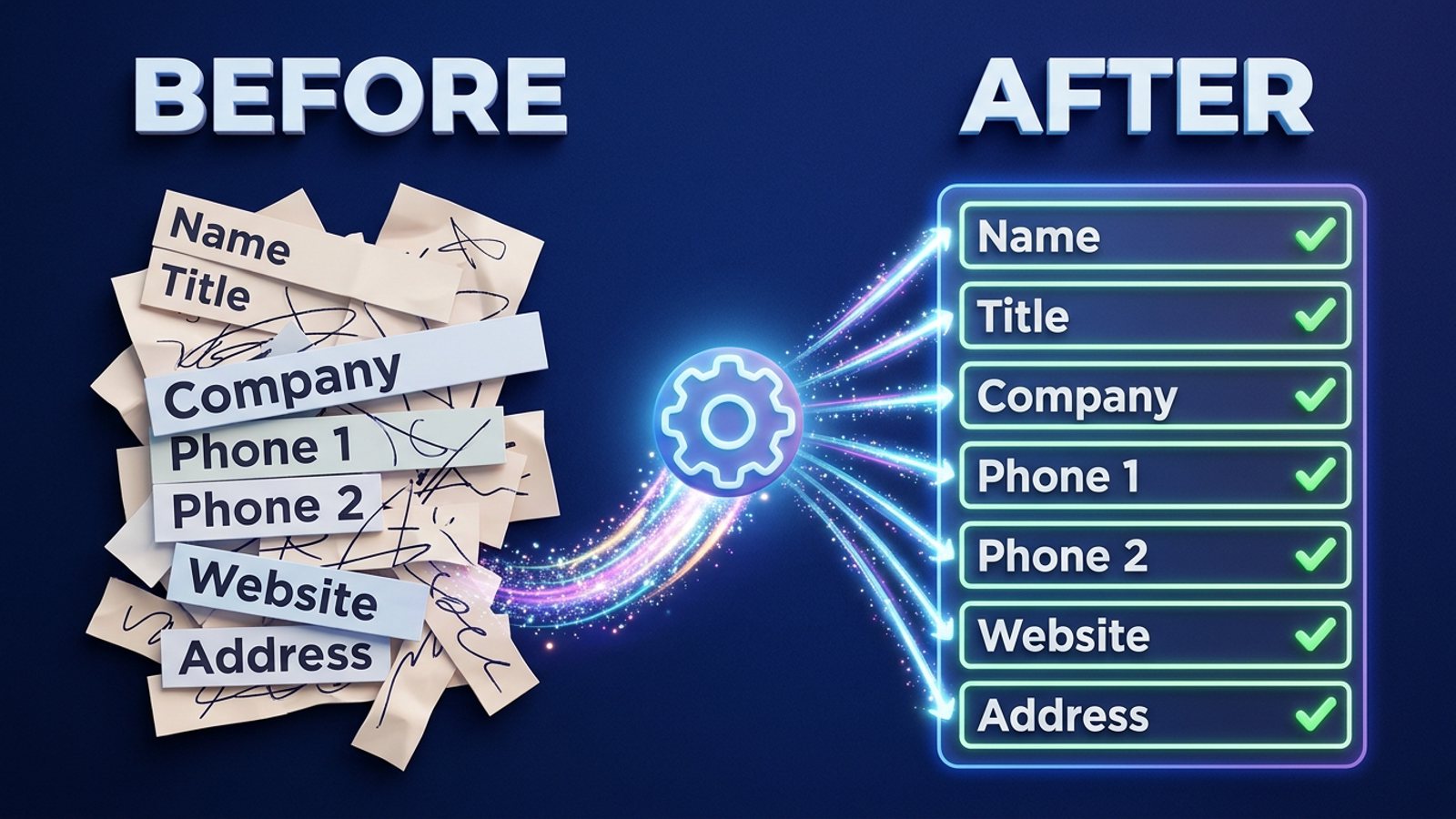
For a founder with no RevOps support, the best Salesforce data entry setup in 2026 is a mix: SmartFill for single records you paste in, Salesforce's free Data Import Wizard for bulk CSV loads, and Web-to-Lead or Jotform only if leads arrive through a public form. Hiring a VA starts at $299/mo for 40 hours.
Most founders don't lose deals to bad tools. They lose them to a lead that sat in an inbox for six hours because typing it into Salesforce felt like a chore. Here's the honest shortlist, what each one is actually good at, and how to stop being your own data-entry clerk.
If you want the fastest fix for the record in front of you right now, install SmartFill free and paste your next lead in.
What should a founder with no RevOps support actually use for Salesforce data entry?
Use three tools, not one: an AI form filler for single records, the Data Import Wizard for batches, and Web-to-Lead or Jotform if leads come from a website form. Each covers a different job, and picking one tool for all three is how founders end up back in copy-paste.
Here's the split in plain terms:
- One lead, right now (an email, a LinkedIn message, a call recap): an AI form filler. Paste the text, the form fills.
- Fifty leads from a spreadsheet: the Data Import Wizard. Free, built in, but needs a clean CSV.
- Leads from your own website: Web-to-Lead (free) or Jotform (paid, more design control).
The mistake is forcing the bulk tool into the single-record job. You'll spend four minutes building a one-row CSV for a lead that should have been logged in seconds.
How much time does Salesforce data entry really take a founder?
Roughly 5.5 to 6 hours a week per rep, according to Lighthouse's 2026 aggregation of CRM data entry figures. Spiich, citing Salesforce's 2026 State of Sales data through a secondary source, puts admin and data entry at about 13% of the sales workweek — around 5.2 hours of 40.
For a founder, that number is worse than it looks. You're not just losing the typing time. You're losing the response window.
A 2026 post restating the MIT lead-response study reports that a five-minute response makes a lead about 100x more likely to qualify, and that 78% of buyers go with the first responder. Those figures come from a secondary marketing blog rather than the primary study, so treat them as directional — but the direction is the same one every sales team already knows.
The real cost of manual Salesforce entry isn't the four minutes of typing. It's the deal that went to whoever replied first while you were still on the create-lead screen.
Which tool is best for filling one Salesforce record from an email or LinkedIn message?
SmartFill is the most direct fit of the tools we compared: it's a Chrome extension that fills Salesforce forms from any pasted text, including messy email signatures and LinkedIn bios. No setup, no configuration, no sign-up to start.
The workflow is four steps and takes about as long as reading this paragraph:
- Install the extension in one click from the Chrome Web Store.
- Open Salesforce in one tab and your source text in another.
- Copy the lead details — the whole signature block, the messy LinkedIn blurb, the call notes. Don't clean it up.
- Click the SmartFill icon. The Salesforce form fills itself.
It works on all types of Salesforce forms and on other forms too, with Salesforce as the focus. There's no field limit. Text is processed in real time and not stored, and no lead database is built — which matters if you're the person who'd otherwise be explaining a data leak to a customer.
Pricing, per the product facts as of Nov 2026 (prices can change): free to start with 5 fills, then 3 per day forever. Pro is $9.99/month for unlimited fills.
One honest limit: it's desktop only, as a Chrome extension. If you work from a phone between meetings, it won't help there.
How do the options compare for a founder doing Salesforce data entry?
Here's the shortlist, with SmartFill first because it's our pick for the single-record job — not because it wins every category.
| Option | Best for | Key features | Price | Watch-outs |
|---|---|---|---|---|
| SmartFill (Our pick) | One record from pasted text | AI fills forms from messy text, zero setup | Free: 5 fills then 3/day. Pro $9.99/mo | Desktop Chrome only |
| Manual typing | One-off, already-clean data | No tools, full field control | Free with your licence | Slow, kills response time |
| Web-to-Lead | Leads from your own site | Free, embeddable HTML, field picker | Free with Salesforce | 500 leads/day cap, silent failures |
| Jotform | Public forms with design control | Big template library, Salesforce connector | Free tier; from $34/mo annual | Single-user on lower tiers |
| Data Import Wizard | Bulk CSV loads | Insert/update/upsert, field mapping | Free with Salesforce | 50k cap, needs a CSV |
| Virtual assistant | Steady volume plus other admin | Handles inbox, calendar, research too | $299–$899/mo for 40–160h | Cost, hiring time, lag |
SmartFill is made by the team behind this blog.
Manual typing is free and gives you total control over every field. It's also the source of the problem: it's what Lighthouse's 2026 figures describe as 5.5–6 hours a week of CRM entry. Fine for a single record you already have perfectly formatted. Wrong for anything that arrives as an email.
Web-to-Lead is free with Salesforce and capped at 500 leads per day, per Understory Agency's 2026 guide. It's built for website capture, not for typing in a lead you just got by email. Salesforce's own help documentation (published 2026) lists the ways it fails quietly: duplicate rules blocking submissions, a State entered without a Country breaking on State/Country picklists, and the error email going only to the Default Lead Creator with no way to customise it. If your form "stopped working," that's usually why.
Jotform is the easiest of the form builders to learn, with a huge template library and a Salesforce connector that covers typical lead and contact capture, per Ranktracker's 2026 comparison. It has a free plan, then paid tiers from $34/mo billed annually or $39/mo billed monthly as of Nov 2026. Salesdorado's 2026 review notes it's single-user on all plans short of Enterprise and most competitive at 1,000–2,500 responses a month. If you mainly need a polished public form with conditional logic, Jotform is the more direct choice.
The Data Import Wizard ships with every Salesforce subscription, needs no install, and takes up to 50,000 records per run with field mapping and dedupe checks, per Skyvia's 2026 comparison. It can't automate (every import is launched by hand), can't export, and doesn't handle complex-relationship objects like Opportunities, Cases and Campaigns. It also needs a CSV and a mapping step — RavenApps' 2026 write-up makes the point that pasting into an editable grid skips both.
A virtual assistant is the only option on this list that handles more than data entry — inbox, calendar, research, per Orbin Digital's 2026 listing, which advertises from $12/hour. One agency publishes $299/mo for 40 hours up to $899/mo for 160 hours as of Nov 2026. If you have a steady flow of non-typing admin and want it all off your plate, a VA is the right answer and no tool replaces it.
Ready to stop being the data-entry department? Get SmartFill and fill your next lead in three seconds.
Is Salesforce data entry automation worth it for a founder, or is manual typing fine?
It's worth it the moment you're logging more than a handful of leads a week. The math is simple: at $9.99/month for unlimited fills, SmartFill costs less than a coffee meeting, while Lighthouse's 2026 figure of 5.5–6 hours a week per rep is time you could spend selling.
Manual typing is "fine" in the same way doing your own bookkeeping is fine — until it's the reason you missed something. The Ortoo piece (2019, old but the pattern holds) describes the classic failure: leads typed in hours late, response window gone.
Can I just paste a spreadsheet into Salesforce instead of importing it?
Yes — pasting into an editable grid skips the CSV and mapping steps entirely, per RavenApps' 2026 write-up on getting Excel data into Salesforce. It's the fastest route for a small batch you want to eyeball as it goes in.
For anything large or recurring, the Data Import Wizard is the better fit: it respects validation rules, runs dedupe checks and remembers your field mappings. The trade-off is that every import is a manual, multi-step job.
If you need more than 50,000 records, Data Loader is the next step up — a client app or CLI that handles up to 5 million records per job, per Skyvia's 2026 comparison. A founder rarely needs it; a RevOps hire usually does.
How do I choose between a tool and hiring a VA?
Pick the tool if the problem is typing speed. Pick the VA if the problem is that too much admin of every kind lands on you. The price gap is real: $299–$899/mo for a VA versus free-to-$9.99/mo for SmartFill as of Nov 2026, prices can change.
The two aren't mutually exclusive. Plenty of small teams use a form filler for the leads they touch personally and a VA for the rest. For a deeper look at the tool landscape, see our roundup of Salesforce data entry automation tools, or if you're weighing a form builder specifically, Formstack alternatives for founders covers that ground.
Sources
- CRM data entry hours (Lighthouse, 2026-10-02)
- Why sales reps don't update the CRM (Spiich, 2026-09-26)
- The 5-minute lead rule (Simply Scale, 2026-03-22)
- How to reduce lead response times (Ortoo, 2019-05-23)
- Web-to-Lead: The Version That Works (Understory Agency, 2026-09-27)
- Web-to-Lead error 000386751 (Salesforce Help, 2026-10-06)
- Duplicate matching rules blocking Web-to-Lead 000387310 (Salesforce Help, 2026-06-19)
- Best form builders for Salesforce integration (Ranktracker blog, 2026-07-27)
- Jotform review 2026 (Salesdorado, 2026-11-22)
- Form and survey tools for Salesforce (ToolGPA, 2026-10-18)
- Salesforce Data Import Wizard vs Data Loader (Skyvia blog, updated 2026-11-03)
- Import data into Salesforce from Excel (RavenApps blog, 2026-09-24)
- Virtual assistant packages (Wildnet Marketing Agency, 2026-09-24)
- Hire a virtual assistant (Orbin Digital, 2026-09-23)