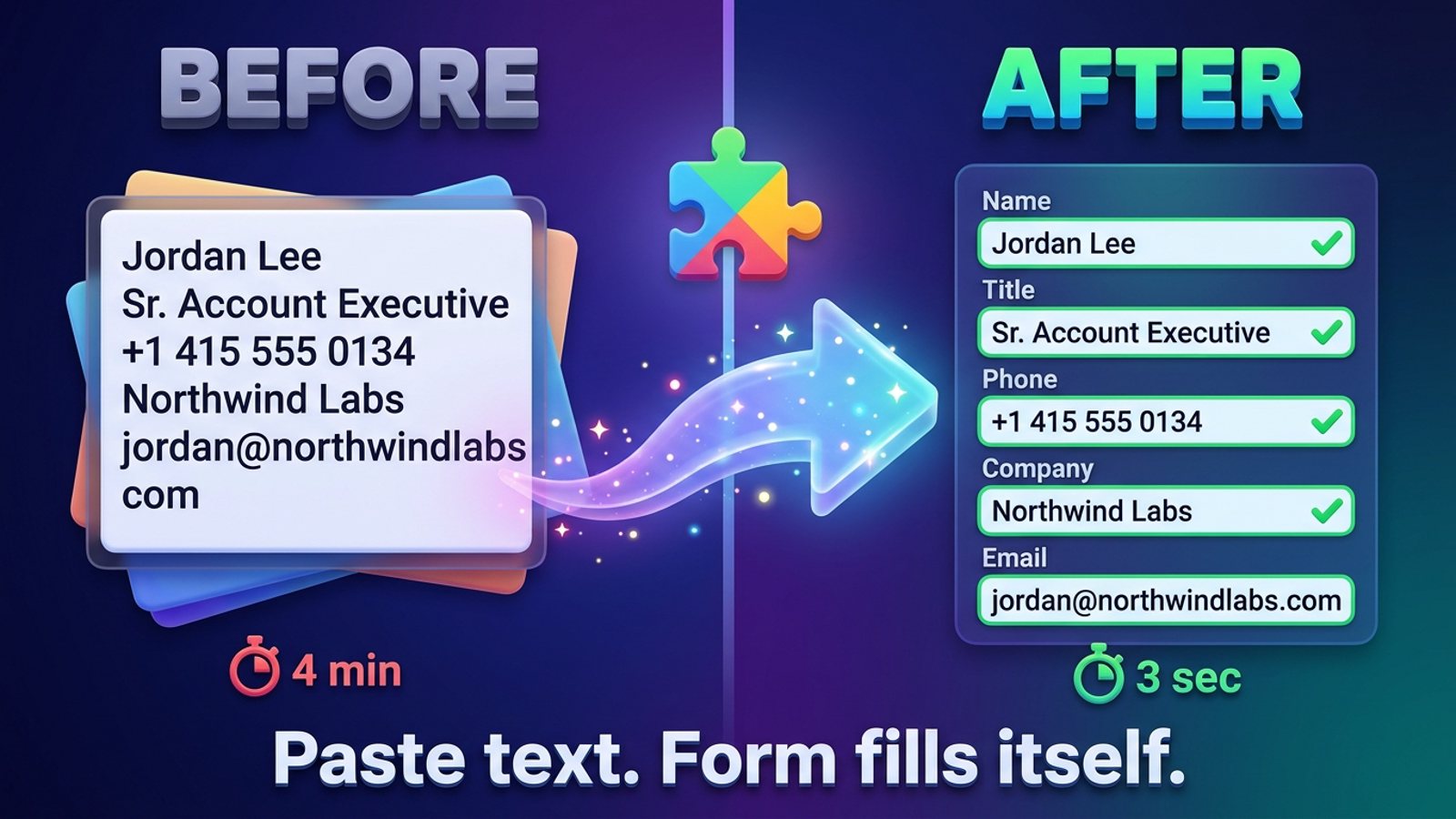
The best Salesforce Chrome extensions for sales reps in 2027 cover four jobs: filling records from pasted lead text, prospecting on LinkedIn, finding contacts, and capturing calls. Pick one extension per job — an AI form filler for data entry, plus Sales Navigator, Apollo or Gong where you need them. Stacking duplicates wastes money and widens your security surface.
Install SmartFill free and see the form-filling slot work on your own Salesforce org before you pay for anything else: Install SmartFill Free.
Why do sales reps need more than one Salesforce Chrome extension?
Because no single extension does all four jobs well. Salesforce's own research, cited by Revenue Grid in a 2026 vendor blog, puts selling time at just 34% of a rep's week, with prospecting and data entry each taking about 17% of working hours. That split is the map: each chunk of lost time belongs to a different tool.
The four slots:
- Form filling — getting lead details from an email signature or LinkedIn bio into a record without typing.
- Prospecting — searching and engaging on LinkedIn.
- Enrichment — finding verified emails and phone numbers.
- Call capture — recording and reviewing customer conversations.
The rest of this article takes each slot in turn, starting with the one that eats the most rep hours.
Which extension actually fills Salesforce forms for you?
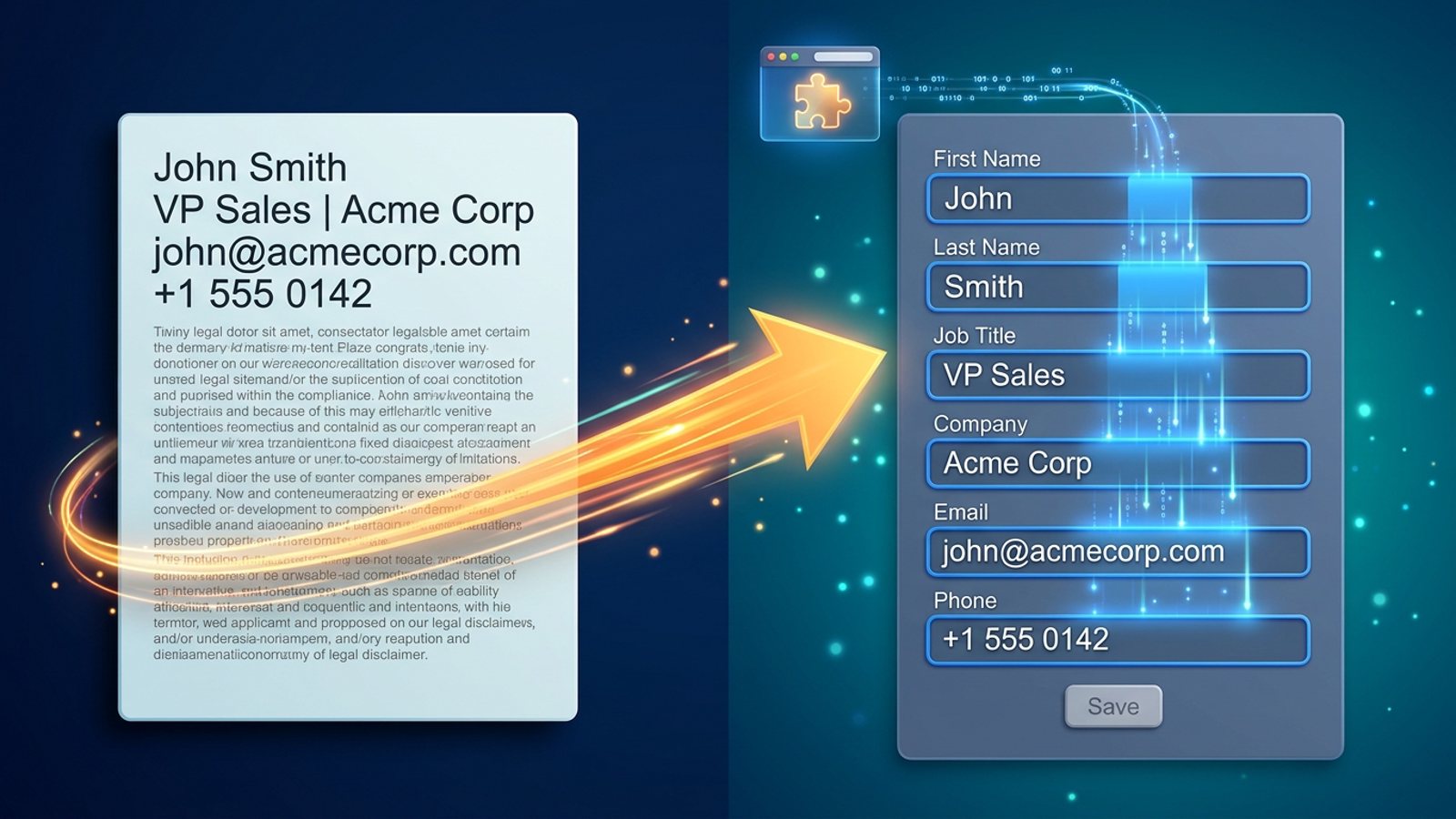
An AI form filler that reads pasted text and maps it onto the open Salesforce form. That is the data-entry slot, and it is where salesforce chrome extensions sales reps stacks usually start — because typing into Lightning fields is the job reps complain about most.
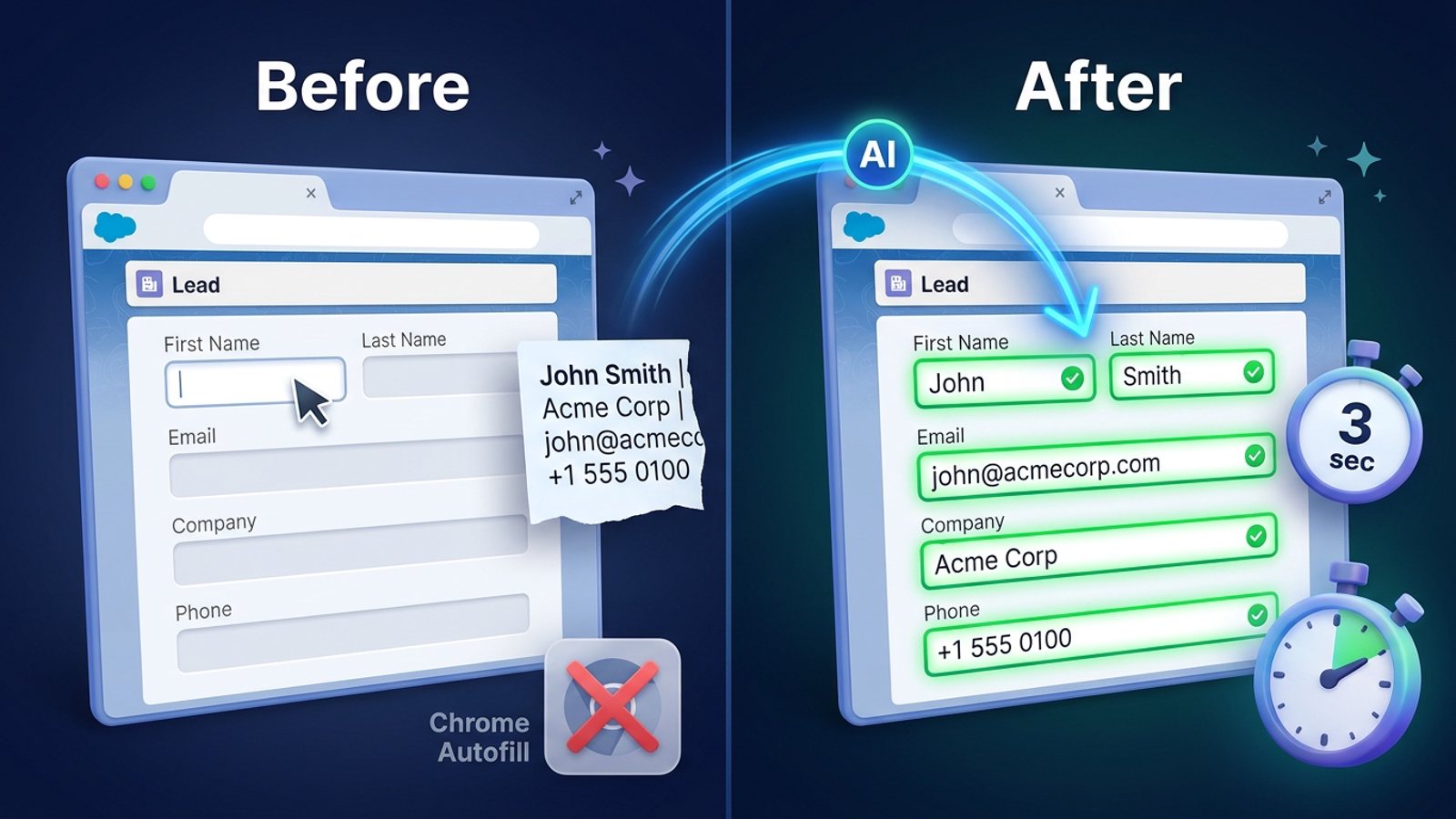
Why Chrome's built-in autofill doesn't solve it
Chrome's autofill was built for static HTML forms. Salesforce Lightning Web Component fields are rendered by JavaScript that Chrome's scanner can't handle, so even with saved data a 10–30-field form can take 5–10 minutes, according to a 2026 QuickForm vendor blog. Salesforce itself says browser autofill behaviour is controlled by the browser, not Salesforce (Salesforce Help, 2024), and generally sets autocomplete="off" on text inputs in internal record layouts as a data-integrity choice (Salesforce Help, 2026).
In plain terms: the browser is not going to save you here. You need a tool built for the job.
How SmartFill fills the slot
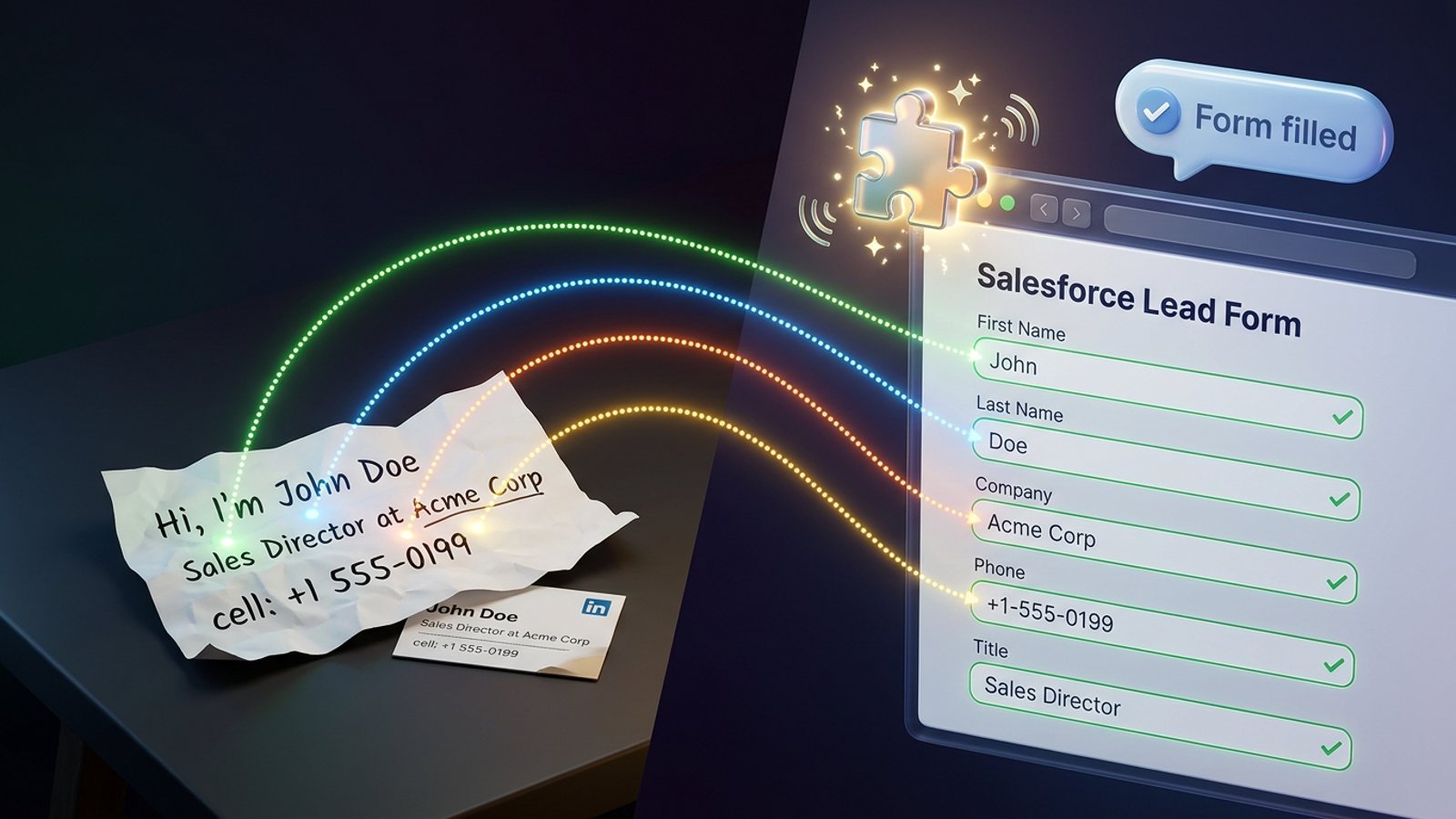
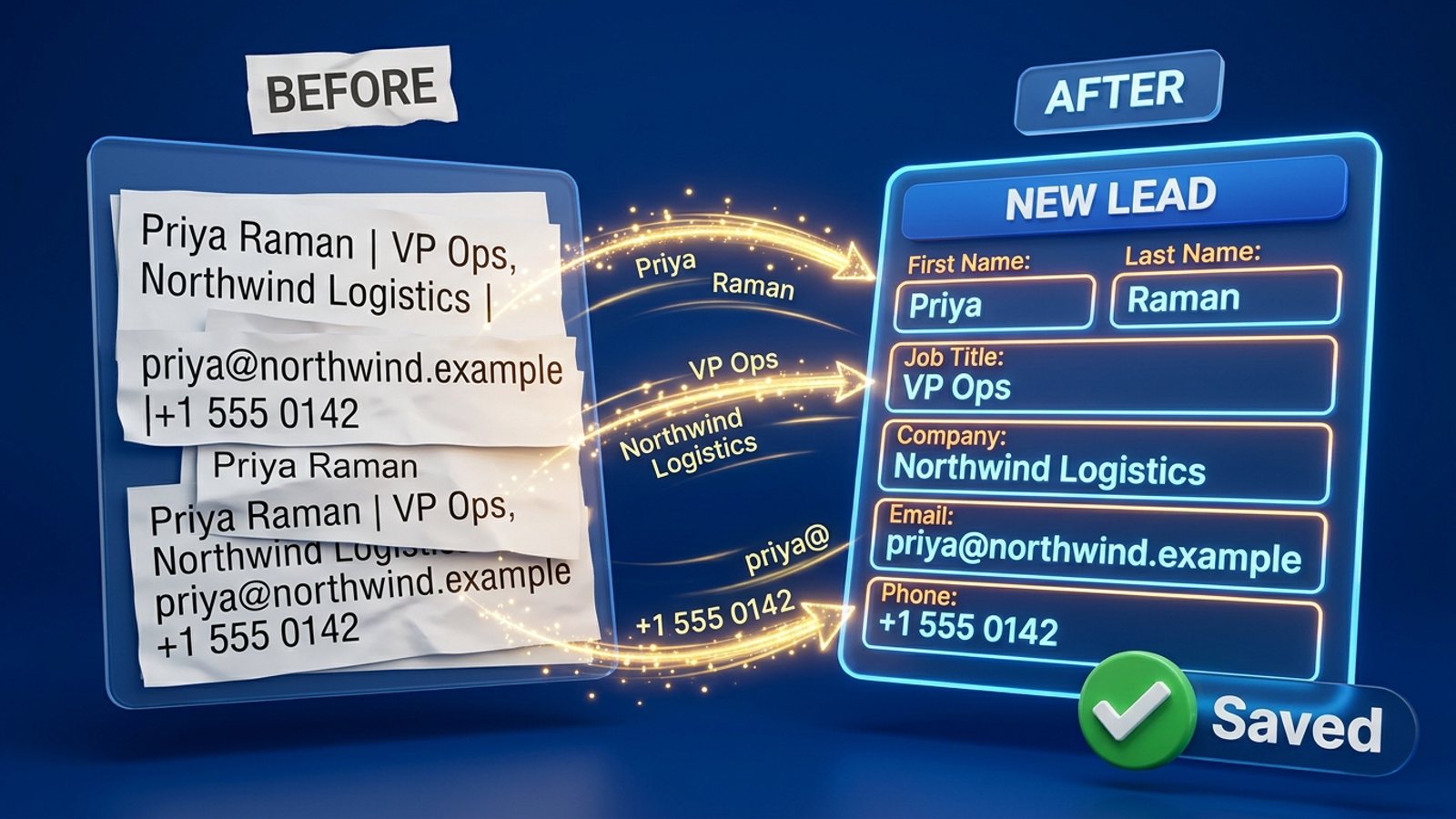
SmartFill is a Chrome extension that uses AI to fill Salesforce forms from any pasted text. The workflow is four steps:
- Install the Chrome extension in one click — no sign-up required.
- Open Salesforce and your source text in separate tabs.
- Copy the text with the lead details, even if it's messy — an email signature, a LinkedIn bio, a forwarded intro.
- Click the SmartFill icon and watch the Salesforce form fill automatically.
It works on all types of Salesforce forms — leads, contacts, accounts, anything you can reach from a Chrome browser — with no field limit. Pricing as of November 2026: a free plan with 5 fills to start and then 3 per day forever, and Pro at $9.99/month for unlimited fills. Prices can change.
On privacy: text is processed in real time and not stored, and no lead database is built. Our recommendation: still check the Chrome Web Store permission prompt yourself before installing any extension, including this one.
Rule-based autofill: the other path
Not every filler uses AI. Lightning Autofill doesn't fill anything until you or a teammate writes rules that match fields (Lightning Autofill Docs, September 2026); its free plan allows 10 profile executions a day. That suits a team with a stable form layout and someone willing to maintain the rules. An AI filler suits reps who get lead data in a different shape every time.
For a deeper head-to-head on this slot, see what the best Salesforce form filler extension for Chrome does differently.
The stack at a glance: which extension for which job?
Our pick leads the form-filling slot; the other rows cover the remaining jobs.
| Option | Best for | Key features | Price / free option | Watch-outs |
|---|---|---|---|---|
| SmartFill — Our pick | Filling forms from pasted text | AI maps messy text to any Salesforce form; no setup | Free: 5 fills, then 3/day; Pro $9.99/mo | Desktop Chrome only |
| Salesforce Quick Create & Flow | Zero-install record creation | Governed by your org; Flow screen flows | Included with Salesforce | Starts from a form, not on-screen text |
| LinkedIn Sales Navigator | LinkedIn prospecting | AI features, 50+ filters, CRM integration | Core $119.99/mo; Advanced $159.99/mo | Per-seat cost steep for small teams |
| Apollo.io | Contact finding and enrichment | B2B database, sequences, calling, extension | Free tier; Basic $49/user/mo | Credit-metered |
| Gong | Call capture and review | Conversation recording and analysis | Quote only | No published price |
SmartFill is made by the team behind this blog.
Prices for the other tools are as of November 2026 and can change. The sections below explain each row.
What does the free Salesforce baseline already cover?
More than most reps realise. Quick Create and Lightning record forms are included with Salesforce at no extra licence, and Flow can create records without a rep typing — Web-to-Lead and Flow screen flows can collect details and create the record (Salesforce Help, November 2026).
The gap is the starting point. Built-in creation starts from a form you build, not from the messy text already on your screen, so a rep still types into Lightning fields one by one. FormAssembly's 2023 vendor blog also notes Web-to-Lead caps at 500 submissions per 24 hours, has no field validation, no deduplication, and only writes to Lead.
Our recommendation: use Flow for anything you can standardise in advance, and a form filler for the lead data that arrives as a paragraph in an email.
Is LinkedIn Sales Navigator worth it for prospecting?
Yes, if LinkedIn is where your buyers are — and it is priced like a serious commitment. As of November 2026, Sales Navigator Core costs US$119.99/month per licence or US$1,079.88/year, and Advanced costs US$159.99/month or US$1,799.88/year (LinkedIn's pricing page, September 2026). Every plan carries 50 InMail credits per month.
What you get: prospecting and social selling on LinkedIn's 1+ billion member network, AI features (Account IQ, Lead IQ, Message Assist) on every plan, 50+ search filters and alerts, and integration with Salesforce, HubSpot, Dynamics and Oracle (Salesmotion, October 2026; WizLeads, September 2026).
The watch-outs are real. It is a per-seat prospecting product, steep for founders and small teams, and Advanced Plus — which Buena AI (September 2026) says adds CRM integration — is quote-only. WizLeads also flagged in September 2026 that LinkedIn's own page reportedly contradicts itself on which AI features sit on which plan.
If you mainly need contact data rather than LinkedIn engagement, Apollo is the more direct choice.
Apollo or Sales Navigator for finding contacts?
They overlap but solve different problems. Apollo is a B2B contact and company database with prospecting, enrichment, sequences, calling and the Chrome extension in one product (Which 50, September 2026). Sales Navigator is a prospecting and engagement tool on LinkedIn.
Apollo's pricing as of November 2026: a free tier with 900 credits per user per year granted monthly, then Basic at $49, Professional at $79 and Organization at $119 per user per month billed annually, with Organization requiring a minimum of 3 users (Apollo's pricing page; ToolGPA, October 2026). Monthly billing costs more.
The catch is the credit meter. Sync GTM (October 2026) reports 1 credit per verified email and 8 per phone number, with no separate extension credits, and that waterfall enrichment can burn far more — each source that returns data charges credits. WizLeads (October 2026) puts typical waterfall ranges at 1–4 credits for email and 8–25 for phone, with 20+ or 45+ possible.
Our recommendation: start on Apollo's free tier and count your credits for a week before committing to a paid seat.
When does a call-capture tool like Gong earn its place?
Last, once the cheaper jobs are covered. Gong is revenue intelligence — recording and analysing customer conversations so deals get reviewed and forecast on evidence (Gong's pricing page, November 2025).
It is quote-only: licences are priced per user plus a platform fee based on user count, with no published price. Third-party benchmarkers report multi-year deals discounting 15–30% and renewals typically bumping 5–8% with roughly 30-day cancellation windows — those are Vendr and VendorBenchmark estimates, not Gong's published terms, and Gong's own page in our sources dates from late 2025, so confirm any figure with Gong directly.
If you mainly need to stop typing lead data, Gong is not the tool for that job.
How many extensions should a rep run in 2027?
Two to four, one per job you actually do. That is our outlook, not a sourced forecast — no fetched source gives a 2027 sales-tech prediction.
Every extension you add holds permissions on your Salesforce session, and an unmonitored extension still holds them after you stop using it. The LinkedIn Pulse field guide's eight-extension stack may suit a power user with an hour a day to spend, but for most reps the disciplined version is: a filler, a prospecting tool if LinkedIn is your channel, an enrichment tool if you buy contact data, and call capture only when deal sizes justify it.
The stack that wins in 2027 is the smallest one that covers every job — not the longest list of tabs.
How do you vet an extension before installing it?
Check three things: permissions, data disclosure, and whether it needs an OAuth-connected app. This matters more than any feature comparison.
Security Boulevard (April 2026) reports that in early 2025 Google removed Chrome extensions that turned malicious after developer accounts were compromised, exposing more than 3.2 million users to spyware-like behaviour including keystroke logging and data exfiltration. The same report notes an extension granted "read and change data on all websites" can read URLs, form contents, names, session tokens and data visible in tools like Salesforce.
Valo.ai's March 2025 vendor blog adds that Salesforce-related extensions can read all data on a Salesforce page and drive the UI on the user's behalf, and some connect via Connected App to get an OAuth token that calls the Salesforce API as the user. Koidex's June 2025 report on one extension flagged broad host permissions plus runtime code execution as medium risk.
So:
- Read the permission prompt — "read and change data on all websites" is a big grant on a Salesforce session.
- Check the Chrome Web Store data disclosure — a compliant listing declares data is not sold to third parties and not used outside core functionality.
- Ask whether it needs an OAuth-connected app — if it does, it can act as you.
- Re-audit each quarter and remove anything unused.
Start with the slot that costs you the most hours. Paste one messy lead email into Salesforce and watch the form fill itself: Install SmartFill Free.
Sources
- Autofill Salesforce Chrome Extension (QuickForm, 2026-06-09) — https://www.quickform.pro/blog/autofill-salesforce-chrome-extension
- Browser autofill behaviour in Salesforce (Salesforce Help, 2024-11-13/14) — https://help.salesforce.com/s/articleView?id=000383247&type=1
- Autocomplete suppression in record layouts (Salesforce Help, 2026-01-28/29) — https://help.salesforce.com/s/articleView?id=005232591&type=1
- Document AI Smart Fill, Summer '26 (Salesforce Release Notes, undated) — https://help.salesforce.com/s/articleView?id=release-notes.rn_cdp_2026_summer_document_ai_smart_fill.htm&release=262&type=5
- Flow Builder sample library (Salesforce Help, 2026-11-05) — https://help.salesforce.com/s/articleView?id=platform.automate_flow_get_started_examples_library.htm&type=5
- Salesforce forms and Web-to-Lead limits (FormAssembly, 2023-11-18) — https://www.formassembly.com/blog/salesforce-forms/
- 12 Chrome Extensions to Boost Sales Productivity (Revenue Grid, 2026-04-06) — https://revenuegrid.com/blog/sales-apps-chrome/
- Malicious Browser Extensions (Security Boulevard, 2026-04-18) — https://securityboulevard.com/2026/04/malicious-browser-extensions-an-overlooked-security-threat/#1
- Hidden security risks of Salesforce admin Chrome extensions (Valo.ai, 2025-03-07/08) — https://valo.ai/blogs/the-hidden-security-risks-of-salesforce-admin-chrome-extensions
- Koidex report: FillApp (Koidex, 2025-06-04) — https://dex.koi.security/reports/chrome/mdoaagdccddnbjncalegjfemhnlijgbo/0.0.3
- Lightning Autofill Quick Start Guide (Lightning Autofill Docs, 2026-09-17) — https://docs.lightningautofill.com/quickstart
- LinkedIn Sales Navigator plans & pricing (LinkedIn, 2026-09-26) — https://business.linkedin.com/sell/sales-navigator/compare-plans
- LinkedIn Sales Navigator pricing and cost (Buena AI, 2026-09-29) — https://buena.ai/resources/linkedin-sales-navigator-pricing
- What LinkedIn Sales Navigator Really Costs (WizLeads, 2026-09-08) — https://wizleads.io/blog/linkedin-sales-navigator-cost/
- Apollo vs LinkedIn Sales Navigator (Salesmotion, 2026-10-24) — https://salesmotion.io/apollo-vs-linkedin-sales-navigator
- Apollo.io Pricing Plans (Apollo.io, undated) — https://www.apollo.io/pricing
- Apollo.io pricing: every plan (ToolGPA, 2026-10-17) — https://toolgpa.com/tools/apollo-io/pricing
- Apollo Chrome Extension Review 2026 (Sync GTM, 2026-10-26) — https://syncgtm.com/blog/apollo-chrome-extension-review-2026
- Apollo.io Pricing 2027 (WizLeads, 2026-10-27) — https://wizleads.io/blog/apollo-pricing/
- Apollo profile (Which 50, 2026-09-23) — https://which-50.com/app/apollo.io/
- Gong pricing (Gong, 2025-11-12) — https://www.gong.io/pricing
- Gong pricing and plans (Vendr, undated) — https://www.vendr.com/marketplace/gong
- Gong Revenue Intelligence Pricing in 2026 (VendorBenchmark, 2026-03-12) — https://vendorbenchmark.com/vendors/gong-revenue-intelligence-pricing
- 8 Chrome extensions every Salesforce pro needs (LinkedIn Pulse, 2026-05-20) — https://de.linkedin.com/pulse/8-chrome-extensions-every-salesforce-pro-needs-installed-perigeon-hc9rf
- Chrome Web Store listing (undated) — https://chromewebstore.google.com/detail/smartfill-the-ai-form-fil/pphnhdpoenaebbelelmhkhbddpcblnpo